

EXA Ski Tracker
Jogue no PC com BlueStacks - A Plataforma de Jogos Android, confiada por mais de 500 milhões de jogadores.

Página modificada em: Dec 1, 2025
Play Ski Tracker on PC or Mac
Ski Tracker brings the Sports genre to life, and throws up exciting challenges for gamers. Developed by Sport & Travel, this Android game is best experienced on BlueStacks, the World’s #1 app player for PC and Mac users.
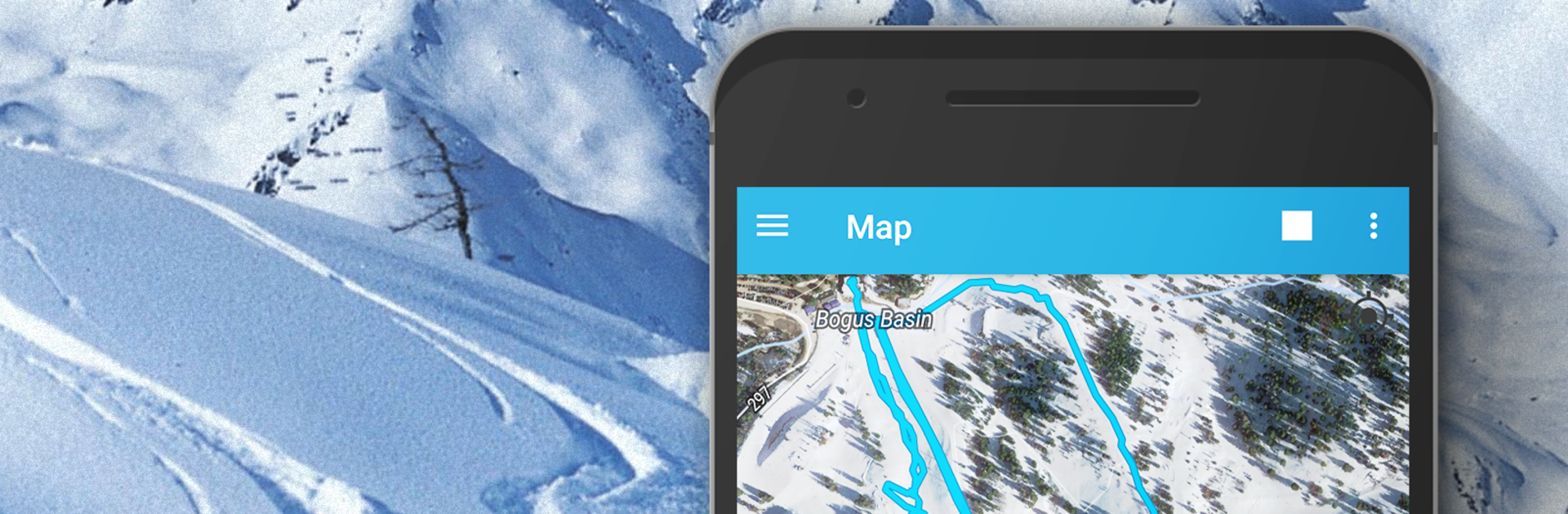
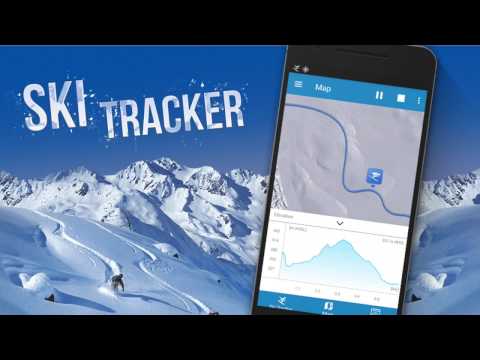
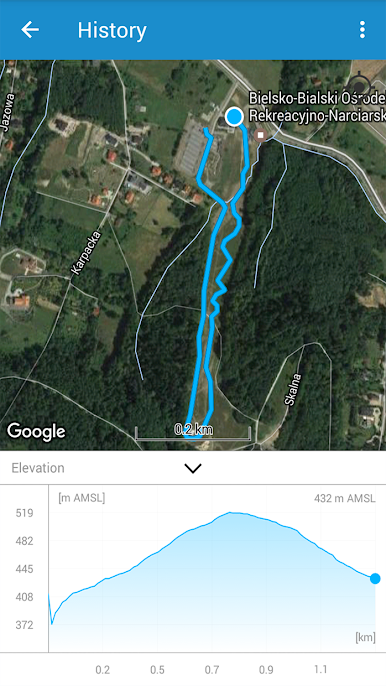
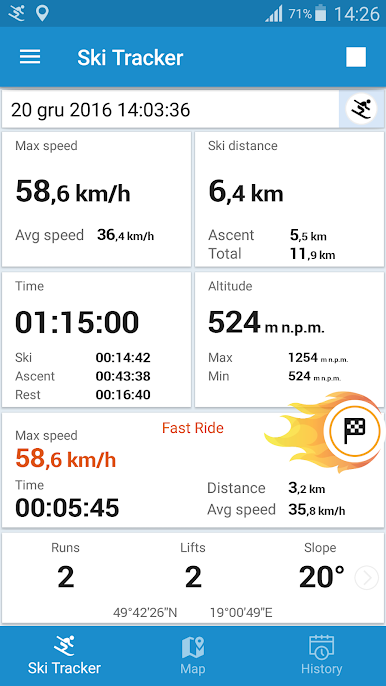
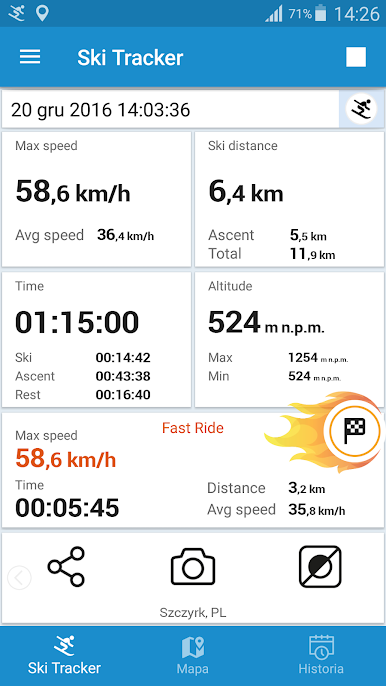
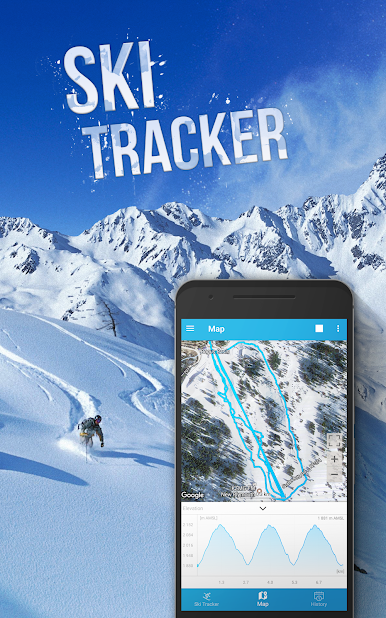
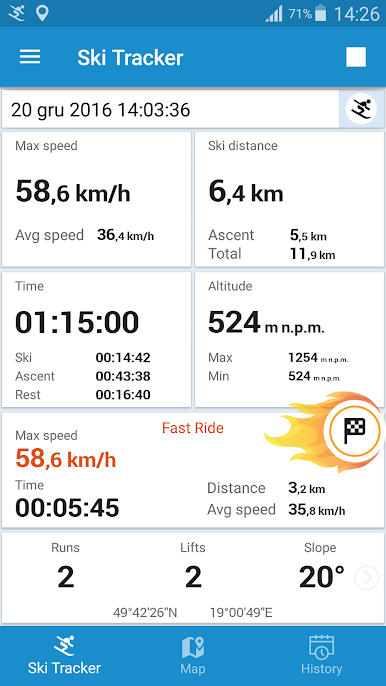
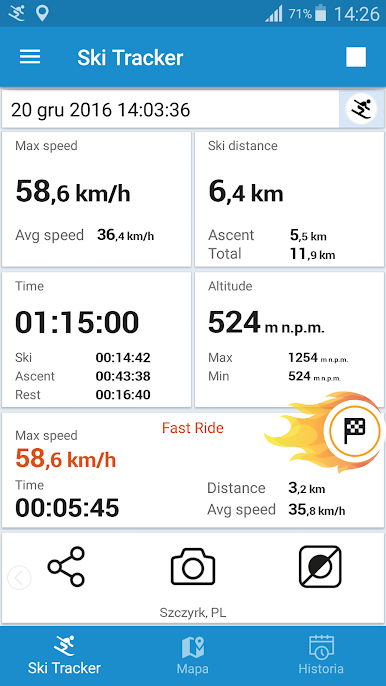
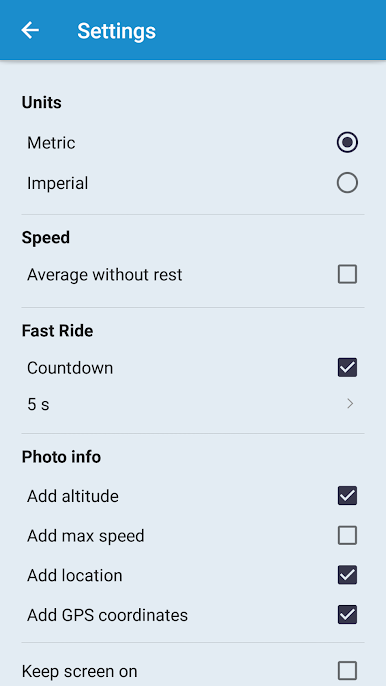
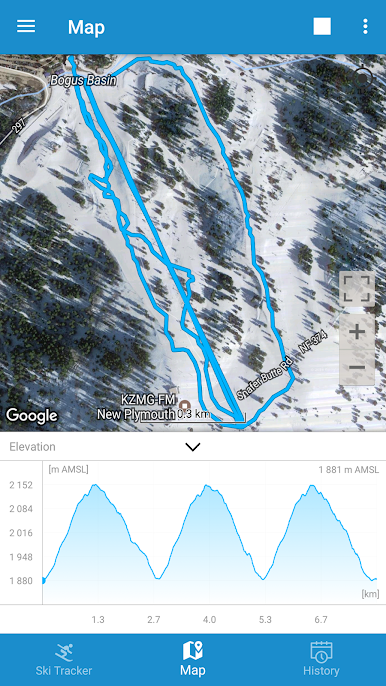
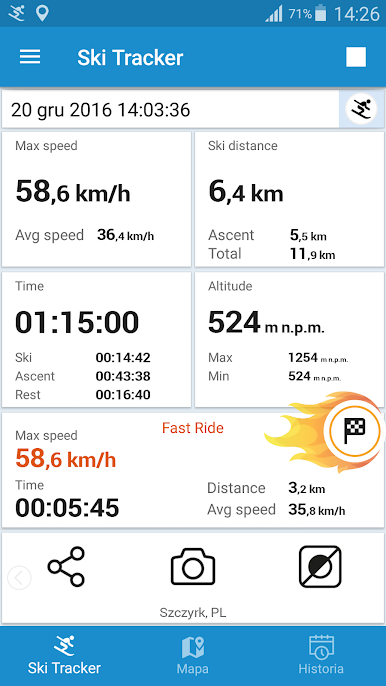
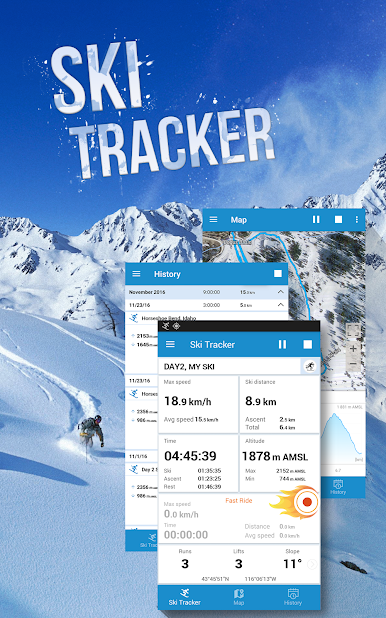
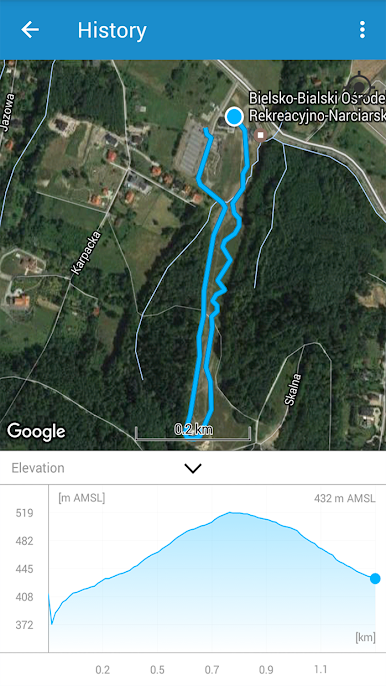
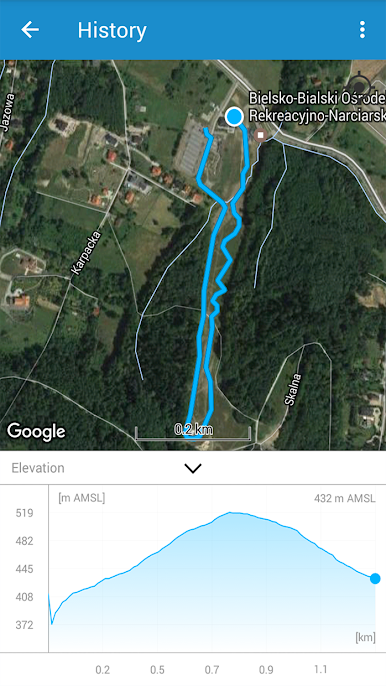
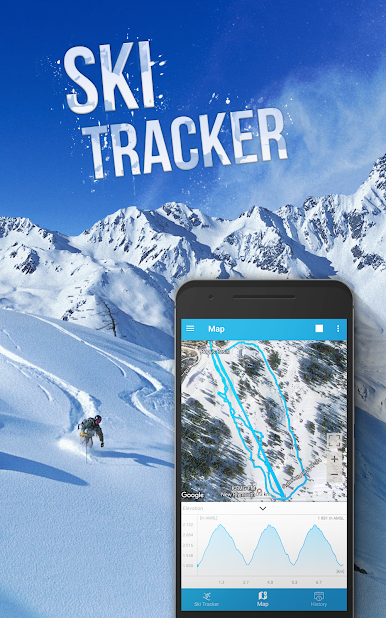
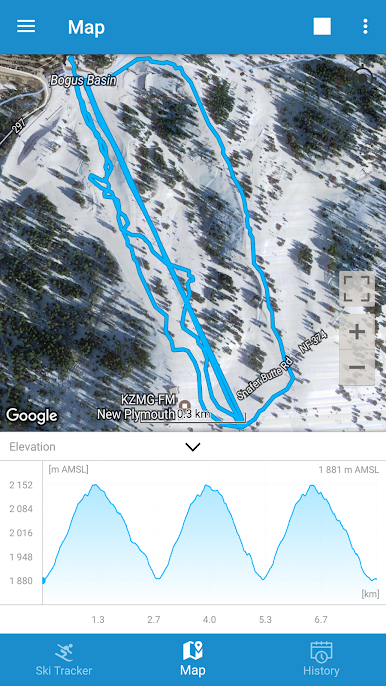
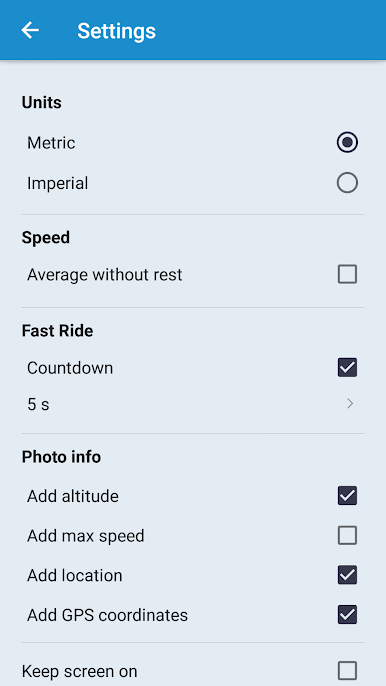
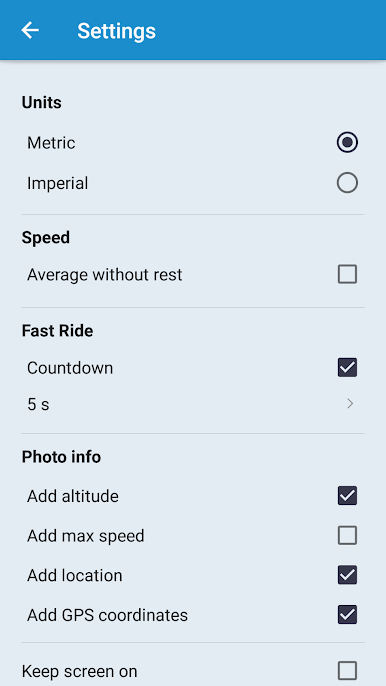
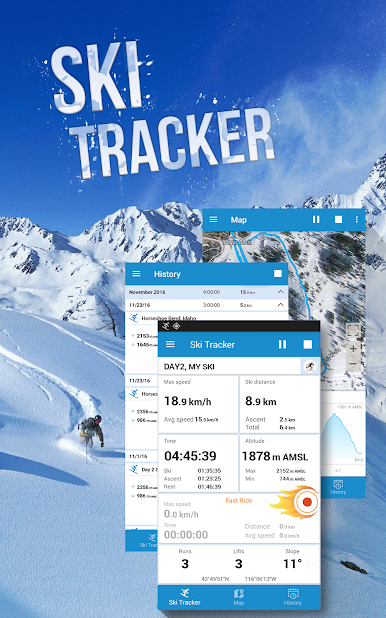
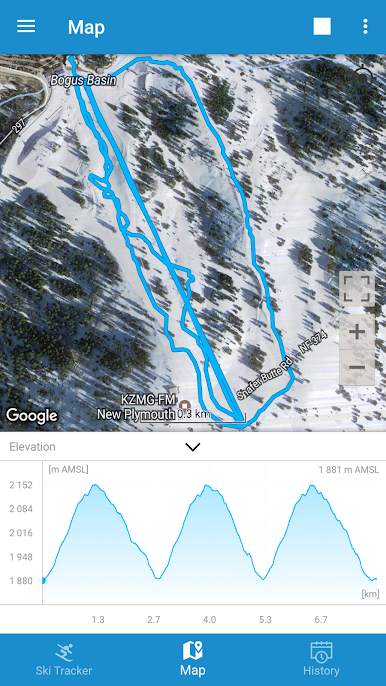
Ski Tracker feels less like a flashy game and more like a winter sports buddy that turns every run into a mini challenge. It logs maximum speed, tracks distance, and splits everything into downhill time, lift time, and those standing-around moments. The map view is the neat part, it draws lines where the skis actually went and tags elevation so there is a clear picture of climbs versus drops, with min and max altitude saved. There is a Fast Ride mode that lets someone pick a section and see only that segment’s top speed, time, and distance, which is great for that one steep pitch that begs a redo. Photos can be snapped with stats printed right on them, easy to share later. It saves the whole day so there is a history to browse, graphs and numbers included.
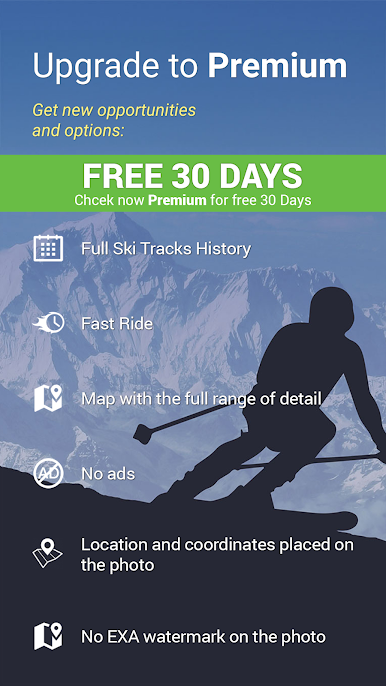
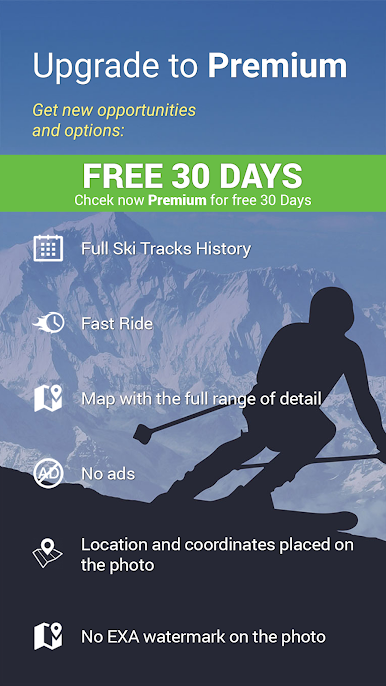
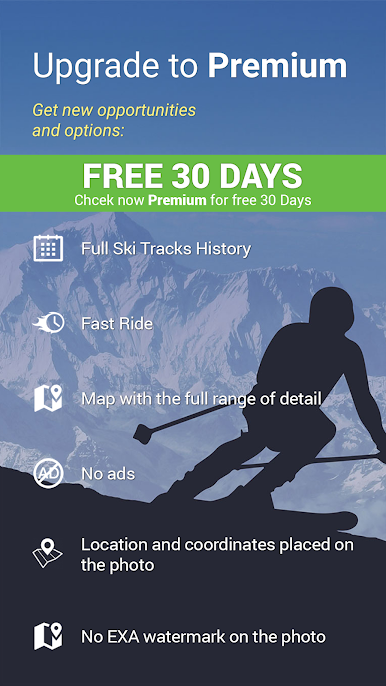
It is useful for more than alpine stuff. Cross-country, skitouring, snowboarding, even skating gets tracked just fine, since it mostly leans on GPS. No data plan needed, although GPS inside buildings or during foul weather can act weird and take a while to lock, so that is worth knowing. It can help with basic slope navigation, finding routes, or staying in touch with friends on the hill, and there are friendly compare-with-friends stats if a group wants to turn the day into a casual competition. There is an optional premium tier with extra tools that can be tried for a bit. Running it through BlueStacks on a PC makes maps and charts easier to read between runs, and planning the next route on a big screen just feels cleaner, then the phone can go back in the pocket for the actual skiing.
Slay your opponents with your epic moves. Play it your way on BlueStacks and dominate the battlefield.


Jogue EXA Ski Tracker no PC. É fácil começar.
-
Baixe e instale o BlueStacks no seu PC
-
Conclua o login do Google para acessar a Play Store ou faça isso mais tarde
-
Procure por EXA Ski Tracker na barra de pesquisa no canto superior direito
-
Clique para instalar EXA Ski Tracker a partir dos resultados da pesquisa
-
Conclua o login do Google (caso você pulou a etapa 2) para instalar o EXA Ski Tracker
-
Clique no ícone do EXA Ski Tracker na tela inicial para começar a jogar

