


Optimal Tilt Angle - PV System
เล่นบน PC ผ่าน BlueStacks - Android Gaming Platform ที่ได้รับความไว้วางใจจากเกมเมอร์ 500 ล้านคนทั่วโลก

Page Modified on: Jul 22, 2025
Run Optimal Tilt Angle - PV System on PC or Mac
Let BlueStacks turn your PC, Mac, or laptop into the perfect home for Optimal Tilt Angle – PV System, a fun Tools app from NRG Labs.
About the App
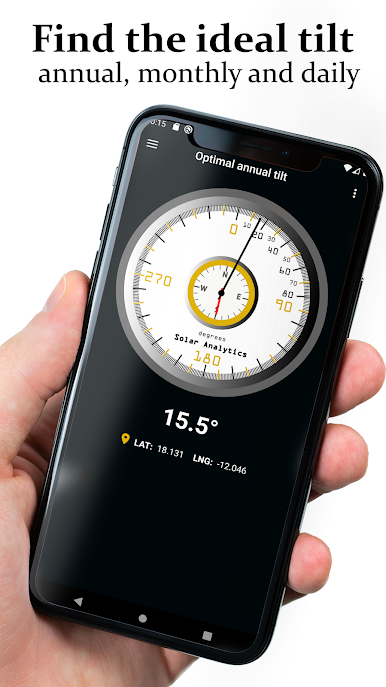
Optimal Tilt Angle – PV System from NRG Labs is a practical Tools app that helps you set your solar panels at the right tilt and direction for your exact location. Planning a new PV setup or fine-tuning an existing one? It turns complex sun-position math into straightforward, map-based guidance you can actually use. Prefer working on a bigger screen while checking maps? You can run it on your desktop through BlueStacks.
App Features
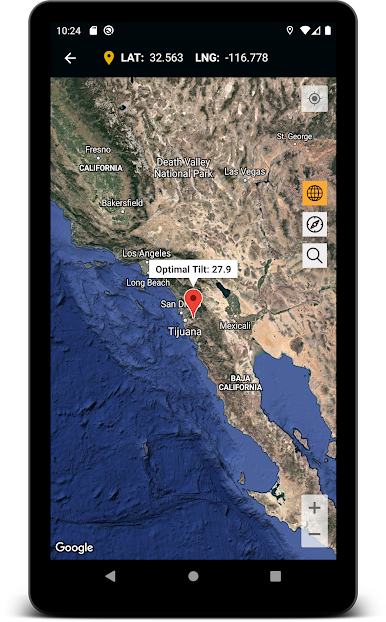
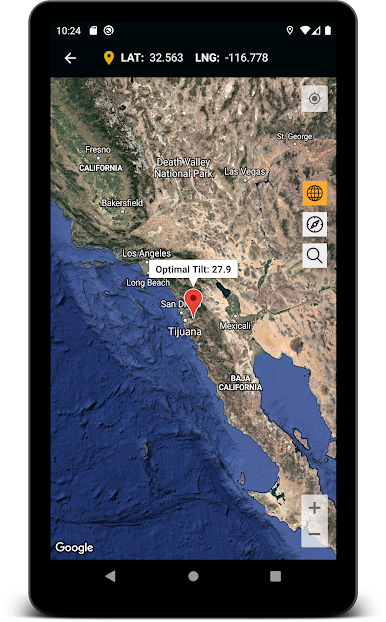
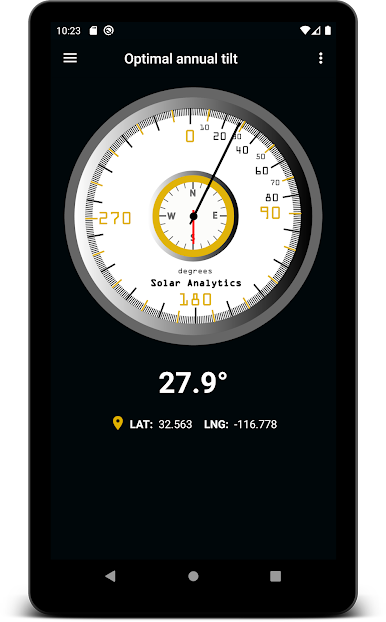
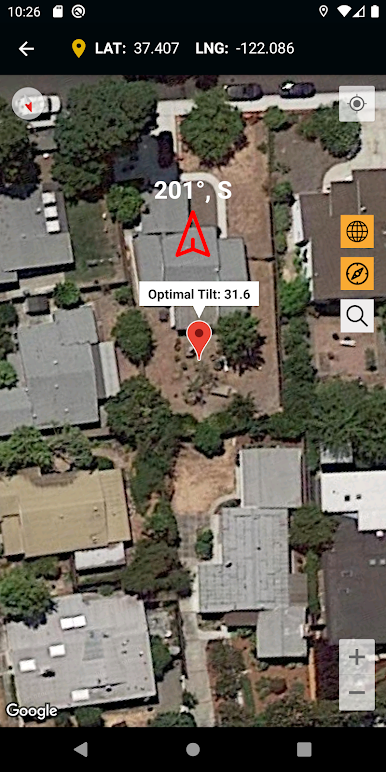
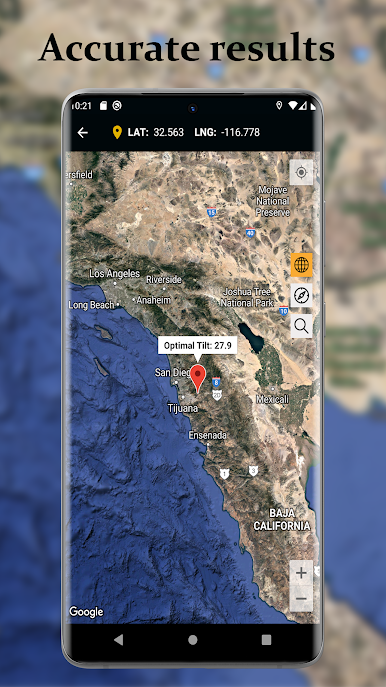
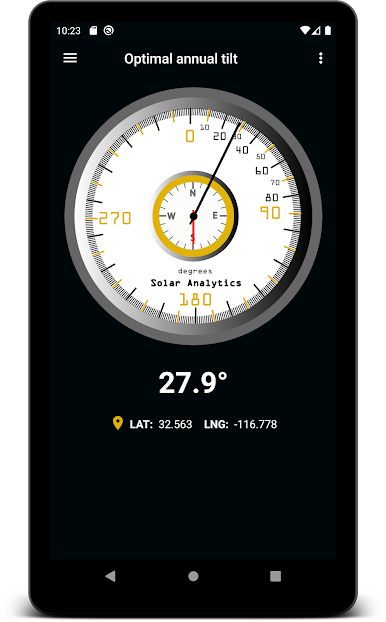
- Smart tilt calculator: Get the optimal panel tilt for any spot on the map, anywhere in the world, so your PV system can work at its best.
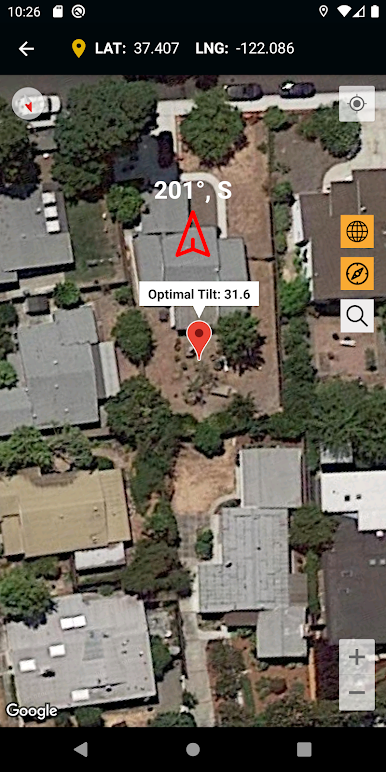
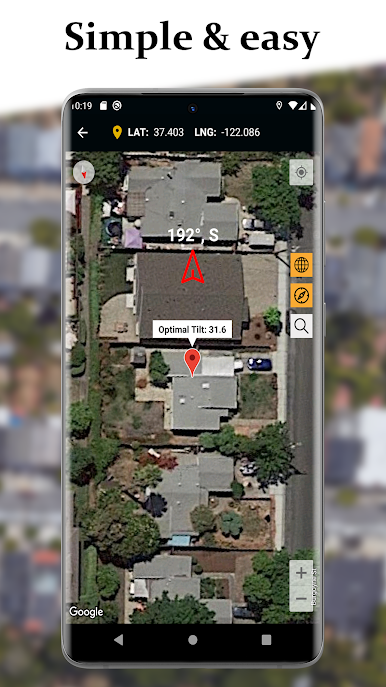
- Easy orientation guidance: See the ideal facing direction (azimuth) and use the built-in map compass to align rooftops or fields with confidence.
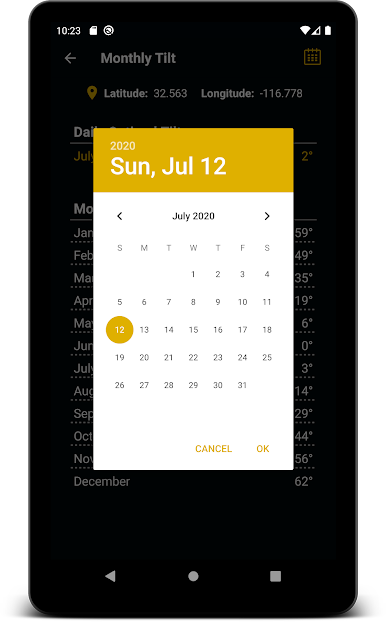
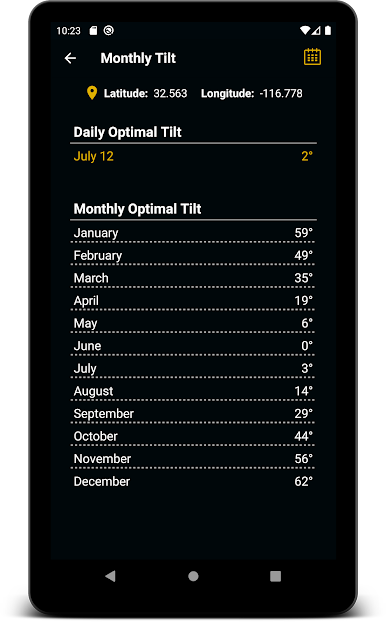
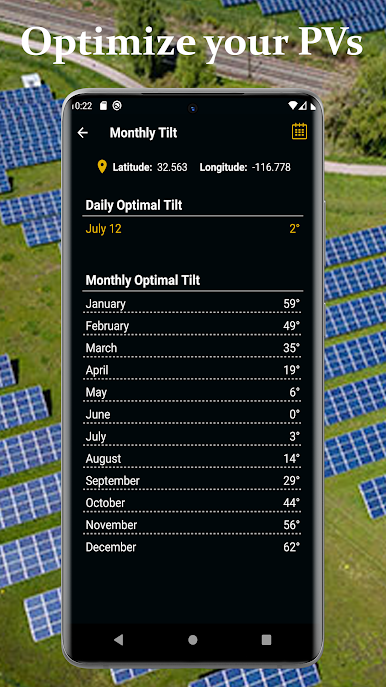
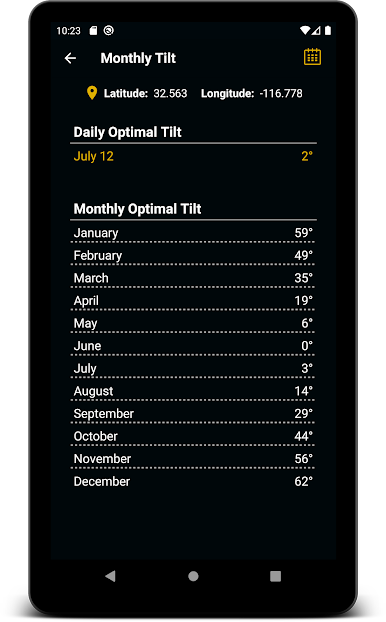
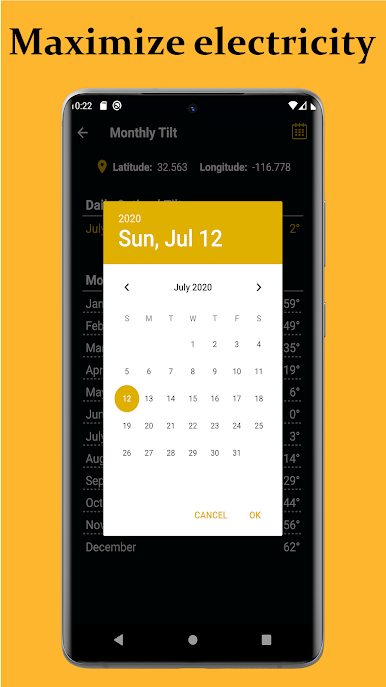
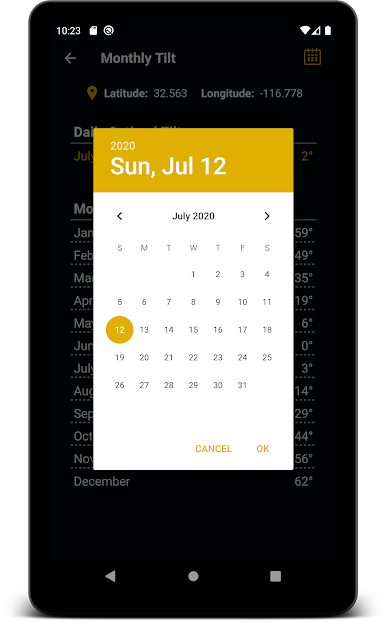
- Daily and monthly adjustments: Using adjustable racks? Get recommended daily or month-by-month tilt settings to squeeze out more energy over time.
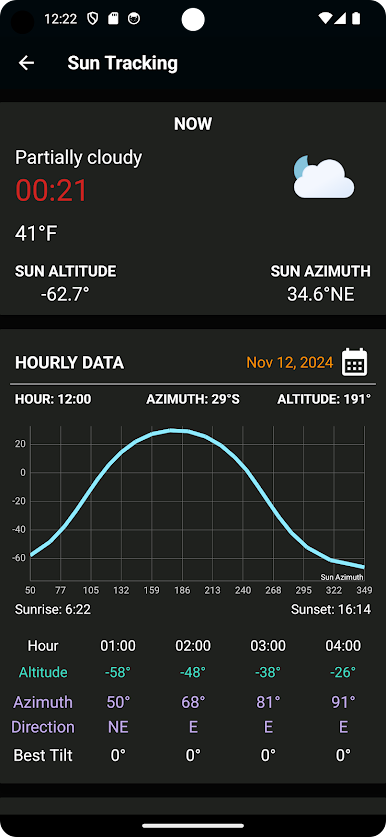
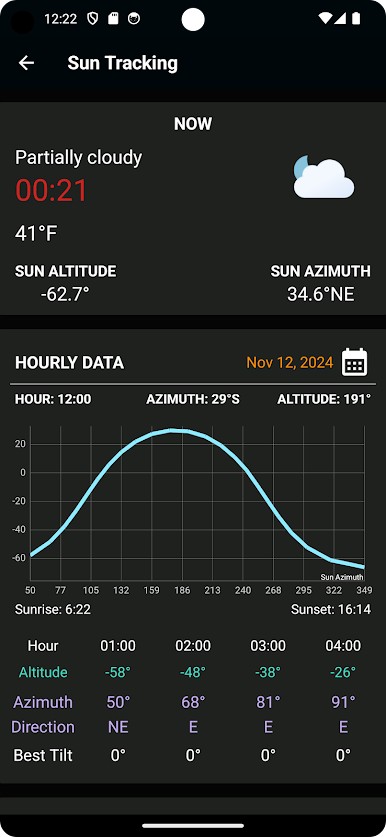
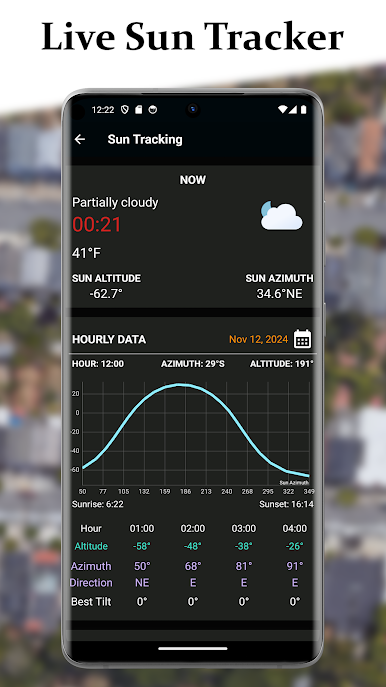
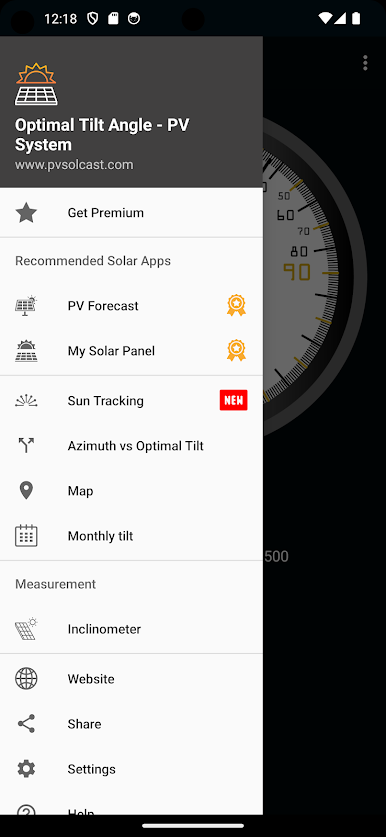
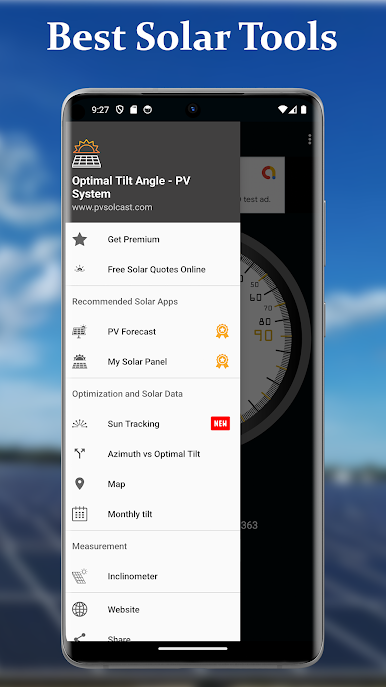
- Live solar tracking: Check hour-by-hour sun position (azimuth and altitude) for any date to plan shading, panel spacing, and production expectations.
- Ideal tilt for fixed azimuth (Premium): Locked into a specific orientation? Calculate the angle that maximizes output for that exact azimuth.
- On-site inclinometer: Measure roof or rack angles on the spot with your phone—no extra tools needed.
- Map and satellite view: Pinpoint your site, inspect roof shapes, and confirm azimuth using satellite imagery and GPS.
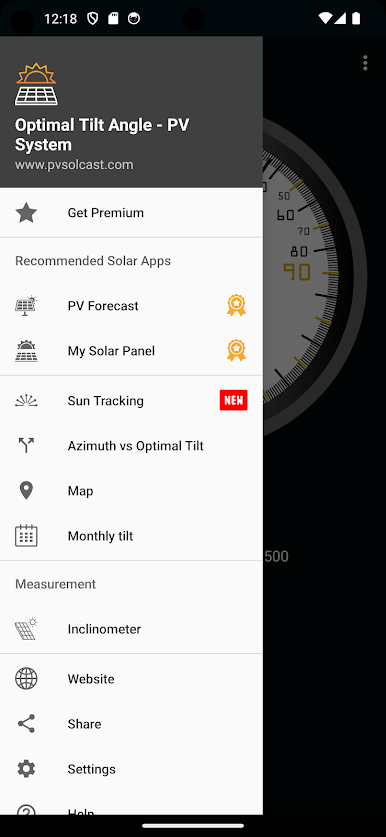
- PV analysis helpers: Explore additional solar tools to sanity-check performance, understand expected yield, and spot where losses might creep in.
Big screen. Bigger performance. Use BlueStacks on your PC or Mac to run your favorite apps.



เล่น Optimal Tilt Angle - PV System บน PC ได้ง่ายกว่า
-
ดาวน์โหลดและติดตั้ง BlueStacks บน PC ของคุณ
-
ลงชื่อเข้าใช้แอคเคาท์ Google เพื่อเข้าสู่ Play Store หรือทำในภายหลัง
-
ค้นหา Optimal Tilt Angle - PV System ในช่องค้นหาด้านขวาบนของโปรแกรม
-
คลิกเพื่อติดตั้ง Optimal Tilt Angle - PV System จากผลการค้นหา
-
ลงชื่อเข้าใช้บัญชี Google Account (หากยังไม่ได้ทำในขั้นที่ 2) เพื่อติดตั้ง Optimal Tilt Angle - PV System
-
คลิกที่ไอคอน Optimal Tilt Angle - PV System ในหน้าจอเพื่อเริ่มเล่น

