


USAG-HumphreysBus
BlueStacksを使ってPCでプレイ - 5憶以上のユーザーが愛用している高機能Androidゲーミングプラットフォーム

概要
-APP Functions
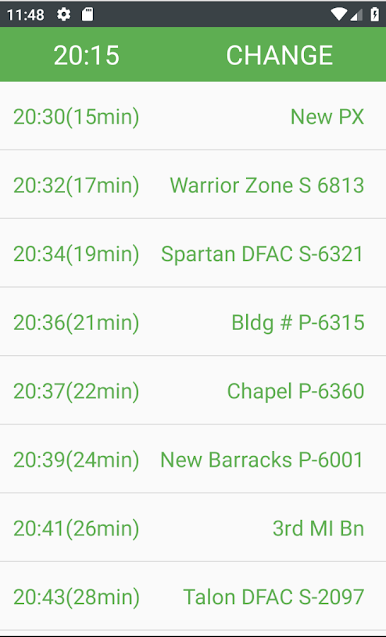
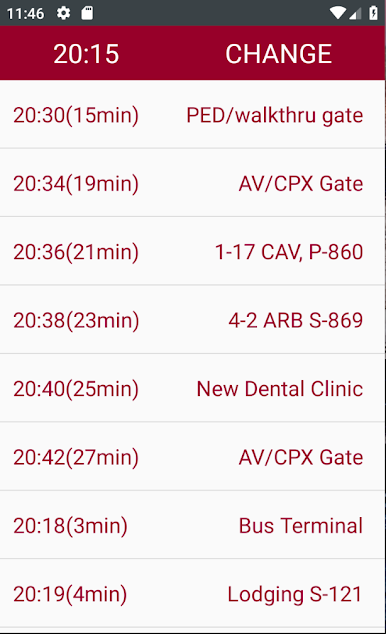
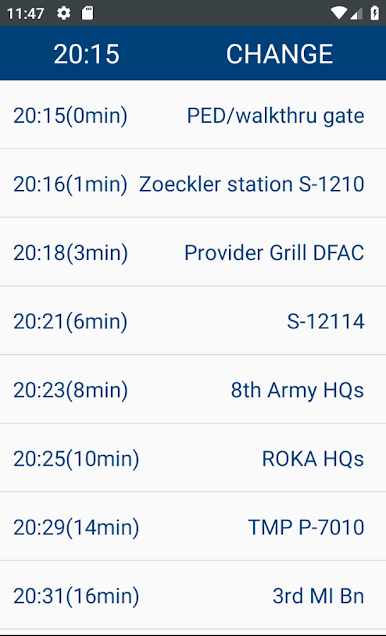
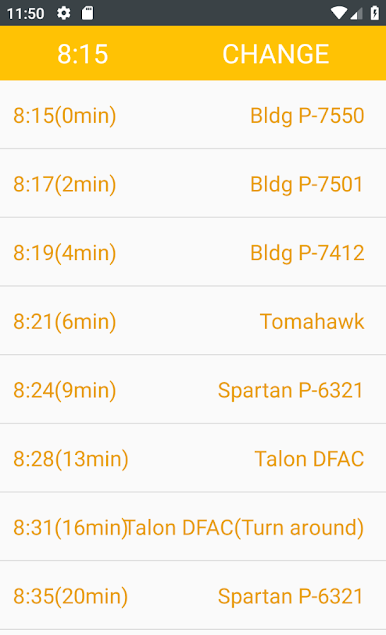
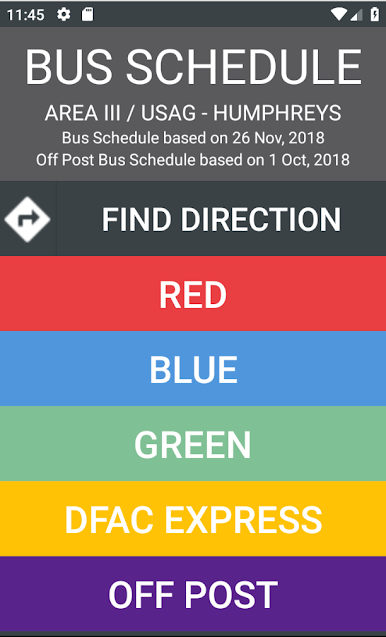
1. Provides RED, BLUE, GREEN, DFAC Express Route and time left to arrive at the station
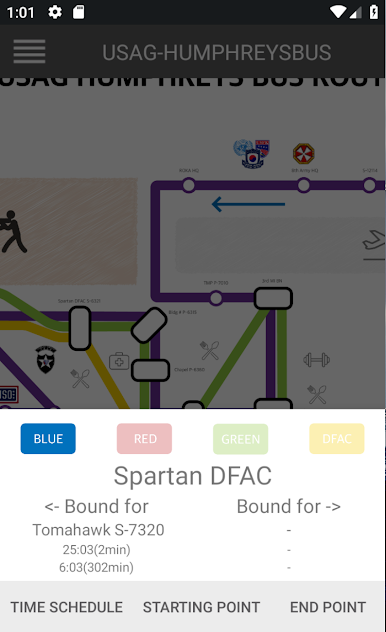
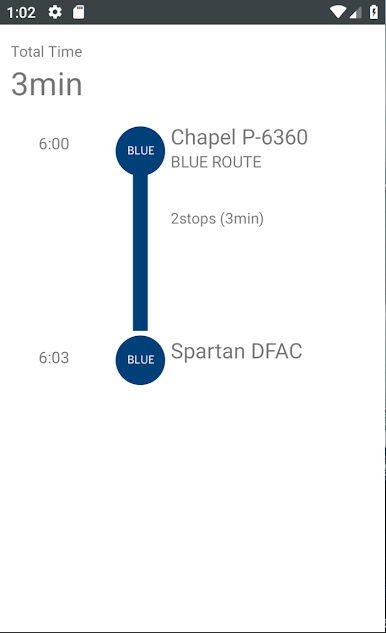
2. Calculates how long it takes from the start point to the destination
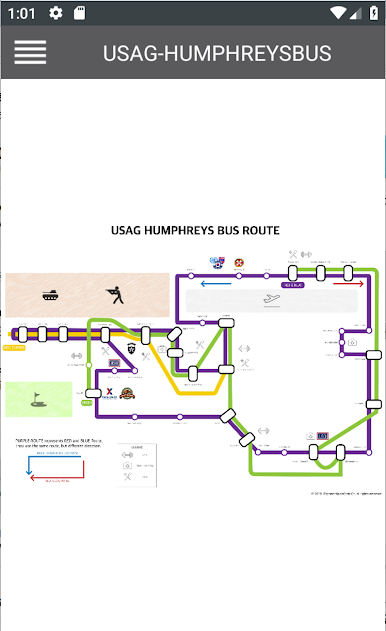
3. Humphreys Map added
-CAUTION
1. This is not an official software made by U.S Army
2. The schedule is based on the USAG-HUMPHREYS bus schedule
(https://www.army.mil/article/208634/usag_humphreys_transportation_page)
3. The arrival time might not be correct from the actual time due to the current traffic and incidents (especially on weekends)
USAG-HumphreysBusをPCでプレイ
-
BlueStacksをダウンロードしてPCにインストールします。
-
GoogleにサインインしてGoogle Play ストアにアクセスします。(こちらの操作は後で行っても問題ありません)
-
右上の検索バーにUSAG-HumphreysBusを入力して検索します。
-
クリックして検索結果からUSAG-HumphreysBusをインストールします。
-
Googleサインインを完了してUSAG-HumphreysBusをインストールします。※手順2を飛ばしていた場合
-
ホーム画面にてUSAG-HumphreysBusのアイコンをクリックしてアプリを起動します。

