


Flashlight
도구 | Falnesc
5억명 이상의 게이머가 신뢰하는 안드로이드 게임 플랫폼 BlueStacks으로 PC에서 플레이하세요.

Play Flashlight on PC
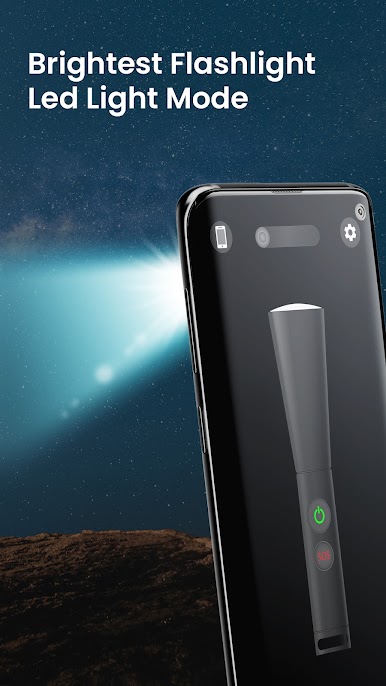
Flashlight for Android instantly converts your device into brightest Flashlight.
Features:
1. Flashlight
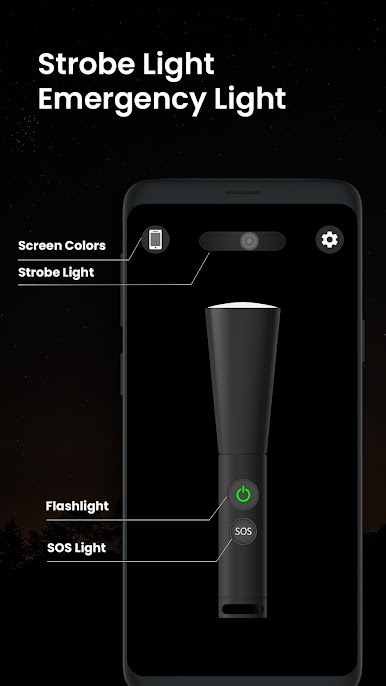
3. Strobe Flashlight
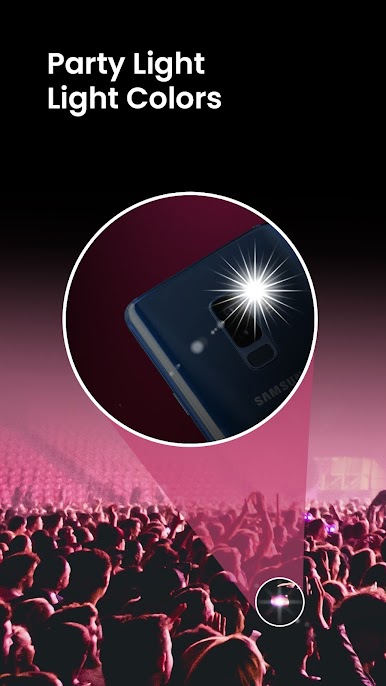
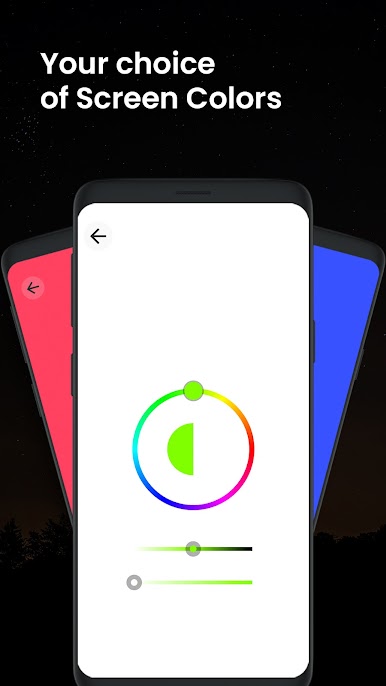
3. Color Screen Flashlight
4. SOS Flashlight
5. Secure
It helps you in achieving:
+ It automatically Converts your Device into Brighter Environment
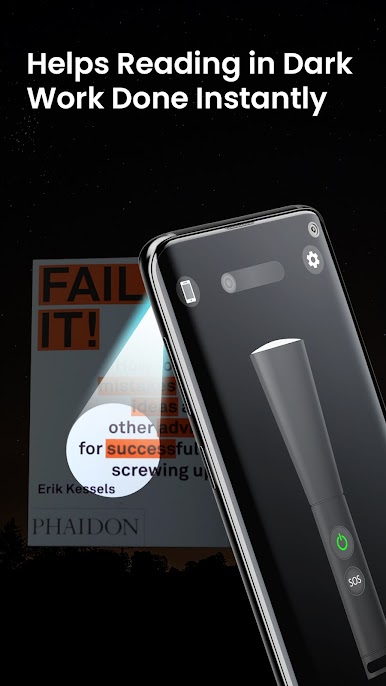
+ Read Books at Night
+ Use Screen Color Light while outside or Riding Bikes
+ Customize Your Lighting with Different Features
+ Repair anything Real Quick
+ Helps You Finding Something in Dark
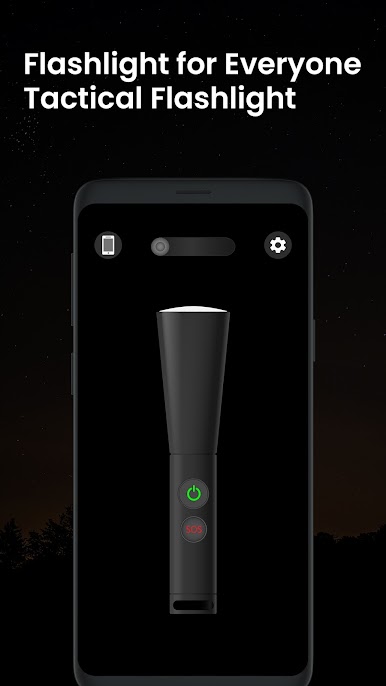
It's quite simple and easy to use with original LED flashlight design for Turning On/Off flashlight on any device.
Strobe is adjustable by swiping left or right. You can swipe the strobe light in order to adjust the blinking.
This app includes features of torch functionality with torch light app that are pretty handy.
Download Flashlight app for Android.
For further queries, reach us at:
support@falnesc.com
Features:
1. Flashlight
3. Strobe Flashlight
3. Color Screen Flashlight
4. SOS Flashlight
5. Secure
It helps you in achieving:
+ It automatically Converts your Device into Brighter Environment
+ Read Books at Night
+ Use Screen Color Light while outside or Riding Bikes
+ Customize Your Lighting with Different Features
+ Repair anything Real Quick
+ Helps You Finding Something in Dark
It's quite simple and easy to use with original LED flashlight design for Turning On/Off flashlight on any device.
Strobe is adjustable by swiping left or right. You can swipe the strobe light in order to adjust the blinking.
This app includes features of torch functionality with torch light app that are pretty handy.
Download Flashlight app for Android.
For further queries, reach us at:
support@falnesc.com
PC에서 Flashlight 플레이해보세요.
-
BlueStacks 다운로드하고 설치
-
Google Play 스토어에 로그인 하기(나중에 진행가능)
-
오른쪽 상단 코너에 Flashlight 검색
-
검색 결과 중 Flashlight 선택하여 설치
-
구글 로그인 진행(만약 2단계를 지나갔을 경우) 후 Flashlight 설치
-
메인 홈화면에서 Flashlight 선택하여 실행

