

Family Diary: Ama de casa
Juega en PC con BlueStacks: la plataforma de juegos Android, en la que confían más de 500 millones de jugadores.

Página modificada el: Oct 9, 2025
Play Family Diary: Mother Simulator on PC or Mac
Bring your A-game to Family Diary: Mother Simulator, the Role Playing game sensation from CHEELY APPS (CHILI APPS), TOO. Give your gameplay the much-needed boost with precise game controls, high FPS graphics, and top-tier features on your PC or Mac with BlueStacks.
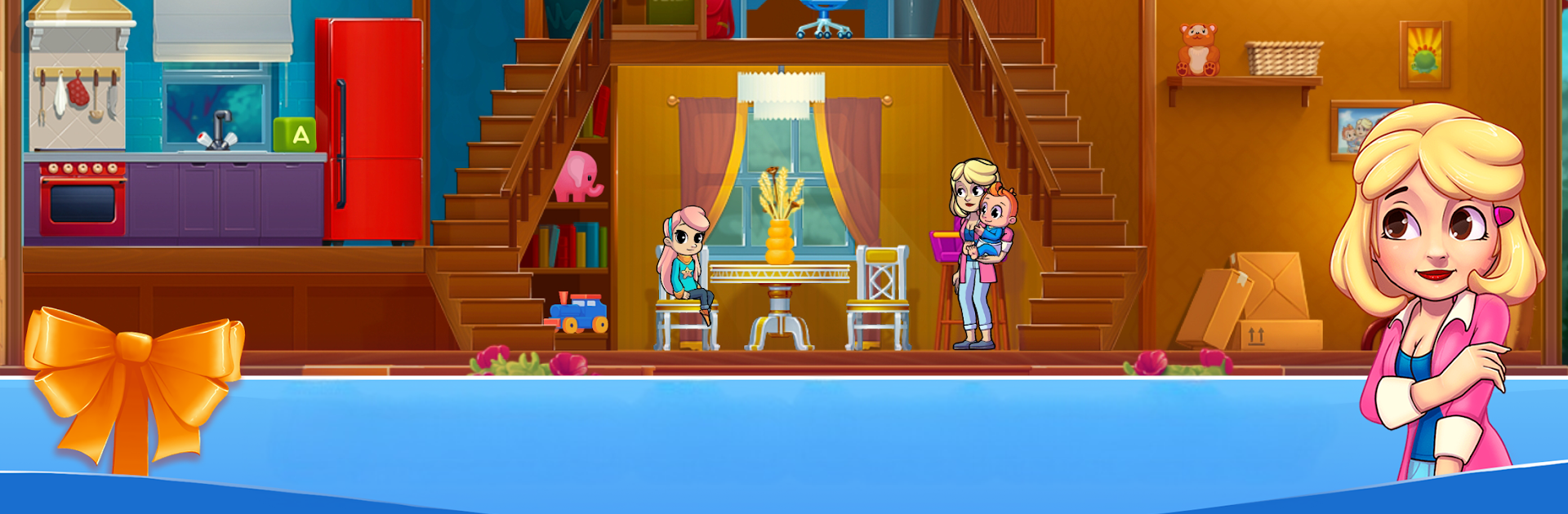
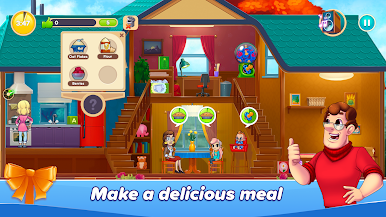
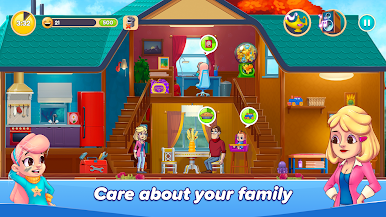
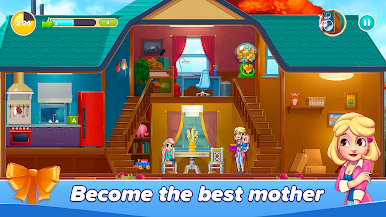
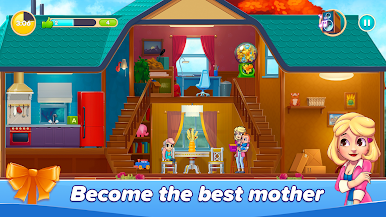
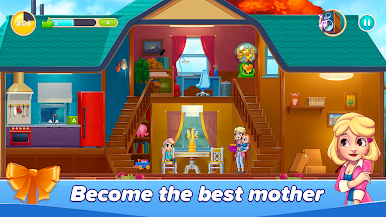
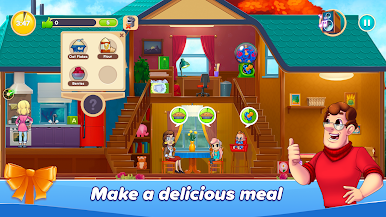
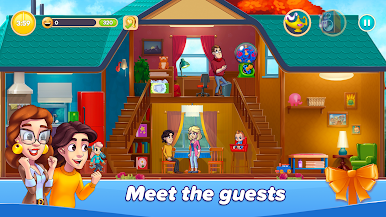
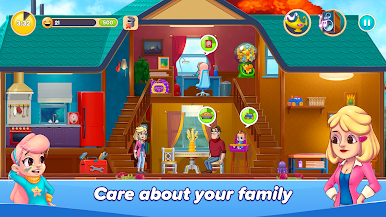
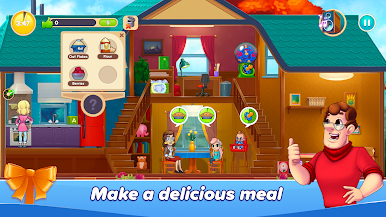
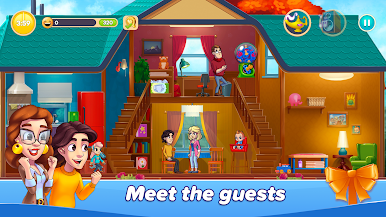
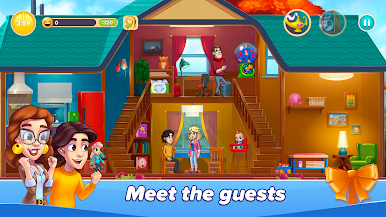
Family Diary: Mother Simulator kind of feels like a mix between a cozy life sim and one of those caring-for-your-family games, just on a bit more personal level. Players end up running around the house, sorting out the usual chaos — making meals, cleaning, helping the kids with school stuff, the whole thing. The child characters are pretty lively, so there’s always something popping up, whether the baby needs attention right away or the older kid wants help with homework or a new art project. There’s even a husband character who actually helps out, which is a nice touch and makes everything feel a bit more genuine.
There’s quite a bit of variety too. One moment it’s all about wrangling messes or baby bottles, and the next, it could be home renovation or setting up a family dinner. The town outside the house adds some extra little surprises and keeps things from feeling repetitive. The game keeps busy, but not in a stressful way — it’s just enough to feel engaged without getting overwhelmed. Playing it on BlueStacks on PC brings out the details in the graphics and makes the tasks a bit easier to handle, especially if multitasking. It’s ideal for anyone into chill, story-driven family games or wants something light with cute, slice-of-life moments.
Get ready for a buttery smooth, high-performance gaming action only on BlueStacks.

Juega Family Diary: Ama de casa en la PC. Es fácil comenzar.
-
Descargue e instale BlueStacks en su PC
-
Complete el inicio de sesión de Google para acceder a Play Store, o hágalo más tarde
-
Busque Family Diary: Ama de casa en la barra de búsqueda en la esquina superior derecha
-
Haga clic para instalar Family Diary: Ama de casa desde los resultados de búsqueda
-
Complete el inicio de sesión de Google (si omitió el paso 2) para instalar Family Diary: Ama de casa
-
Haz clic en el ícono Family Diary: Ama de casa en la pantalla de inicio para comenzar a jugar

