


「ピアノ - 楽曲数が無制限に弾ける」
BlueStacksを使ってPCでプレイ - 5憶以上のユーザーが愛用している高機能Androidゲーミングプラットフォーム

Run Piano - Play Unlimited songs on PC or Mac
What’s better than using Piano – Play Unlimited songs by Yokee™? Well, try it on a big screen, on your PC or Mac, with BlueStacks to see the difference.
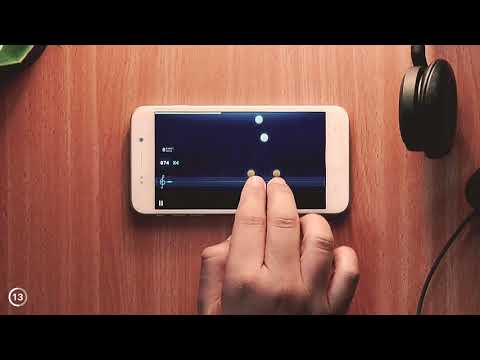
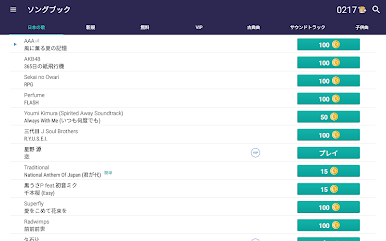
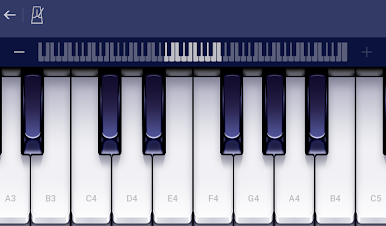
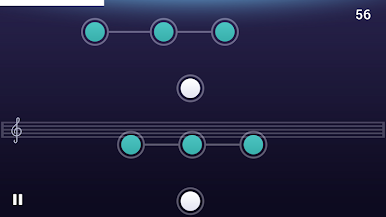
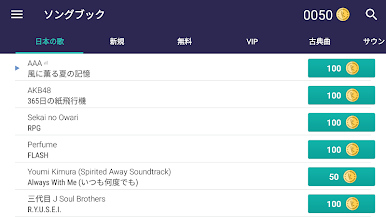
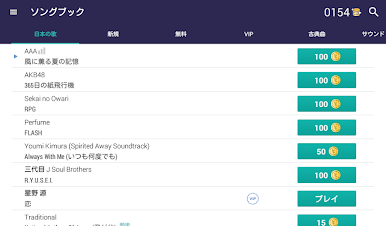
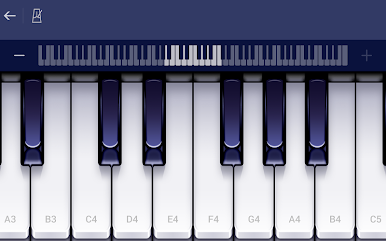
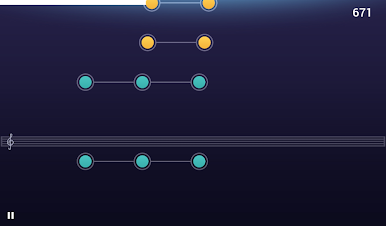
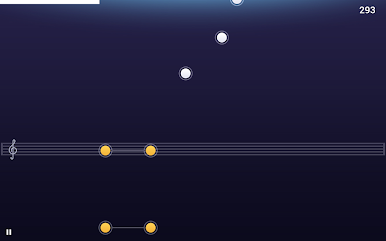
So, this piano app is a good choice for anyone who’s ever wanted to play along to radio songs or old classics, without needing a real piano or any serious skills. It works like a music game, with actual key sounds, and the cool thing is it doesn’t just stick to the basics — there’s a ton of choice, from pop songs everyone knows, like stuff from Adele, Sia, and Bruno Mars, all the way back to Bach and Mozart. They seem to keep adding new tracks all the time, so it feels fresh. Seeing familiar songs like Let It Go and Despacito pop up is a nice touch too.
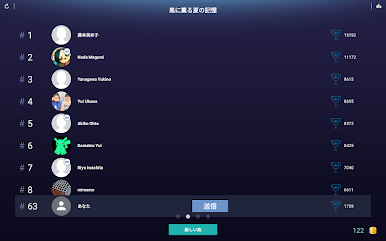
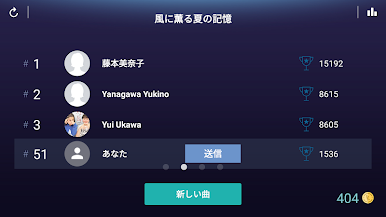
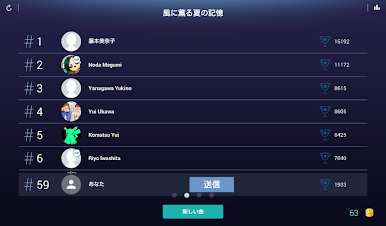
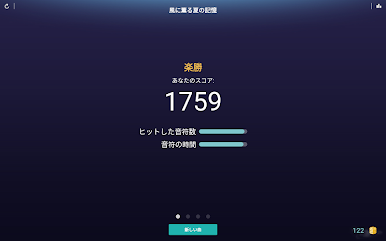
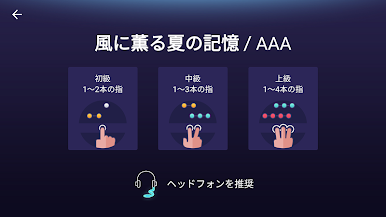
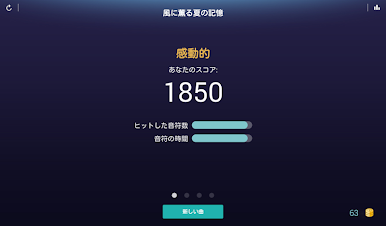
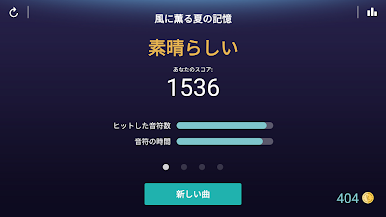
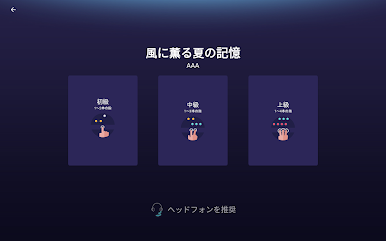
On PC through BlueStacks, it actually works pretty well, especially if tapping away on a tiny phone screen gets old fast. There are different difficulties, so it’s not just for beginners, and the app even scores you at the end of songs so you get a sense of progress. Some songs have background instruments and vocals, which makes the whole thing sound fuller when playing along. If someone wants to share a performance or challenge friends, that option’s there too. It’s handy for anyone just wanting to mess around with music, whether the goal is to practice, show off, or just listen to their favorite tunes in a new way.
Switch to BlueStacks and make the most of your apps on your PC or Mac.

「ピアノ - 楽曲数が無制限に弾ける」をPCでプレイ
-
BlueStacksをダウンロードしてPCにインストールします。
-
GoogleにサインインしてGoogle Play ストアにアクセスします。(こちらの操作は後で行っても問題ありません)
-
右上の検索バーに「ピアノ - 楽曲数が無制限に弾ける」を入力して検索します。
-
クリックして検索結果から「ピアノ - 楽曲数が無制限に弾ける」をインストールします。
-
Googleサインインを完了して「ピアノ - 楽曲数が無制限に弾ける」をインストールします。※手順2を飛ばしていた場合
-
ホーム画面にて「ピアノ - 楽曲数が無制限に弾ける」のアイコンをクリックしてアプリを起動します。

