


fieldmargin: manage your farm
地圖與導航 | Fieldmargin
在電腦上使用BlueStacks –受到5億以上的遊戲玩家所信任的Android遊戲平台。

Play fieldmargin: manage your farm on PC
“The app farmers have been waiting for.” A modern, easy to use farming app that lets you keep track of everything that happens on your farm in one place.
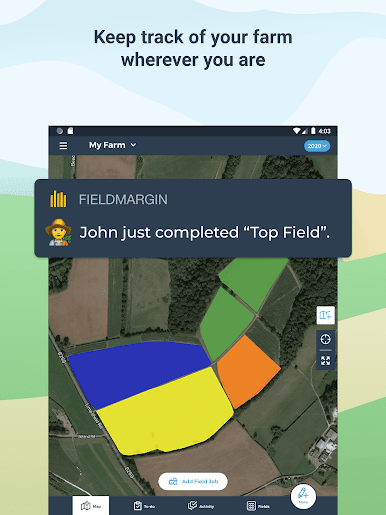
Map fields, plan work and record observations; all shared with your team so everyone stays up to date. Data is synced to the cloud so it stays safe and is accessible from your phone, tablet or laptop. Spend less time dealing with paperwork and more getting farm work done.
A DIGITAL FARM MAP
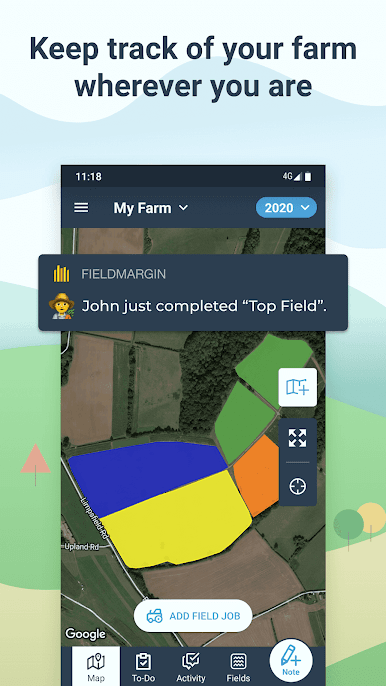
- Quickly map and measure your farm’s fields and features by drawing or using GPS
- Record field usages and plan rotations
- Share with your team to help them navigate and avoid hazards
- Add more detail with drone and satellite imagery
KEEP TRACK OF WORK
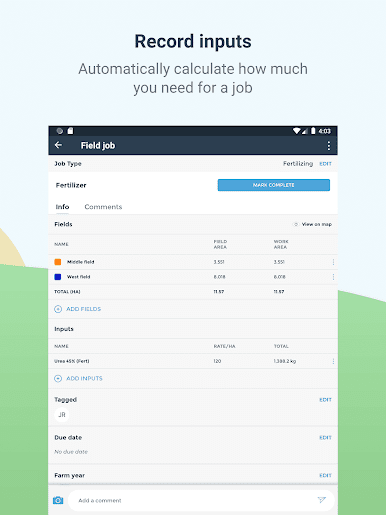
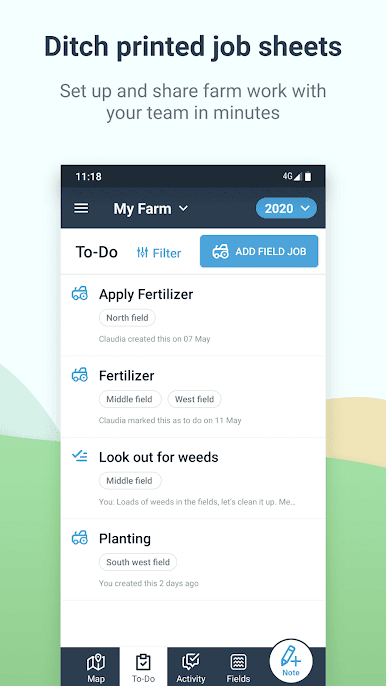
- Plan work to be done in your fields and around the farm
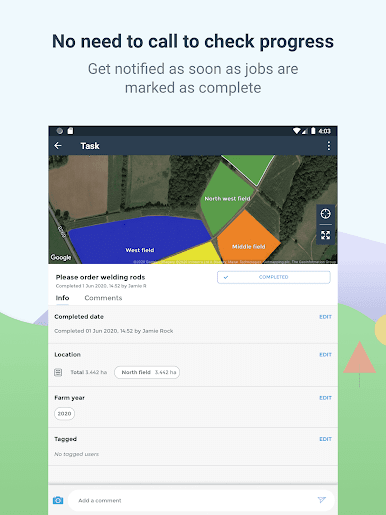
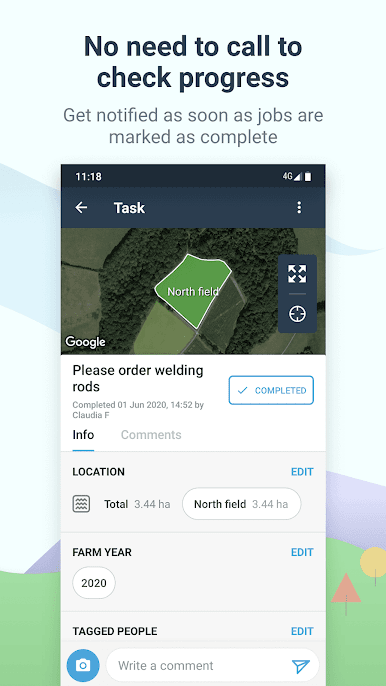
- Assign to team members, add planned dates and record when they’ve been completed
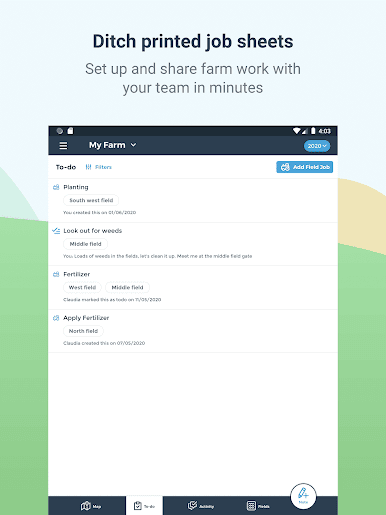
- All accessible on your phone so no more printed job sheets
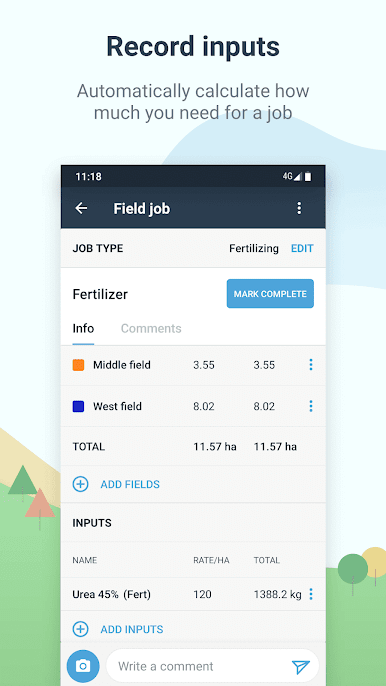
- (coming soon) Add inputs such as spray or fertiliser
RECORD ISSUES AND MEASUREMENTS
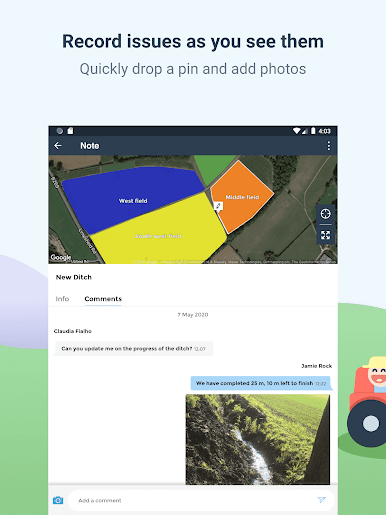
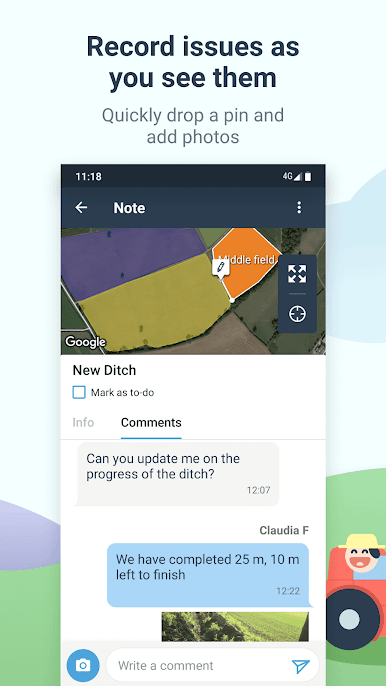
- Make notes for issues and observations with location and photos
- Keep a log of data recorded such as rainfall or pest counts
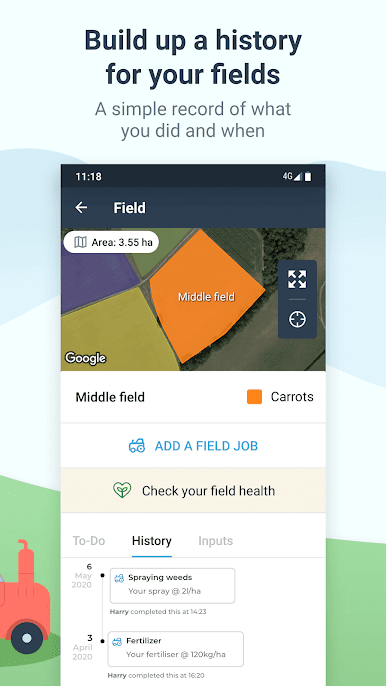
A HISTORY OF WHAT’S BEEN DONE ON YOUR FARM
- Simple record keeping for your farming business
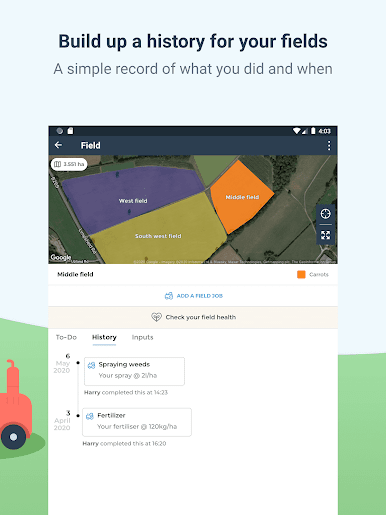
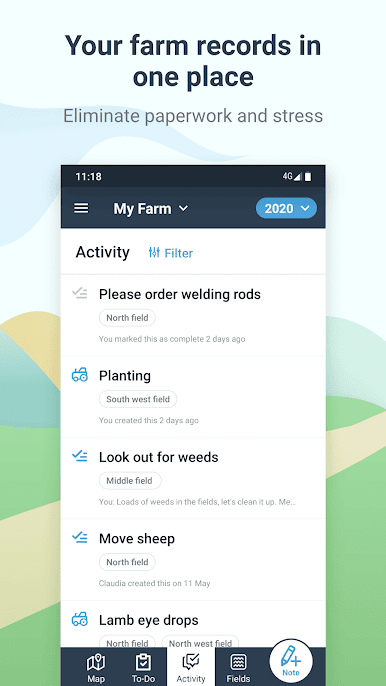
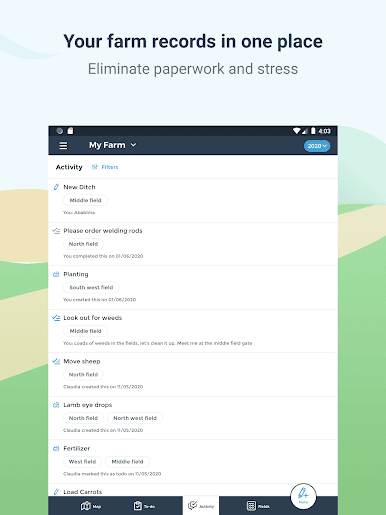
- Easily look back at a history of the work that has been done in your fields
- Get reports of field work done and inputs used
COMMUNICATE WITH YOUR TEAM
- Add unlimited team members so farm workers, agronomists, consultants, vets and contractors can easily collaborate
- Build in messenger and commenting makes it easy to discuss issues
- Share your location with your team to improve farm safety
- Connect with your John Deere machinery to view live locations
WORKS OFFLINE
- Keep using the app even when you don’t have signal
SUITABLE FOR ALL TYPES OF FARM
- Used by thousands of farms in 170+ countries from small farms and smallholders to large contractors
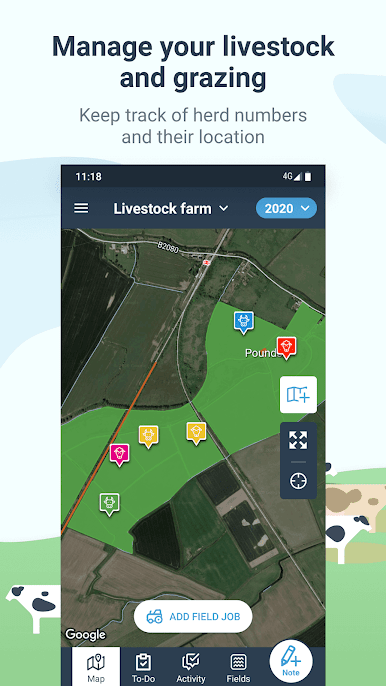
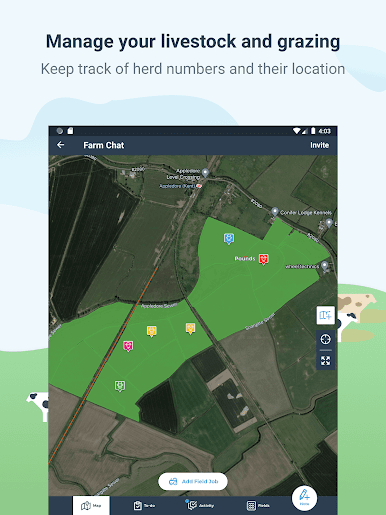
- Built to be flexible so it works for different types of agriculture including arable crops, livestock (sheep and cattle), horticulture, vineyards and forestry
---
Map fields, plan work and record observations; all shared with your team so everyone stays up to date. Data is synced to the cloud so it stays safe and is accessible from your phone, tablet or laptop. Spend less time dealing with paperwork and more getting farm work done.
A DIGITAL FARM MAP
- Quickly map and measure your farm’s fields and features by drawing or using GPS
- Record field usages and plan rotations
- Share with your team to help them navigate and avoid hazards
- Add more detail with drone and satellite imagery
KEEP TRACK OF WORK
- Plan work to be done in your fields and around the farm
- Assign to team members, add planned dates and record when they’ve been completed
- All accessible on your phone so no more printed job sheets
- (coming soon) Add inputs such as spray or fertiliser
RECORD ISSUES AND MEASUREMENTS
- Make notes for issues and observations with location and photos
- Keep a log of data recorded such as rainfall or pest counts
A HISTORY OF WHAT’S BEEN DONE ON YOUR FARM
- Simple record keeping for your farming business
- Easily look back at a history of the work that has been done in your fields
- Get reports of field work done and inputs used
COMMUNICATE WITH YOUR TEAM
- Add unlimited team members so farm workers, agronomists, consultants, vets and contractors can easily collaborate
- Build in messenger and commenting makes it easy to discuss issues
- Share your location with your team to improve farm safety
- Connect with your John Deere machinery to view live locations
WORKS OFFLINE
- Keep using the app even when you don’t have signal
SUITABLE FOR ALL TYPES OF FARM
- Used by thousands of farms in 170+ countries from small farms and smallholders to large contractors
- Built to be flexible so it works for different types of agriculture including arable crops, livestock (sheep and cattle), horticulture, vineyards and forestry
---
在電腦上遊玩fieldmargin: manage your farm . 輕易上手.
-
在您的電腦上下載並安裝BlueStacks
-
完成Google登入後即可訪問Play商店,或等你需要訪問Play商店十再登入
-
在右上角的搜索欄中尋找 fieldmargin: manage your farm
-
點擊以從搜索結果中安裝 fieldmargin: manage your farm
-
完成Google登入(如果您跳過了步驟2),以安裝 fieldmargin: manage your farm
-
在首頁畫面中點擊 fieldmargin: manage your farm 圖標來啟動遊戲

