


Filmzie – Movie Streaming App
Gioca su PC con BlueStacks: la piattaforma di gioco Android, considerata affidabile da oltre 500 milioni di giocatori.

Pagina modificata il: Aug 24, 2025
Run Filmzie – Movie Streaming App on PC or Mac
Upgrade your experience. Try Filmzie – Movie Streaming App, the fantastic Entertainment app from Filmzie, from the comfort of your laptop, PC, or Mac, only on BlueStacks.
About the App
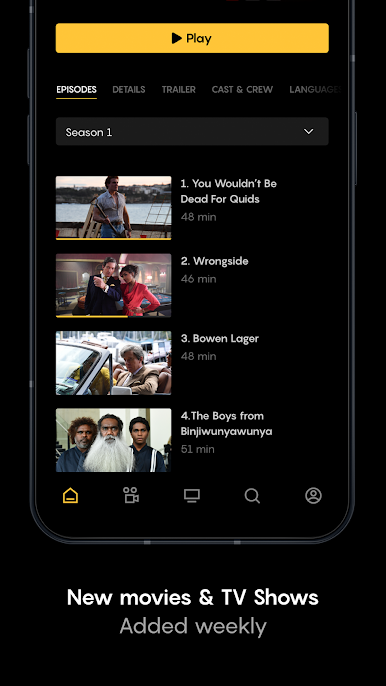
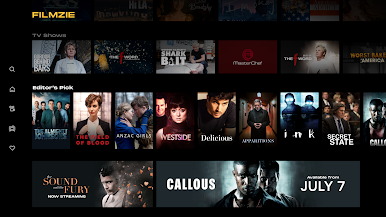
Filmzie – Movie Streaming App by Filmzie is your go-to spot for discovering movies and shows—without pulling out your wallet. Whether you’re looking for something big with famous faces or you want to catch a hidden indie gem, there’s a whole world of films waiting here. You just grab your popcorn, kick back, and watch—no subscriptions or hidden fees in sight.
App Features
-
Totally Free Streaming
You don’t need to sign up for yet another monthly plan. Just open the app and start watching HD movies and shows at no cost. Yep, really—it’s all funded by a few short ads. -
Wide Variety of Movies and Genres
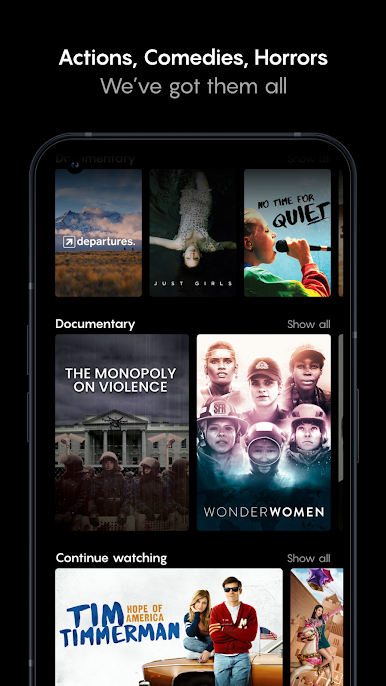
Expect everything from Hollywood hits to unique indie projects and incredible short films. Into documentaries, family flicks, or award-winning cinema? It’s all here. -
Constantly Growing Library
New titles keep popping up, so you never run out of things to add to your “must watch” list. -
Support for Independent Filmmakers
Watching on Filmzie means you’re actually helping indie creators and small studios get their work seen—and rewarded. -
No Strings Attached
No passwords, no credit cards, no sneaky charges—just free streaming, plain and simple. -
Completely Legal Content
Everything you press play on is above board and copyright-protected, so you can relax and enjoy.
For an even bigger screen experience, it’s worth checking out Filmzie – Movie Streaming App with BlueStacks on your computer. Sometimes those indie discoveries really deserve the extra space!
Switch to BlueStacks and make the most of your apps on your PC or Mac.











Gioca Filmzie – Movie Streaming App su PC. È facile iniziare.
-
Scarica e installa BlueStacks sul tuo PC
-
Completa l'accesso a Google per accedere al Play Store o eseguilo in un secondo momento
-
Cerca Filmzie – Movie Streaming App nella barra di ricerca nell'angolo in alto a destra
-
Fai clic per installare Filmzie – Movie Streaming App dai risultati della ricerca
-
Completa l'accesso a Google (se hai saltato il passaggio 2) per installare Filmzie – Movie Streaming App
-
Fai clic sull'icona Filmzie – Movie Streaming App nella schermata principale per iniziare a giocare

