


العبها صح - العاب ذكاء وتفكير
Gioca su PC con BlueStacks: la piattaforma di gioco Android, considerata affidabile da oltre 500 milioni di giocatori.

Pagina modificata il: Aug 21, 2025
Play العبها صح on PC or Mac
العبها صح brings the Word genre to life, and throws up exciting challenges for gamers. Developed by العاب فنجان Finjan Games, this Android game is best experienced on BlueStacks, the World’s #1 app player for PC and Mac users.
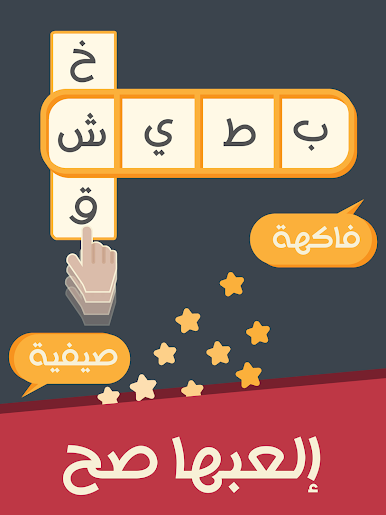
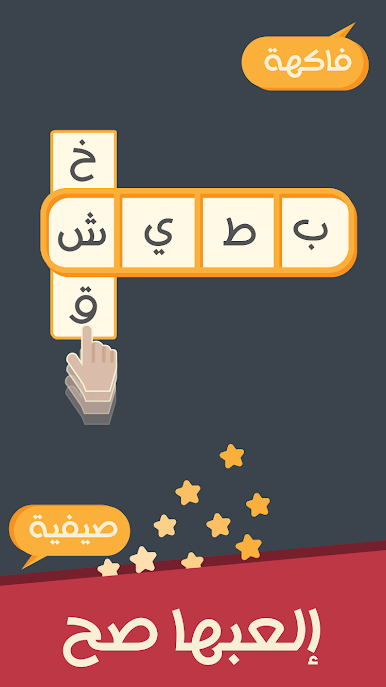
العبها صح is a word puzzle with a lock cracking twist. Letters sit in vertical strips and the player slides them up or down until the correct word lines up inside a horizontal window. There is a timer ticking, so every shuffle matters, and the whole thing feels like spinning a combo safe and waiting for the click. It rewards quick eyes and a bit of general knowledge, since the hidden words can lean on common facts, categories, and names. Rounds are short and snappy, one puzzle turns into five before noticing, and that little rush when the word snaps into place is real.
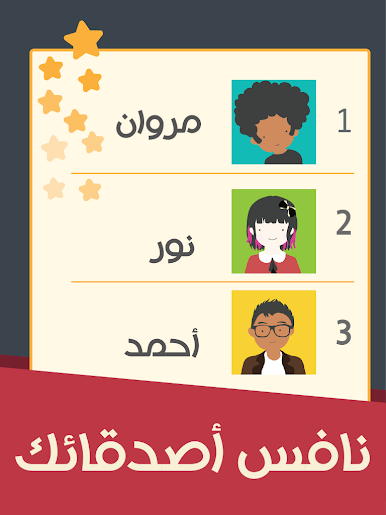
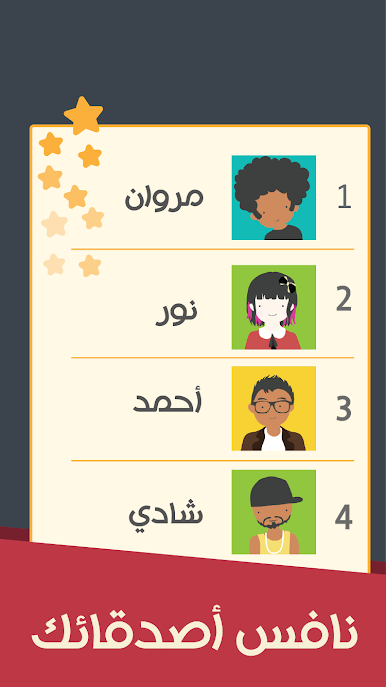
What stands out is the extra tools the game hands out. Players earn abilities that help push past tough locks, like nudging a stubborn column, revealing a helpful hint, or clearing a bad path so progress does not stall. Those upgrades build over time, so there is a nice sense of improving speed and reaction without needing a dictionary on the side. The competitive angle is there too, with score chasing and bragging rights doing their job, perfect for anyone who likes to beat friends to the answer before the time runs out. On PC with BlueStacks, sliding columns with a mouse feels smooth and precise, and the bigger screen makes the letter rows easier to scan, which honestly helps when the clock is being rude. If fast, focused word puzzles sound fun, this hits that brain-training itch without getting fussy.
Slay your opponents with your epic moves. Play it your way on BlueStacks and dominate the battlefield.
Gioca العبها صح - العاب ذكاء وتفكير su PC. È facile iniziare.
-
Scarica e installa BlueStacks sul tuo PC
-
Completa l'accesso a Google per accedere al Play Store o eseguilo in un secondo momento
-
Cerca العبها صح - العاب ذكاء وتفكير nella barra di ricerca nell'angolo in alto a destra
-
Fai clic per installare العبها صح - العاب ذكاء وتفكير dai risultati della ricerca
-
Completa l'accesso a Google (se hai saltato il passaggio 2) per installare العبها صح - العاب ذكاء وتفكير
-
Fai clic sull'icona العبها صح - العاب ذكاء وتفكير nella schermata principale per iniziare a giocare

