


Fireworks Play & Cracker prank
Gioca su PC con BlueStacks: la piattaforma di gioco Android, considerata affidabile da oltre 500 milioni di giocatori.

Pagina modificata il: Dec 3, 2024
Play Fireworks Play & Cracker prank on PC or Mac
Step into the World of Fireworks Play & Cracker prank, a thrilling Casual game from the house of JUMBO GAMES Studio. Play this Android game on BlueStacks App Player and experience immersive gaming on PC or Mac.
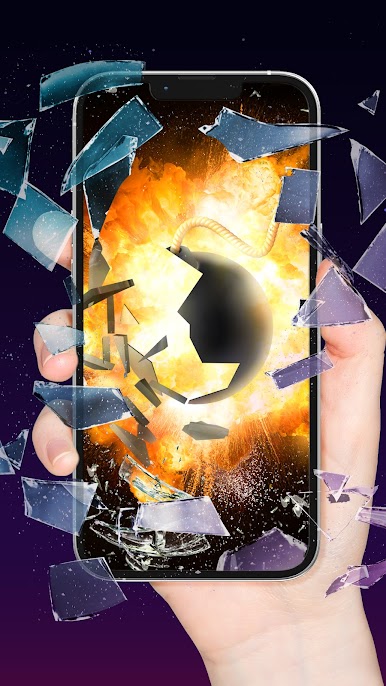
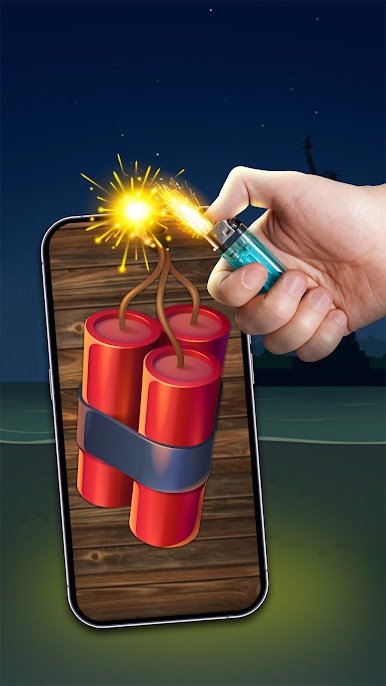
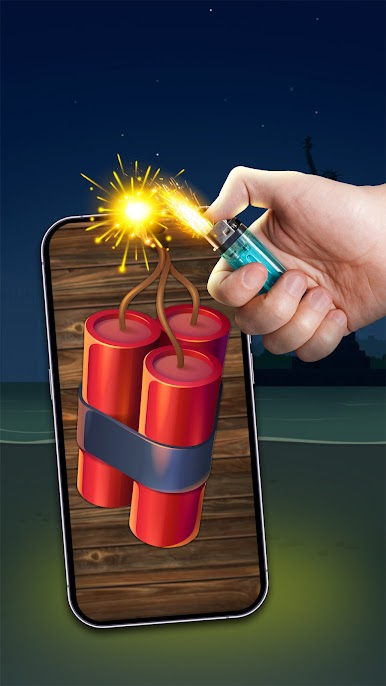
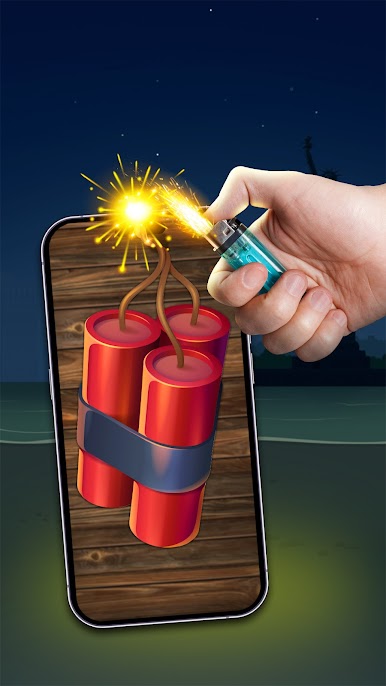
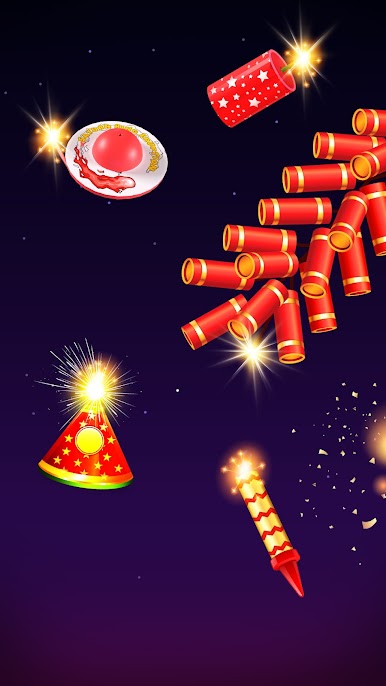
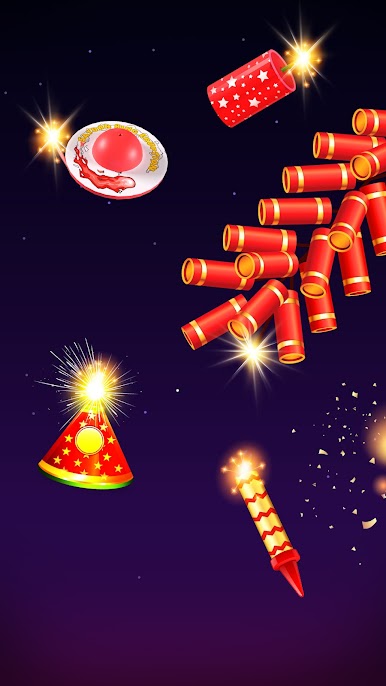
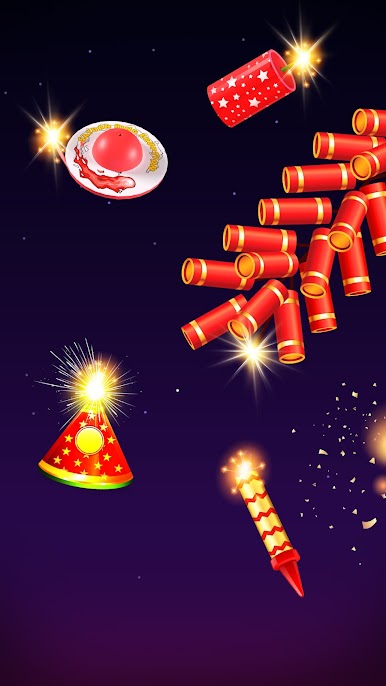
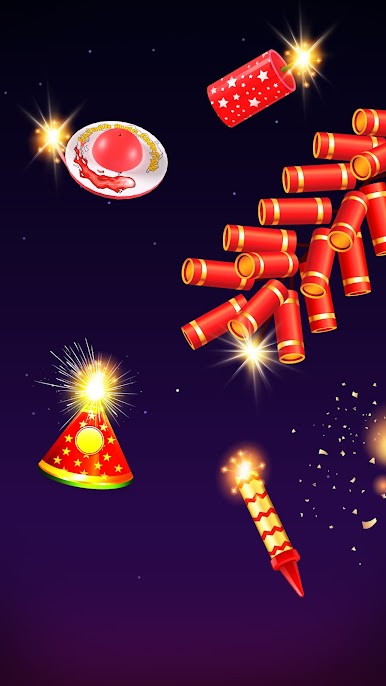
Fireworks Play & Cracker Prank is a simple 3D fireworks sandbox that is all about lighting fuses and watching color pop across the screen. It gives a bunch of firework types to play with, like sparklers, fountains, rockets, roman candles, classic firecrackers, plus a few odd specials. Players lay them out however they want, prime or fill a few of them, then spark them up and watch the show. The sound is punchy and a little goofy, the colors are bright, and there is zero pressure since there are no scores or timers. It feels a bit like a safe, toy version of the real thing that kids can enjoy, and adults who just want noise and lights for a few minutes.
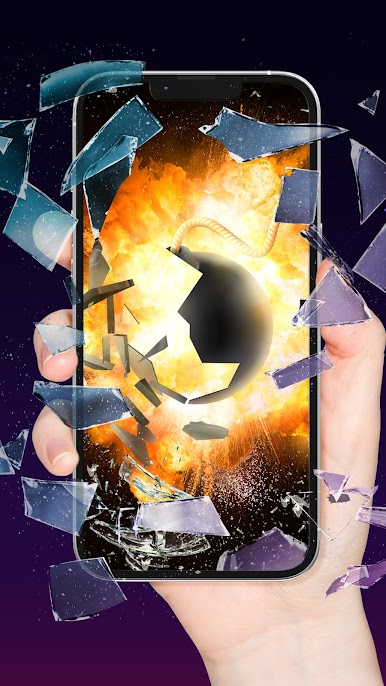
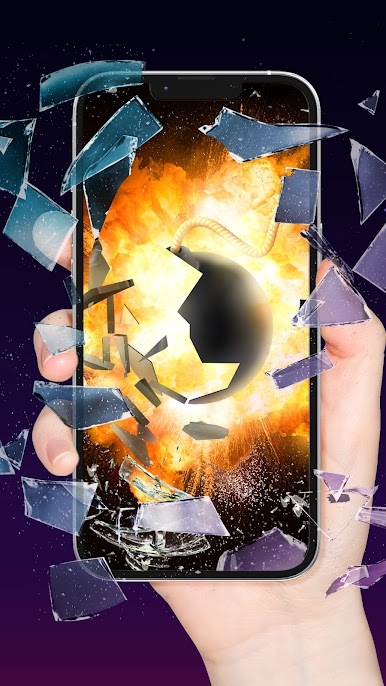
Controls are simple. Pick a firework, drop it on the ground, light the fuse, then slide the camera around to catch different angles while everything goes off. There is a prank angle too, with loud cracker sounds that jump a bit more than expected. On PC with BlueStacks, mouse clicks make it easy to line up rockets and stack fountains, and camera movement feels smoother on a bigger screen. It can get repetitive if someone needs goals, but setting up a tiny backyard show and timing pieces together is strangely satisfying. Great for a quick holiday mood, or just to relax with some safe sparks when real fireworks are not an option.
Make your gaming sessions memorable with precise controls that give you an edge in close combats and visuals that pop up, bringing every character to life.
















Gioca Fireworks Play & Cracker prank su PC. È facile iniziare.
-
Scarica e installa BlueStacks sul tuo PC
-
Completa l'accesso a Google per accedere al Play Store o eseguilo in un secondo momento
-
Cerca Fireworks Play & Cracker prank nella barra di ricerca nell'angolo in alto a destra
-
Fai clic per installare Fireworks Play & Cracker prank dai risultati della ricerca
-
Completa l'accesso a Google (se hai saltato il passaggio 2) per installare Fireworks Play & Cracker prank
-
Fai clic sull'icona Fireworks Play & Cracker prank nella schermata principale per iniziare a giocare

