

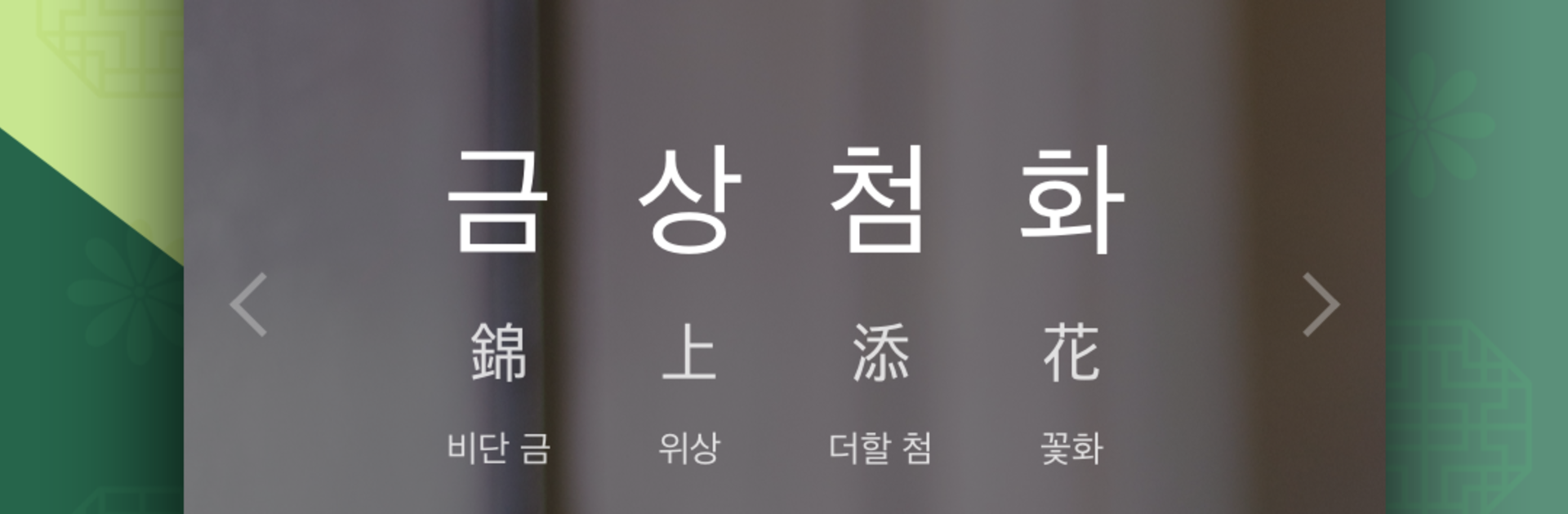
첫화면 사자성어
Spiele auf dem PC mit BlueStacks - der Android-Gaming-Plattform, der über 500 Millionen Spieler vertrauen.

Seite geändert am: Oct 11, 2024
Run 첫화면 사자성어 on PC or Mac
What’s better than using 첫화면 사자성어 by FirstScreenTeam? Well, try it on a big screen, on your PC or Mac, with BlueStacks to see the difference.
About the App
첫화면 사자성어 is a simple, focused way to learn classic four‑character idioms without carving out study time. Every time you wake your phone, you’ll see a fresh set of sayings with clear meanings—quick, repeatable, and surprisingly memorable. It’s an Education app from FirstScreenTeam that turns little moments into easy wins.
Prefer studying on a bigger screen now and then? You can also use 첫화면 사자성어 on BlueStacks.
App Features
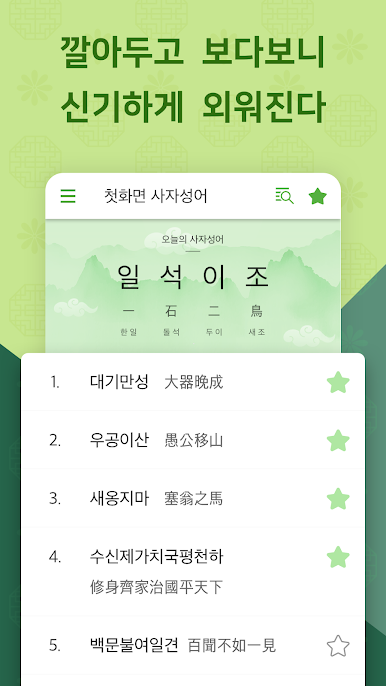
- First-screen learning
-
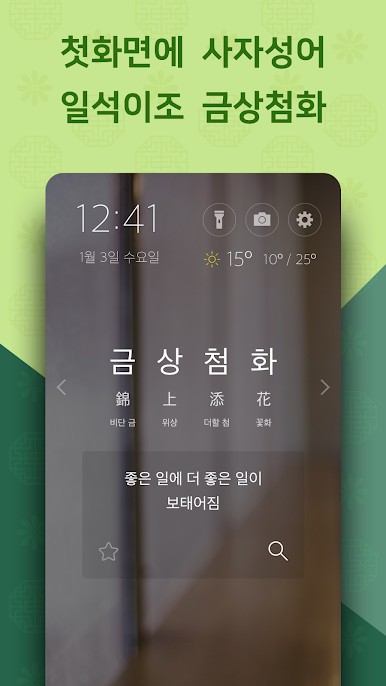
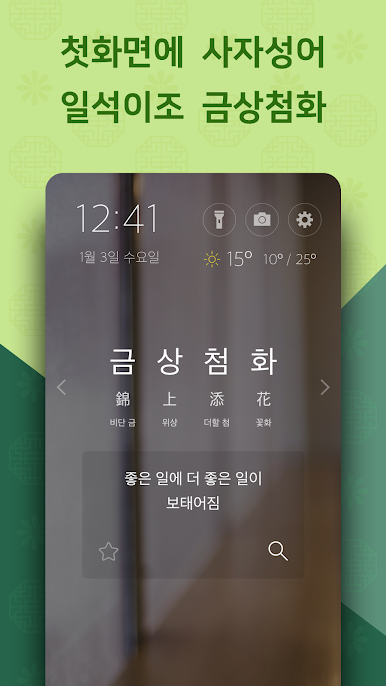
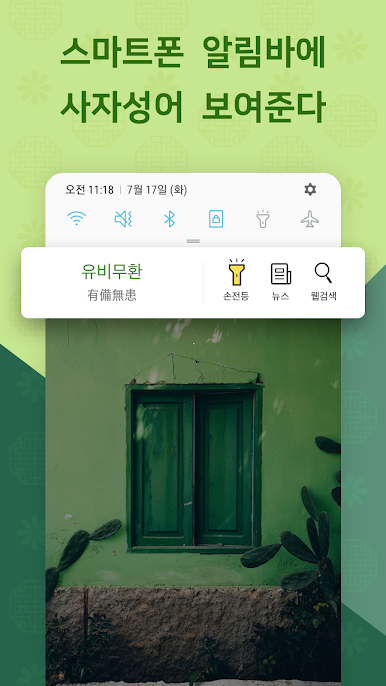
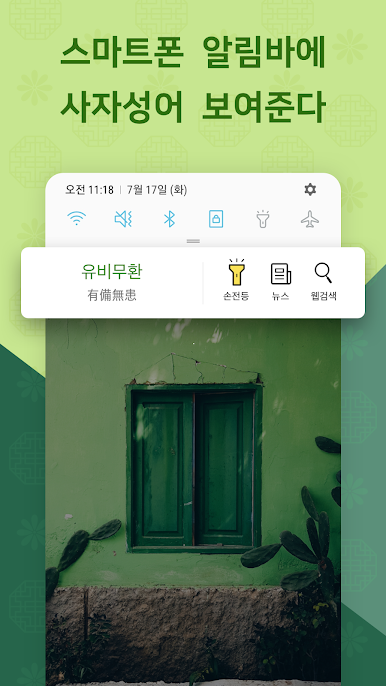
Idioms appear right on your phone’s first screen, so you absorb them casually throughout the day—no extra taps, no clutter.
-
Clear meanings at a glance
-
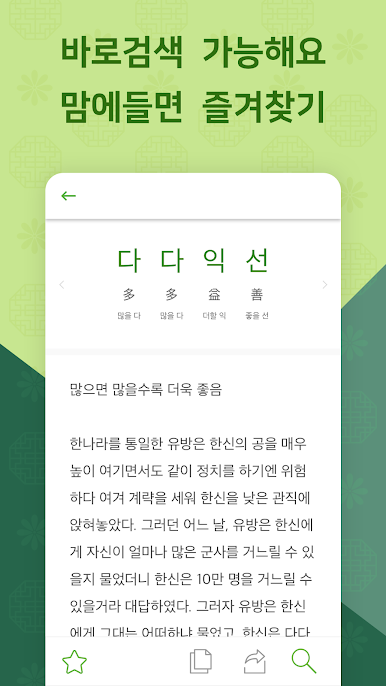
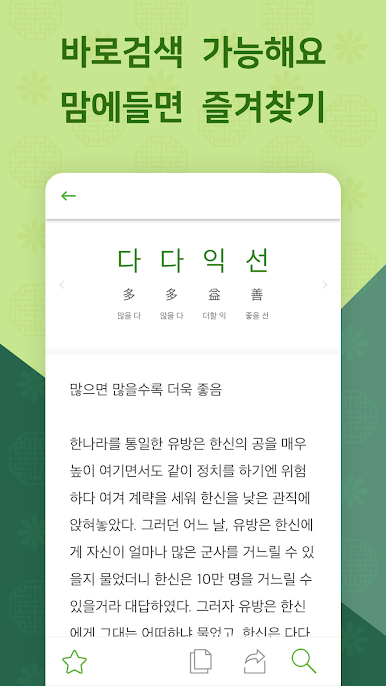
Each four-character idiom comes with its meaning, helping you understand the idea, not just memorize the characters.
-
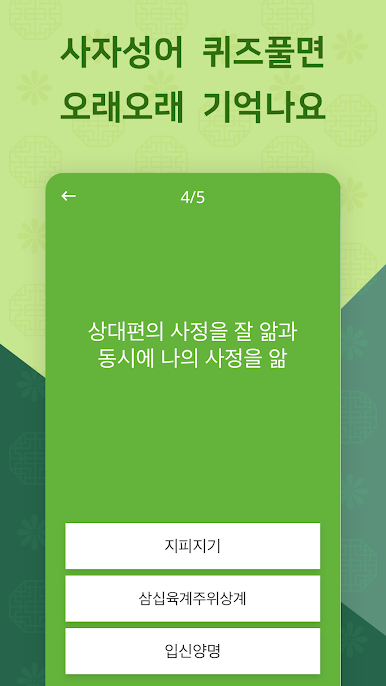
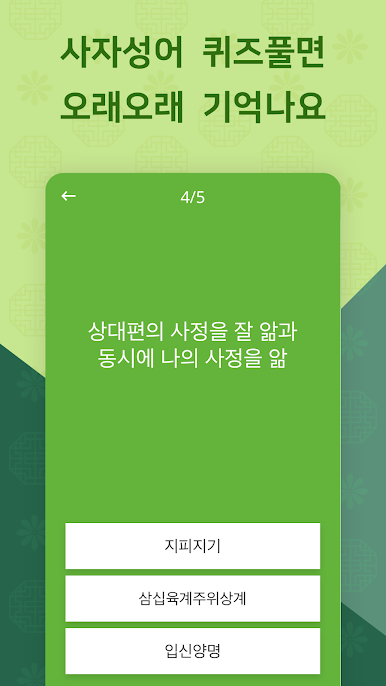
Smart practice mode
-
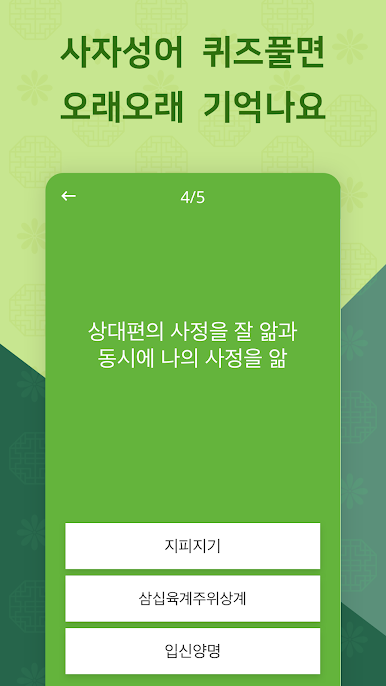
Track your correct answer rate, get instant feedback, and automatically revisit items you missed until you nail them. The app lets you know when a session’s wrapped.
-
Favorites for quick review
-
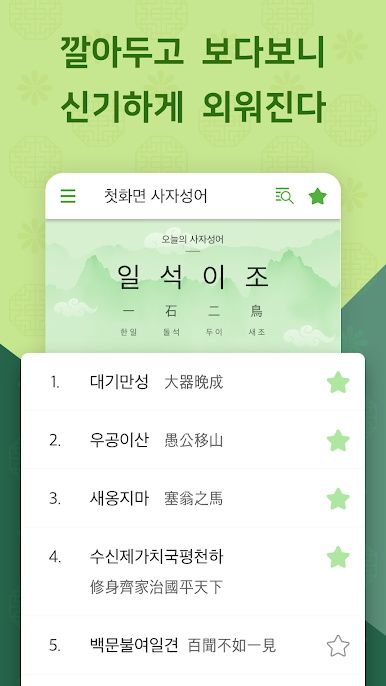
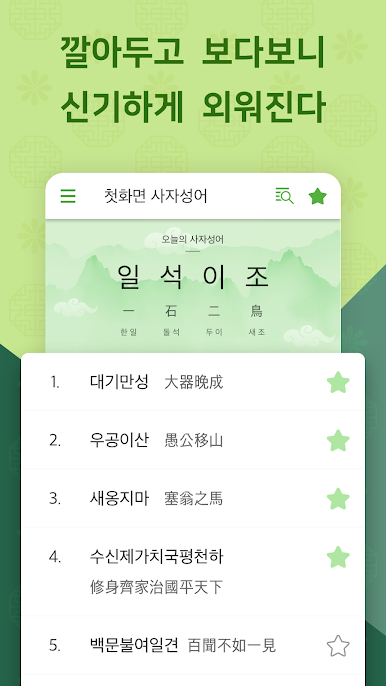
Mark tricky idioms as favorites to see them more often and keep them top of mind.
-
Daily repetition that sticks
-
Frequent, short exposures make learning feel effortless—and it actually works.
-
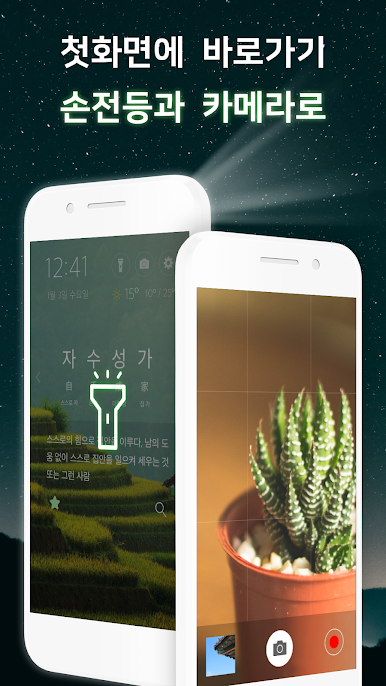
Handy tools built in
-
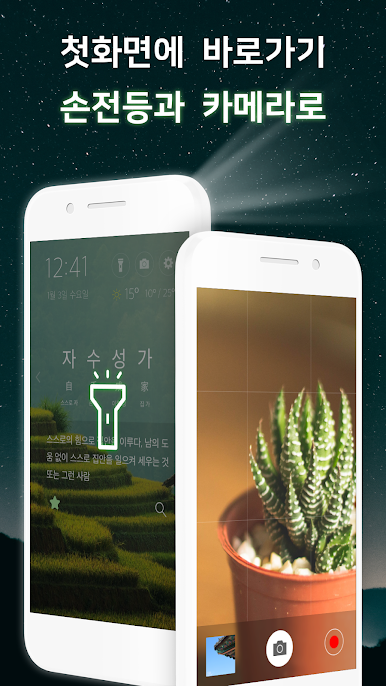
Check local weather, and jump straight to the flashlight or camera from the same first screen. Convenient when you’re on the go.
-
Thoughtful permissions
- Display over other apps is used to show idioms on your first screen.
- Optional: notifications for gentle reminders; location for accurate weather. You can use the app without the optional permissions if you’d like.
Big screen. Bigger performance. Use BlueStacks on your PC or Mac to run your favorite apps.

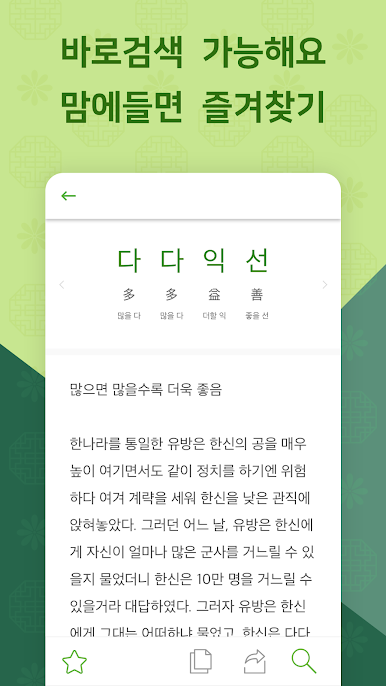
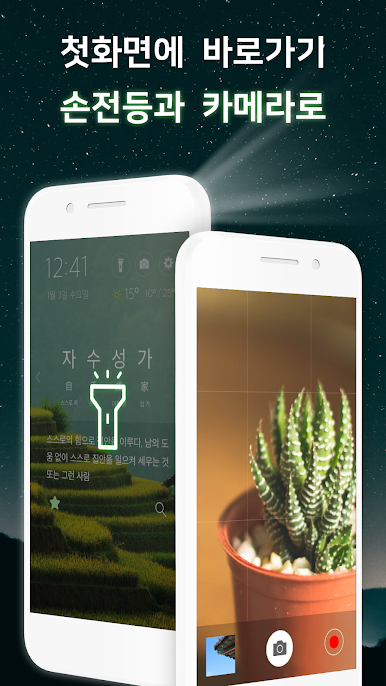
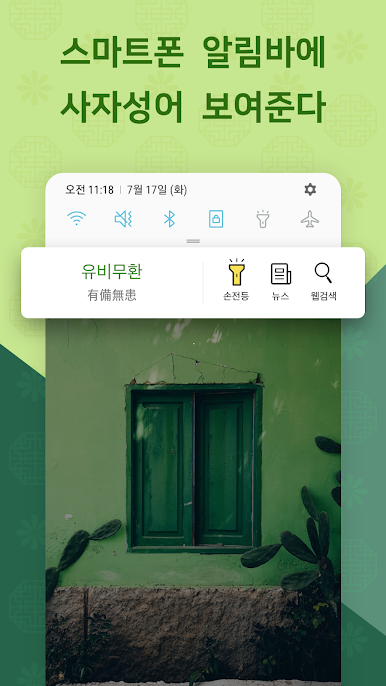
Spiele 첫화면 사자성어 auf dem PC. Der Einstieg ist einfach.
-
Lade BlueStacks herunter und installiere es auf deinem PC
-
Schließe die Google-Anmeldung ab, um auf den Play Store zuzugreifen, oder mache es später
-
Suche in der Suchleiste oben rechts nach 첫화면 사자성어
-
Klicke hier, um 첫화면 사자성어 aus den Suchergebnissen zu installieren
-
Schließe die Google-Anmeldung ab (wenn du Schritt 2 übersprungen hast), um 첫화면 사자성어 zu installieren.
-
Klicke auf dem Startbildschirm auf das 첫화면 사자성어 Symbol, um mit dem Spielen zu beginnen

