


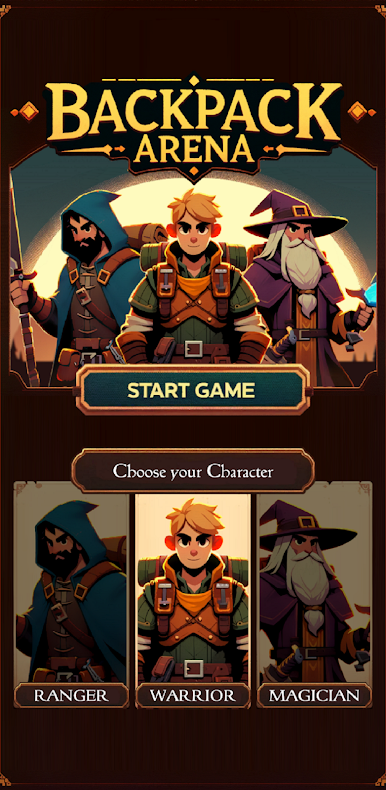
BackPack Arena: Fantasy Battle
Jogue no PC com BlueStacks - A Plataforma de Jogos Android, confiada por mais de 500 milhões de jogadores.

Página modificada em: 2 de abr. de 2024
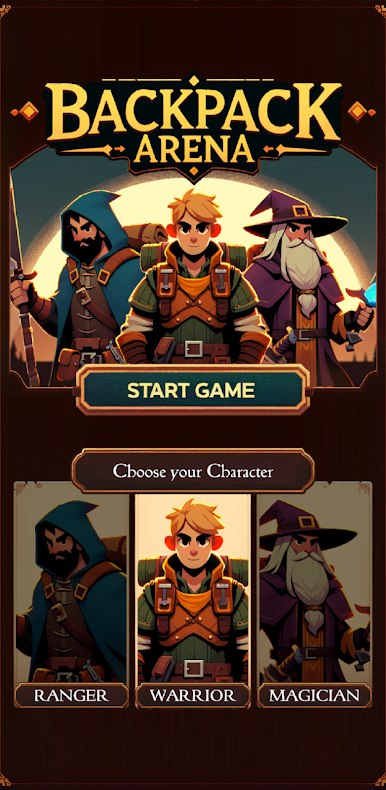
Play BackPack Arena: Fantasy Battle on PC
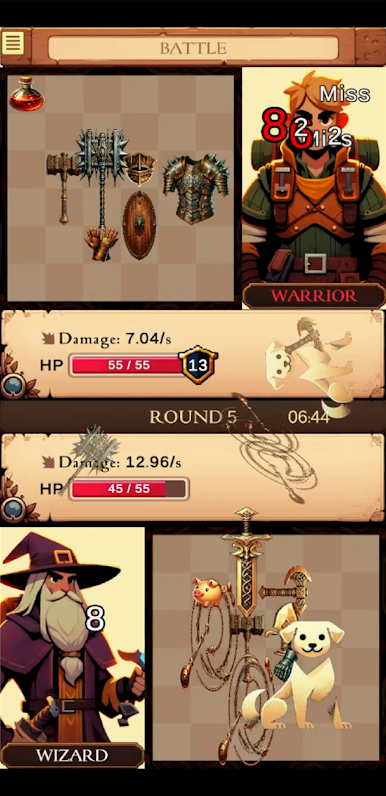
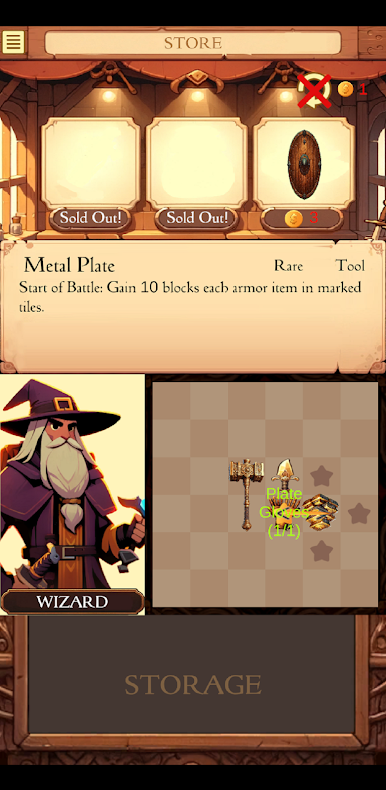
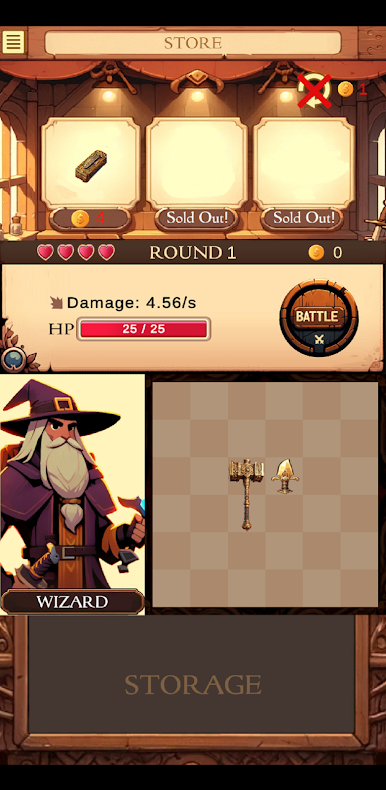
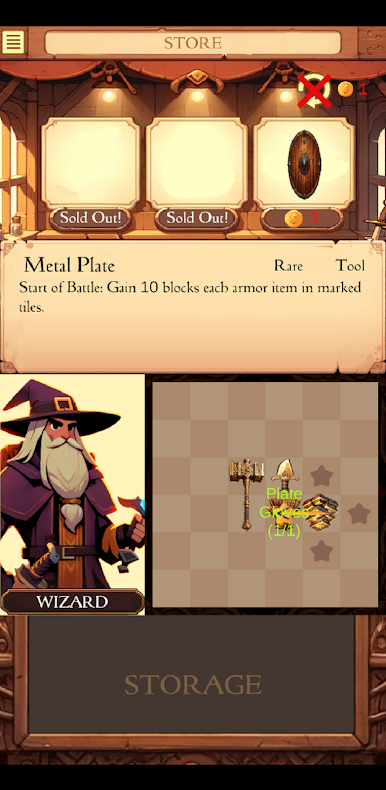
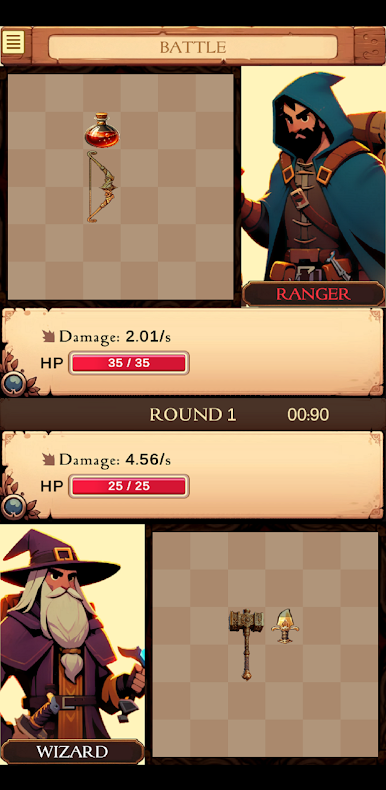
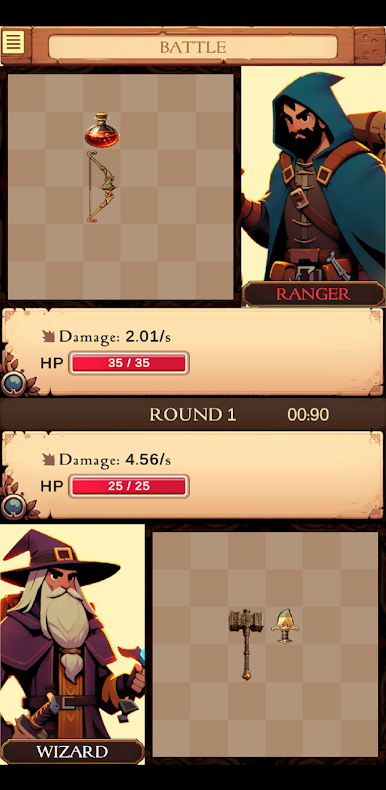
As you embark on your quest, the bustling marketplace beckons with a myriad of treasures waiting to be acquired. Navigate through a diverse selection of items, each with its own unique attributes and abilities. But tread carefully, for your inventory space is limited, and every decision counts.
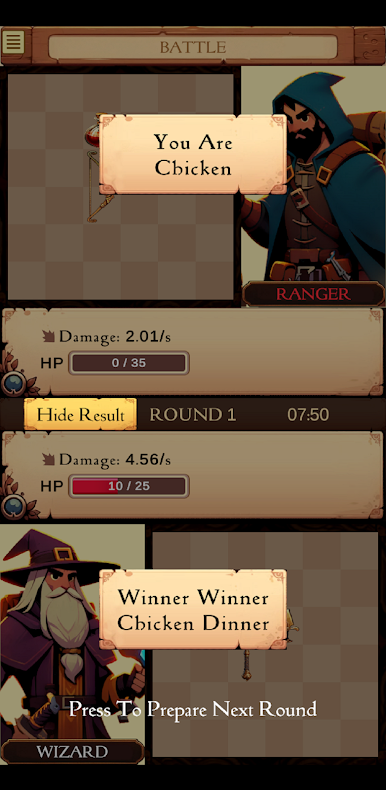
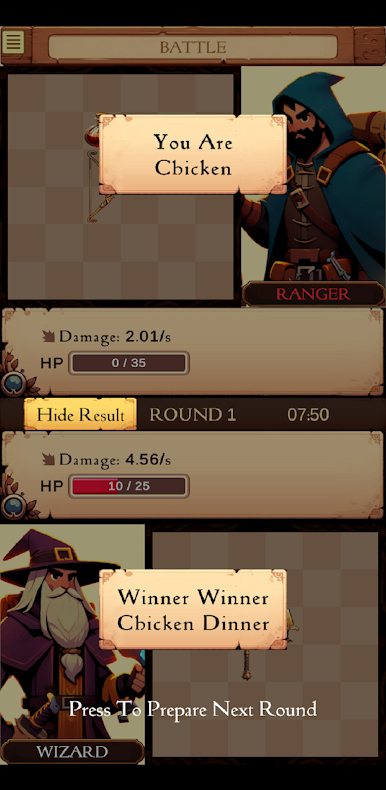
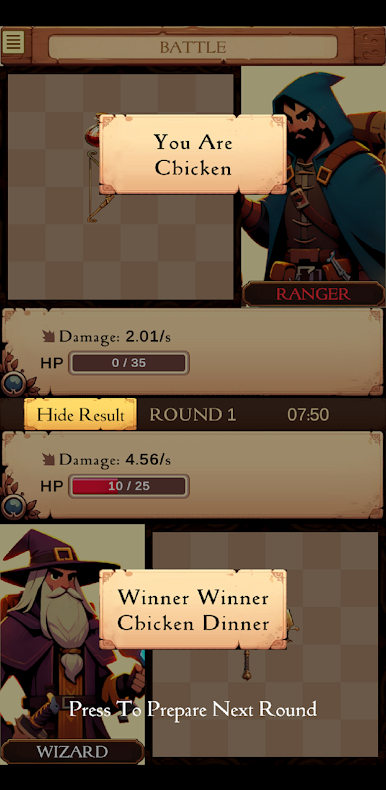
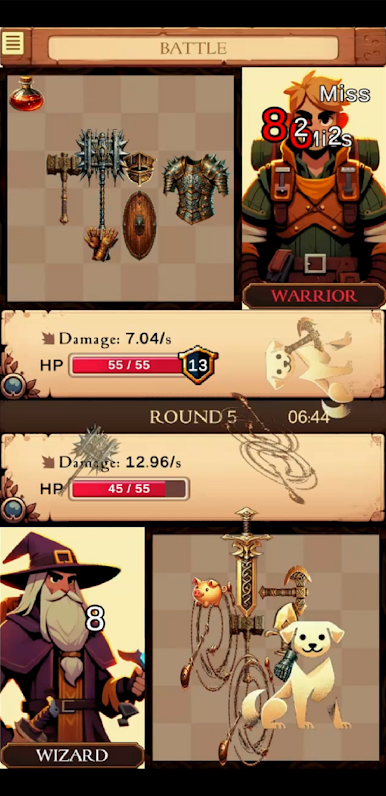
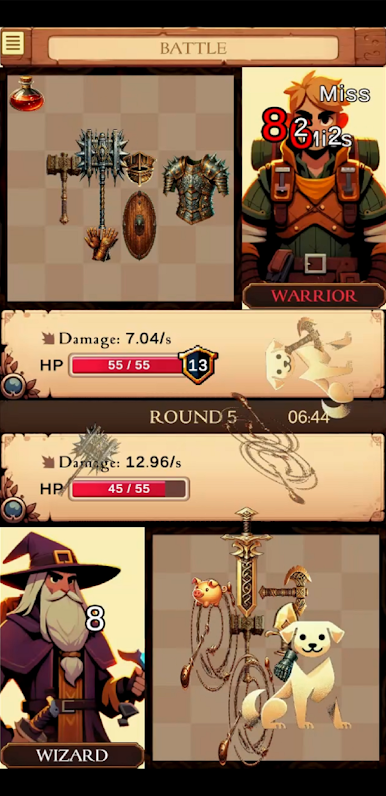
With each carefully chosen item placed in your inventory, the stage is set for intense battles ahead. Prepare to clash with opponents from across the realm in thrilling PvP encounters. Through asynchronous combat, pit your wits and strategies against others, utilizing a combination of character strengths and item synergies to outsmart and outlast your foes.
Backpack Arena isn't just about surviving the skirmishes; it's about thriving in the face of adversity, carving out your legacy as a true champion of the arena. Are you ready to embark on this epic journey and claim your rightful place among the legends? The arena awaits, adventurer.
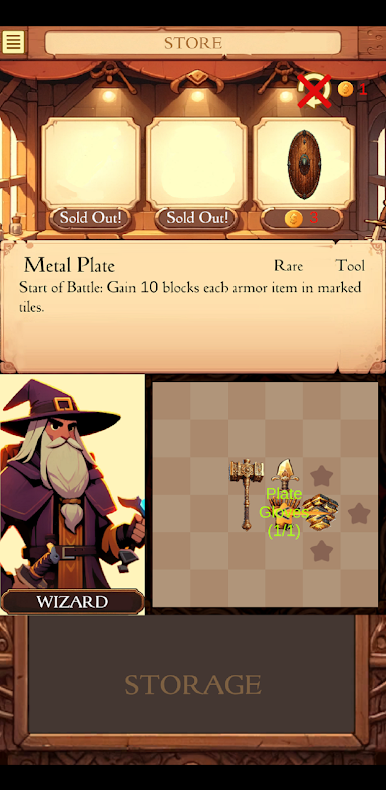
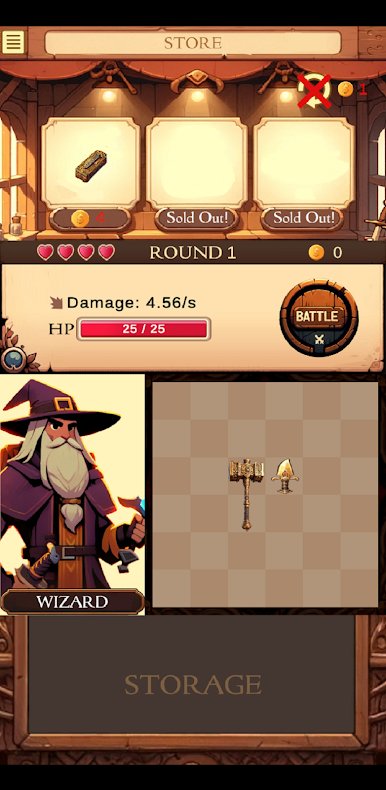
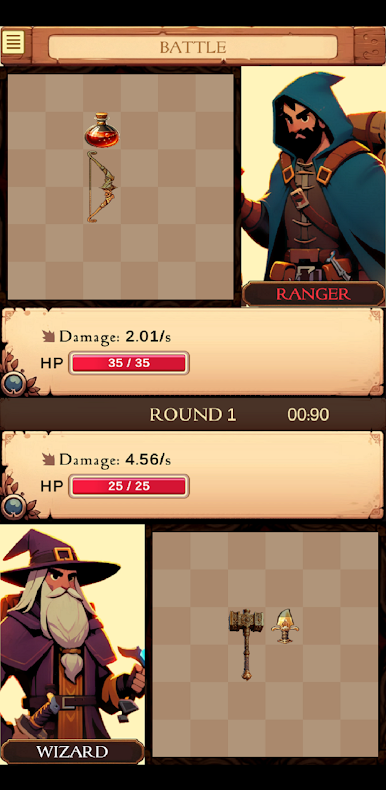
Jogue BackPack Arena: Fantasy Battle no PC. É fácil começar.
-
Baixe e instale o BlueStacks no seu PC
-
Conclua o login do Google para acessar a Play Store ou faça isso mais tarde
-
Procure por BackPack Arena: Fantasy Battle na barra de pesquisa no canto superior direito
-
Clique para instalar BackPack Arena: Fantasy Battle a partir dos resultados da pesquisa
-
Conclua o login do Google (caso você pulou a etapa 2) para instalar o BackPack Arena: Fantasy Battle
-
Clique no ícone do BackPack Arena: Fantasy Battle na tela inicial para começar a jogar

