


Ultra GPS Logger
5억명 이상의 게이머가 신뢰하는 안드로이드 게임 플랫폼 BlueStacks으로 PC에서 플레이하세요.

Run Ultra GPS Logger on PC or Mac
Get freedom from your phone’s obvious limitations. Use Ultra GPS Logger, made by FlashLight, a Tools app on your PC or Mac with BlueStacks, and level up your experience.
About the App
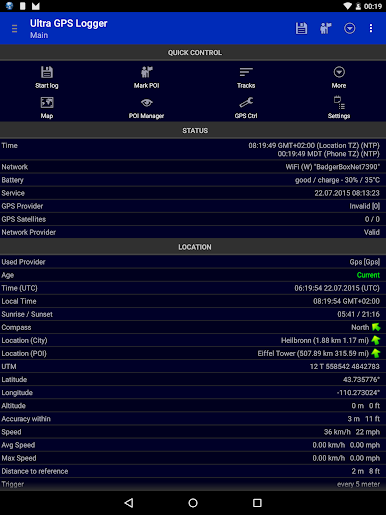
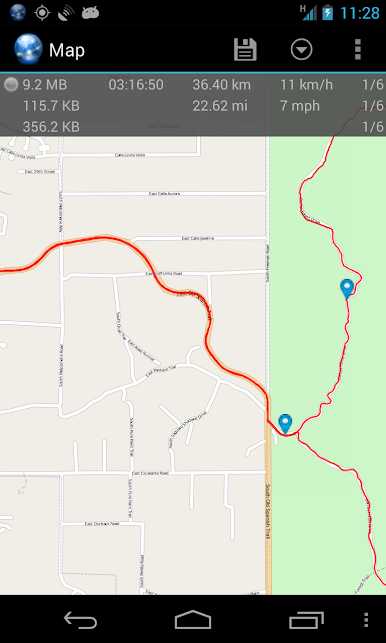
Ever wondered exactly where you’ve been on your last hike, road trip, or bike ride? Ultra GPS Logger by FlashLight makes tracking your journeys easy—whether you’re outdoors for adventure or just keeping tabs on your commute. This Tools app transforms your device into a powerful logger, letting you record and review your routes in incredible detail. No matter if you’re a casual explorer or a GPS enthusiast, you’ll find plenty to love about how smoothly everything runs.
App Features
-
Multiple Logging Formats
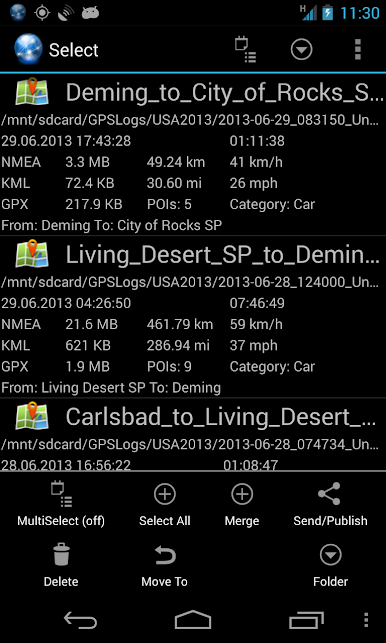
Save your tracks in formats like NMEA, KML, GPX, or even CSV. Whichever you prefer, it’s got you covered. -
Custom Logging Modes
Log new points based on time, distance, or even raw data collection. Perfect for tweaking how much detail you want to gather. -
Long-Lasting Tracking
Keep the GPS working in standby, meaning it won’t stop recording just because your screen’s off. Super handy for marathon adventures (or forgetful moments). -
Automatic Features
Turn on AutoLog and AutoStart if you don’t want to fiddle with buttons whenever you head out. The app’s ready when you are. -
Share and Export Your Tracks
Need to send your journey to friends or back it up? Email logs, upload to FTP, or shoot everything straight to Dropbox, OneDrive, or Google Drive. Plus, it can zip up those big files for efficient storage. -
Sync With Maps
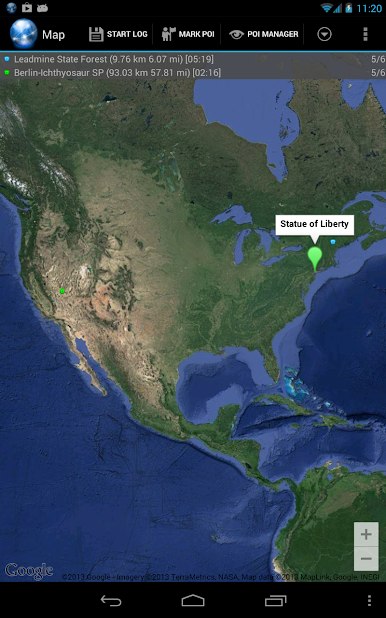
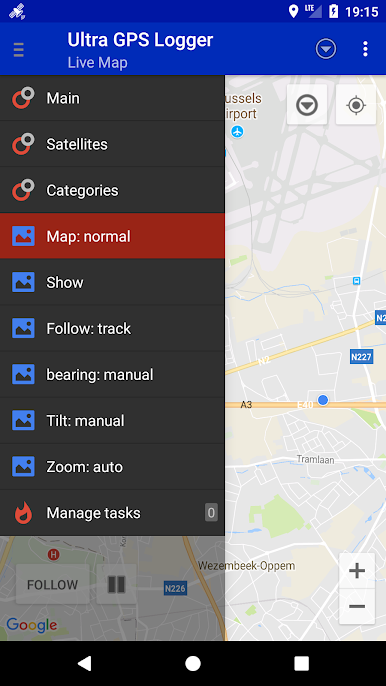
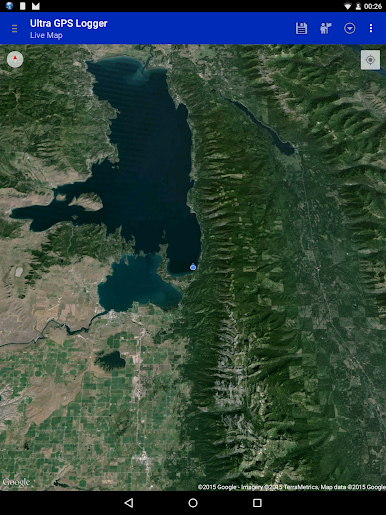
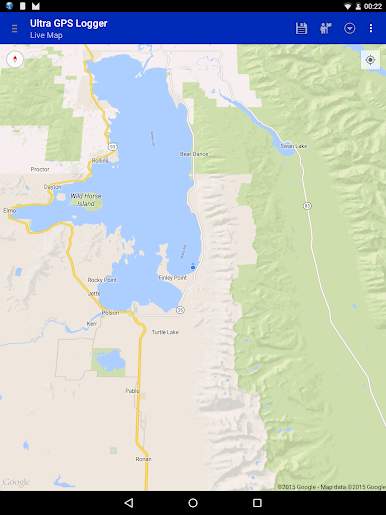
See your tracks live on Google Maps or Open Street Map. Great for instant visual feedback or just reminiscing about your path. -
POIs and More
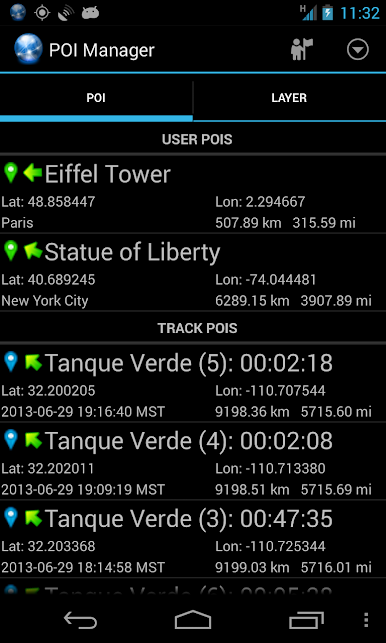
Mark those special spots (maybe your favorite sandwich shop or a cool look-out) along your route with Points of Interest. -
External GPS and Bluetooth
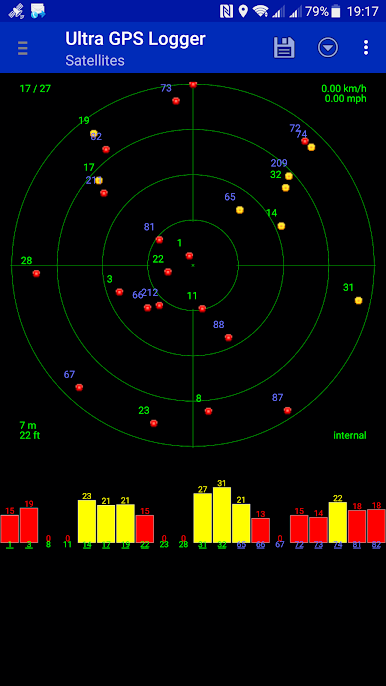
Got an external GPS? Connect seamlessly via Bluetooth, or even let other apps use these signals with the mock provider option. -
Barometer/Pressure Sensor
Want more data? If your device supports it, you can add altitude and pressure details to your logs. -
Backup and Online Storage
Save logs directly to your favorite cloud service and keep your data safe, wherever you roam. -
Advanced Navigation Options
The GPS mouse mode lets your device act as a GPS receiver for other electronics if you’re feeling fancy.
Ultra GPS Logger works reliably whether you’re moving fast, taking it slow, or just want a detailed log for later analysis. If you enjoy using tools that just work—and can handle a lot of technical power behind the scenes—this app’s for you. And if you want to give it a go on a bigger screen, it runs smoothly with BlueStacks.
Big screen. Bigger performance. Use BlueStacks on your PC or Mac to run your favorite apps.
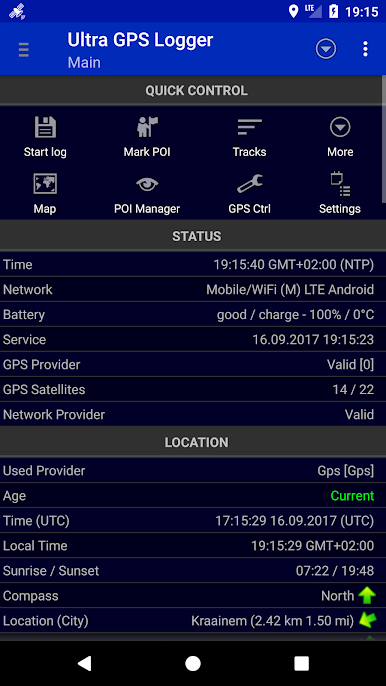
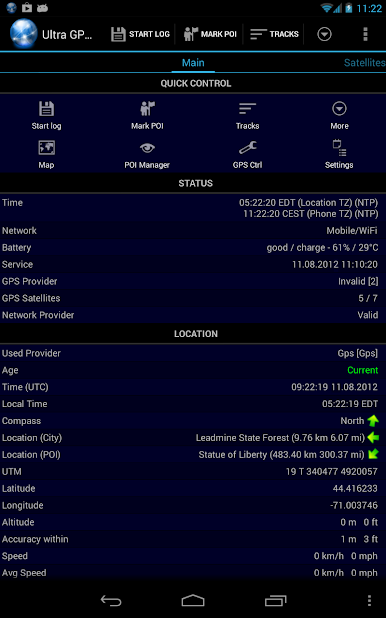
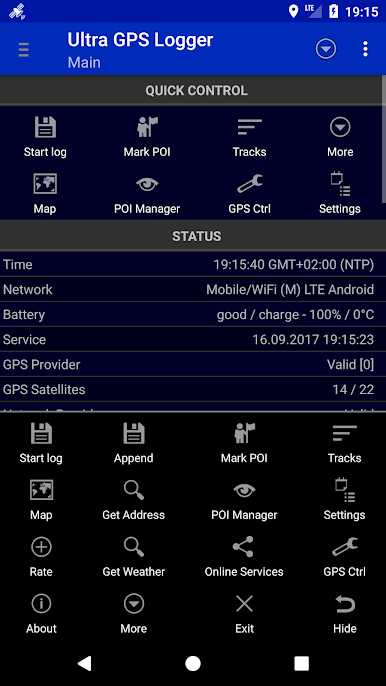
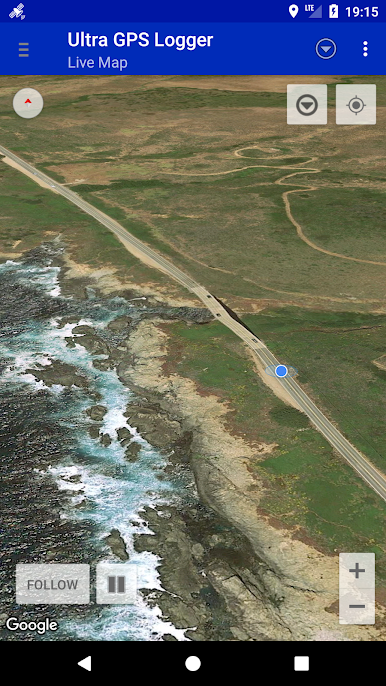
PC에서 Ultra GPS Logger 플레이해보세요.
-
BlueStacks 다운로드하고 설치
-
Google Play 스토어에 로그인 하기(나중에 진행가능)
-
오른쪽 상단 코너에 Ultra GPS Logger 검색
-
검색 결과 중 Ultra GPS Logger 선택하여 설치
-
구글 로그인 진행(만약 2단계를 지나갔을 경우) 후 Ultra GPS Logger 설치
-
메인 홈화면에서 Ultra GPS Logger 선택하여 실행

