

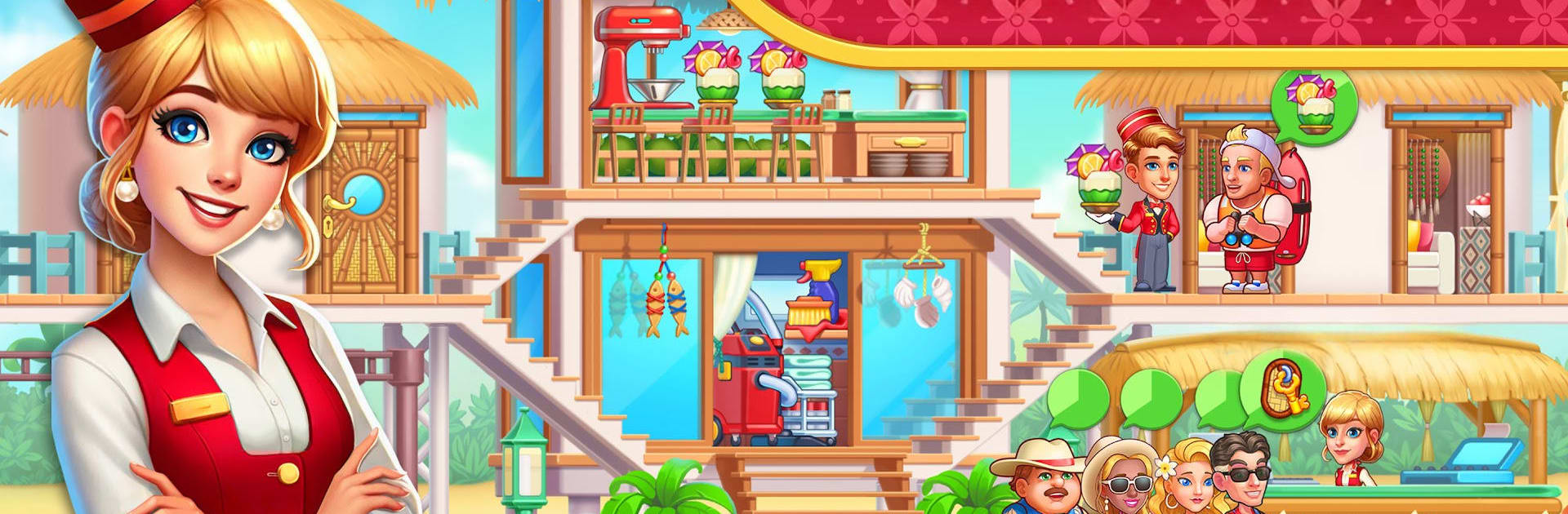
My Hotel ™ Build Perfect Hotel
Graj na PC z BlueStacks – Platforma gamingowa Android, która uzyskała zaufanie ponad 500 milionów graczy!

Strona zmodyfikowana w dniu: Oct 22, 2025
Play My Hotel ™ Grand Fun Mania! on PC or Mac
Explore a whole new adventure with My Hotel ™ Grand Fun Mania!, a Simulation game created by FlowMotion Entertainment. Experience great gameplay with BlueStacks, the most popular gaming platform to play Android games on your PC or Mac.
About the Game
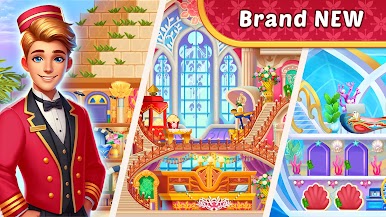
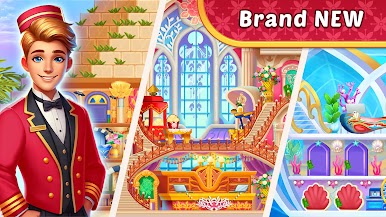
Ever wondered what it’s like to be in charge of a bustling hotel, juggling guests, upgrades, and last-minute surprises? My Hotel ™ Grand Fun Mania! puts you in the manager’s seat, letting you oversee every little detail of your own grand hotel. Whether you’re assigning rooms or planning major renovations, there’s always something to keep you on your toes in this quirky and fast-paced simulation from FlowMotion Entertainment.
Game Features
-
Hands-On Hotel Management
Here, you’re calling the shots. Welcome new guests, juggle room assignments, and make sure every traveler gets the VIP treatment. Messy rooms or happy guests—it all comes down to your decisions. -
Team Upgrades & Leadership
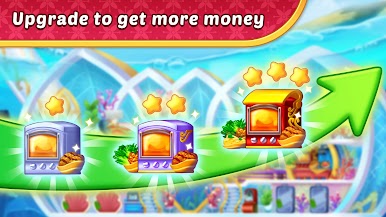
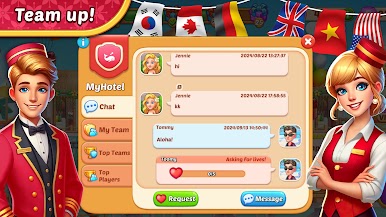
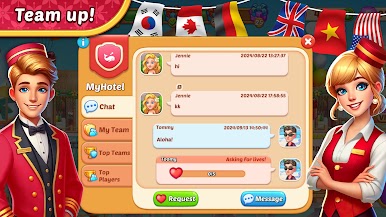
You’ll have a crew to manage, from the ever-busy doorman to cleaning staff. Keep them organized, upgrade their skills, and watch operations become smoother as you guide your team through the rush. -
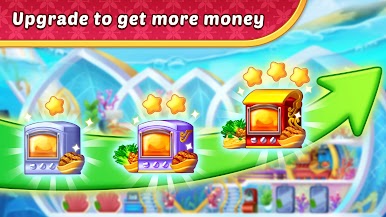
Merge to Upgrade
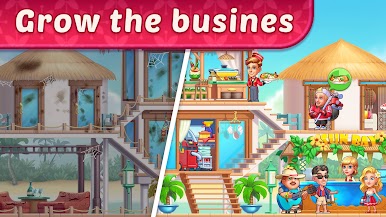
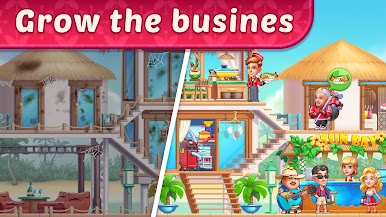
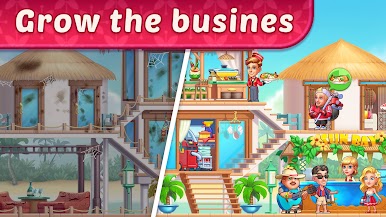
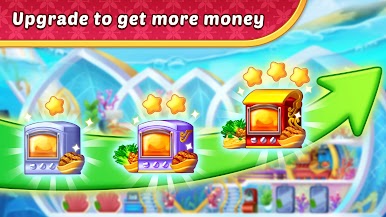
Merge tasks, unlock new features, and build out your perfect hotel empire. Combining elements makes the whole place more efficient—plus, you get to see your property transform from humble beginnings to a star-studded resort. -
Challenging Time Management
Not everything goes smoothly—timed challenges and demanding guests mean you’ve got to act fast (and sometimes improvise). Quick decisions lead to better ratings and more rewards. -
Hotel Empire Expansion
Tackle renovations, snazzy upgrades, and hotel expansion in cities across the globe. Every location brings fresh design opportunities and different types of guests, so you’ll never run out of creative ways to make your mark. -
Engaging Idle Play
Your empire doesn’t sleep; there’s always something running in the background. Keep an eye on your progress and step in for those big moments—whether you’re playing on your phone or using BlueStacks on your PC for a bigger view. -
Personal Story & Custom Choices
It’s your hotel, your story. Decide which upgrades, renovations, and décor reflect your vision, and watch your own hotel chain grow and evolve with each strategic choice.
Slay your opponents with your epic moves. Play it your way on BlueStacks and dominate the battlefield.


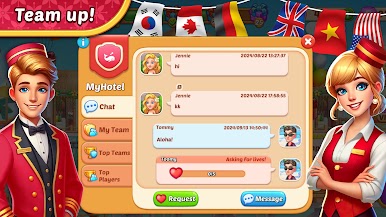











Zagraj w My Hotel ™ Build Perfect Hotel na PC. To takie proste.
-
Pobierz i zainstaluj BlueStacks na PC
-
Zakończ pomyślnie ustawienie Google, aby otrzymać dostęp do sklepu Play, albo zrób to później.
-
Wyszukaj My Hotel ™ Build Perfect Hotel w pasku wyszukiwania w prawym górnym rogu.
-
Kliknij, aby zainstalować My Hotel ™ Build Perfect Hotel z wyników wyszukiwania
-
Ukończ pomyślnie rejestrację Google (jeśli krok 2 został pominięty) aby zainstalować My Hotel ™ Build Perfect Hotel
-
Klinij w ikonę My Hotel ™ Build Perfect Hotel na ekranie startowym, aby zacząć grę

