


Wheel Launcher a free customizable sidebar
BlueStacksを使ってPCでプレイ - 5憶以上のユーザーが愛用している高機能Androidゲーミングプラットフォーム

概要

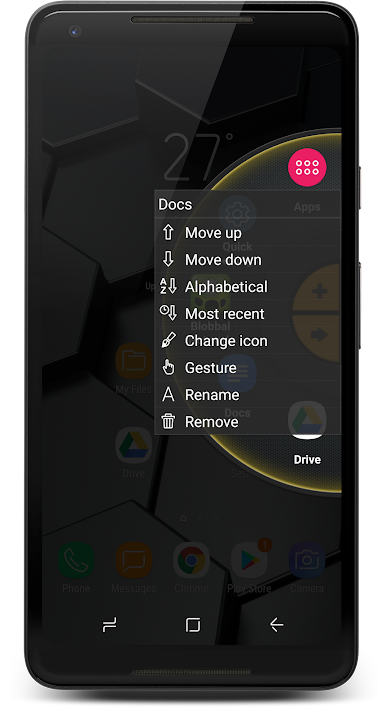
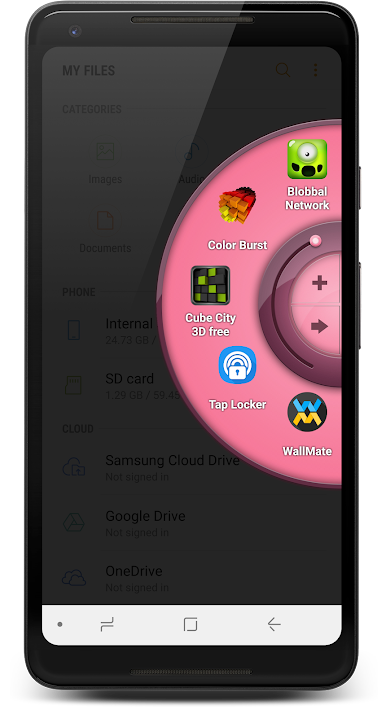
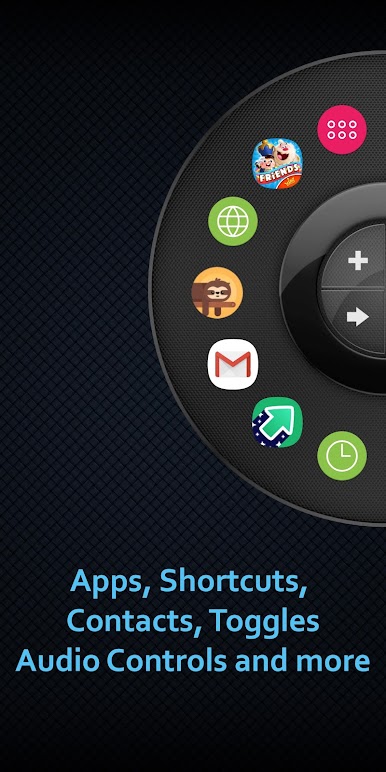
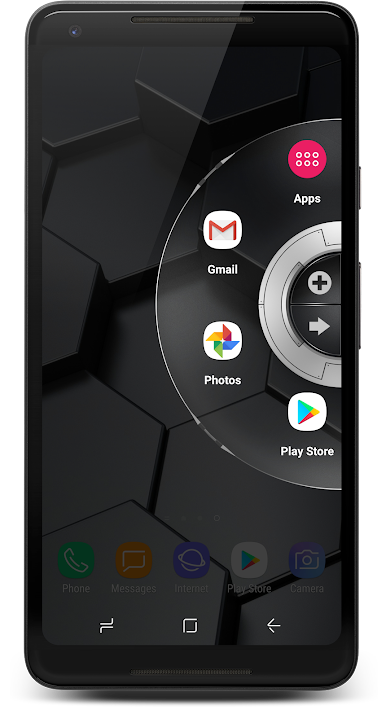
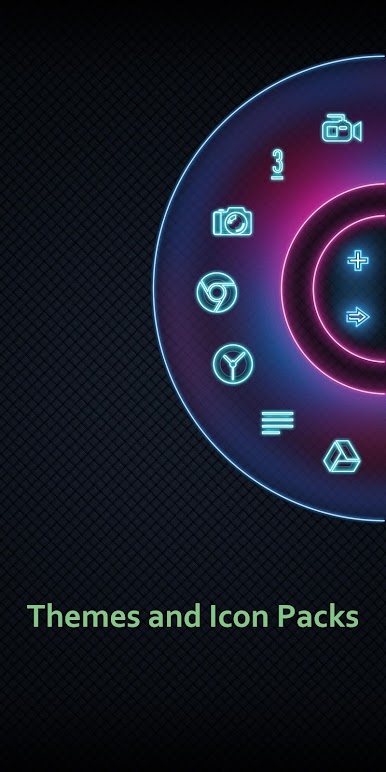

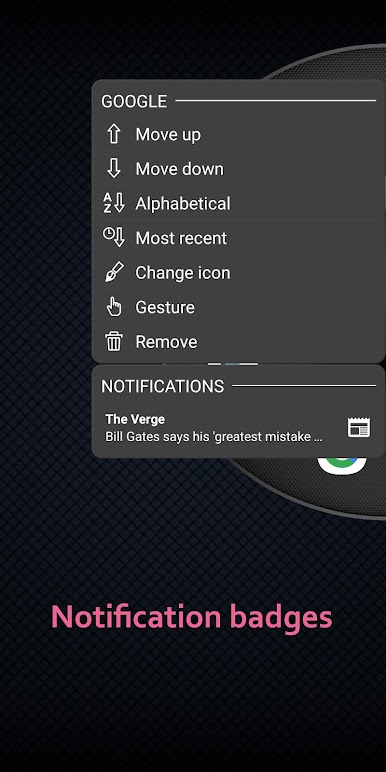
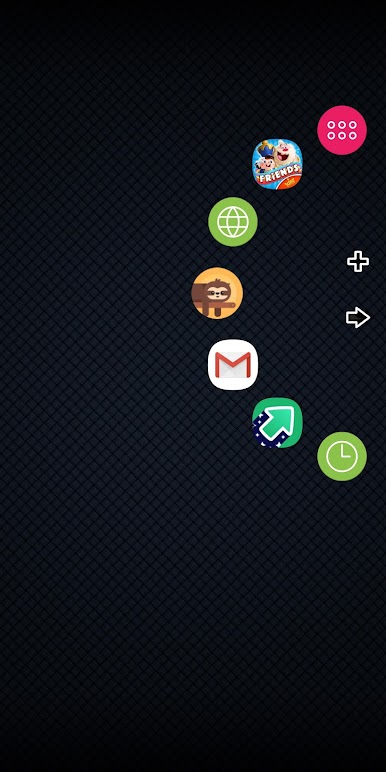
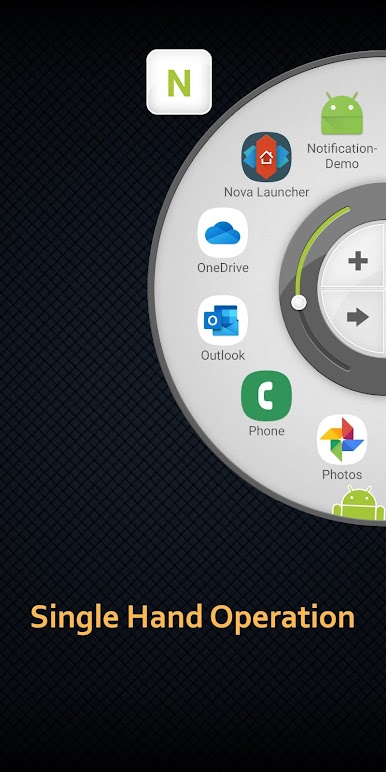
Wheel Launcher a free customizable sidebarをPCでプレイ
-
BlueStacksをダウンロードしてPCにインストールします。
-
GoogleにサインインしてGoogle Play ストアにアクセスします。(こちらの操作は後で行っても問題ありません)
-
右上の検索バーにWheel Launcher a free customizable sidebarを入力して検索します。
-
クリックして検索結果からWheel Launcher a free customizable sidebarをインストールします。
-
Googleサインインを完了してWheel Launcher a free customizable sidebarをインストールします。※手順2を飛ばしていた場合
-
ホーム画面にてWheel Launcher a free customizable sidebarのアイコンをクリックしてアプリを起動します。

