

小さな病院
BlueStacksを使ってPCでプレイ - 5憶以上のユーザーが愛用している高機能Androidゲーミングプラットフォーム

Run Little Hospital on PC or Mac
Why limit yourself to your small screen on the phone? Run Little Hospital, an app by Fox & Sheep, best experienced on your PC or Mac with BlueStacks, the world’s #1 Android emulator.
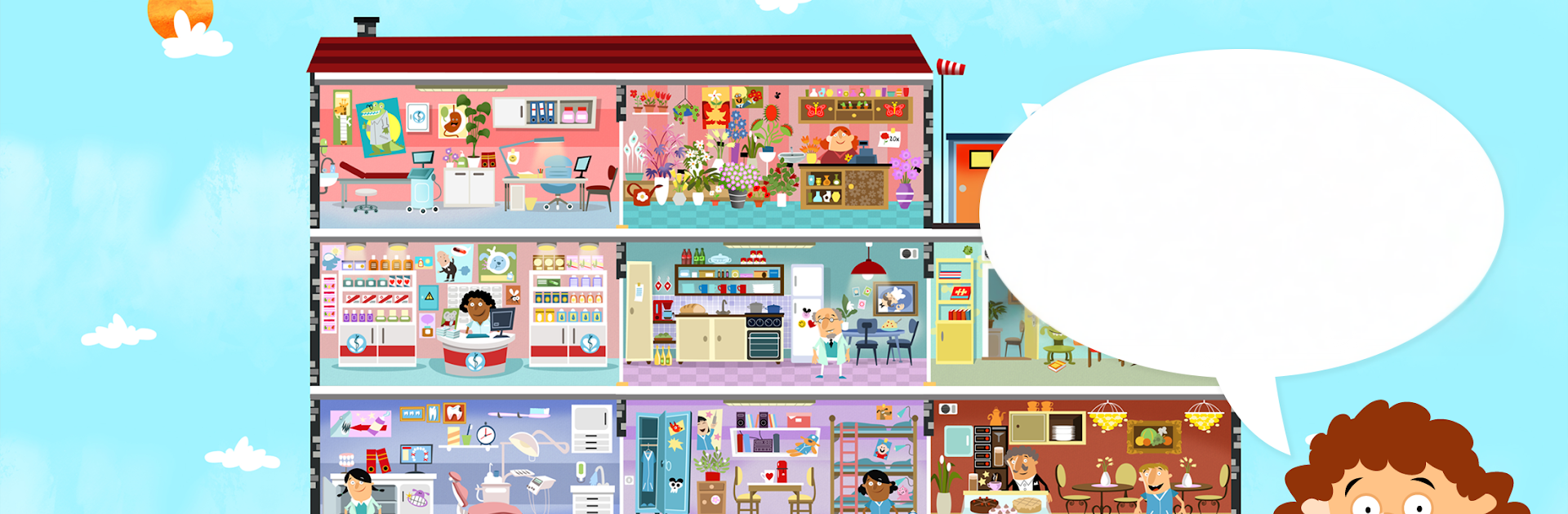
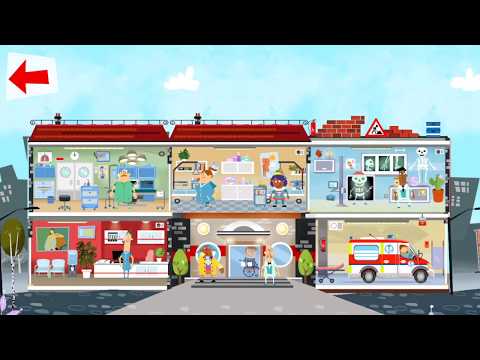
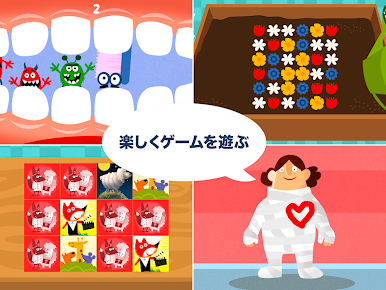
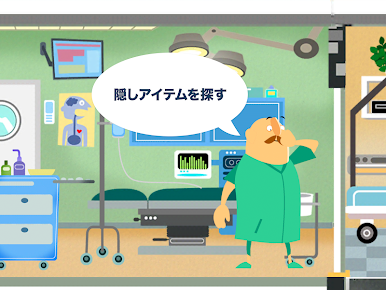
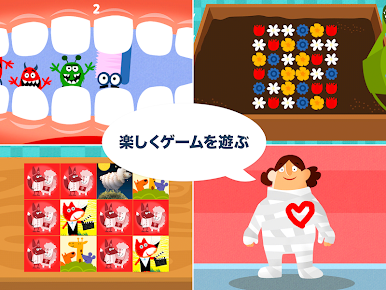
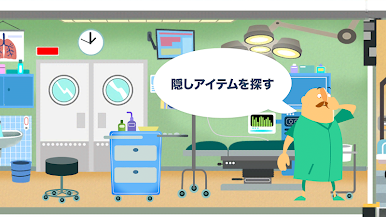
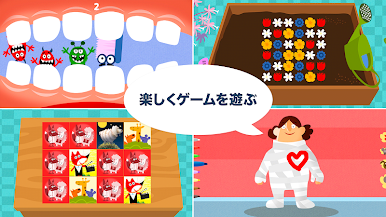
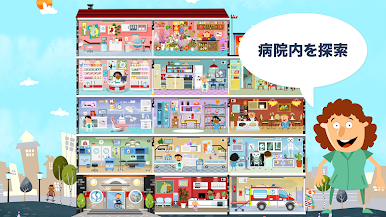
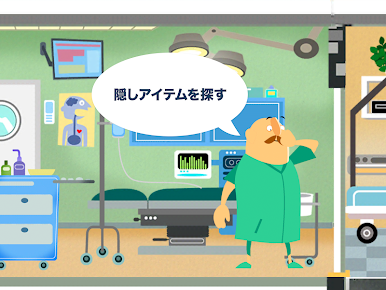
Little Hospital feels like a playful, digital hospital playset where kids poke around and see what happens. It is bright, gentle, and very much about curiosity. They wander from the reception to the X-ray room, peek into the operating room, chatty dentists, even a little flower shop tucked inside. Every room has lots of tappable bits that wiggle, beep, or surprise, so it plays a lot like a hidden object game with extra mini activities. One minute they are painting a cast, the next they are solving a tiny puzzle or making a machine whirr. There is an ambulance too, with simple rescue missions that break up the exploring and give a goal without stress.
Controls are as simple as it gets. Tap to interact, swipe to slide into the next scene, so kids around 3 to 5 pick it up fast. On PC with BlueStacks, the mouse takes over tapping nicely and the bigger screen makes it easier to spot little details tucked behind furniture or characters. There are five distinct rooms to loop through, fun collectibles to chase, and the characters have silly animations that keep things lively. The art is hand drawn and warm, the music is friendly, and nothing feels pushy or rushed. No internet needed, so it works anywhere, and because there are a couple of mini games and light missions, it keeps kids busy for a while without getting tricky. It leans more toward free play and discovery than strict levels, which suits younger kids who like to poke, giggle, and move on at their own pace.
Big screen. Bigger performance. Use BlueStacks on your PC or Mac to run your favorite apps.








小さな病院をPCでプレイ
-
BlueStacksをダウンロードしてPCにインストールします。
-
GoogleにサインインしてGoogle Play ストアにアクセスします。(こちらの操作は後で行っても問題ありません)
-
右上の検索バーに小さな病院を入力して検索します。
-
クリックして検索結果から小さな病院をインストールします。
-
Googleサインインを完了して小さな病院をインストールします。※手順2を飛ばしていた場合
-
ホーム画面にて小さな病院のアイコンをクリックしてアプリを起動します。

