

Edytor audio
Graj na PC z BlueStacks – Platforma gamingowa Android, która uzyskała zaufanie ponad 500 milionów graczy!

Strona zmodyfikowana w dniu: Oct 6, 2025
Run Audio Editor on PC or Mac
Get freedom from your phone’s obvious limitations. Use Audio Editor, made by Smart Mobile Tools, a Tools app on your PC or Mac with BlueStacks, and level up your experience.
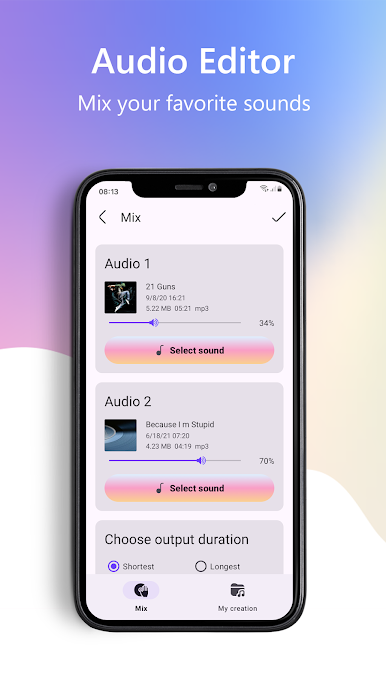
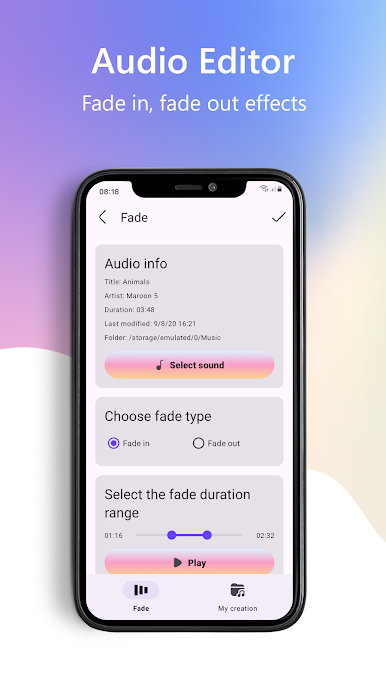
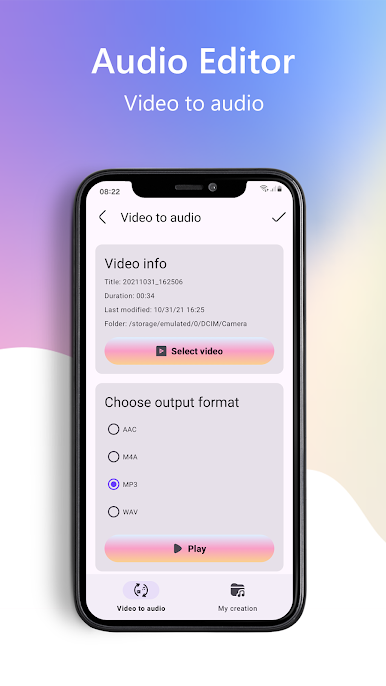
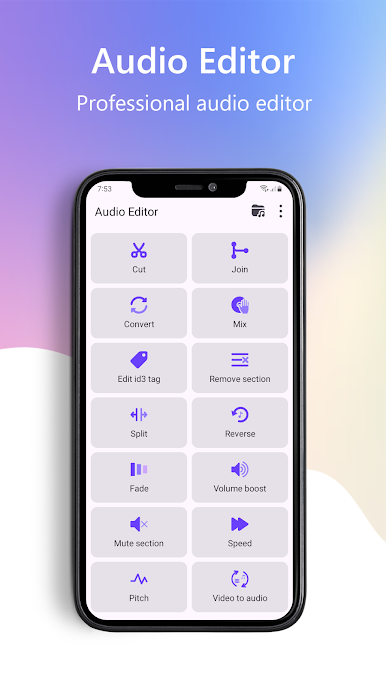
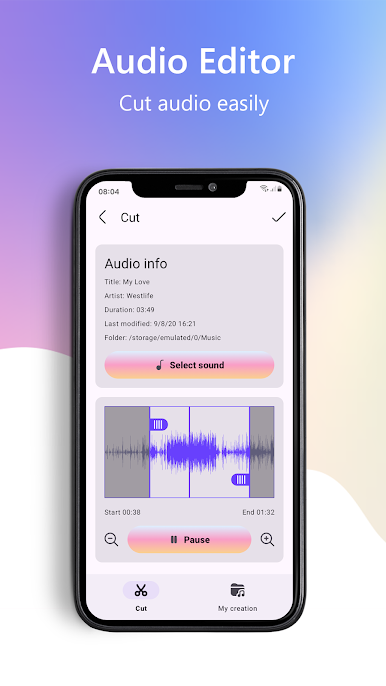
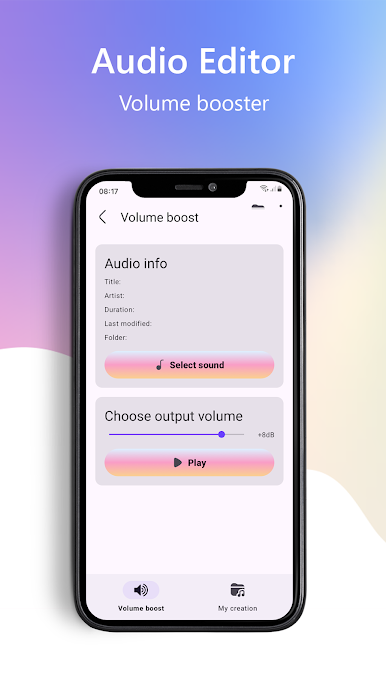
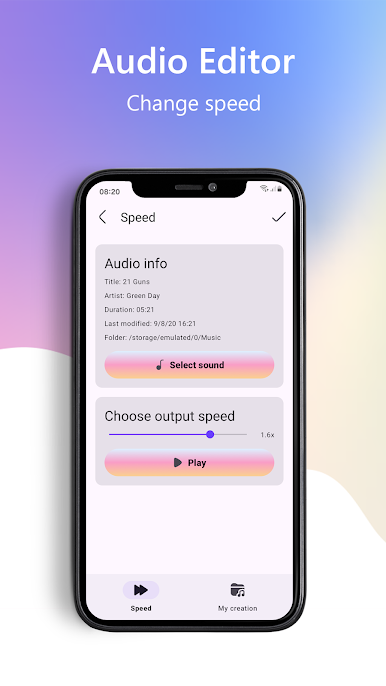
Audio Editor feels like one of those no-fuss tools that just does what it says. The layout is clean, with clear controls, so a new user can hop in and trim a song without hunting through menus. The big draw is quick cutting and saving a snippet as a new file, and yes, turning that clip into a ringtone is front and center. It handles the basics well: set exact start and end points, tweak volume, change speed or pitch for a fun twist, reverse a clip, mix or join tracks, and even pull the sound out of a video. Saved files go straight to local storage, and sharing to social apps is simple. It works with the usual formats like MP3, M4A, AAC, and WAV, and the language options cover a lot of users worldwide.
On PC through BlueStacks, it actually feels even easier, since a mouse makes setting cut points precise and the bigger screen helps with the waveform. It is not a full studio with multi-track mixing or fancy effects, but that is the point. It is a quick, lightweight editor for trims, ringtones, voice note cleanups, or small mashups without learning heavy software. The app stays out of the way, runs fast, and keeps everything straightforward, which is exactly what someone wants when they only need a clean cut and a save.
Ready to experience Audio Editor on a bigger screen, in all its glory? Download BlueStacks now.
Zagraj w Edytor audio na PC. To takie proste.
-
Pobierz i zainstaluj BlueStacks na PC
-
Zakończ pomyślnie ustawienie Google, aby otrzymać dostęp do sklepu Play, albo zrób to później.
-
Wyszukaj Edytor audio w pasku wyszukiwania w prawym górnym rogu.
-
Kliknij, aby zainstalować Edytor audio z wyników wyszukiwania
-
Ukończ pomyślnie rejestrację Google (jeśli krok 2 został pominięty) aby zainstalować Edytor audio
-
Klinij w ikonę Edytor audio na ekranie startowym, aby zacząć grę

