

Franco Kernel Manager
Spiele auf dem PC mit BlueStacks - der Android-Gaming-Plattform, der über 500 Millionen Spieler vertrauen.

Seite geändert am: Nov 27, 2023
Run Franco Kernel Manager on PC or Mac
Let BlueStacks turn your PC, Mac, or laptop into the perfect home for Franco Kernel Manager, a fun Tools app from Francisco Franco.
About the App
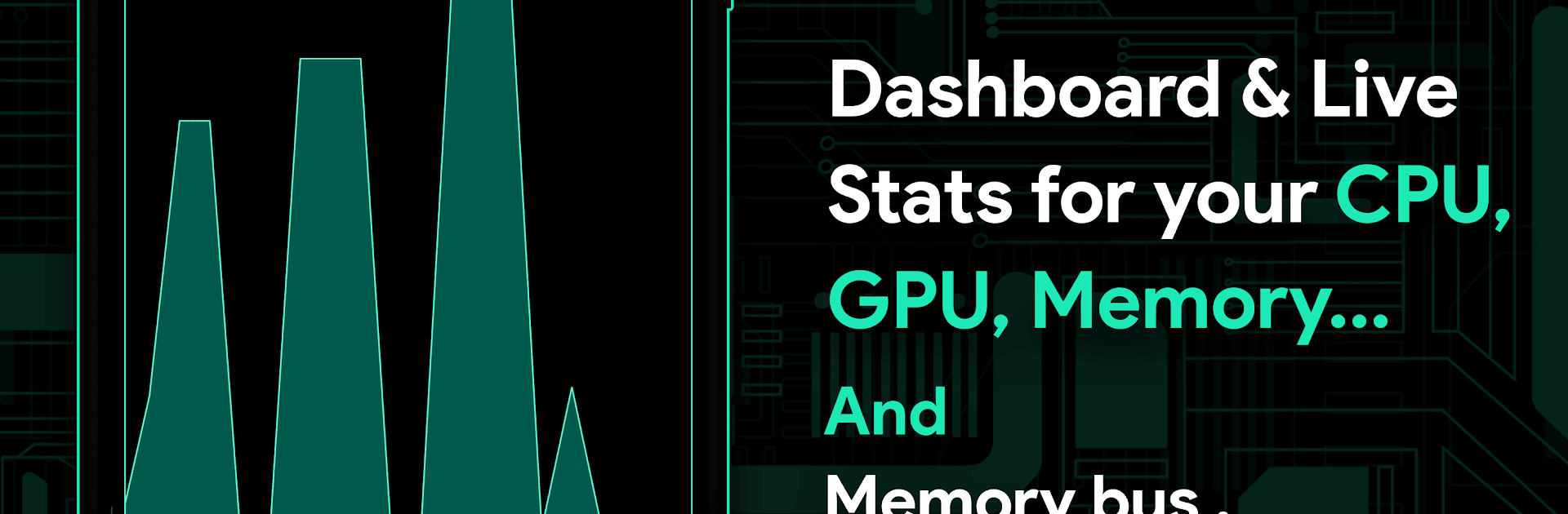
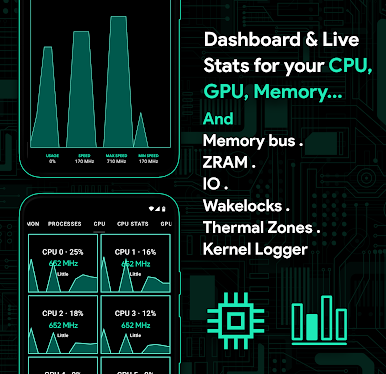
Franco Kernel Manager by Francisco Franco is your complete toolkit to supercharge your device’s kernel with ease. This versatile app caters to all users, from beginners to tech experts, by providing tools to browse, tweak, and enhance overall device performance. Want a power-packed device? Or a battery that lasts longer? It’s all here without needing a custom recovery.
App Features
Battery Management:
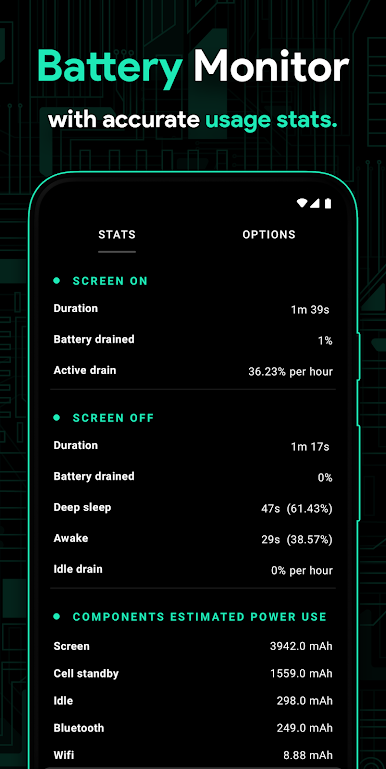
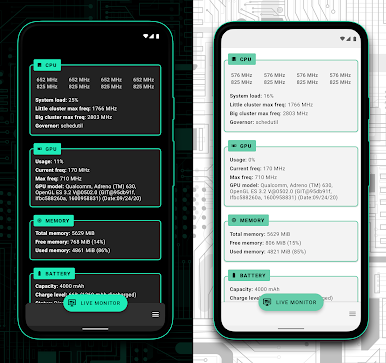
– Battery Monitor notifications offer insights into power consumption, charging estimates, and more.
– Detailed stats show power use for components like WiFi and screen.
Flashing and Customization:
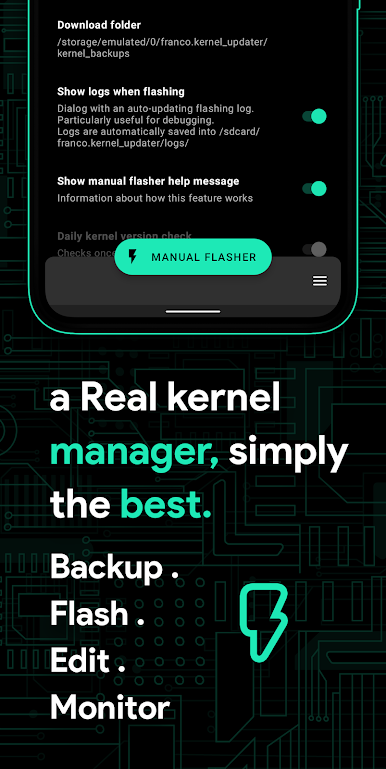
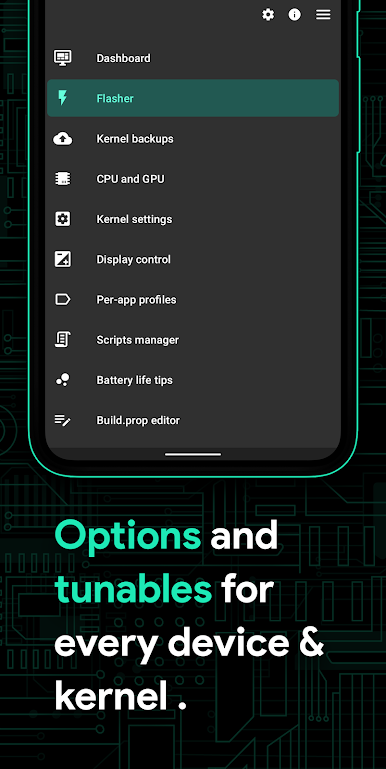
– Auto-flash kernels, Magisk modules, and flashable zips effortlessly.
– Create per-app profiles to adjust settings like CPU frequency or Wi-Fi on/off.
Performance Tweaks:
– Support for CPU/GPU tuning, governor profiles, and more.
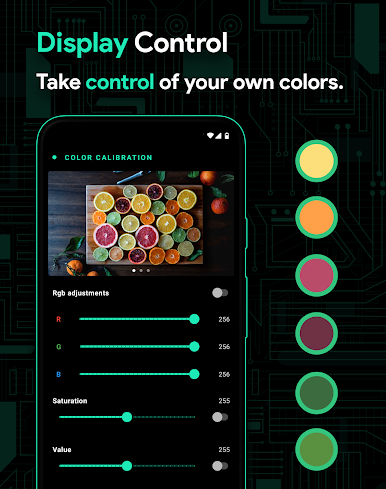
– Features like High Brightness Mode and display color presets.
User Experience:
– Light/Dark themes compatible with modern Android versions.
– Soon-to-be-your-favorite: automatic Night Shift display mode.
Tools and Extras:
– Backup/restore settings and kernels in a flash.
– Built-in scripts manager and kernel logger viewer for superusers.
Franco Kernel Manager crafts a customized experience enhancing every device, especially when used with BlueStacks.
BlueStacks gives you the much-needed freedom to experience your favorite apps on a bigger screen. Get it now.
Spiele Franco Kernel Manager auf dem PC. Der Einstieg ist einfach.
-
Lade BlueStacks herunter und installiere es auf deinem PC
-
Schließe die Google-Anmeldung ab, um auf den Play Store zuzugreifen, oder mache es später
-
Suche in der Suchleiste oben rechts nach Franco Kernel Manager
-
Klicke hier, um Franco Kernel Manager aus den Suchergebnissen zu installieren
-
Schließe die Google-Anmeldung ab (wenn du Schritt 2 übersprungen hast), um Franco Kernel Manager zu installieren.
-
Klicke auf dem Startbildschirm auf das Franco Kernel Manager Symbol, um mit dem Spielen zu beginnen

