


King James Bible audio offline
Jogue no PC com BlueStacks - A Plataforma de Jogos Android, confiada por mais de 500 milhões de jogadores.

Página modificada em: Nov 15, 2025
Play King James Bible audio offline on PC
This King James Version Bible app was created to give everyone a new experience of studying the Holy Bible KJV.
Our Bible was created to give everyone a new experience of studying the holy book, which contains the Old Testament and New Testament.
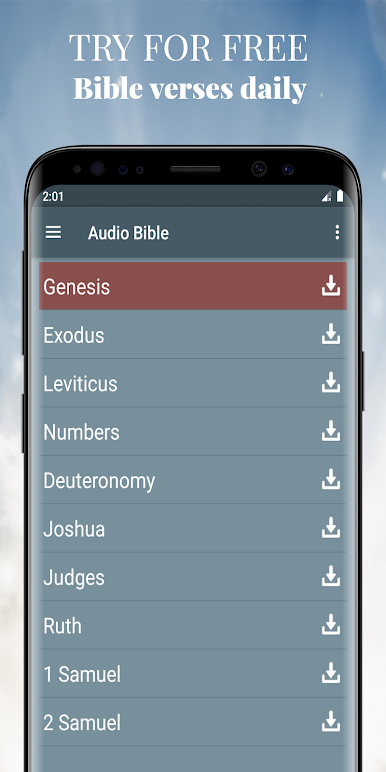
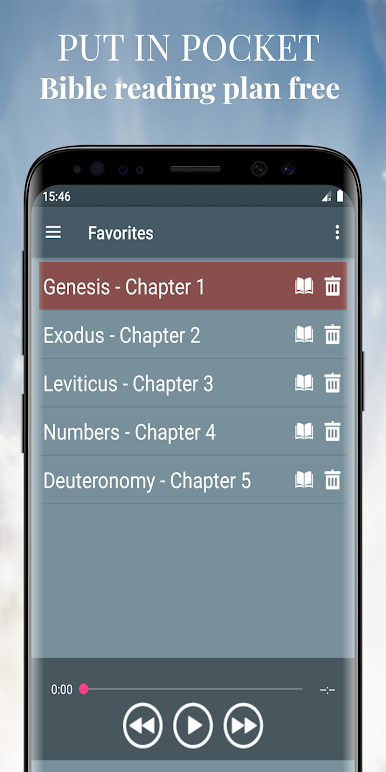
You can download books and listen to the word of God with offline audio version. On the main screen, where there is a list of all books of the Bible, there are buttons for downloading each book.
You can also gradually delete already listened books of the Bible to make room on the phone. You can also download all the books through the menu "Offline Bible (Audio)".
FEATURES of Audio Bible mp3:
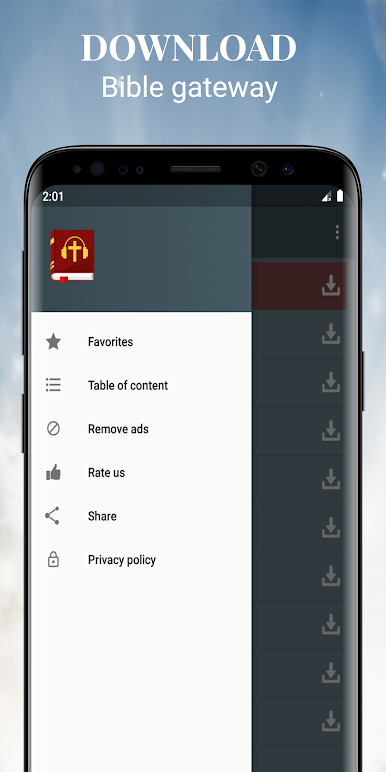
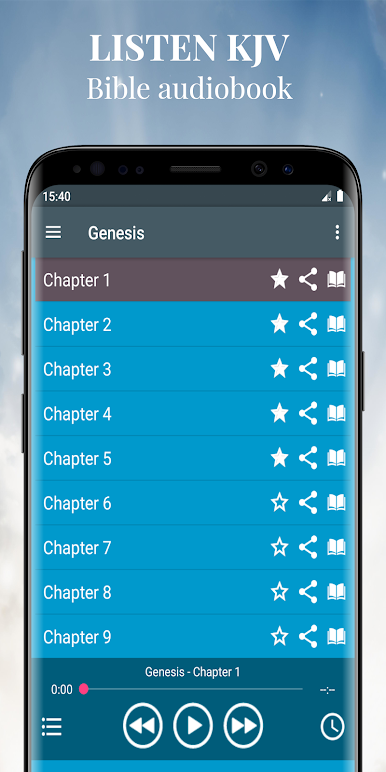
- KJV Bible offline: Old Testament and New Testament. Perfect for people who wants to learn the Bible King James Version free. This application will read the Bible verses for you.
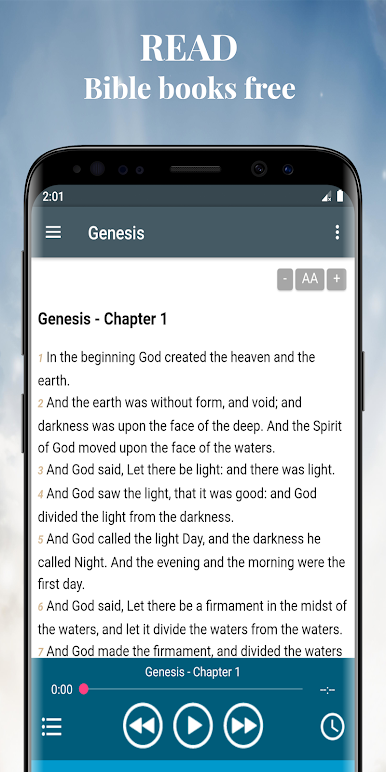
- read and study the holy book with the text version Bible. If you need, change of font size for user visibility.
- disable advertising. Audio Bible verses with music and sleep timer.
- on the main screen there are buttons for downloading each book. If you want to listen to music offline.
- background player function. You don't need to open the app every time to listen your favourite Bible verse of the day.
- dramatized Bible experience: online Bible project mobile app for anytime on your android phone.
- share your favorite Psalm of the day with friends.
- mobile audio Bible reader anytime: no more books, portable to use.
- Easy to understand and easy navigation.
The Bible is a collection of sacred texts or scriptures that Jews and Christians consider to be a product of divine inspiration and a record of the relationship between God and humans.
Let us know if you got any issue. We are open to hearing your suggestions to make Audio Bible app the best Bible application for Android.
We hope you enjoy the app and give us best rating and feedback.
Jogue King James Bible audio offline no PC. É fácil começar.
-
Baixe e instale o BlueStacks no seu PC
-
Conclua o login do Google para acessar a Play Store ou faça isso mais tarde
-
Procure por King James Bible audio offline na barra de pesquisa no canto superior direito
-
Clique para instalar King James Bible audio offline a partir dos resultados da pesquisa
-
Conclua o login do Google (caso você pulou a etapa 2) para instalar o King James Bible audio offline
-
Clique no ícone do King James Bible audio offline na tela inicial para começar a jogar

