


Camera Blocker
5억명 이상의 게이머가 신뢰하는 안드로이드 게임 플랫폼 BlueStacks으로 PC에서 플레이하세요.

Run Camera Blocker on PC or Mac
Why limit yourself to your small screen on the phone? Run Camera Blocker, an app by FRENZYCODERS, best experienced on your PC or Mac with BlueStacks, the world’s #1 Android emulator.
About the App
Ever get that uneasy feeling about apps secretly using your camera? Camera Blocker by FRENZYCODERS is here to keep your camera truly private. Tailored for anyone who wants peace of mind, this simple Tools app lets you control exactly when and how your camera is accessed. No technical fuss—just straightforward protection that puts you back in charge of your own device.
App Features
-
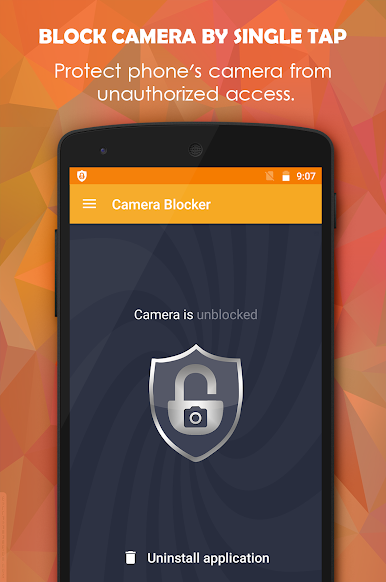
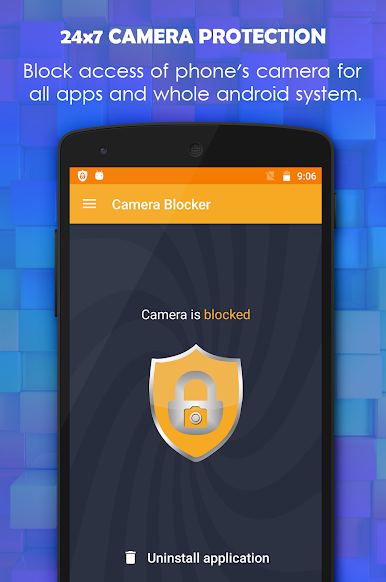
Full-Time Camera Protection
Shut down unwanted camera access—Camera Blocker works around the clock, keeping your camera safe from hidden or rogue apps. -
Zero Camera Permission Required
The app itself doesn’t ask for camera permission, which means not even Camera Blocker can peek through your lens. -
Easy on the Battery
Busy phone? No worries—Camera Blocker runs quietly without slowing things down or draining your battery. -
No Root Needed
Everything works right out of the box, no rooting or complicated setup required. -
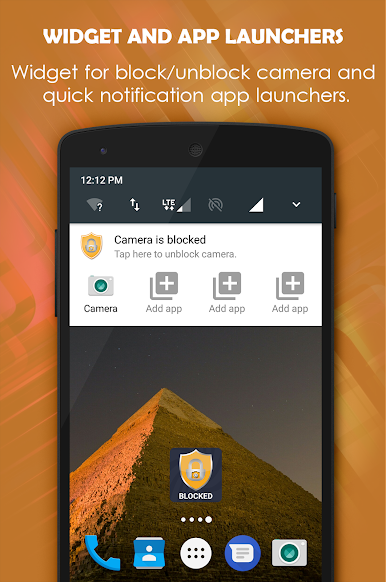
Instant Blocking with a Tap
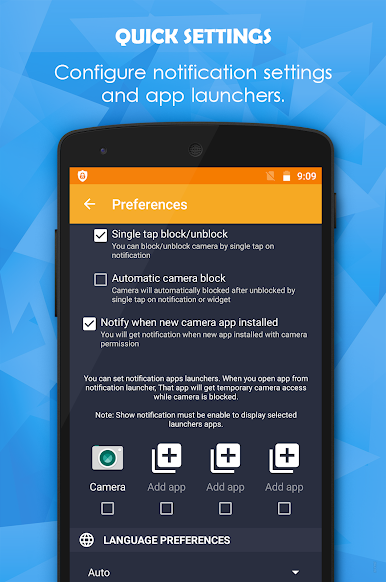
Quickly block or unblock your camera when you need (or want to), straight from the widget or notifications. (Some options available in the Pro version.) -
Timed Auto-Blocking
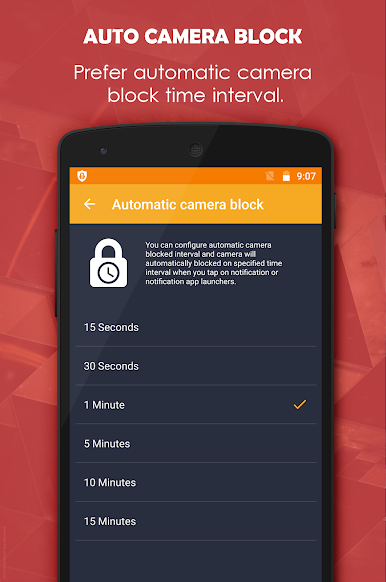
Set up specific times during the day when you want the camera locked down—perfect for work hours, study sessions, or privacy at night. -
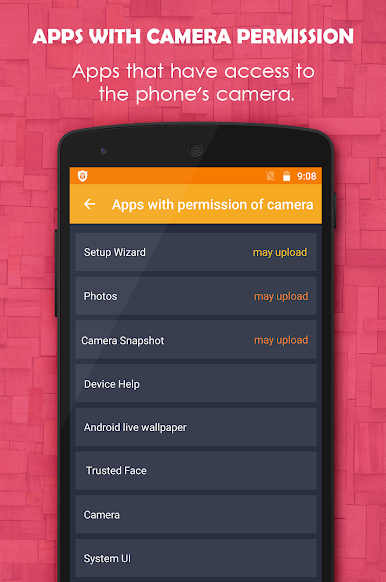
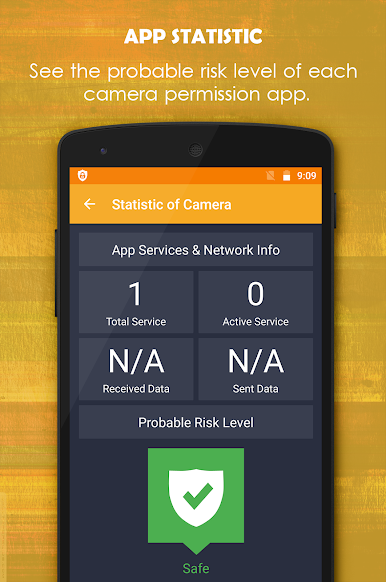
App List with Permission Details
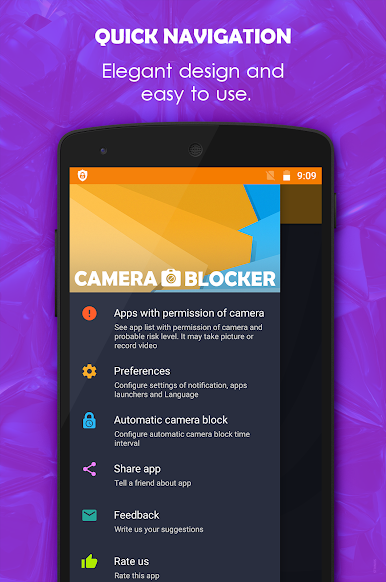
See exactly which apps request camera access, get risk ratings, and stay alerted when a new app tries to use your camera. -
Front and Back Camera Coverage
Whether it’s your selfie cam or the main lens, Camera Blocker covers both so you’re protected all around. -
Easy to Manage or Uninstall
Managing the app is simple—even uninstalling is straightforward thanks to built-in administrator functions.
Camera Blocker gives you powerful privacy controls in a package that’s simple to use—and if you fire it up on BlueStacks, you get all this on your desktop, too.
Ready to experience Camera Blocker on a bigger screen, in all its glory? Download BlueStacks now.
PC에서 Camera Blocker 플레이해보세요.
-
BlueStacks 다운로드하고 설치
-
Google Play 스토어에 로그인 하기(나중에 진행가능)
-
오른쪽 상단 코너에 Camera Blocker 검색
-
검색 결과 중 Camera Blocker 선택하여 설치
-
구글 로그인 진행(만약 2단계를 지나갔을 경우) 후 Camera Blocker 설치
-
메인 홈화면에서 Camera Blocker 선택하여 실행

