

VN Редактор видео AI
Играйте на ПК с BlueStacks – игровой платформе для приложений на Android. Нас выбирают более 500 млн. игроков.

Страница изменена: Dec 11, 2025
Run VN - Video Editor & Maker on PC or Mac
Upgrade your experience. Try VN – AI Video Editor, the fantastic Video Players & Editors app from Ubiquiti Labs, LLC, from the comfort of your laptop, PC, or Mac, only on BlueStacks.
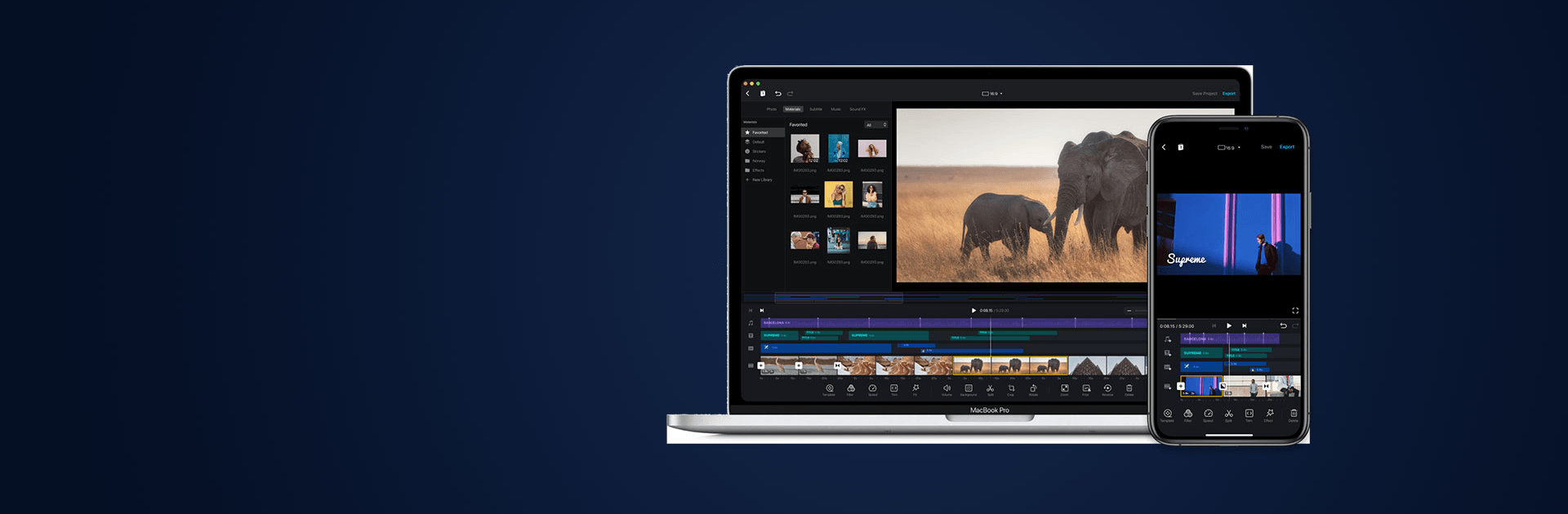
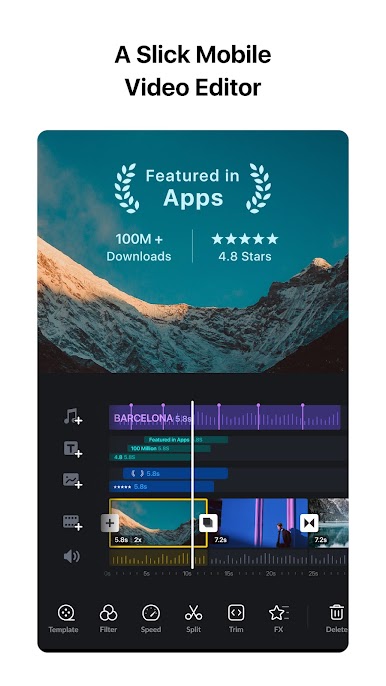
VN feels like one of those editors that actually lets someone get things done without a huge learning curve. The layout is clean, the multi track timeline is easy to read, and there is no watermark tagging the final video. On PC with BlueStacks, the mouse control makes trimming and scrubbing feel very exact, and the timeline zoom helps with those tiny 0.05 second keyframe tweaks when syncing to music. Saving drafts and unlimited undo or redo take the stress out of trying ideas, since nothing overwrites the original.
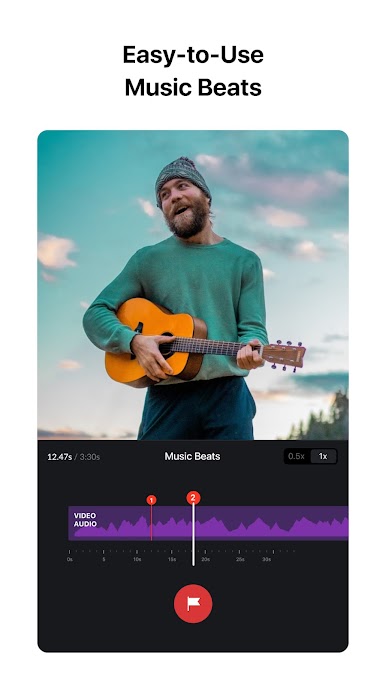
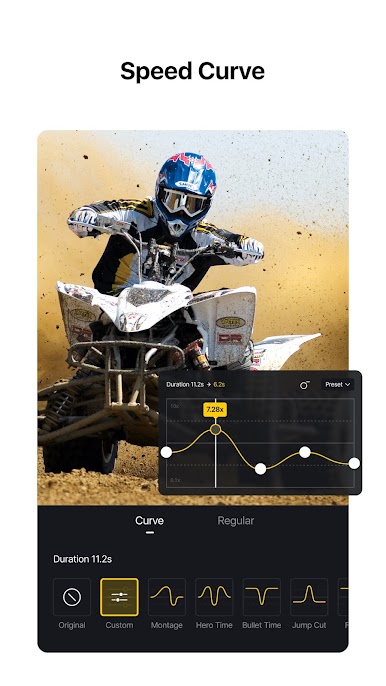
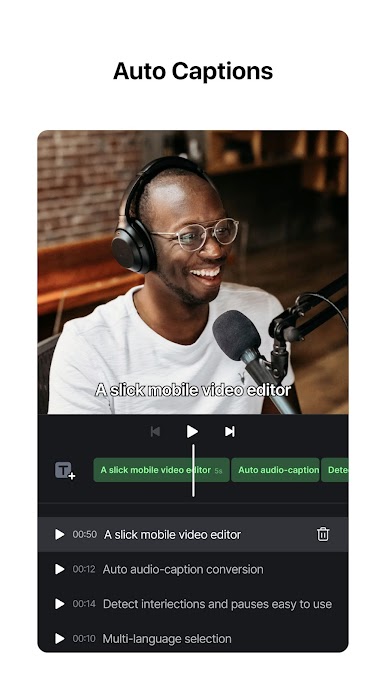
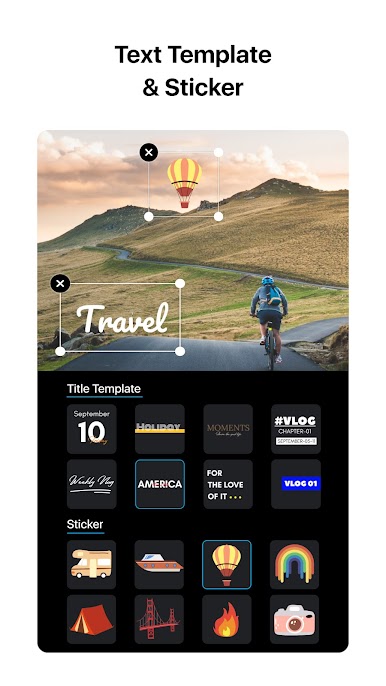
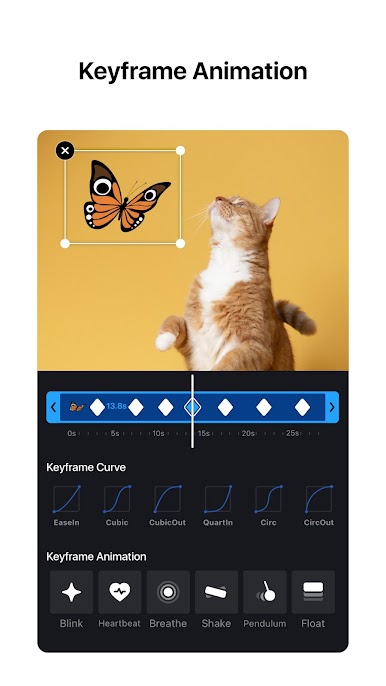
What stands out is how much control sits right there without looking scary. Speed ramps use simple preset curves, transitions and overlays are fast to drop in, and there is a proper keyframe system for animations if someone wants to push a bit further. Reverse clips, smooth zooms, or a quick 1.5 second freeze frame are a couple taps. Color is flexible too. It accepts LUT files for a cinematic look, but the built in filters look good if that is all that is needed. Audio is friendly, with beat markers and easy voice overs that line up nicely. Pulling in fonts, stickers, sounds, or full folders via Wi Fi, messaging apps, or a zip file is painless, and the material library covers a lot of common needs. Text templates are customizable down to spacing. Projects can move between phone and desktop through common cloud drives, and there is even a protection mode with passwords or expiration dates for shared drafts. Export settings are clear, with control over resolution, frame rate, and bit rate, up to 4K at 60 fps. Menus can feel busy the first time, but the workflow clicks fast once a couple edits are done.
Eager to take your app experience to the next level? Start right away by downloading BlueStacks on your PC or Mac.
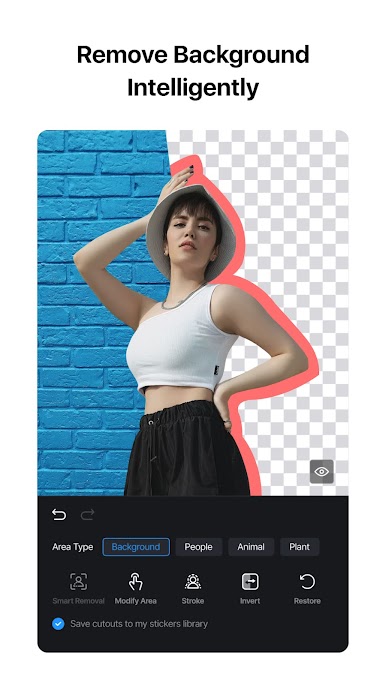
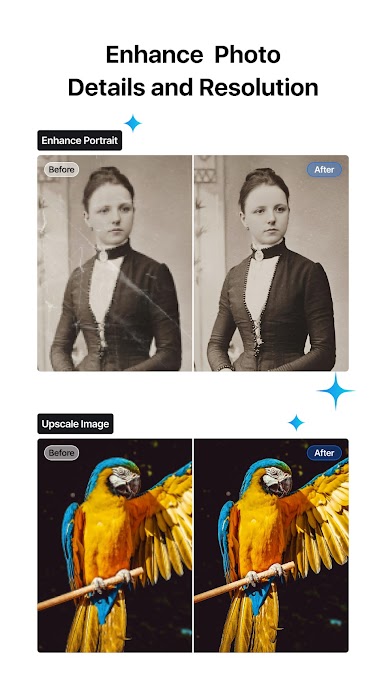
Играйте в игру VN Редактор видео AI на ПК. Это легко и просто.
-
Скачайте и установите BlueStacks на ПК.
-
Войдите в аккаунт Google, чтобы получить доступ к Google Play, или сделайте это позже.
-
В поле поиска, которое находится в правой части экрана, введите название игры – VN Редактор видео AI.
-
Среди результатов поиска найдите игру VN Редактор видео AI и нажмите на кнопку "Установить".
-
Завершите авторизацию в Google (если вы пропустили этот шаг в начале) и установите игру VN Редактор видео AI.
-
Нажмите на ярлык игры VN Редактор видео AI на главном экране, чтобы начать играть.

