

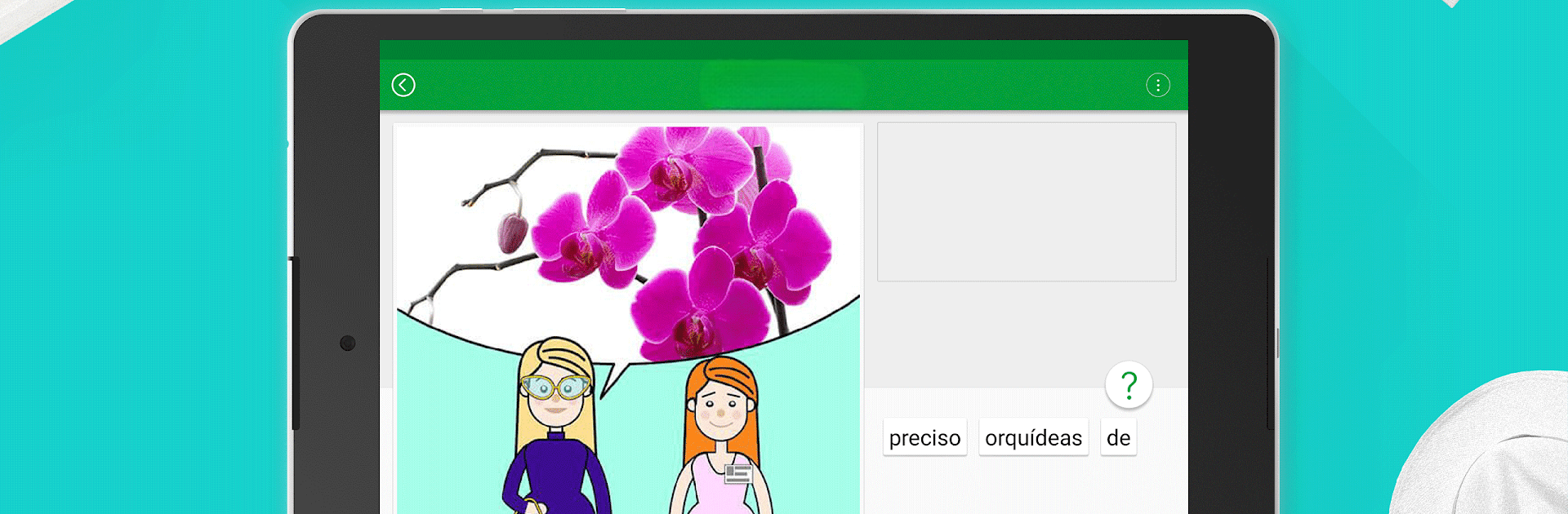
Curso de português
Jogue no PC com BlueStacks - A Plataforma de Jogos Android, confiada por mais de 500 milhões de jogadores.

Página modificada em: Nov 25, 2025
Run Speak Portuguese - 5000 Phrases & Sentences on PC or Mac
Get freedom from your phone’s obvious limitations. Use Speak Portuguese – 5000 Phrases & Sentences, made by FunEasyLearn, a Education app on your PC or Mac with BlueStacks, and level up your experience.
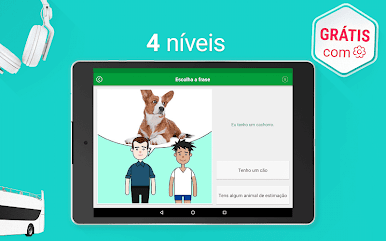
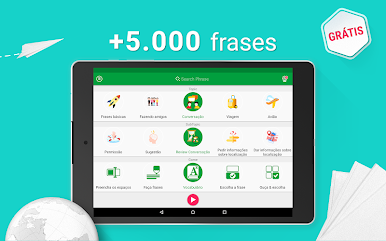
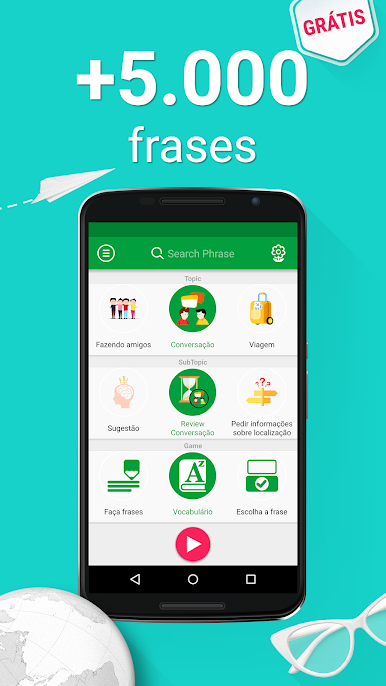
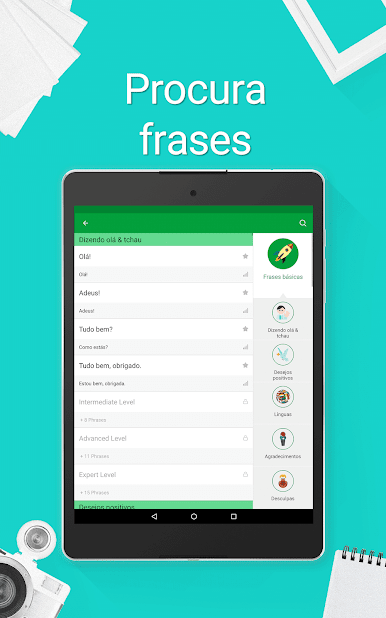
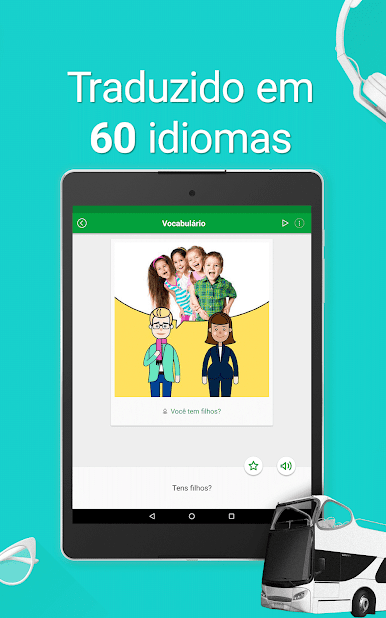
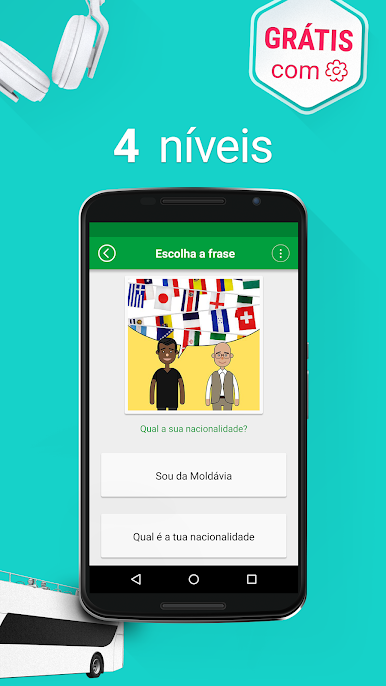
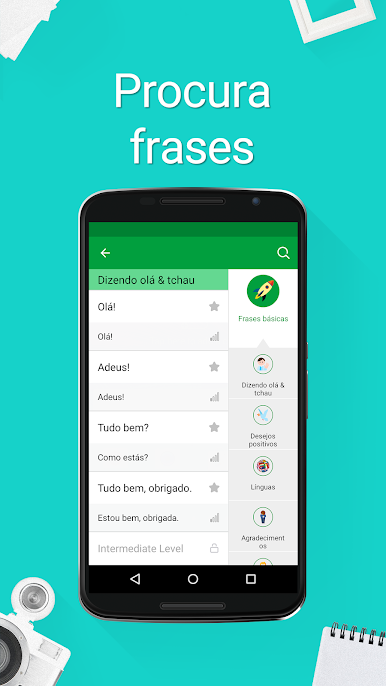
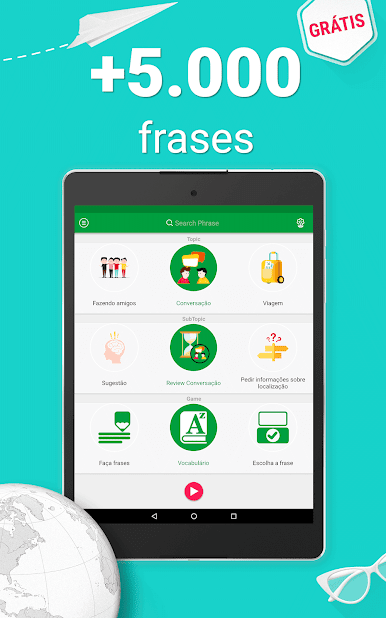
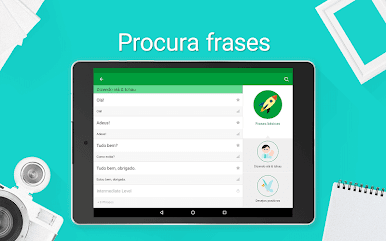
Speak Portuguese – 5000 Phrases & Sentences is actually pretty straightforward, but also surprisingly broad. There’s this huge collection of Portuguese phrases, and they don’t just throw a list at users – it’s organized by real everyday topics like greetings, travel, food, work, shopping, and so on. So if someone needs just the restaurant stuff or wants to brush up before a trip, it’s all right there. It’s designed for all levels, too, from absolute beginners up to people who already get the basics and want to get more comfortable.
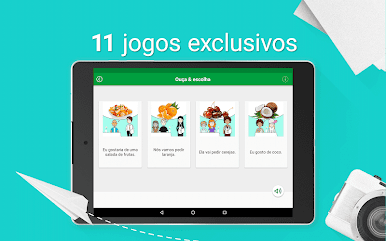
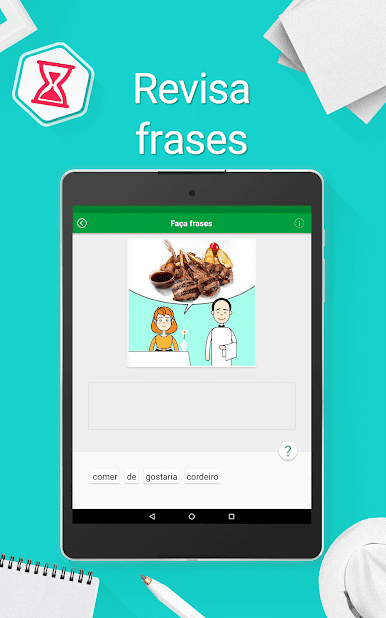
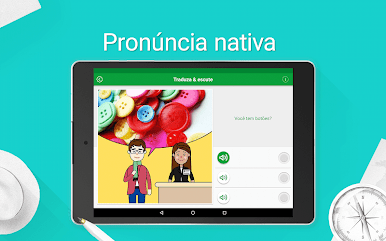
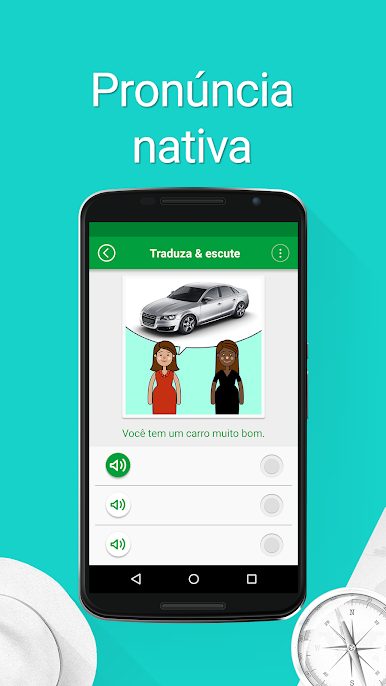
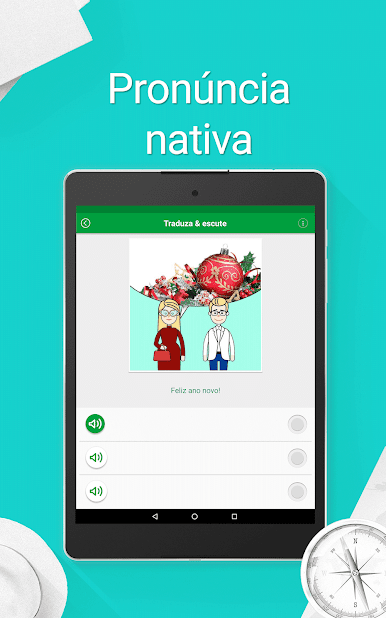
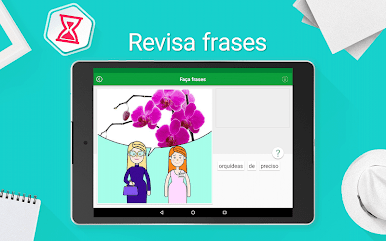
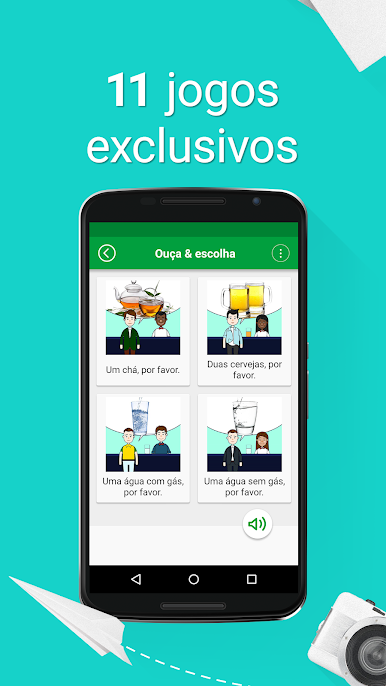
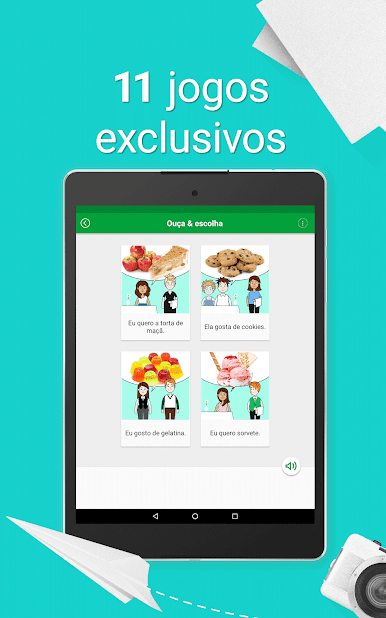
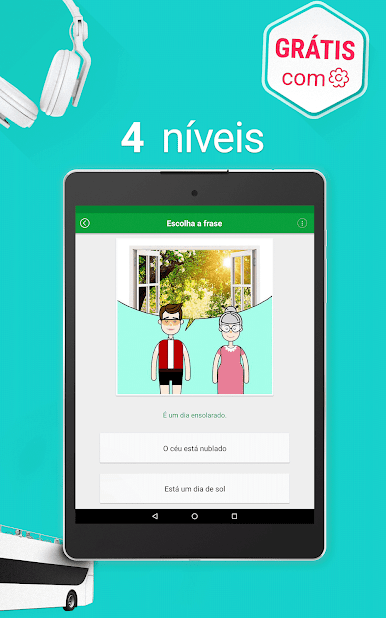
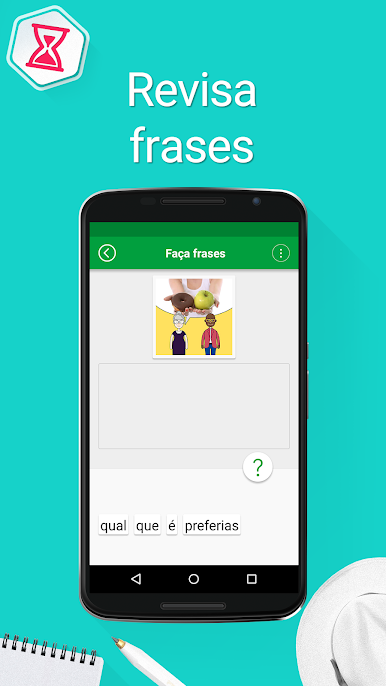
The app mixes things up with different mini-games for practicing how things sound, how to spell them, or say them out loud. Users can hear each phrase spoken by an actual person, then check the written pronunciation, and play with those learning games, which keeps it from feeling repetitive. One click, and it plays offline, so there’s no need to track down wi-fi or deal with signal issues. If someone finds a phrase they know they’ll need later—ordering coffee, asking for directions—it’s easy to bookmark stuff for quick practice.
It even supports a bunch of languages to learn from, so it works well for people who aren’t starting from English. The randomizer feature is a nice way to just pick something out of the blue and try it for a change, too. Running the app on BlueStacks makes everything bigger and easier to sort through, especially for people who like learning on a bigger screen. The points system is there, but it doesn’t try to force anyone to keep unlocking things; everything’s open, and nothing’s hidden behind paywalls. For someone trying to pick up practical Portuguese, especially if they want audio with clear pronunciation examples, this app covers all the main areas in a way that actually feels manageable.
Big screen. Bigger performance. Use BlueStacks on your PC or Mac to run your favorite apps.





Jogue Curso de português no PC. É fácil começar.
-
Baixe e instale o BlueStacks no seu PC
-
Conclua o login do Google para acessar a Play Store ou faça isso mais tarde
-
Procure por Curso de português na barra de pesquisa no canto superior direito
-
Clique para instalar Curso de português a partir dos resultados da pesquisa
-
Conclua o login do Google (caso você pulou a etapa 2) para instalar o Curso de português
-
Clique no ícone do Curso de português na tela inicial para começar a jogar

