


Apprendre le russe
Jouez sur PC avec BlueStacks - la plate-forme de jeu Android, approuvée par + 500M de joueurs.

Page Modifiée le: Dec 8, 2025
Run Learn Russian - 11,000 Words on PC or Mac
Let BlueStacks turn your PC, Mac, or laptop into the perfect home for Learn Russian – 11,000 Words, a fun Education app from FunEasyLearn.
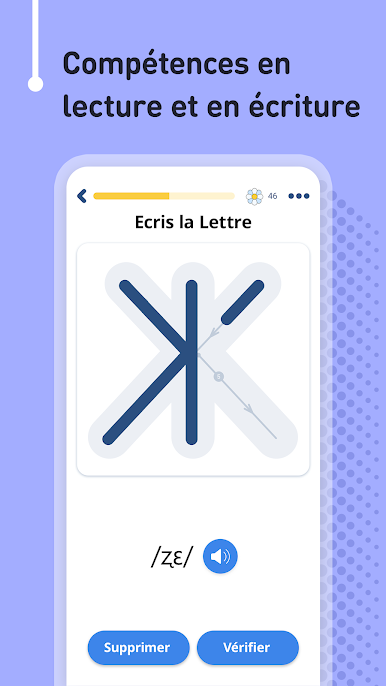
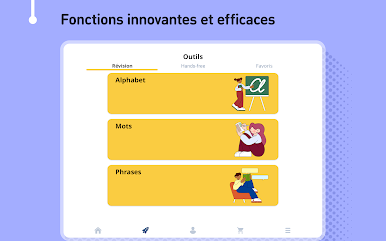
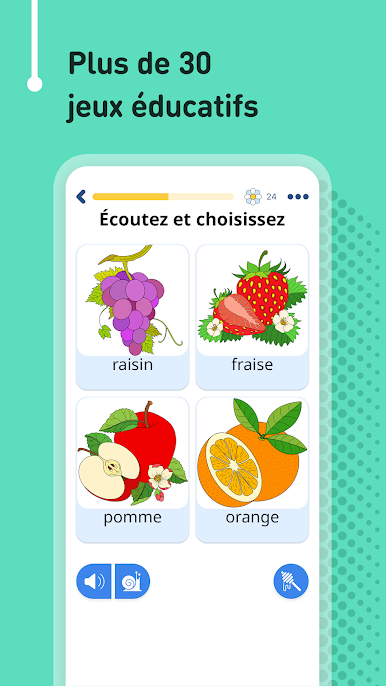
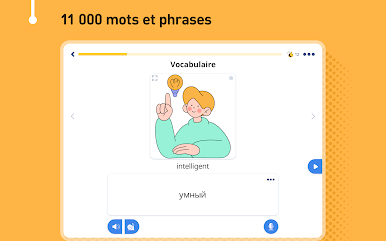
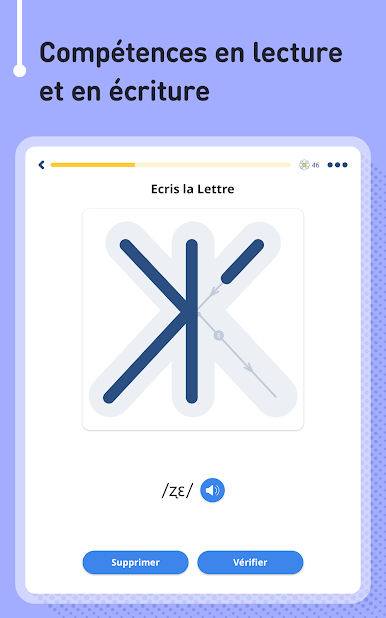
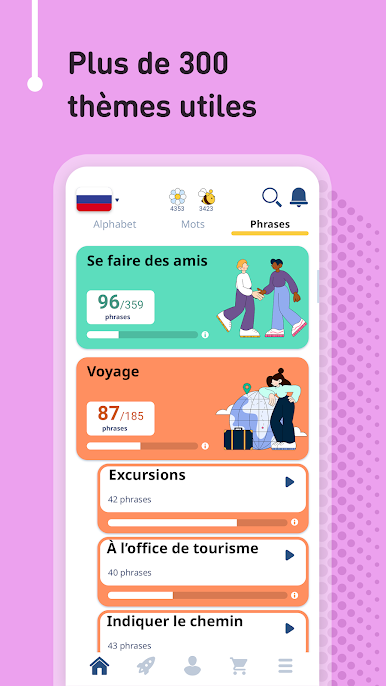
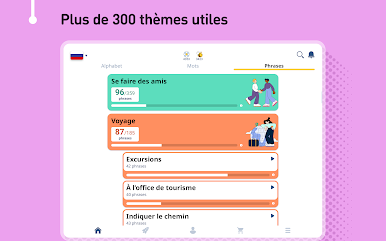
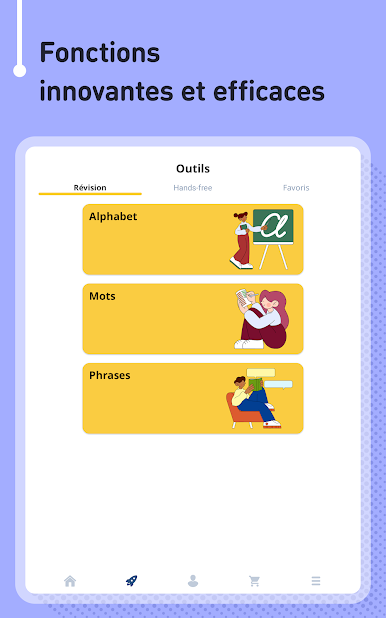
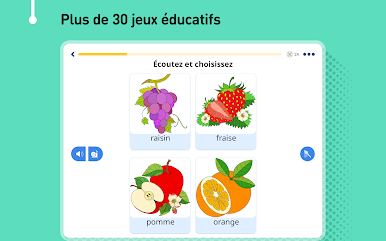
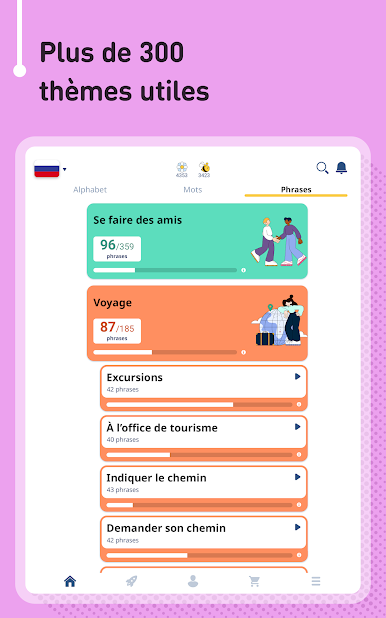
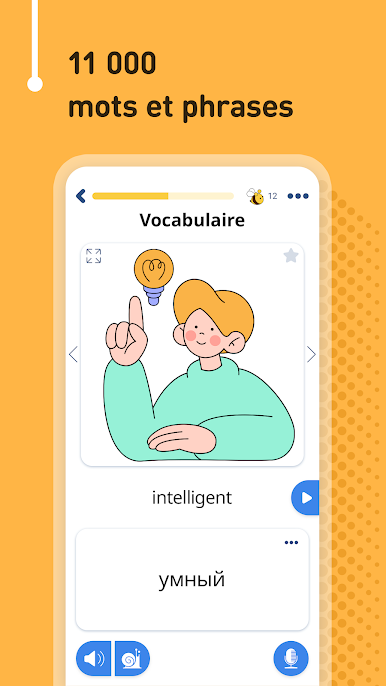
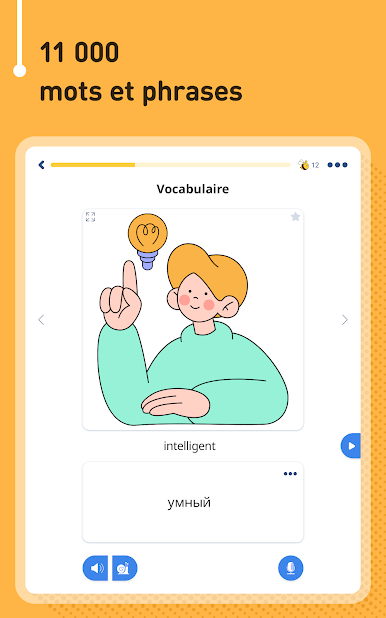
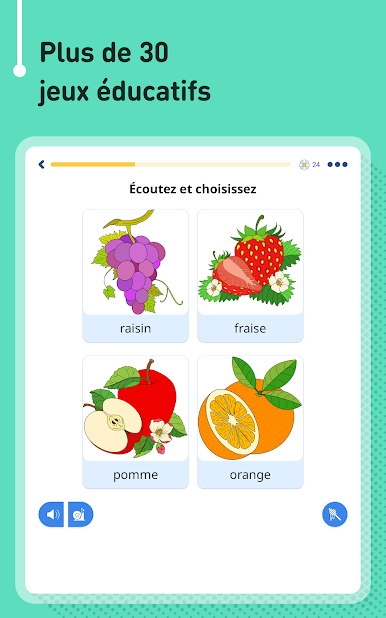
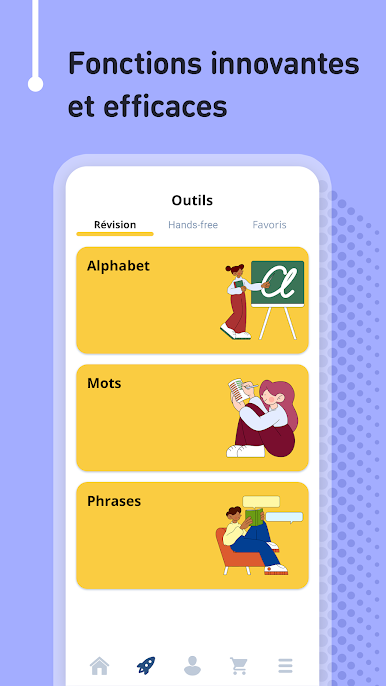
So, this Learn Russian – 11,000 Words app is actually pretty chill if you’re just looking to get a handle on Russian without getting overwhelmed. It’s got tons of vocab — like, thousands of words and phrases, all sorted into different levels and topics, so you never feel lost not knowing where to start. Everything’s split up between basics, travel stuff, business, and just everyday things. There are hand-drawn pictures for each word and phrase, which keeps it from feeling dry, and the audio is recorded by native speakers, so you’re not guessing how stuff is supposed to sound. The app’s set up for all kinds of practice too — reading, writing, listening, or even having it check your pronunciation, which is fun if you want to hear how close you’re getting.
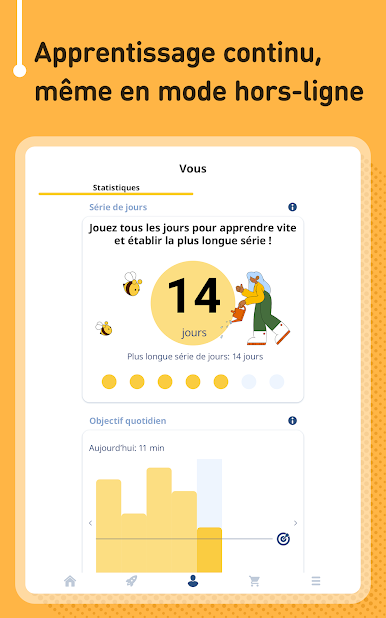
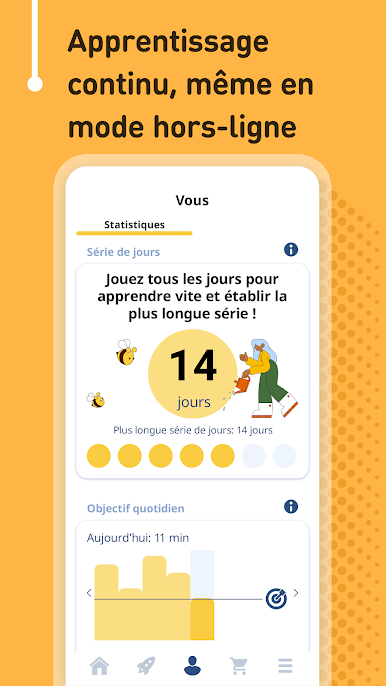
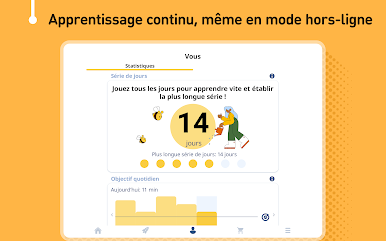
For anyone who actually wants to build up Russian skills for work or a trip, there are grouped lessons just for that — like ordering food or getting directions, even for work situations like shops or taxis. All the stats and progress stuff helps if you care about tracking what you’ve done (or just want to stay motivated when you unlock things). You can use it completely offline, so there’s no messing around with spotty internet, which is handy if you’re on the go or just hate streaming. One thing that stands out is how it hides the things you already know, so practice ends up being more focused. And honestly, playing through it on PC with BlueStacks makes everything easier to see and click around, especially if you’re tired of squinting at a phone. It basically feels like a super-organized flashcard game but way more interactive, and it somehow keeps the learning from feeling like a chore.
BlueStacks gives you the much-needed freedom to experience your favorite apps on a bigger screen. Get it now.
Jouez à Apprendre le russe sur PC. C'est facile de commencer.
-
Téléchargez et installez BlueStacks sur votre PC
-
Connectez-vous à Google pour accéder au Play Store ou faites-le plus tard
-
Recherchez Apprendre le russe dans la barre de recherche dans le coin supérieur droit
-
Cliquez pour installer Apprendre le russe à partir des résultats de la recherche
-
Connectez-vous à Google (si vous avez ignoré l'étape 2) pour installer Apprendre le russe
-
Cliquez sur l'icône Apprendre le russe sur l'écran d'accueil pour commencer à jouer

