


Easy Invoice - Estimate Maker
Juega en PC con BlueStacks: la plataforma de juegos Android, en la que confían más de 500 millones de jugadores.

Página modificada el: Oct 30, 2025
Play Easy Invoice - Estimate Maker on PC
🚀 Key Features:
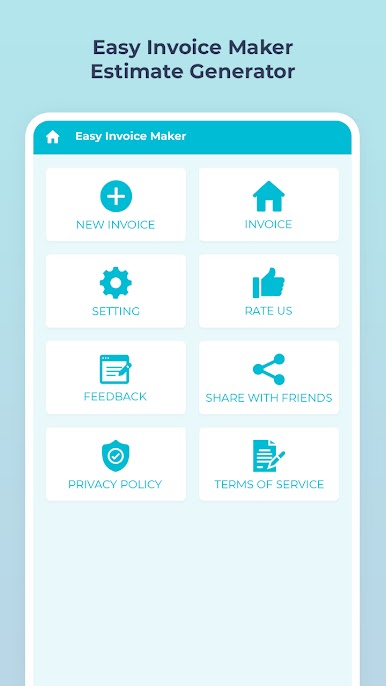
🧾 Create & Send Unlimited Invoices
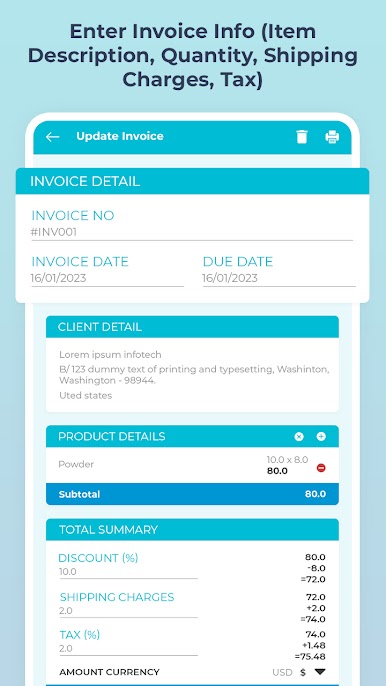
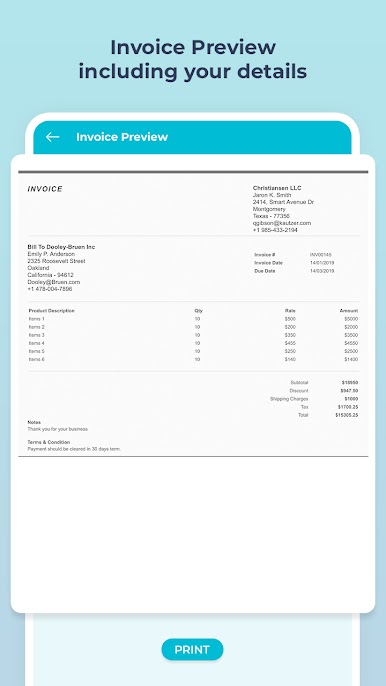
Generate unlimited invoices and estimates instantly. Add customer details, items, taxes, discounts, shipping, and terms—then export as PDF.
📤 Share Invoices Instantly
Email, print, or share your invoices/estimates via WhatsApp, Gmail, or any app. Fast and secure invoice sharing.
🖋️ Customizable Invoice Templates
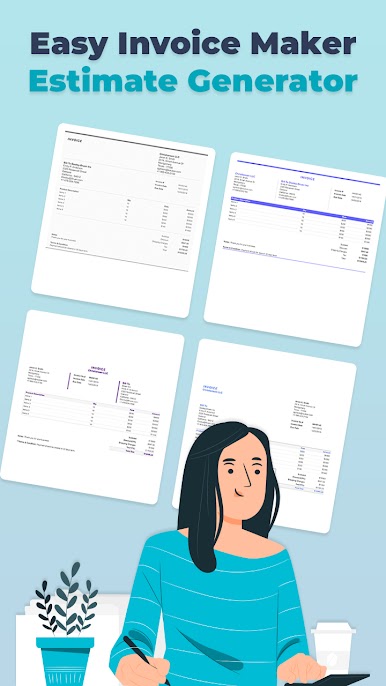
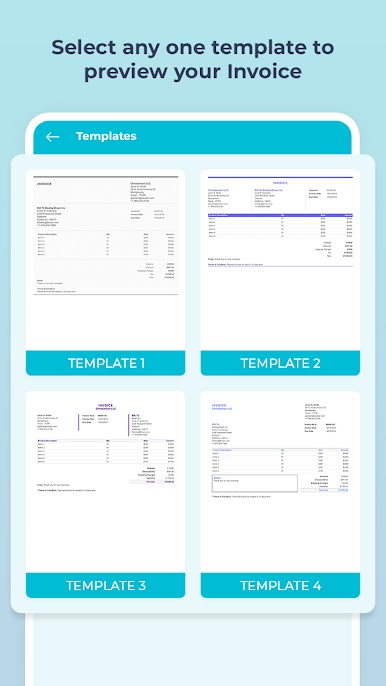
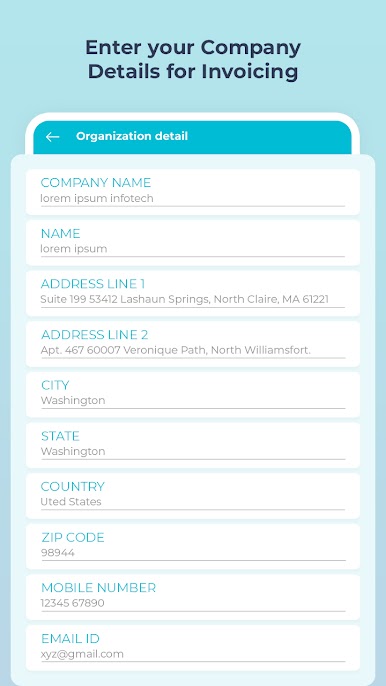
Choose from beautifully designed invoice layouts. Edit organization info, colors, labels, currency, and more for a personal touch.
📅 Smart Invoice Tracking
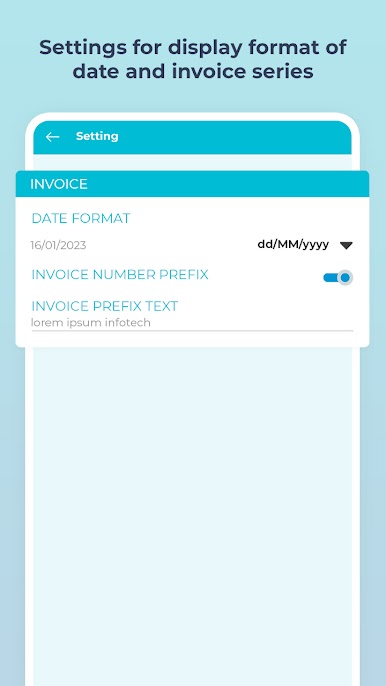
Add due dates, invoice numbers, and auto-generate invoice IDs with customizable prefixes. Never miss a payment.
💵 Add Discounts, Tax & Shipping
Flexible invoicing that supports taxes (GST/VAT), percentage or flat discounts, shipping charges, and itemized billing.
📁 Auto-Save as PDF
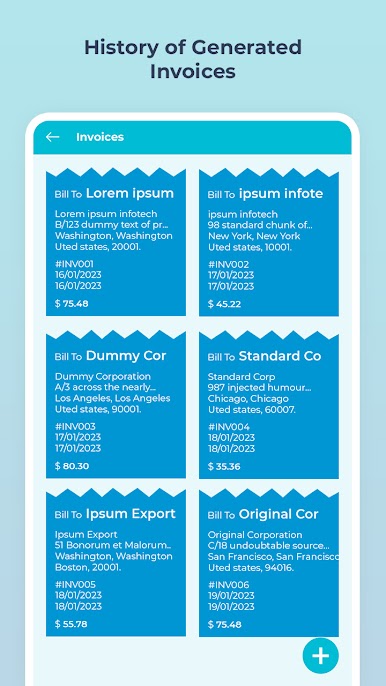
All invoices and estimates are saved locally as PDF documents. Easily access and manage your billing history.
📌 Include Notes & Payment Terms
Add terms like "Due in 30 days", notes, or custom conditions for clear client communication.
🌐 Multi-language & Multi-currency Support
Supports multiple currencies and date formats to cater to international clients.
💼 Who is this for?
Perfect for:
Freelancers & Consultants
Contractors & Builders
Self-employed Professionals
Small Business Owners
Service Providers & Vendors
Start sending clean, professional invoices and quotes in minutes with Easy Invoice - Estimate Maker. No sign-up required. Just download and start billing your clients—anytime, anywhere.
✅ Download Now and take control of your business finances with the best free invoice & billing app of 2025!
Juega Easy Invoice - Estimate Maker en la PC. Es fácil comenzar.
-
Descargue e instale BlueStacks en su PC
-
Complete el inicio de sesión de Google para acceder a Play Store, o hágalo más tarde
-
Busque Easy Invoice - Estimate Maker en la barra de búsqueda en la esquina superior derecha
-
Haga clic para instalar Easy Invoice - Estimate Maker desde los resultados de búsqueda
-
Complete el inicio de sesión de Google (si omitió el paso 2) para instalar Easy Invoice - Estimate Maker
-
Haz clic en el ícono Easy Invoice - Estimate Maker en la pantalla de inicio para comenzar a jugar

