


WeMuslim: Athan, Qibla&Quran
Graj na PC z BlueStacks – Platforma gamingowa Android, która uzyskała zaufanie ponad 500 milionów graczy!

Strona zmodyfikowana w dniu: Dec 10, 2025
Play WeMuslim: Athan, Qibla&Quran on PC
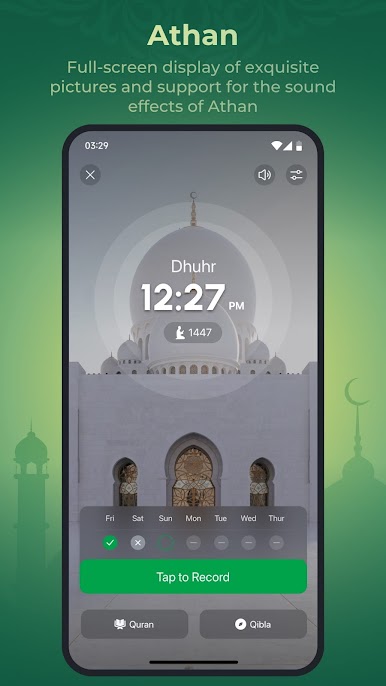
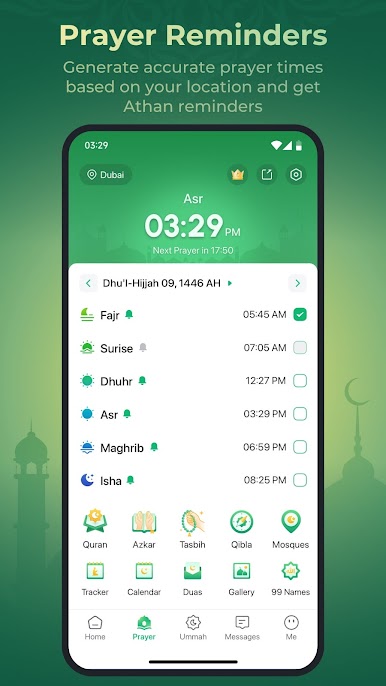
🕌 Prayer times - Based on your current location, this app provides accurate prayer times and plays the magnificent audio of the Athan before each prayer.
*WeMuslim needs you to authorize the foreground service permission to provide timely and prominent prayer reminders (FOREGROUND_SERVICE_SPECIAL_USE).
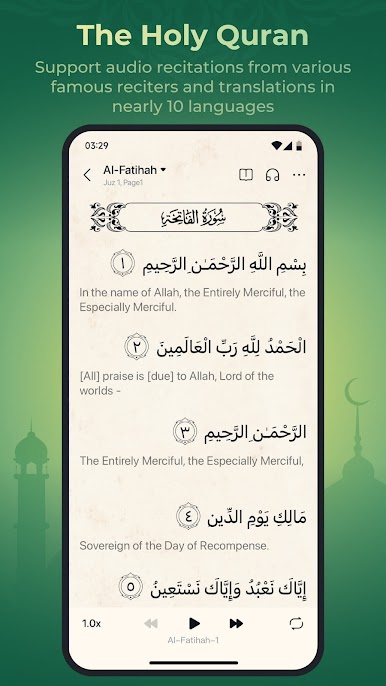
📖 Quran Kareem - Supports audio recitations from various famous reciters and translations in nearly 10 languages and helps you do the Khatam Quran.
*WeMuslim needs you to authorize the foreground service permission to ensure that the audio of the Quran can be downloaded (FOREGROUND_SERVICE_DATA_SYNC) and played (FOREGROUND_SERVICE_MEDIA_PLAYBACK) in the background.
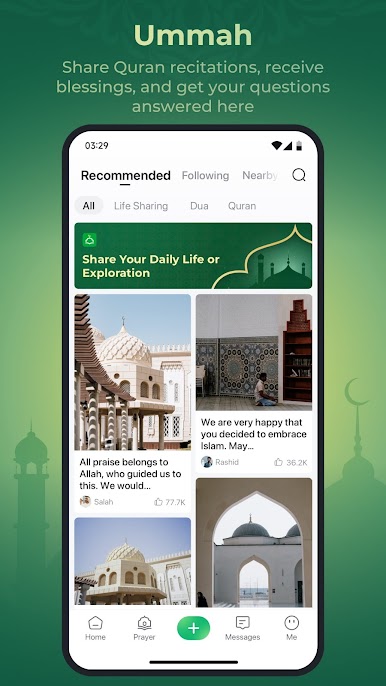
☪️ Ummah - You can browse and post your thoughts on reciting the Quran, receive blessings from other Muslims, and raise your questions to be answered by the imam.
🧭 Qibla - This feature provides an easy-to-use compass that points in the direction of the Kaaba.
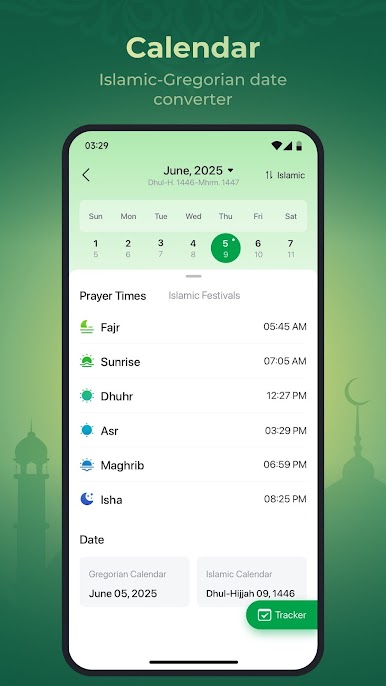
📅 Hijri - This feature allows you to look up the Islamic calendar for future prayer times and also provides a function to record your daily prayers.
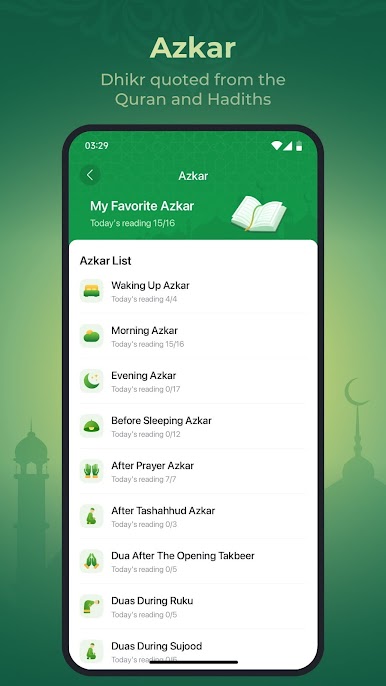
🤲 Azkar - This feature includes Dua and remembrance based on Hadiths and the Quran, which can be easily read and recited.
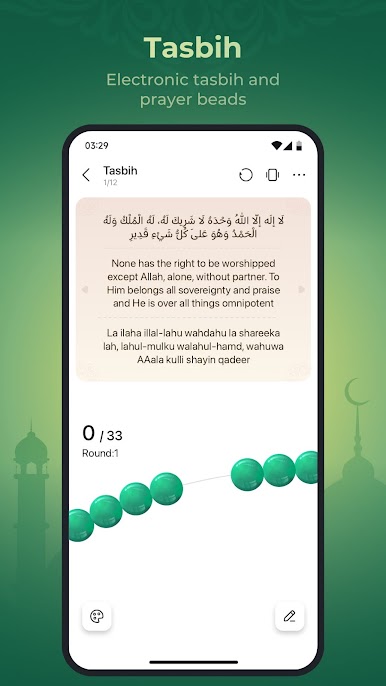
📿 Tasbih - This feature includes an electronic tasbih and prayer beads counter to assist you in keeping count while reading your prayer or Dua.
🕋 Hajj&Umrah - This feature provides the guide for the journey of Hajj, including the explanations and instructions for the ritual.
*Data charges may apply. Contact your provider for details.
*Foreground service permission are required
The use-case of FOREGROUND_SERVICE_DATA_SYNC permission: Continue to download the audio of the Quran in the background.
The use-case of FOREGROUND_SERVICE_MEDIA_PLAYBACK permission: Continue to play the Quran in the background.
The use-case of FOREGROUND_SERVICE_SPECIAL_USE permission: Continue to display the prayer time reminder in the notification bar in the background.
---------------------------------------------------------
If you have any feedback, questions, or concerns, please email us at:
support@wemuslim.com
Learn more about WeMuslim at:
https://www.wemuslim.com
---------------------------------------------------------

Zagraj w WeMuslim: Athan, Qibla&Quran na PC. To takie proste.
-
Pobierz i zainstaluj BlueStacks na PC
-
Zakończ pomyślnie ustawienie Google, aby otrzymać dostęp do sklepu Play, albo zrób to później.
-
Wyszukaj WeMuslim: Athan, Qibla&Quran w pasku wyszukiwania w prawym górnym rogu.
-
Kliknij, aby zainstalować WeMuslim: Athan, Qibla&Quran z wyników wyszukiwania
-
Ukończ pomyślnie rejestrację Google (jeśli krok 2 został pominięty) aby zainstalować WeMuslim: Athan, Qibla&Quran
-
Klinij w ikonę WeMuslim: Athan, Qibla&Quran na ekranie startowym, aby zacząć grę

