


Pixels of Fortnite
500M + oyuncunun güvendiği Android Oyun Platformu, BlueStacks ile PC'de oynayın.

Sayfa Değiştirilme tarihi: Oct 3, 2025
Play Pixels of Fortnite: Color by Numbers Art Game on PC or Mac
Bring your A-game to Pixels of Fortnite: Color by Numbers Art Game, the Casual game sensation from GD Games & Apps. Give your gameplay the much-needed boost with precise game controls, high FPS graphics, and top-tier features on your PC or Mac with BlueStacks.
About the Game
If you’re into Fortnite and find coloring relaxing, Pixels of Fortnite: Color by Numbers Art Game might just be your new favorite time-killer. This casual game by GD Games & Apps lets you wind down with loads of Fortnite-inspired pixel art, all ready to be brought to life by your fingertips. With simple controls and a laid-back pace, you can pick up or pause your artwork whenever you want — no pressure, just easygoing creativity.
Game Features
-
Tons of Fortnite Images
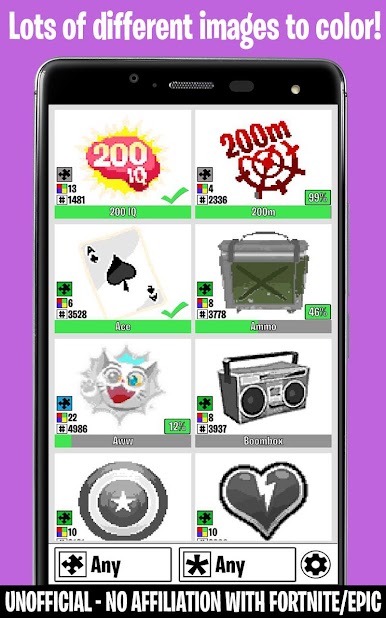
You’ll find a bunch of Fortnite-themed pictures to color, each designed in a pixel style that fans will instantly recognize. -
Color Your Way
No clocks ticking here — take as much or as little time as you like on each piece. It’s all about relaxing and having fun. -
Save and Continue
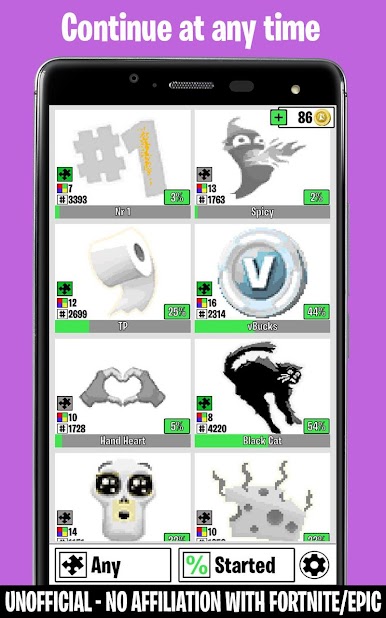
Got halfway through a Battle Bus and need a break? No problem. Your progress saves automatically, so you can pick up where you left off. -
Simple Tap Controls
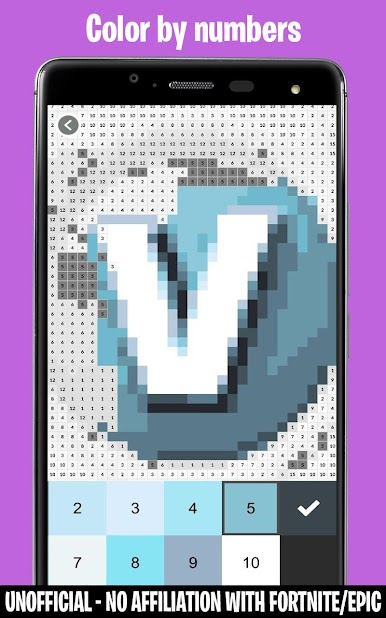
All you need is a tap to fill in each pixel! You can even hold down to color in a row, which makes bigger areas a breeze. -
No In-Game Purchases
Everything in the app is free with no hidden costs or paywalls popping up. -
Big Screen Friendly
For those who want a bigger canvas, Pixels of Fortnite: Color by Numbers Art Game works on BlueStacks, bringing those pixel images to life on your PC with the same easy controls.
Whether you’re a longtime Fortnite fan or just like coloring games, you can chill out and enjoy dozens of designs, all without any fuss.
Slay your opponents with your epic moves. Play it your way on BlueStacks and dominate the battlefield.
Pixels of Fortnite oyununu PC'de oyna. Başlamak çok kolay.
-
BlueStacks'i PC'nize İndirin ve Yükleyin
-
Play Store'a erişmek için Google girişi yapın ya da daha sonraya bırakın.
-
Sağ üst köşeye Pixels of Fortnite yazarak arayın.
-
Pixels of Fortnite uygulamasını arama sonuçlarından indirmek için tıklayın.
-
(iEğer Adım 2'yi atladıysanız) Pixels of Fortnite uygulamasını yüklemek için Google'a giriş yapın.
-
Oynatmaya başlatmak için ekrandaki Pixels of Fortnite ikonuna tıklayın.

