

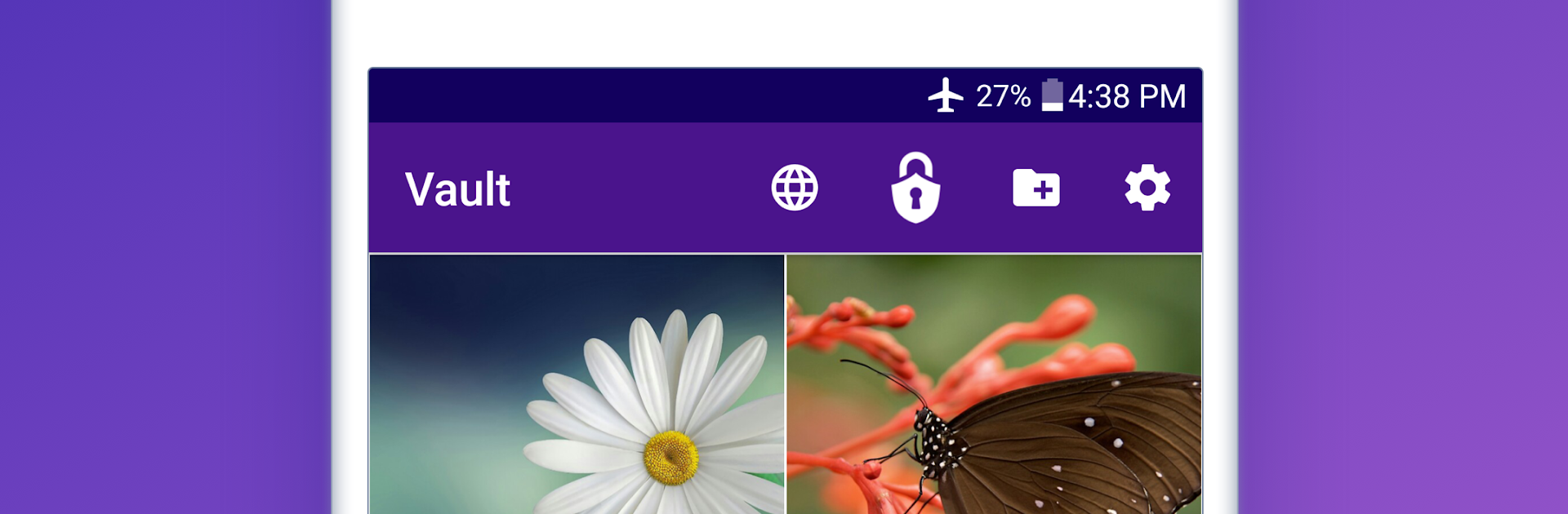
Easy Vault: Hide Pics & Videos
Chơi trên PC với BlueStacks - Nền tảng chơi game Android, được hơn 500 triệu game thủ tin tưởng.

Trang đã được sửa đổi vào: Jul 21, 2025
Run Easy Vault: Hide Pics & Videos on PC or Mac
Get freedom from your phone’s obvious limitations. Use Easy Vault: Hide Pics & Videos, made by AktivByte, a Tools app on your PC or Mac with BlueStacks, and level up your experience.
About the App
Some things aren’t meant for everyone’s eyes. Easy Vault: Hide Pics & Videos gives you a simple, secure place to tuck away photos, videos, and files behind a password. Built by AktivByte, this Tools app focuses on privacy without making things complicated or slow.
App Features
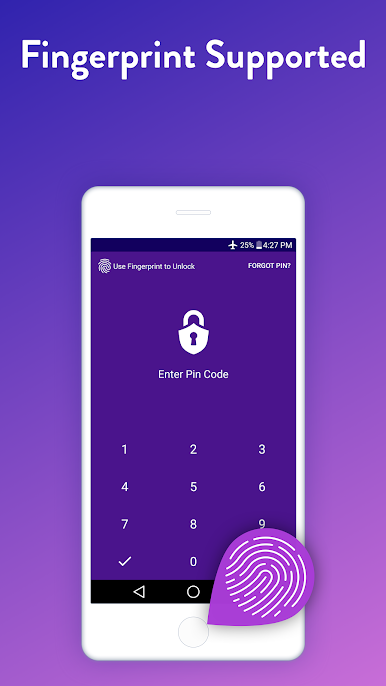
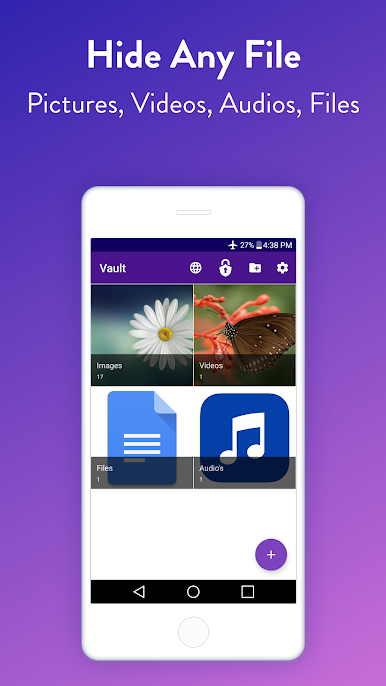
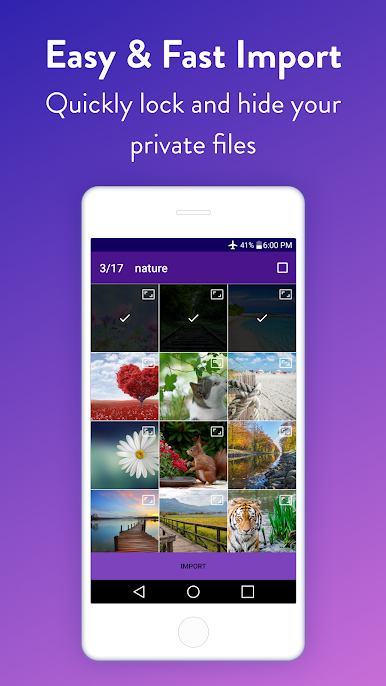
- Private media locker: Hide photos and videos with a password so only you can open them.
- File protection for everything: Not just images—stash documents, audio, and other files in the same secure vault.
- Encryption built in: Your hidden items are encrypted and only viewable inside the app.
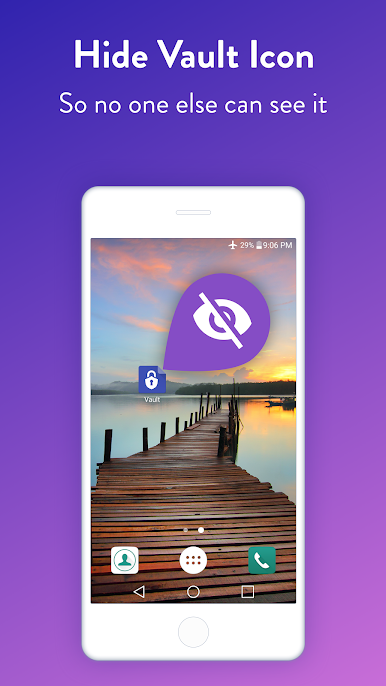
- Discreet mode: Hide the Easy Vault icon so the app doesn’t show up in your launcher.
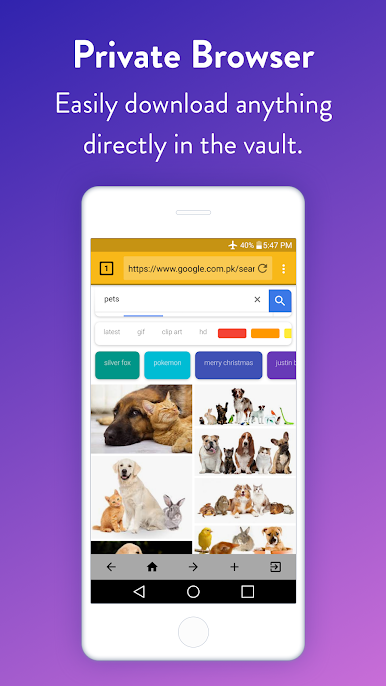
- Private web browser: Surf the web inside a password-protected browser, separate from your regular history.
- Clean, fast gallery: Browse your hidden media smoothly, without clutter or lag.
- Organized folders: Create folders, rename them, and move items around to keep things neat.
- Unhide anytime: Restore photos and videos back to their original location when you want them visible again.
- SD card support: Save space on your phone by keeping hidden media on your SD card.
- Slideshow viewing: Flip through private photos as a slideshow inside the vault.
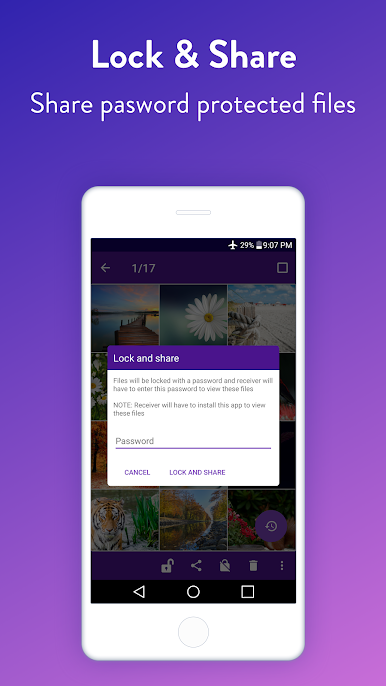
- Share when needed: Send a hidden photo, video, or file directly from the app.
- Restore after reinstall: Reinstall the app and recover your previously hidden content.
- Big-screen friendly: Prefer managing your vault on a computer? You can use it with BlueStacks for a roomier view.
Eager to take your app experience to the next level? Start right away by downloading BlueStacks on your PC or Mac.
Chơi Easy Vault: Hide Pics & Videos trên PC. Rất dễ để bắt đầu
-
Tải và cài đặt BlueStacks trên máy của bạn
-
Hoàn tất đăng nhập vào Google để đến PlayStore, hoặc thực hiện sau
-
Tìm Easy Vault: Hide Pics & Videos trên thanh tìm kiếm ở góc phải màn hình
-
Nhấn vào để cài đặt Easy Vault: Hide Pics & Videos trong danh sách kết quả tìm kiếm
-
Hoàn tất đăng nhập Google (nếu bạn chưa làm bước 2) để cài đặt Easy Vault: Hide Pics & Videos
-
Nhấn vào icon Easy Vault: Hide Pics & Videos tại màn hình chính để bắt đầu chơi

