

Garmin Messenger™
Graj na PC z BlueStacks – Platforma gamingowa Android, która uzyskała zaufanie ponad 500 milionów graczy!

Strona zmodyfikowana w dniu: Nov 21, 2025
Run Garmin Messenger™ on PC or Mac
What’s better than using Garmin Messenger™ by Garmin? Well, try it on a big screen, on your PC or Mac, with BlueStacks to see the difference.
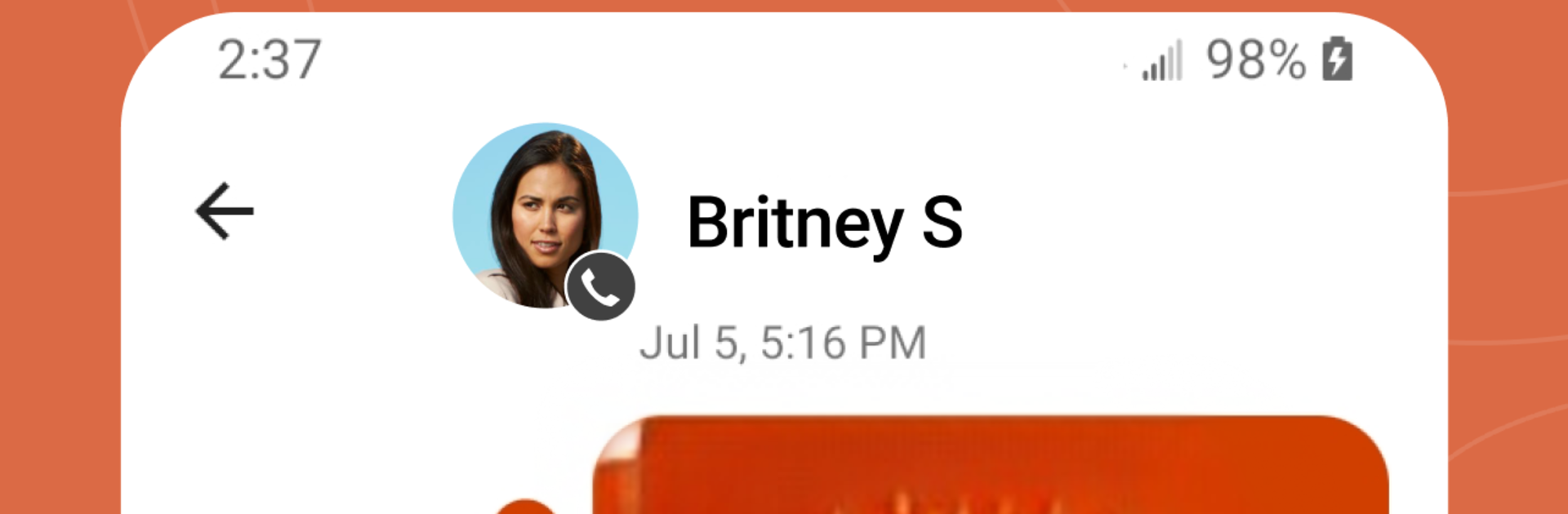
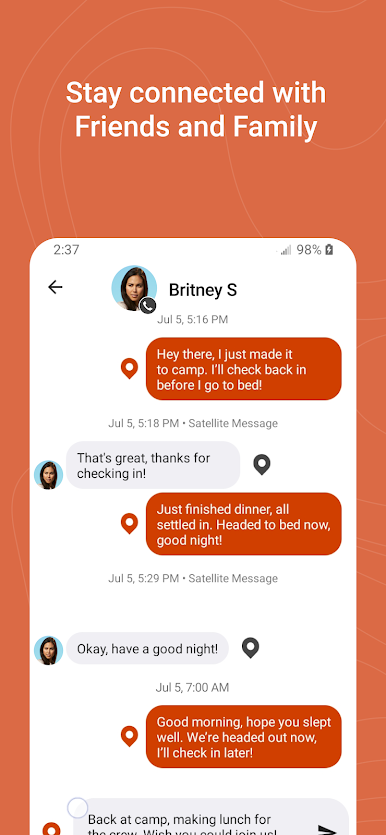
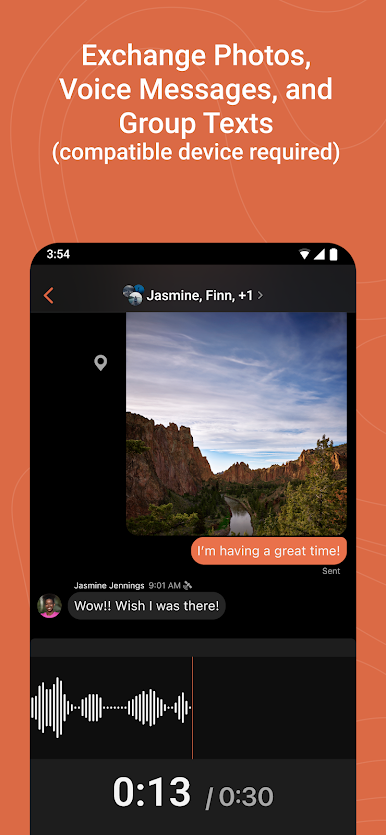
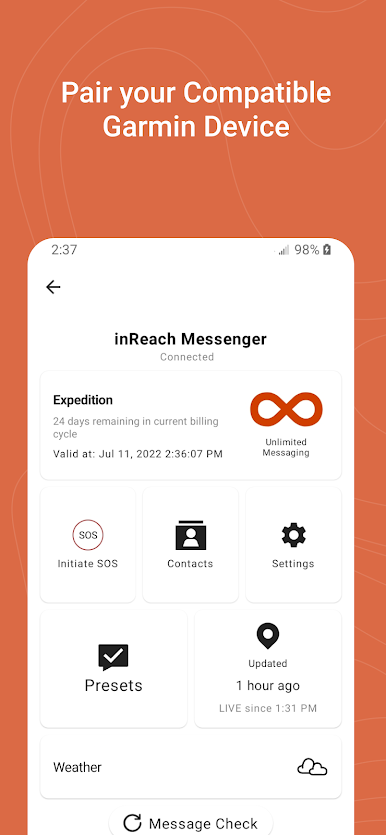
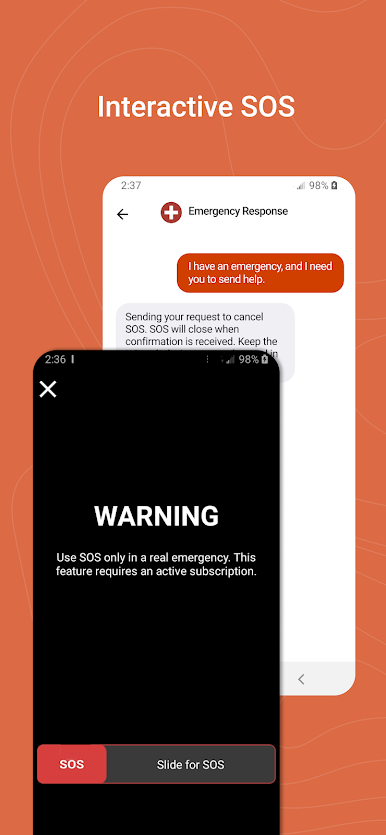
Garmin Messenger feels like a regular chat app with a very outdoorsy twist. It handles one-on-one and group chats, and when paired with a compatible inReach device it can send messages by satellite, so conversations do not stop when service drops. Photo and voice messages are supported with the right Garmin gear, and the app quietly swaps between internet, cellular, and satellite on its own, which keeps things simple. If there is Wi-Fi or cell signal, it just works, even if the inReach unit is turned off. There is also an interactive SOS feature when paired with inReach that is there for emergencies, hopefully never needed but good to have.
LiveTrack is neat for trips, since friends or family can follow location in near real time and see distance, time, and elevation data. It ends up feeling more coordinated than a normal text thread when people are spread out. On PC through BlueStacks, typing long messages is faster, maps and tracking are easier to see, and juggling group planning is calmer on a bigger screen. A satellite subscription is required for satellite messaging, and a compatible device matters for the extras, so that part is worth checking before heading out. Some regions do restrict satellite devices, so users should know the local rules. For anyone who wanders off the grid a lot, this feels practical rather than flashy.
Ready to experience Garmin Messenger™ on a bigger screen, in all its glory? Download BlueStacks now.
Zagraj w Garmin Messenger™ na PC. To takie proste.
-
Pobierz i zainstaluj BlueStacks na PC
-
Zakończ pomyślnie ustawienie Google, aby otrzymać dostęp do sklepu Play, albo zrób to później.
-
Wyszukaj Garmin Messenger™ w pasku wyszukiwania w prawym górnym rogu.
-
Kliknij, aby zainstalować Garmin Messenger™ z wyników wyszukiwania
-
Ukończ pomyślnie rejestrację Google (jeśli krok 2 został pominięty) aby zainstalować Garmin Messenger™
-
Klinij w ikonę Garmin Messenger™ na ekranie startowym, aby zacząć grę

