


Acadium
교육 | Acadium Inc.
5억명 이상의 게이머가 신뢰하는 안드로이드 게임 플랫폼 BlueStacks으로 PC에서 플레이하세요.

개요
아카디움이란?
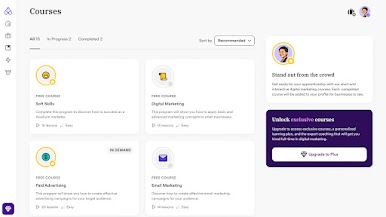
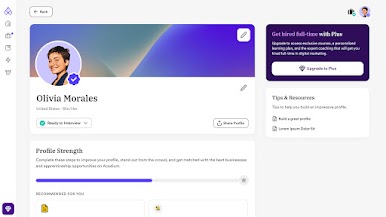
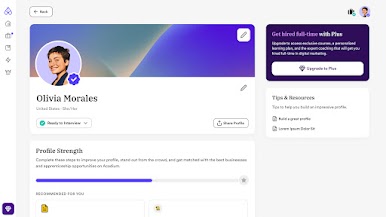
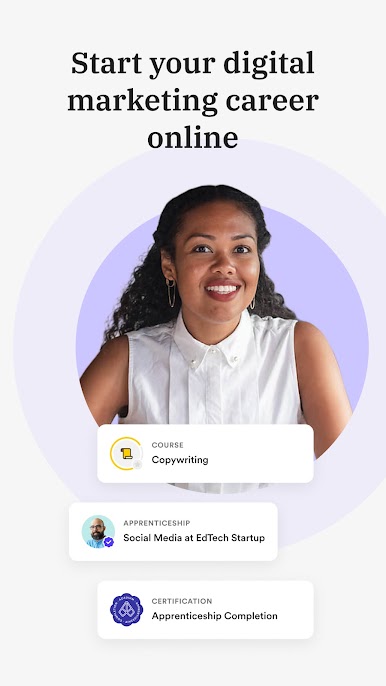
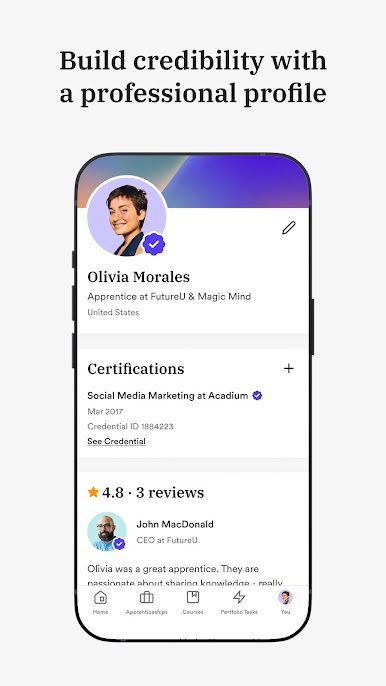
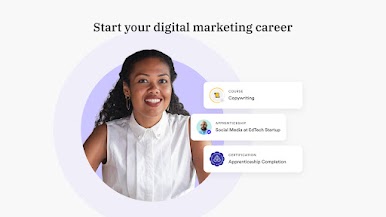
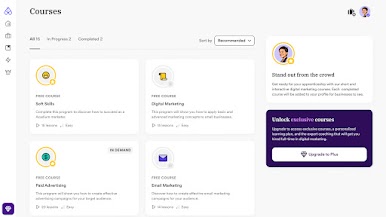
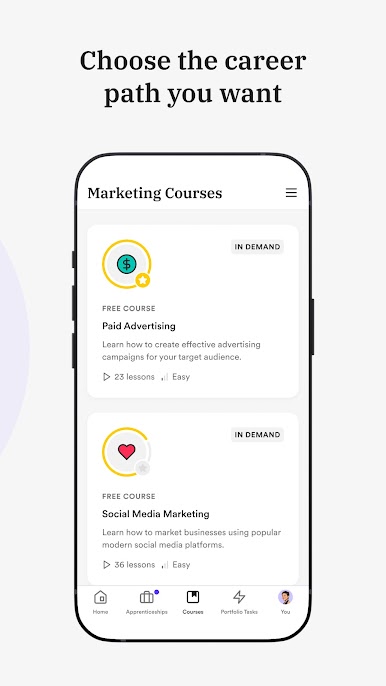
Acadium은 디지털 마케팅 교육을 받고 마케팅 경력을 시작할 수 있는 세계 최대 플랫폼입니다. 디지털 마케팅에서 무료 마케팅 과정, 견습 과정, 인증 및 취업 기회를 얻으십시오.
ACADIUM은 무엇이 다른가요?
우리는 학습, 교육 및 디지털 마케팅 고용에 대한 무료 종단 간 솔루션을 제공합니다. 우리는 당신을 훈련시키고 무료로 마케팅에서 유급 일자리를 찾도록 도와줄 것입니다. 전 세계 어디에서나 100% 원격으로 참여할 수 있습니다.
디지털 마케팅 배우기
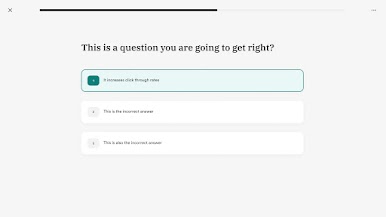
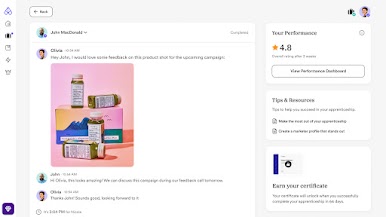
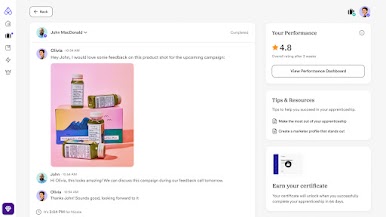
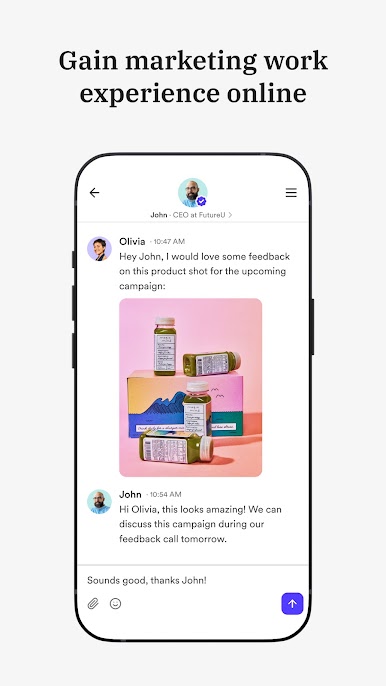
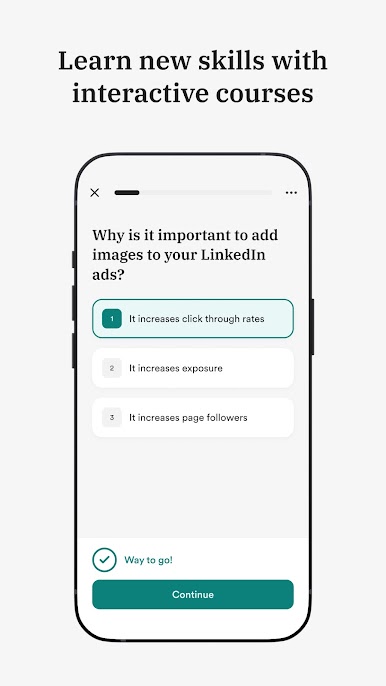
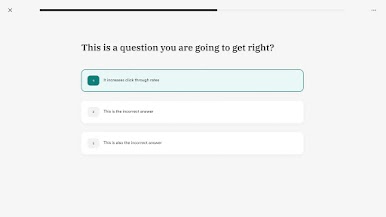
무료 과정으로 시작하여 디지털 마케팅의 기초를 배우십시오. 기본 사항이 갖추어지면 비즈니스를 위한 1-5시간 범위의 작은 작업을 완료하고 마케팅 포트폴리오 구축을 시작하십시오. 비즈니스는 마케팅 작업에 대한 직접적인 피드백을 제공하여 더 나은 성과를 낼 수 있도록 도와줍니다.
업무 경험을 얻으십시오
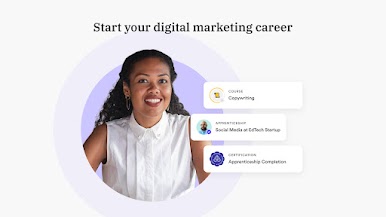
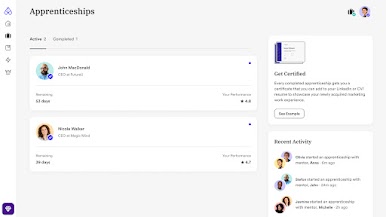
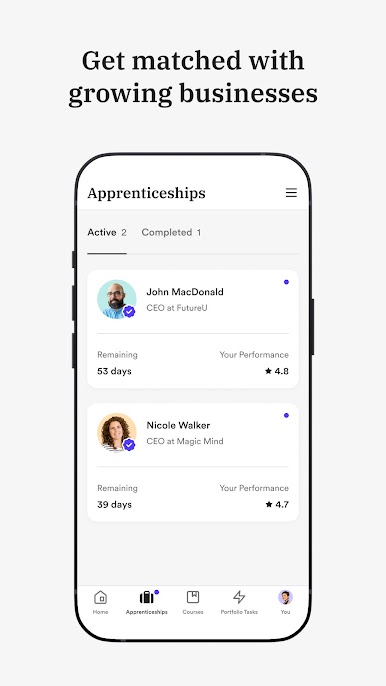
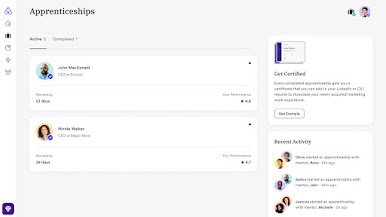
준비가 되면 멘토(사업주)와 직접 일하는 견습 과정을 시작할 수 있습니다. 견습은 3개월 동안 주당 10시간이며 100% 원격입니다. 견습 과정을 통해 실제 업무 경험, 자신감 및 네트워크를 구축할 수 있습니다.
마케팅 인증 받기
견습 과정을 마치면 멘토로부터 마케팅 인증과 추천서를 받게 됩니다. 견습의 55%는 고용 관계로 이어집니다.
급여를 받으십시오
마케팅을 처음 접하는 경우 Acadium에서 프리랜서가 되기 위해 4개의 견습 과정을 완료하고 프리랜서 고객을 찾는 데 도움을 드립니다. 이미 경험이 있는 경우 프리랜서 클라이언트에 직접 지원할 수 있습니다.
완전히 새로운 사람이든, 경험이 많은 사람이든, 아니면 그 중간에 있는 사람이든 Acadium을 사용하여 무료로 디지털 마케팅 경력을 시작할 수 있습니다. 지금 시작하세요!
Acadium은 디지털 마케팅 교육을 받고 마케팅 경력을 시작할 수 있는 세계 최대 플랫폼입니다. 디지털 마케팅에서 무료 마케팅 과정, 견습 과정, 인증 및 취업 기회를 얻으십시오.
ACADIUM은 무엇이 다른가요?
우리는 학습, 교육 및 디지털 마케팅 고용에 대한 무료 종단 간 솔루션을 제공합니다. 우리는 당신을 훈련시키고 무료로 마케팅에서 유급 일자리를 찾도록 도와줄 것입니다. 전 세계 어디에서나 100% 원격으로 참여할 수 있습니다.
디지털 마케팅 배우기
무료 과정으로 시작하여 디지털 마케팅의 기초를 배우십시오. 기본 사항이 갖추어지면 비즈니스를 위한 1-5시간 범위의 작은 작업을 완료하고 마케팅 포트폴리오 구축을 시작하십시오. 비즈니스는 마케팅 작업에 대한 직접적인 피드백을 제공하여 더 나은 성과를 낼 수 있도록 도와줍니다.
업무 경험을 얻으십시오
준비가 되면 멘토(사업주)와 직접 일하는 견습 과정을 시작할 수 있습니다. 견습은 3개월 동안 주당 10시간이며 100% 원격입니다. 견습 과정을 통해 실제 업무 경험, 자신감 및 네트워크를 구축할 수 있습니다.
마케팅 인증 받기
견습 과정을 마치면 멘토로부터 마케팅 인증과 추천서를 받게 됩니다. 견습의 55%는 고용 관계로 이어집니다.
급여를 받으십시오
마케팅을 처음 접하는 경우 Acadium에서 프리랜서가 되기 위해 4개의 견습 과정을 완료하고 프리랜서 고객을 찾는 데 도움을 드립니다. 이미 경험이 있는 경우 프리랜서 클라이언트에 직접 지원할 수 있습니다.
완전히 새로운 사람이든, 경험이 많은 사람이든, 아니면 그 중간에 있는 사람이든 Acadium을 사용하여 무료로 디지털 마케팅 경력을 시작할 수 있습니다. 지금 시작하세요!

PC에서 Acadium 플레이해보세요.
-
BlueStacks 다운로드하고 설치
-
Google Play 스토어에 로그인 하기(나중에 진행가능)
-
오른쪽 상단 코너에 Acadium 검색
-
검색 결과 중 Acadium 선택하여 설치
-
구글 로그인 진행(만약 2단계를 지나갔을 경우) 후 Acadium 설치
-
메인 홈화면에서 Acadium 선택하여 실행

