


KUNI Cam
Mainkan di PC dengan BlueStacks – platform Game-Game Android, dipercaya oleh lebih dari 500 juta gamer.

Run KUNI Cam on PC or Mac
What’s better than using KUNI Cam by GinnyPix? Well, try it on a big screen, on your PC or Mac, with BlueStacks to see the difference.
About the App
KUNI Cam by GinnyPix is all about bringing that old-school vibe to your photos and videos, without all the fuss. Whether you’re snapping a quick pic or editing a mini-movie, this photography app gives you full control over your aesthetic—think retro filters with a modern twist, cool grain, and those dreamy color vibes. Want your edits to feel unique? Mess around with the features and really make your content pop.
App Features
-
Photo & Video Editing
You’re not stuck with just stills—tweak both your photos and videos, all from one spot. -
Vintage Filters Galore
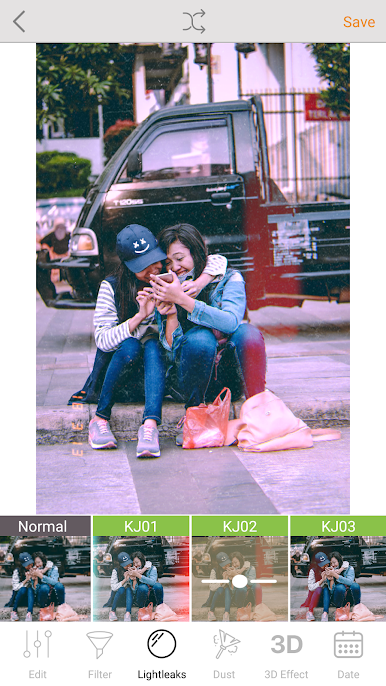
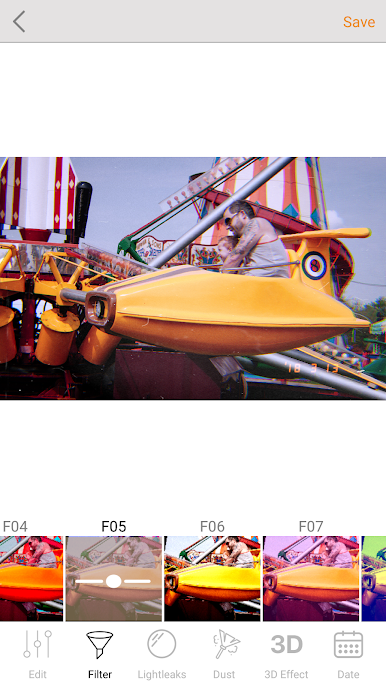
Play with over 190 filters, from subtle color tones to eye-catching looks. There are tons to try until you find your style. -
Dust & Grain Effects
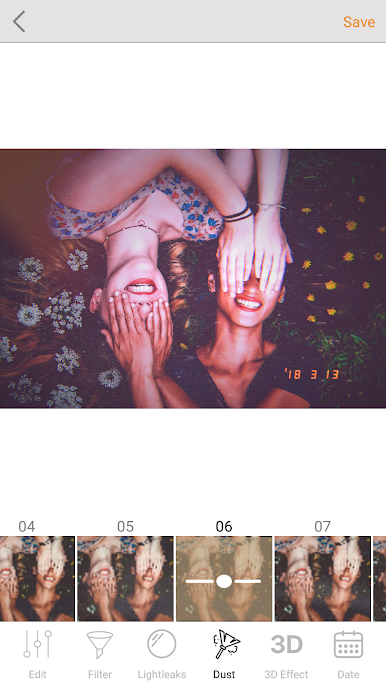
Add some texture with dust overlays and advanced grain controls, perfect for nailing that analog film feel without digging through thrift stores. -
Cool Retro Touches
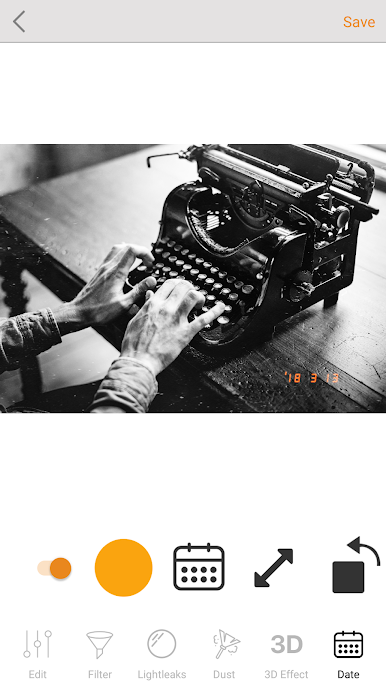
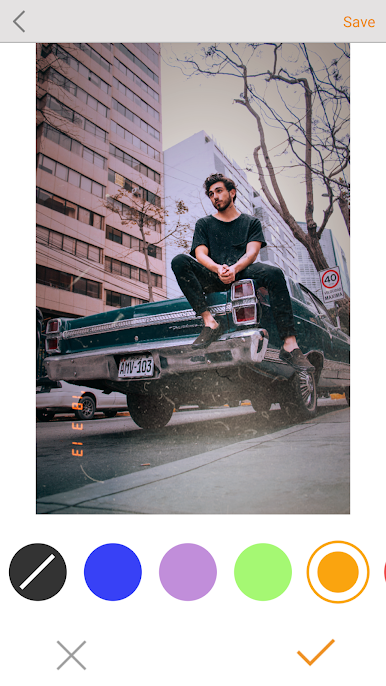
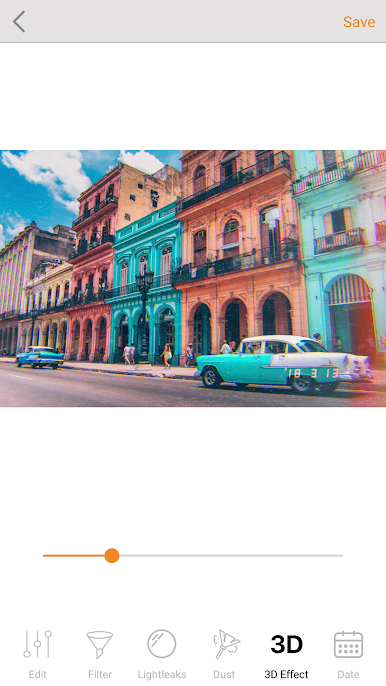
Toss in a date stamp (yep, even VHS style), experiment with chromatic 3D effects, or glitch things up if you’re feeling artsy. -
Handy Crop & Rotate Tools
Need to tweak your frame? Crop and rotate photos or videos in just a couple taps—no extra hassle. -
Fine-Tune Adjustments
Adjust colors, fade, and whatever else you need. Change your mind? Edits are nondestructive, so you can always go back and switch things up later. -
Custom Presets (“Recipes”)
Got an edit you love? Save it as a preset to nail that same look every time—super handy if you’re sticking to a specific theme. -
Works Great on BlueStacks
If you want a bigger canvas, try running KUNI Cam with BlueStacks and tap into all these features on your desktop.
BlueStacks brings your apps to life on a bigger screen—seamless and straightforward.
Mainkan KUNI Cam di PC Mudah saja memulainya.
-
Unduh dan pasang BlueStacks di PC kamu
-
Selesaikan proses masuk Google untuk mengakses Playstore atau lakukan nanti
-
Cari KUNI Cam di bilah pencarian di pojok kanan atas
-
Klik untuk menginstal KUNI Cam dari hasil pencarian
-
Selesaikan proses masuk Google (jika kamu melewati langkah 2) untuk menginstal KUNI Cam
-
Klik ikon KUNI Cam di layar home untuk membuka gamenya

