


Spider Hero Man: Stickman Game
Juega en PC con BlueStacks: la plataforma de juegos Android, en la que confían más de 500 millones de jugadores.

Página modificada el: Jul 18, 2025
Play Ultimate Roller Coaster Sim on PC or Mac
Bring your A-game to Ultimate Roller Coaster Sim, the Role Playing game sensation from Gaming Legends. Give your gameplay the much-needed boost with precise game controls, high FPS graphics, and top-tier features on your PC or Mac with BlueStacks.
Ultimate Roller Coaster Sim is basically what it sounds like: you’re behind the controls of a huge roller coaster, taking it around all sorts of tracks in a big theme park setting. It’s not just the simple stuff either — the game actually lets you manage the coaster as it speeds along curves, goes upside down, or pulls into steep drops. There’s a little more thinking involved than just pressing go; you have to pay attention, keep the rides smooth for your passengers, and actually try not to mess it up. It gets surprisingly fast, and the tracks get pretty wild the further you go.
What stands out here is you’re actually in control of the whole roller coaster, not just watching — you decide the speed and have to handle things like tight turns and sudden dips without going off the rails. The game doesn’t hold your hand through every moment, but it does drop hints so you’re not stuck. There are a bunch of levels with different tracks, and each one brings its own challenges. The camera angles are neat too, so you can see the action from pretty much anywhere, and the sound really adds to the whole “amusement park” energy. Playing it on PC with BlueStacks makes it easier to control everything, honestly — smoother, and you don’t have to deal with tiny phone screens. This one’s for anyone who likes coasters, managing things on the fly, or just games where there’s action without the stress of a shooter or puzzle.
Get ready for a buttery smooth, high-performance gaming action only on BlueStacks.
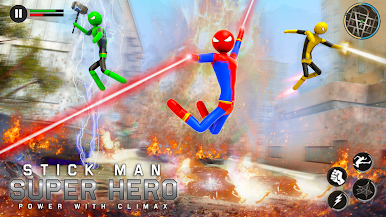
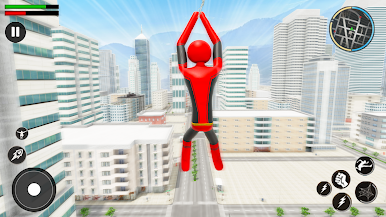
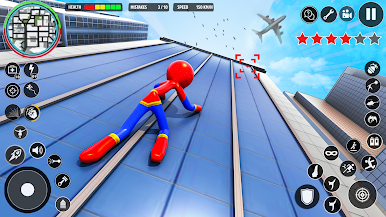
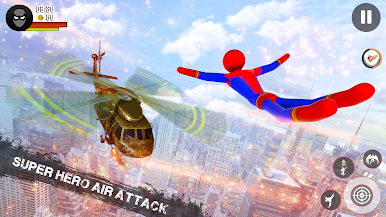
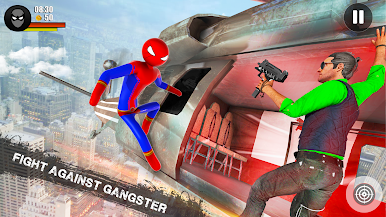
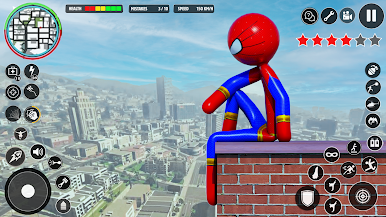
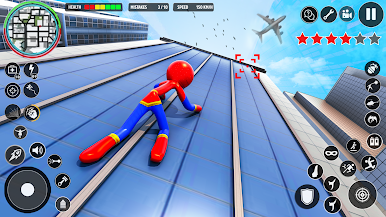
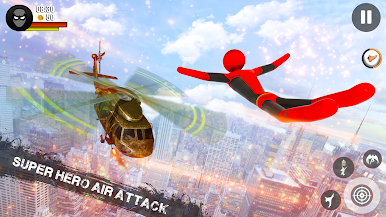
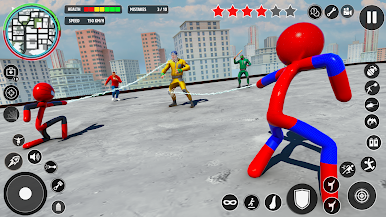
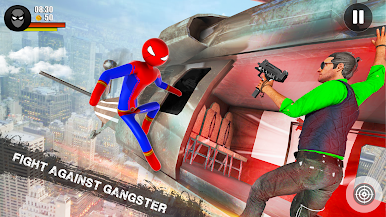

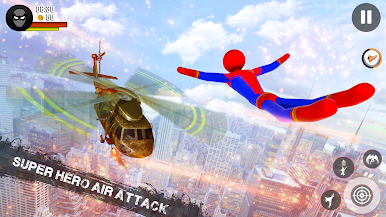

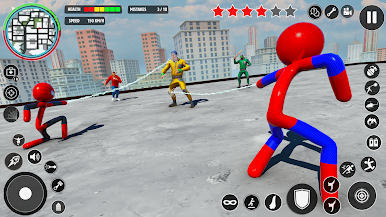
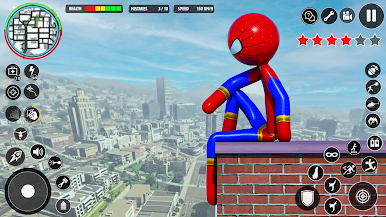
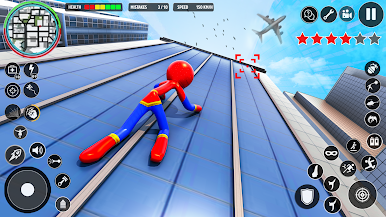
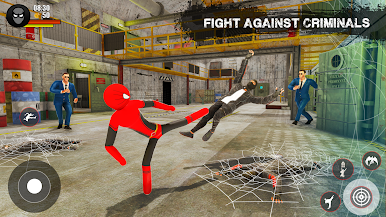
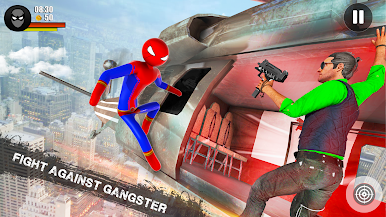
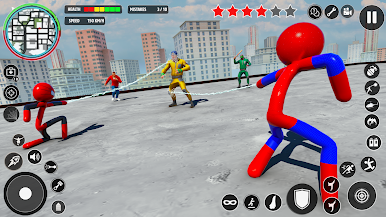
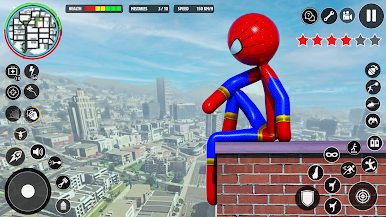
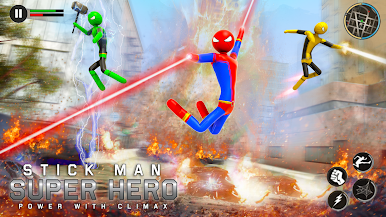
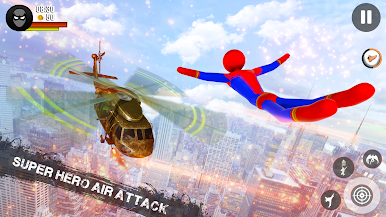
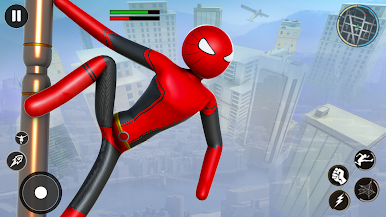
Juega Spider Hero Man: Stickman Game en la PC. Es fácil comenzar.
-
Descargue e instale BlueStacks en su PC
-
Complete el inicio de sesión de Google para acceder a Play Store, o hágalo más tarde
-
Busque Spider Hero Man: Stickman Game en la barra de búsqueda en la esquina superior derecha
-
Haga clic para instalar Spider Hero Man: Stickman Game desde los resultados de búsqueda
-
Complete el inicio de sesión de Google (si omitió el paso 2) para instalar Spider Hero Man: Stickman Game
-
Haz clic en el ícono Spider Hero Man: Stickman Game en la pantalla de inicio para comenzar a jugar

