


Game Booster Play Games Happy
العب على الكمبيوتر الشخصي مع BlueStacks - نظام أندرويد للألعاب ، موثوق به من قبل أكثر من 500 مليون لاعب.

Play Game Booster Play Games Happy on PC
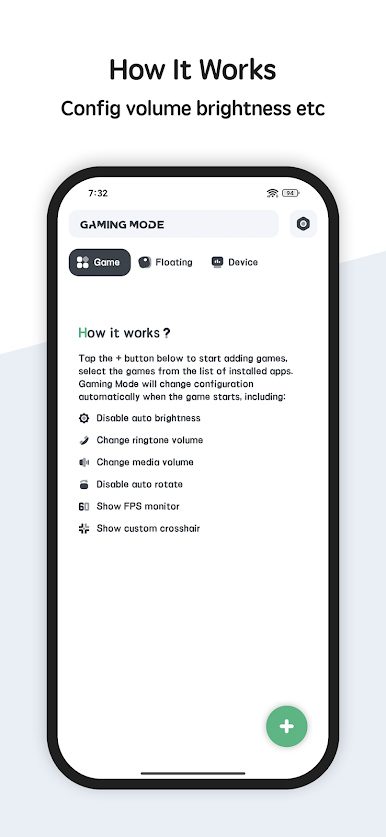
What Game Booster can do for playing game:
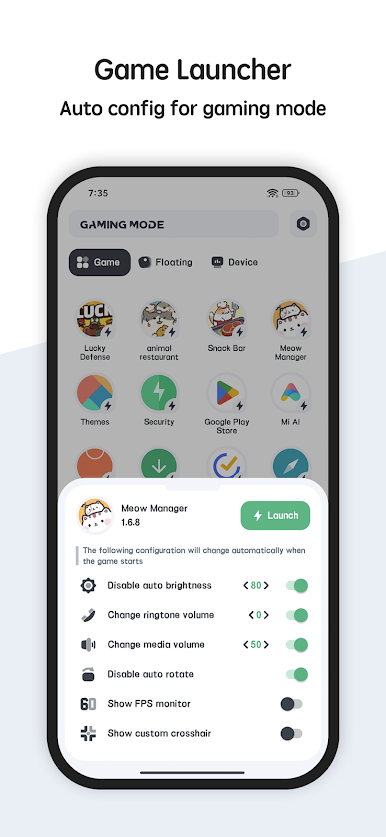
✓ Game Booster will config the settings to make sure the device's performance is health, so you can play game smooth and happy.
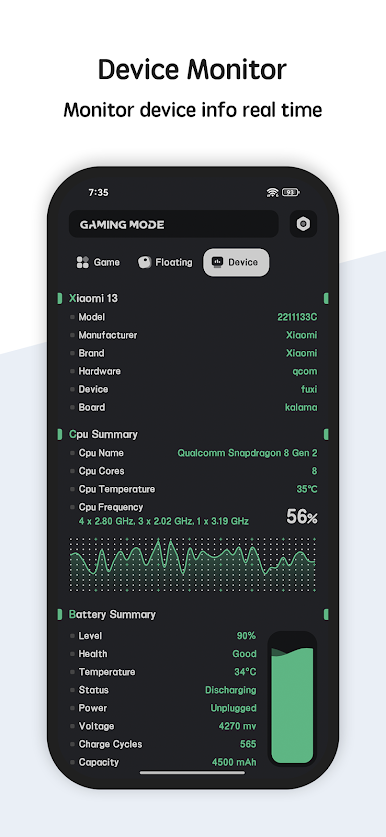
✓ monitor the cpu temperature cpu frequency real time and show with curve table. Help you to monitor the cpu status.
✓ Show the battery usage and temperature and monitor the battery status, including: health, power status, voltage, level.
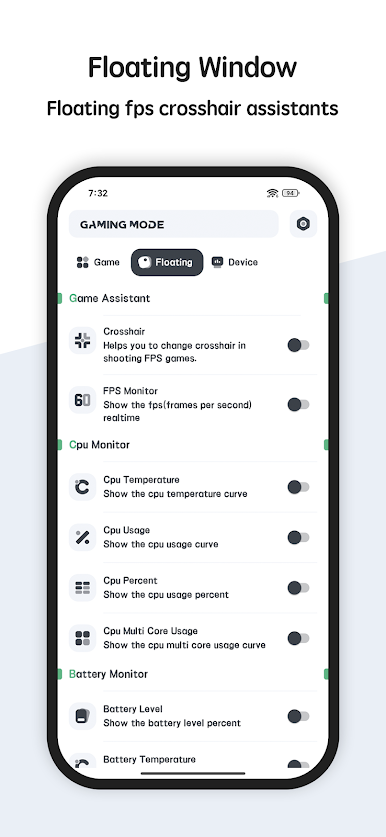
✓ Floating window: floating window show the CPU temperature, battery temperature, ram usage real time
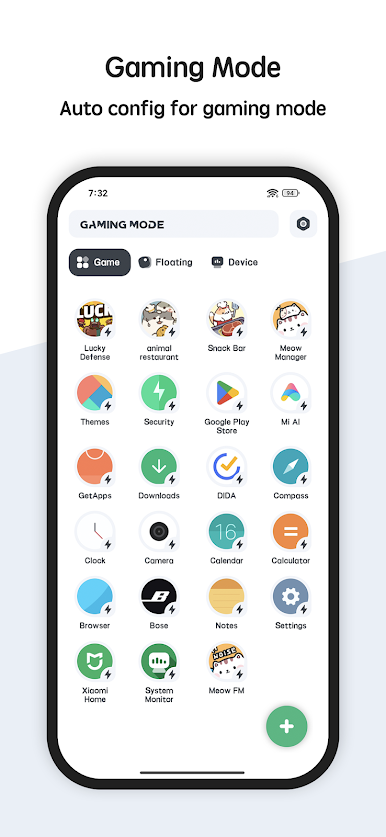
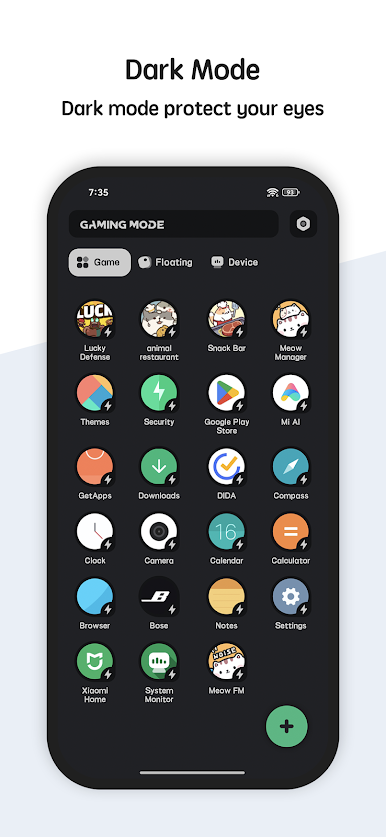
✓ Multi theme: Game Booster is very beautiful and support multi-theme switching, you can choose the theme you like.
So what are you waiting for? Download the Game Booster and play games happy
العب Game Booster Play Games Happy على جهاز الكمبيوتر. من السهل البدء.
-
قم بتنزيل BlueStacks وتثبيته على جهاز الكمبيوتر الخاص بك
-
أكمل تسجيل الدخول إلى Google للوصول إلى متجر Play ، أو قم بذلك لاحقًا
-
ابحث عن Game Booster Play Games Happy في شريط البحث أعلى الزاوية اليمنى
-
انقر لتثبيت Game Booster Play Games Happy من نتائج البحث
-
أكمل تسجيل الدخول إلى Google (إذا تخطيت الخطوة 2) لتثبيت Game Booster Play Games Happy
-
انقر على أيقونة Game Booster Play Games Happy على الشاشة الرئيسية لبدء اللعب

