


Sorteio no Saco
在電腦上使用BlueStacks –受到5億以上的遊戲玩家所信任的Android遊戲平台。

Run Draw from a paper bag on PC or Mac
Upgrade your experience. Try Draw from a paper bag, the fantastic Entertainment app from nihilculpa, from the comfort of your laptop, PC, or Mac, only on BlueStacks.
About the App
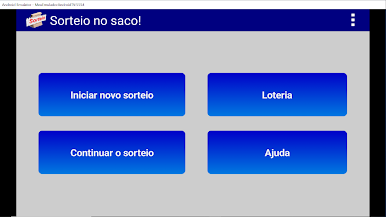
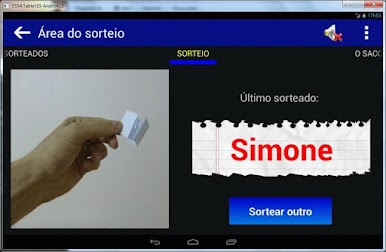
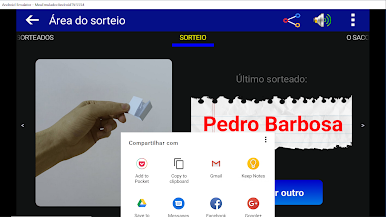
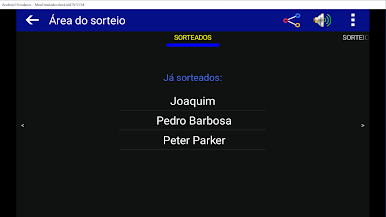
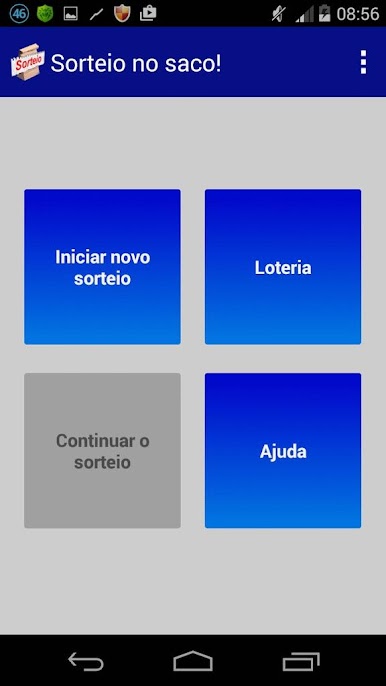
Draw from a paper bag by nihilculpa is here to take the guesswork (and paper scraps) out of random drawings. Whether you’re planning a raffle, managing Secret Santa, or you just need a handy random number picker, this app has you covered. It’s designed for anyone who wants that classic “pull a name from a hat” vibe, only much smoother and, well, a bit more animated.
App Features
-
Animated Drawings
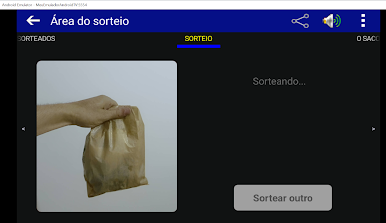
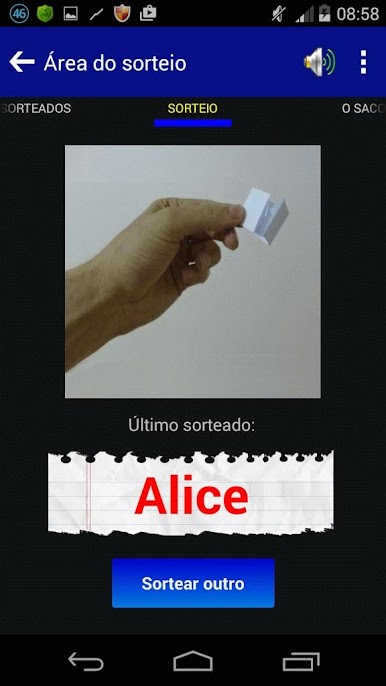
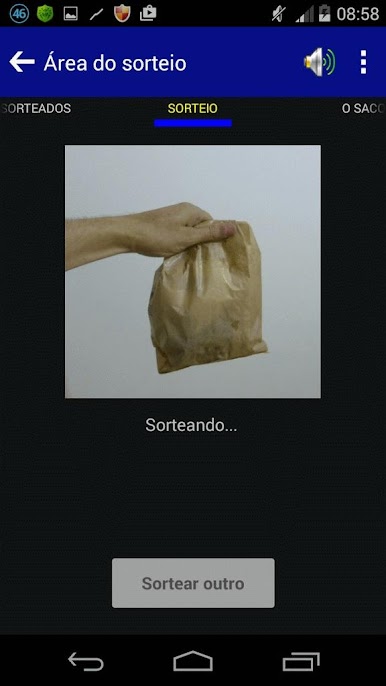
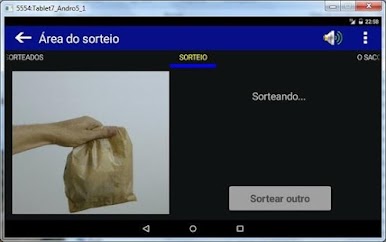
Watch your results appear like magic—no mess, no fuss. The app simulates the fun of reaching into a paper bag, right on your screen, so you’ll see each pick play out with a little animated flair. -
Flexible Drawing Options
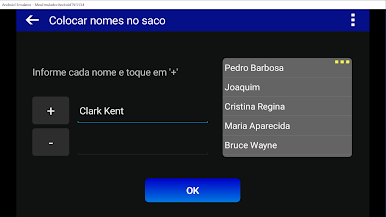
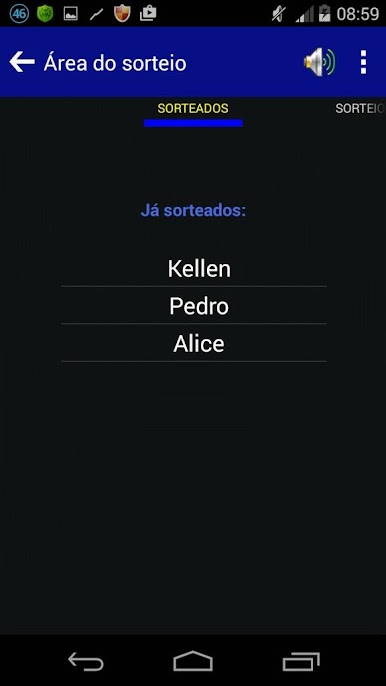
Whether you’ve got a stack of names or a list of numbers, it’s easy to add them in and let the app handle the drawing. Need more than one winner? No problem, just keep drawing until you have everyone you need. -
Repeat Draws
Sometimes the same name or number can win twice—that’s where the repeat feature comes in. Turn it on if you want each entry to have more than one shot at being drawn. -
Export & Import Lists
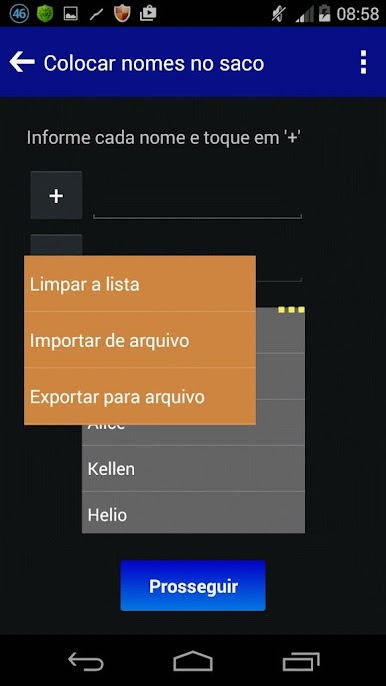
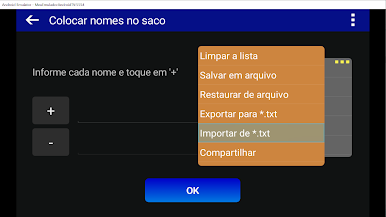
Got a long list you built elsewhere? No need to type it all out. Save and export your participant list to a file, or import names straight from a TXT file. You can even use your favorite text editor to set things up ahead of time. -
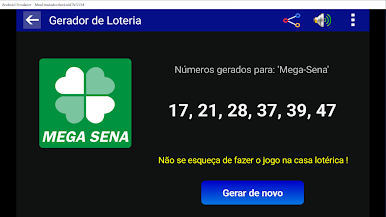
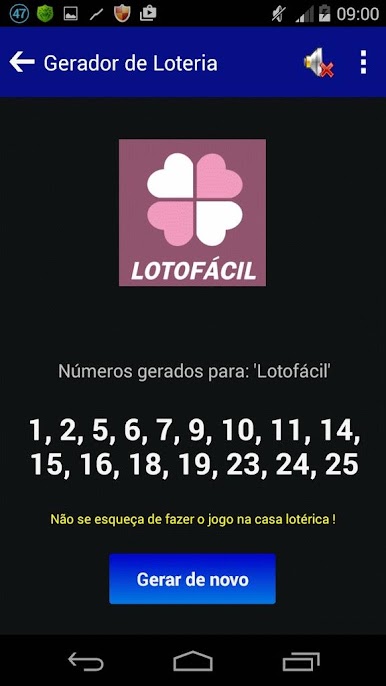
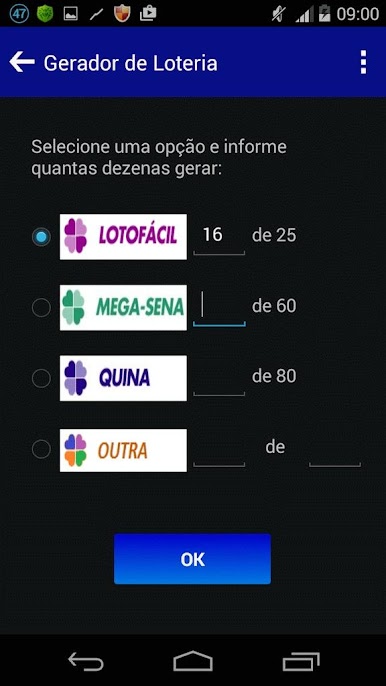
Lottery Number Generator
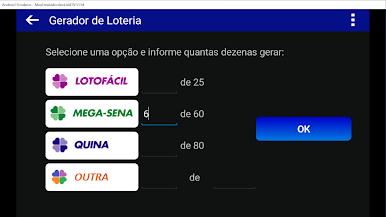
If you’re into lotteries or number-based games, there’s a built-in random number generator. It’s quick and straightforward—just set it and go. -
Privacy-Friendly
The app sticks to itself—your info isn’t collected or tracked. It just needs access to storage if you want to save or load lists. -
Help When You Need It
Got questions or lost your way? There’s an integrated help section ready to walk you through things.
If you feel like using Draw from a paper bag on a bigger screen, BlueStacks is a smooth way to enjoy it with a bit more room.
Switch to BlueStacks and make the most of your apps on your PC or Mac.
在電腦上遊玩Sorteio no Saco . 輕易上手.
-
在您的電腦上下載並安裝BlueStacks
-
完成Google登入後即可訪問Play商店,或等你需要訪問Play商店十再登入
-
在右上角的搜索欄中尋找 Sorteio no Saco
-
點擊以從搜索結果中安裝 Sorteio no Saco
-
完成Google登入(如果您跳過了步驟2),以安裝 Sorteio no Saco
-
在首頁畫面中點擊 Sorteio no Saco 圖標來啟動遊戲

