


Begemed: Fun Match 3 Puzzle
Spiele auf dem PC mit BlueStacks - der Android-Gaming-Plattform, der über 500 Millionen Spieler vertrauen.

Seite geändert am: Oct 16, 2025
Play Begemed: Fun Match 3 Puzzle on PC
Swipe, Match, and Crush Colorful Gems!
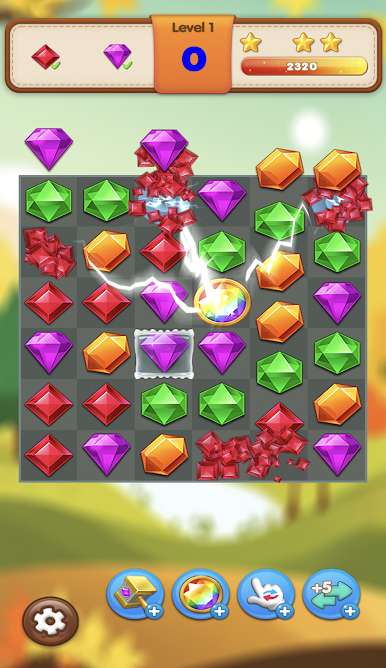
Experience the satisfying thrill of swiping and matching vibrant gems to clear the board and rack up incredible scores. Begemed is easy to learn, making it perfect for casual players, but its strategic depth will challenge even the most seasoned puzzle enthusiasts.
Unleash Powerful Combos and Boost Your Score!
Discover and utilize exciting power-ups and special gems to create explosive chain reactions and maximize your points. Clear multiple lines at once to earn bonus scores and dominate the leaderboards!
Challenge Your Friends and Become the Gem Master!
Connect with friends, compare your scores, and see who can reach the highest levels. Can you conquer all the challenging levels and prove yourself to be the ultimate Begemed gem master?
Key Features of Begemed - Your New Favorite Match 3 Game:
✓💪Fun and Addictive Gameplay: Easy to pick up, impossible to put down!
✓💪Vibrant and Colorful Graphics: Immerse yourself in a visually appealing gem-filled world.
✓💪Hundreds of Exciting Levels: Explore a vast array of challenging and engaging puzzles.
✓💪Powerful Power-Ups and Special Gems: Strategically use boosters to clear obstacles and achieve high scores.
✓💪Connect and Compete with Friends: Challenge your buddies and see who reigns supreme!
✓💪Regular Updates: Look forward to new levels, features, and exciting events!
✓💪Play Anytime, Anywhere: Enjoy Begemed on the go, whenever you have a spare moment.
✓💪Brain-Boosting Fun: Sharpen your mind and improve your matching skills.
Are you ready to embark on a sparkling adventure and become the ultimate Begemed champion? Download now and start matching!
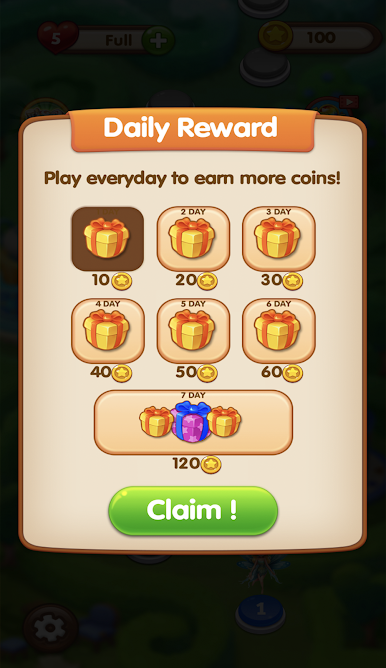
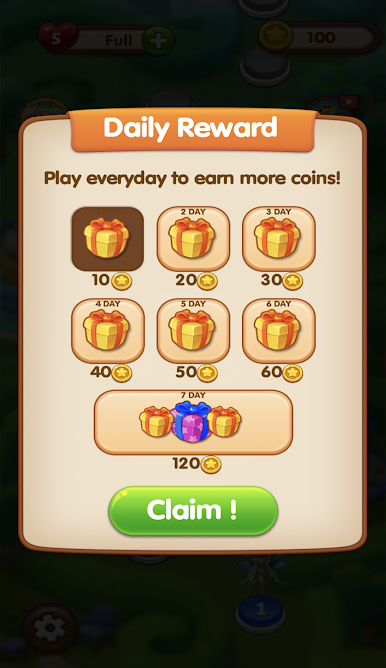
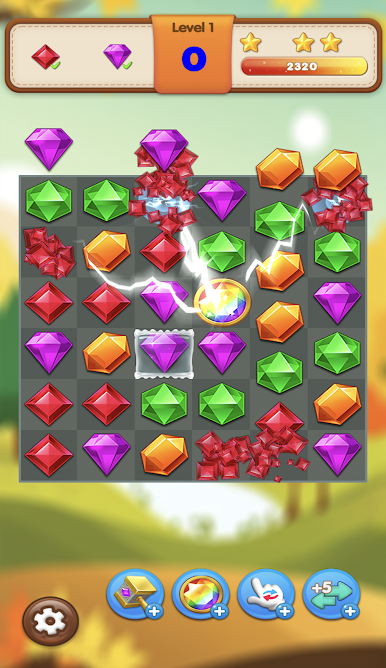
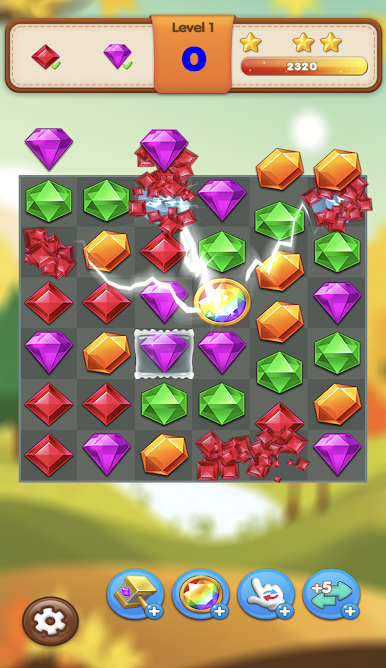
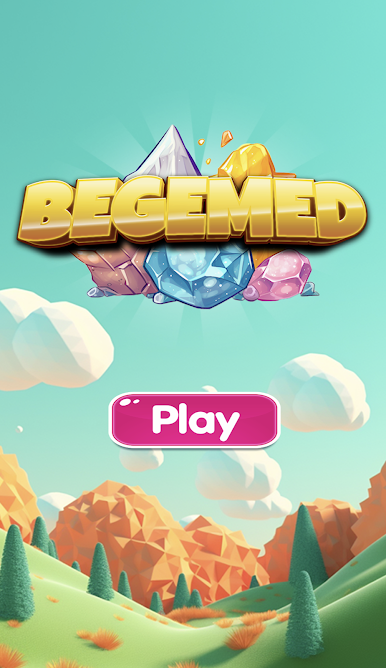
Spiele Begemed: Fun Match 3 Puzzle auf dem PC. Der Einstieg ist einfach.
-
Lade BlueStacks herunter und installiere es auf deinem PC
-
Schließe die Google-Anmeldung ab, um auf den Play Store zuzugreifen, oder mache es später
-
Suche in der Suchleiste oben rechts nach Begemed: Fun Match 3 Puzzle
-
Klicke hier, um Begemed: Fun Match 3 Puzzle aus den Suchergebnissen zu installieren
-
Schließe die Google-Anmeldung ab (wenn du Schritt 2 übersprungen hast), um Begemed: Fun Match 3 Puzzle zu installieren.
-
Klicke auf dem Startbildschirm auf das Begemed: Fun Match 3 Puzzle Symbol, um mit dem Spielen zu beginnen

