

Ozymandias
Spiele auf dem PC mit BlueStacks - der Android-Gaming-Plattform, der über 500 Millionen Spieler vertrauen.

Seite geändert am: Oct 16, 2025
Play Ozymandias on PC or Mac
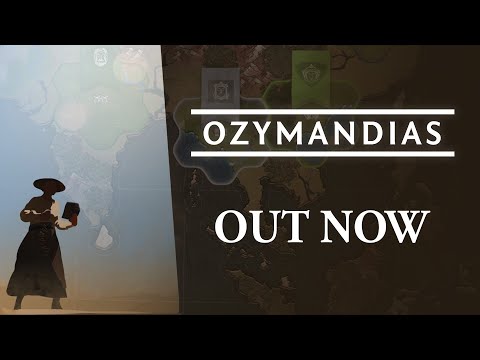
Ozymandias brings the Strategy genre to life, and throws up exciting challenges for gamers. Developed by GoblinzPublishing, this Android game is best experienced on BlueStacks, the World’s #1 app player for PC and Mac users.
About the Game
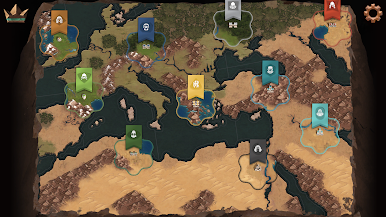
Ozymandias from GoblinzPublishing is a Strategy game that trims the fat from classic 4X and lets you grow a Bronze Age empire without a weekend-long commitment. It’s all about big choices, quick turns, and smart planning—less fiddling, more “one more turn.” Play on mobile, or hop onto BlueStacks if you prefer a bigger screen and mouse controls.
Game Features
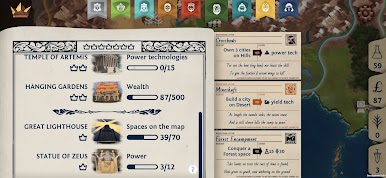
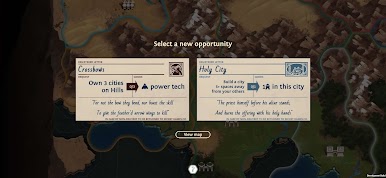
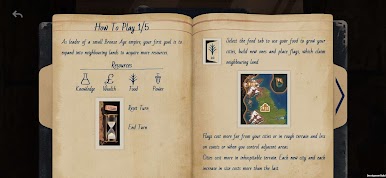
- Big-picture decisions: Each turn gives you several tempting opportunities, but you can only pick one. Nail the objective to earn a useful reward and push your plan forward.
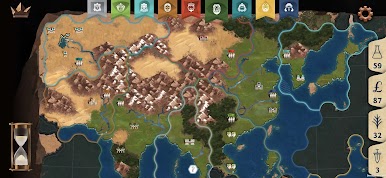
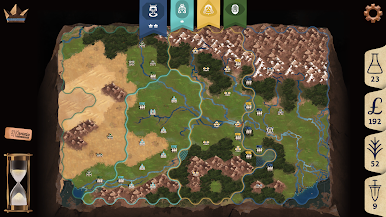
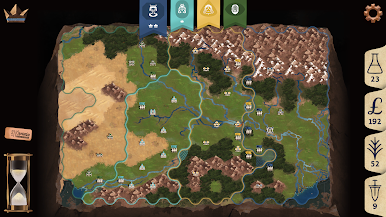
- Fast 4X pace: Expand your borders, plant cities in smart spots, and muster forces to protect them—minus the usual busywork.
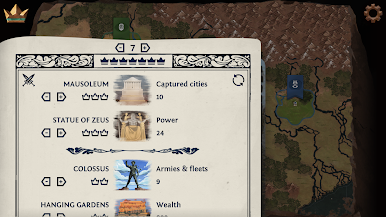
- Elegant combat: Battles run on a clear Power system, so you move armies and fleets without getting bogged down in tactical micromanagement.
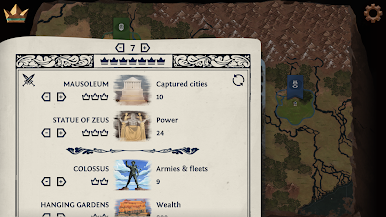
- Ever-changing objectives: Win goals are shuffled every game, and you can set custom conditions to match your preferred style.
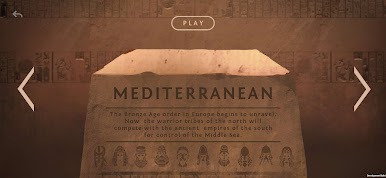
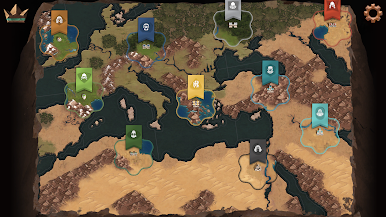
- Authentic maps: Explore eight handcrafted maps inspired by the Bronze Age across different corners of the world.
- So many empires: Choose from 52 playable empires, each with trait combos that twist your approach and keep runs fresh.
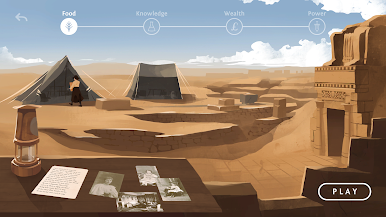
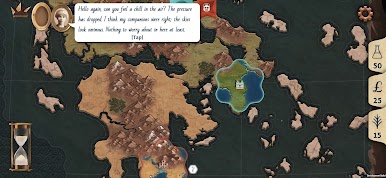
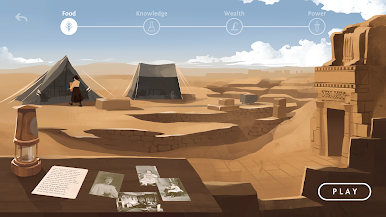
- Solo play that teaches: Learn the ropes in a short, story-led campaign featuring the explorer Gertrude Bell.
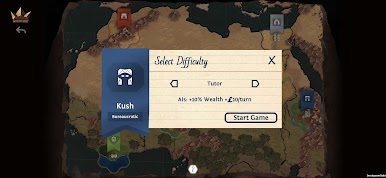
- Fair but fierce AI: Climb a sturdy difficulty ladder against data-driven opponents that push back without resorting to cheats.
Start your journey now. Download the game on BlueStacks, invite your friends, and march on a new adventure.
Spiele Ozymandias auf dem PC. Der Einstieg ist einfach.
-
Lade BlueStacks herunter und installiere es auf deinem PC
-
Schließe die Google-Anmeldung ab, um auf den Play Store zuzugreifen, oder mache es später
-
Suche in der Suchleiste oben rechts nach Ozymandias
-
Klicke hier, um Ozymandias aus den Suchergebnissen zu installieren
-
Schließe die Google-Anmeldung ab (wenn du Schritt 2 übersprungen hast), um Ozymandias zu installieren.
-
Klicke auf dem Startbildschirm auf das Ozymandias Symbol, um mit dem Spielen zu beginnen

