


เรียนคำศัพท์ภาษาอังกฤษ
เล่นบน PC ผ่าน BlueStacks - Android Gaming Platform ที่ได้รับความไว้วางใจจากเกมเมอร์ 500 ล้านคนทั่วโลก

Page Modified on: Sep 24, 2025
Play Learn US English free for beginners on PC or Mac
Bring your A-game to Learn US English free for beginners, the Educational game sensation from gonliapps. Give your gameplay the much-needed boost with precise game controls, high FPS graphics, and top-tier features on your PC or Mac with BlueStacks.
About the Game
Getting started with American English doesn’t have to be stressful or boring. Learn US English free for beginners from gonliapps turns language learning into a relaxed, hands-on experience that fits right into your everyday life. Whether you’re just starting out or you want to brush up on the basics, this educational game makes learning feel like a casual part of your day—no giant textbooks required.
Game Features
-
Offline Learning
No internet? No problem. You can practice whenever and wherever—it works just fine without a connection. -
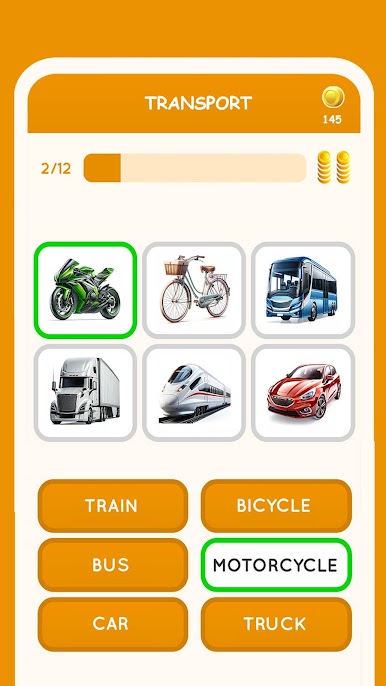
Multiple Practice Modes
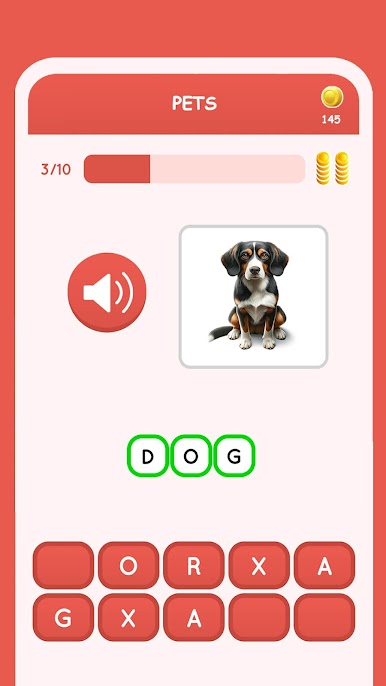
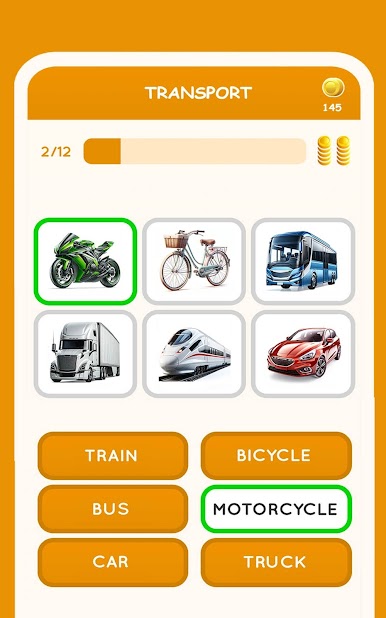
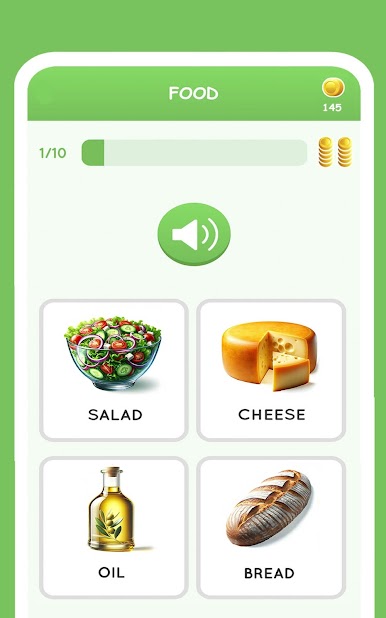
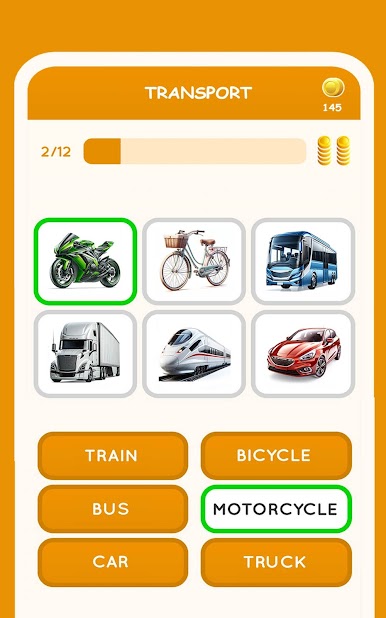
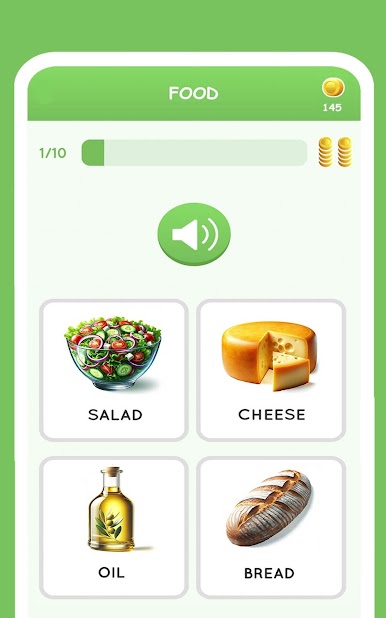
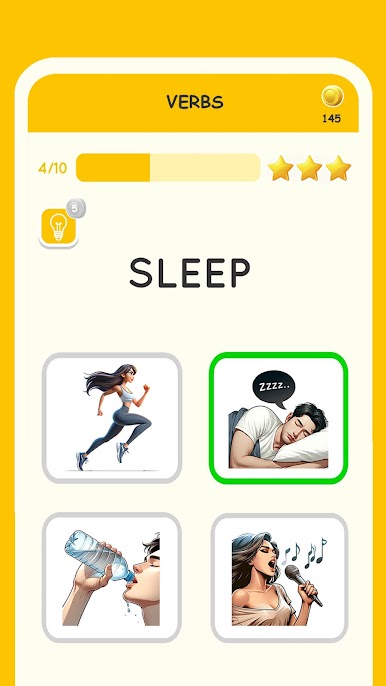
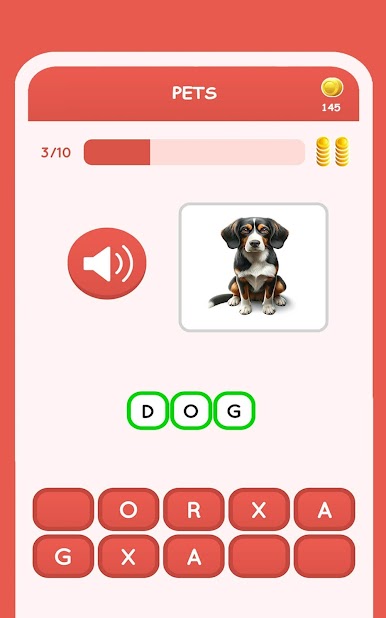
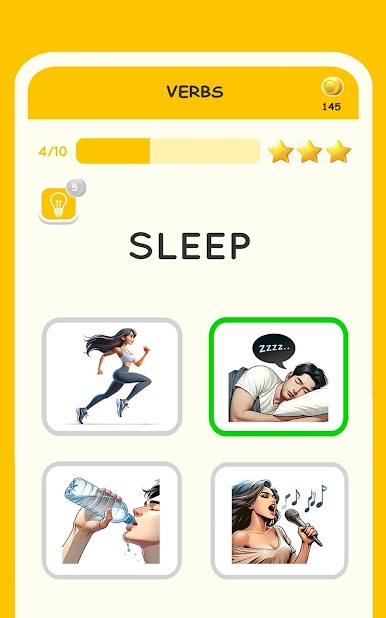
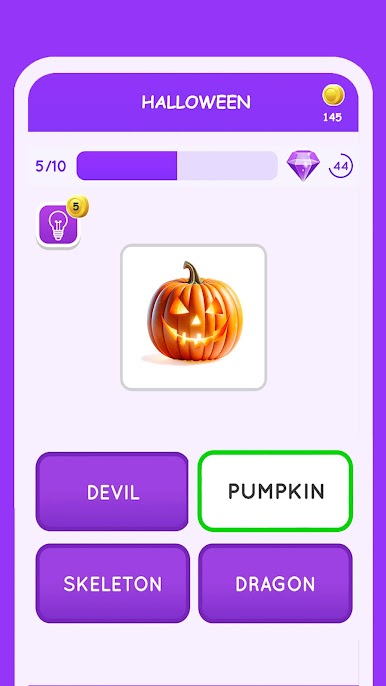
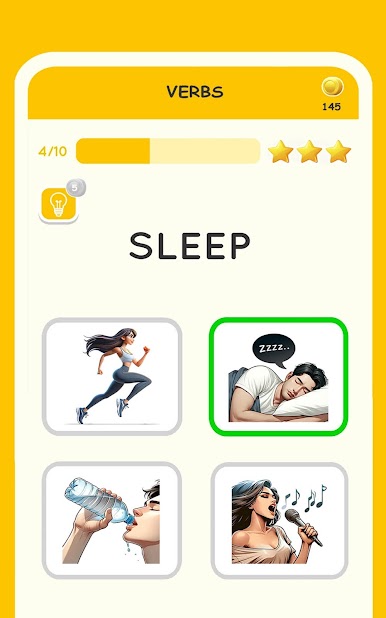
Every topic comes with four different activities and a quick test, so it never gets repetitive. Try some reading, speaking, writing, and listening for every lesson. -
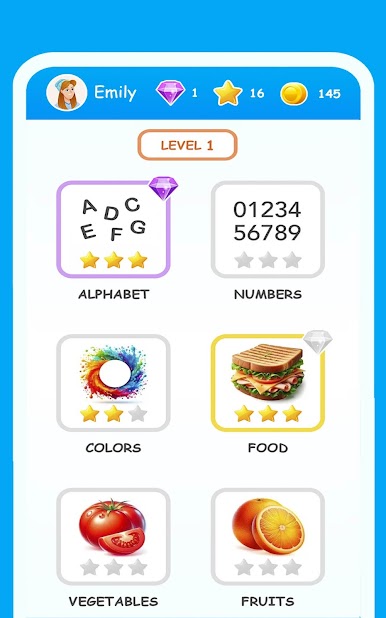
Three Levels of Progression
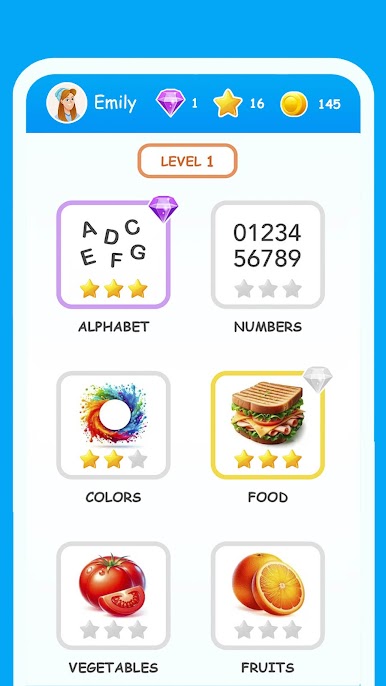
The content is split into basic, intermediate, and advanced levels, so you’ll always have a challenge that suits where you’re at. -
Themed Vocabulary Sets
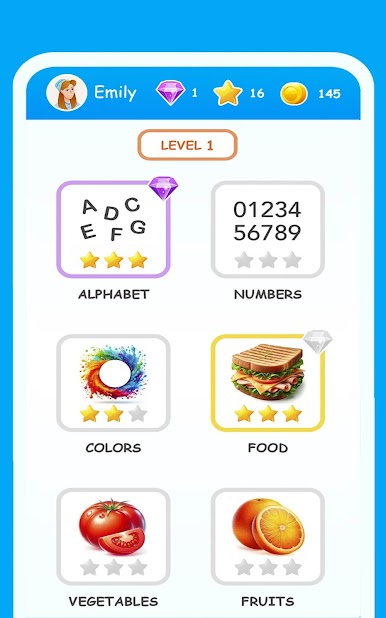
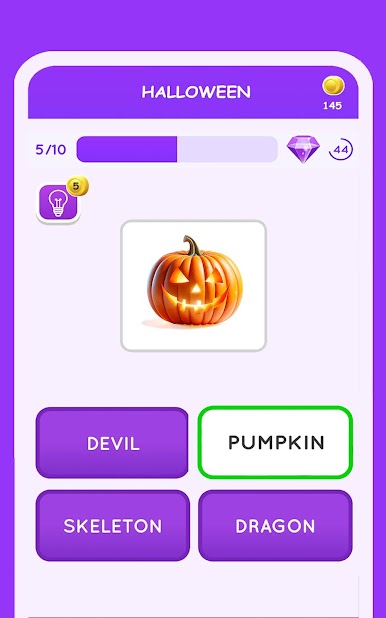
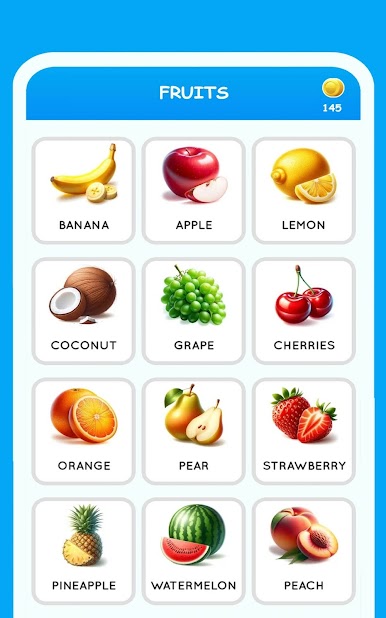
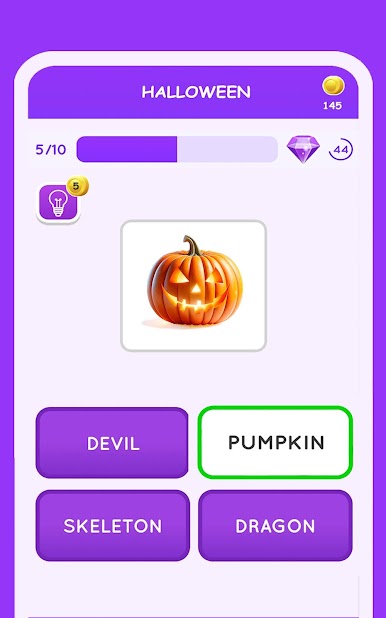
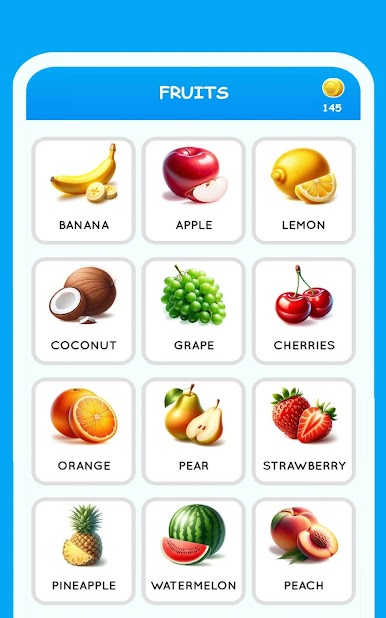
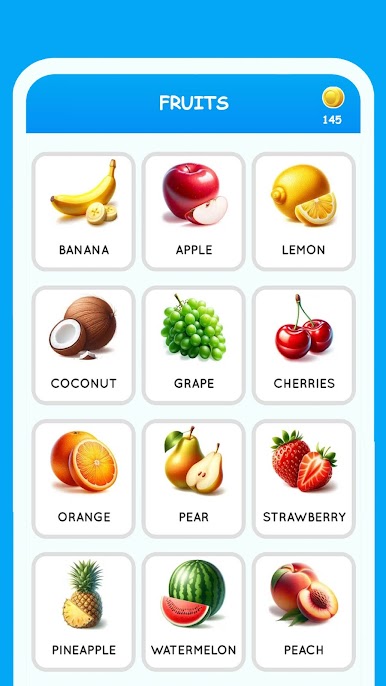
Learn over 500 words in American English, grouped by everyday themes. Expect stuff like food, colors, and jobs at first. Move on to sports, music, holidays, and more as you go. -
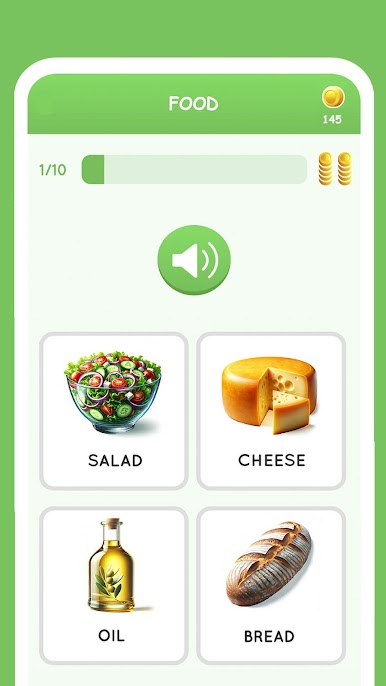
Audio and Images for Each Word
Every word comes with an image and a US English audio clip—great for nailing down meaning and pronunciation without having to double-check a dictionary. -
Bite-Sized Topics
There are 36 focused topics, each manageable enough to squeeze into a coffee break or while you’re waiting for the bus. -
Quick Testing
After you’ve done the activities for a topic, check how you’re doing with an instant quiz. See where you’re making progress (and maybe where you need to review). -
Designed for Beginners
The whole setup feels approachable—no jargon or complicated instructions. Just open the app and start picking up useful everyday language. -
Flexible Device Compatibility
Enjoy learning on your phone or tablet, and it’ll run super smooth if you’re playing on BlueStacks.
With Learn US English free for beginners, you don’t need any extra books or even a dictionary at your side. Just open the app, choose a topic, and start building up your US English skills, one word at a time.
Make your gaming sessions memorable with precise controls that give you an edge in close combats and visuals that pop up, bringing every character to life.



เล่น เรียนคำศัพท์ภาษาอังกฤษ บน PC ได้ง่ายกว่า
-
ดาวน์โหลดและติดตั้ง BlueStacks บน PC ของคุณ
-
ลงชื่อเข้าใช้แอคเคาท์ Google เพื่อเข้าสู่ Play Store หรือทำในภายหลัง
-
ค้นหา เรียนคำศัพท์ภาษาอังกฤษ ในช่องค้นหาด้านขวาบนของโปรแกรม
-
คลิกเพื่อติดตั้ง เรียนคำศัพท์ภาษาอังกฤษ จากผลการค้นหา
-
ลงชื่อเข้าใช้บัญชี Google Account (หากยังไม่ได้ทำในขั้นที่ 2) เพื่อติดตั้ง เรียนคำศัพท์ภาษาอังกฤษ
-
คลิกที่ไอคอน เรียนคำศัพท์ภาษาอังกฤษ ในหน้าจอเพื่อเริ่มเล่น

