


iNavX: Marine Navigation
在電腦上使用BlueStacks –受到5億以上的遊戲玩家所信任的Android遊戲平台。

Run iNavX - Sailing & Boating Navigation, NOAA Charts on PC or Mac
What’s better than using iNavX – Sailing & Boating Navigation, NOAA Charts by NavX Studios? Well, try it on a big screen, on your PC or Mac, with BlueStacks to see the difference.
About the App
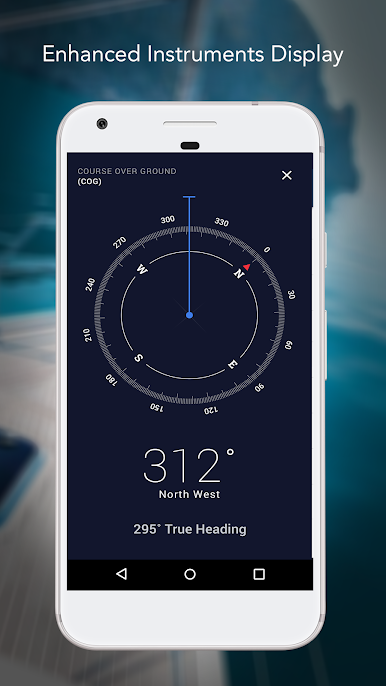
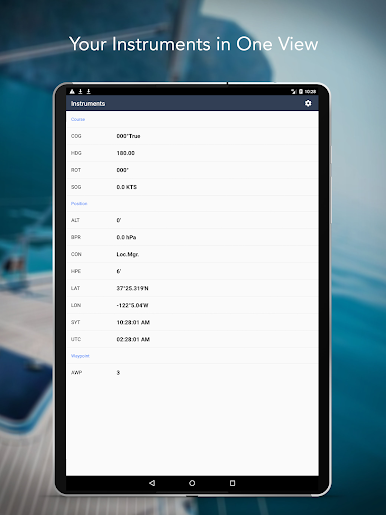
Ever wish you could have all your favorite marine charts in one place, right on your device? iNavX – Sailing & Boating Navigation, NOAA Charts makes navigating open water way less stressful, whether you’re planning a big crossing or just out for a quick trip. This app brings together tons of charts and all the tools you need—so you can steer, fish, plot, and plan with confidence. Whatever your boating style, iNavX keeps you in control at the helm, on deck, or relaxing at anchor.
App Features
-
All-in-One Chart Access
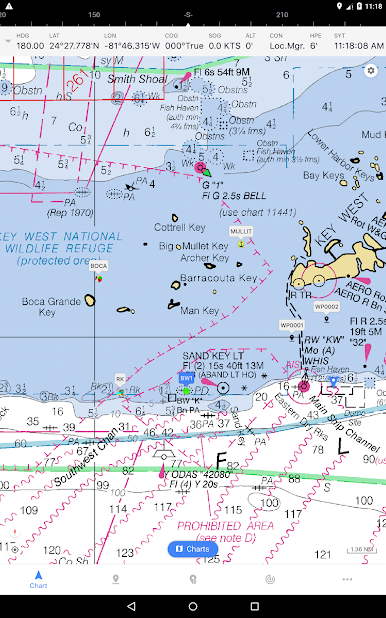
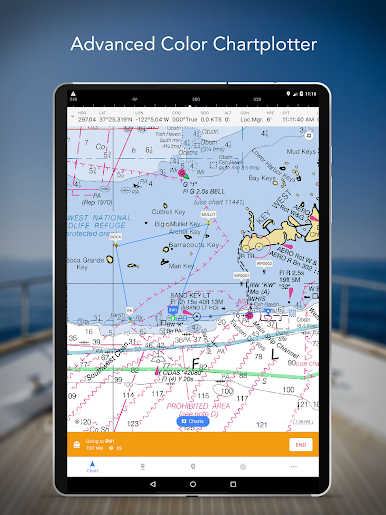
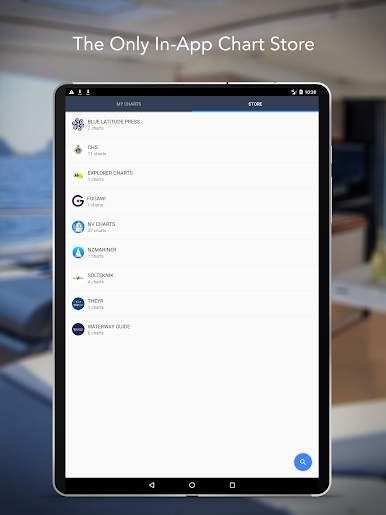
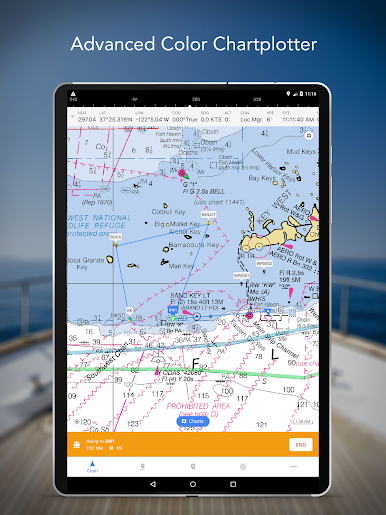
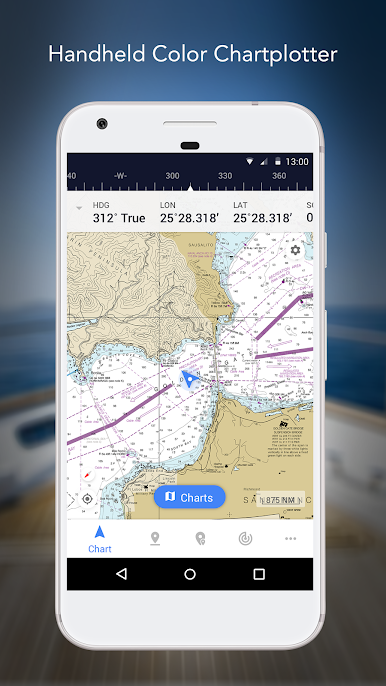
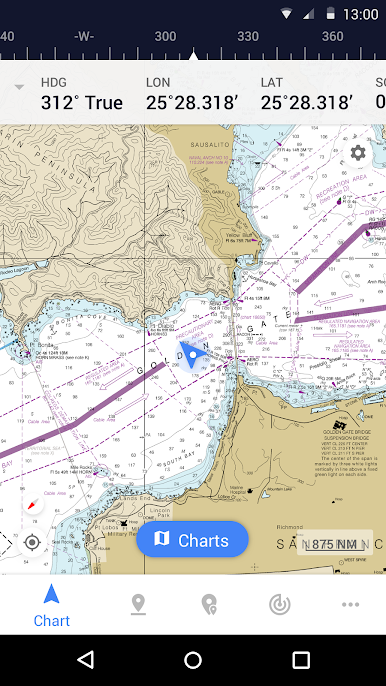
Pick and choose from a wide range of professional marine charts, including high-res NOAA charts and other popular options like Navionics, Explorer, and more. You can browse, buy, and download everything straight through the app—it’s all set up for quick access. -
Real-Time GPS Tracking
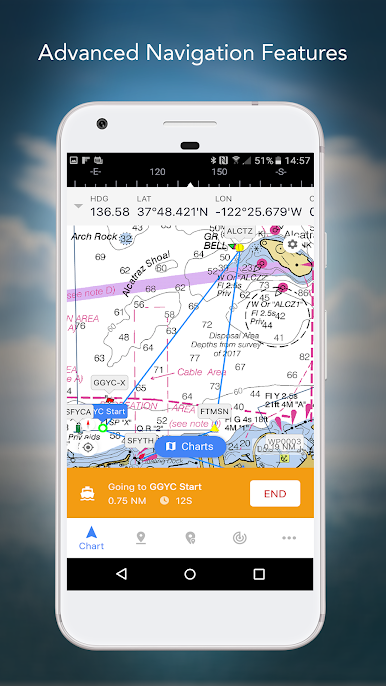
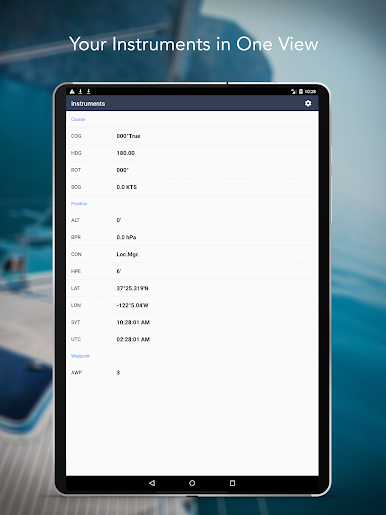
Watch your exact position update instantly on your chosen charts using your device’s GPS. Whether you’re moving fast or slow, you’ll always know where you’re at and where you’re headed. -
Plot and Pan with Ease
Zoom, pan, and rotate charts without any lag. Course up view? No problem. You can even print out sections for a good old-fashioned backup—or just to scribble on, if you’re into that sort of thing. -
Route & Waypoint Management
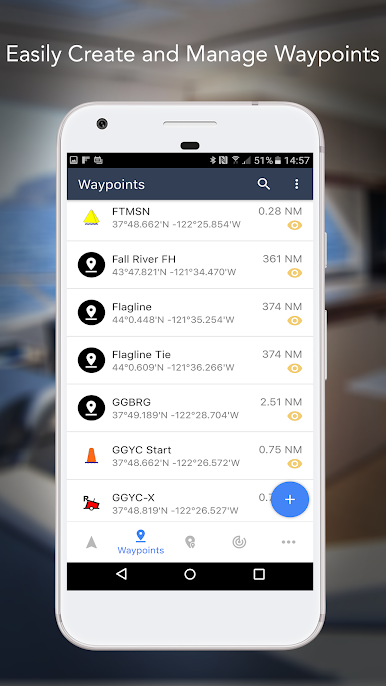
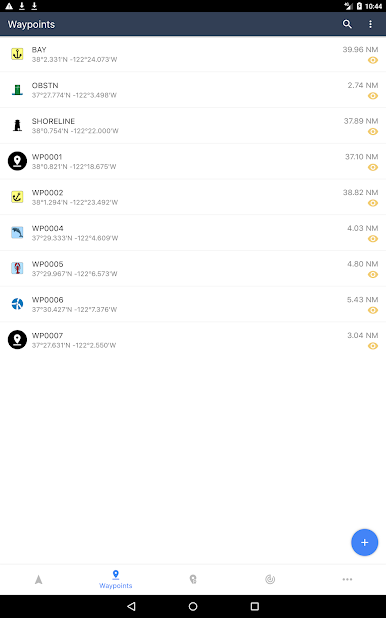
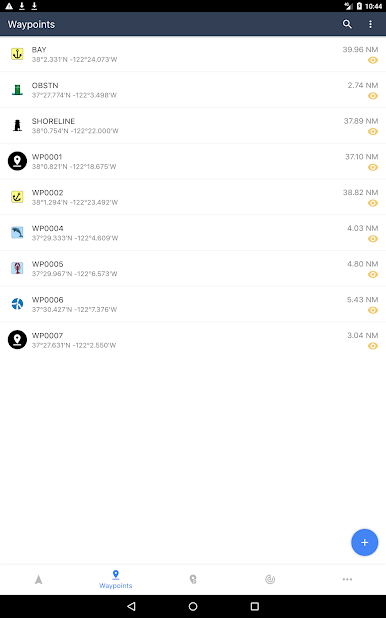
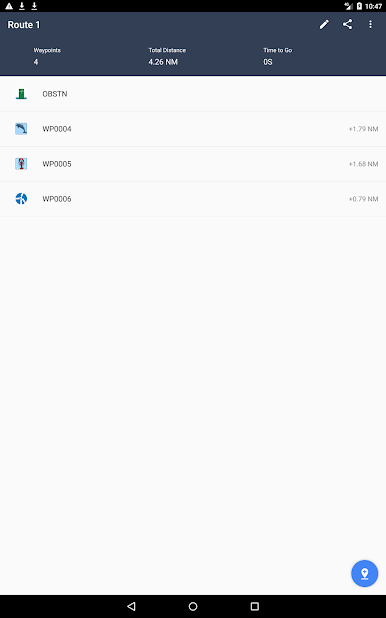
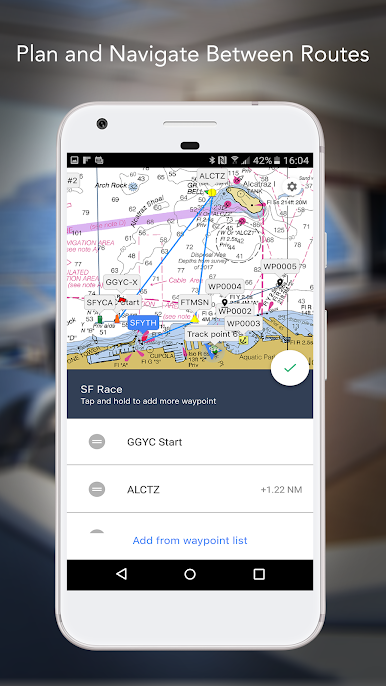
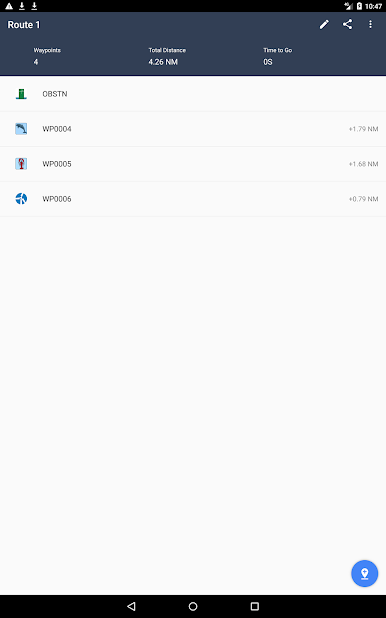
Lay out new routes, drop unlimited waypoints, and save favorite fishing holes or scenic stops. Heading back to that hidden cove or perfect angling spot next time will be a breeze. -
Live Weather and Forecasts
Stay on top of everything weather-related: check out wind, swell, and current predictions right from the app. Anglers can spot cold fronts; sailors and cruisers can plan for smooth passages. -
AIS & External Device Integration
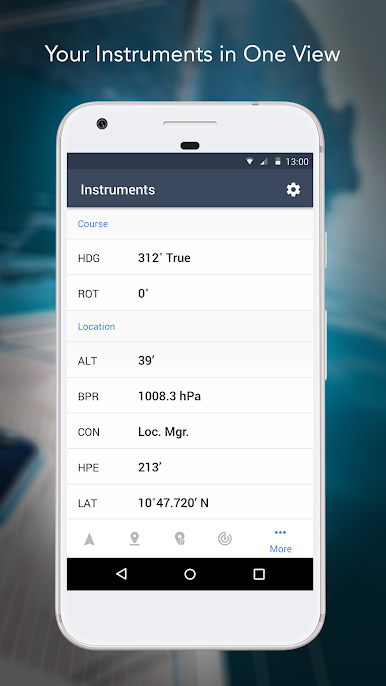
If you’ve got accessories like AIS receivers, iNavX can connect for real-time traffic and safety updates. It all happens right on your main display, so you’re not staring at a bunch of gadgets. -
Import/Export & Sharing
Share your adventure or keep a log—import and export routes or waypoints in KML or GPX for easy planning and record-keeping. -
Custom Markers & Photo Tagging
Never forget a secret spot again. Drop markers anywhere, as many as you want, and tag photos so you can remember exactly what made that place special.
You can even enjoy all these features using BlueStacks, which opens up the flexibility of bigger screens for route planning or just keeping an eye on everything from your computer. iNavX – Sailing & Boating Navigation, NOAA Charts by NavX Studios is ready to head out with you, wherever your next trip takes you.
BlueStacks brings your apps to life on a bigger screen—seamless and straightforward.
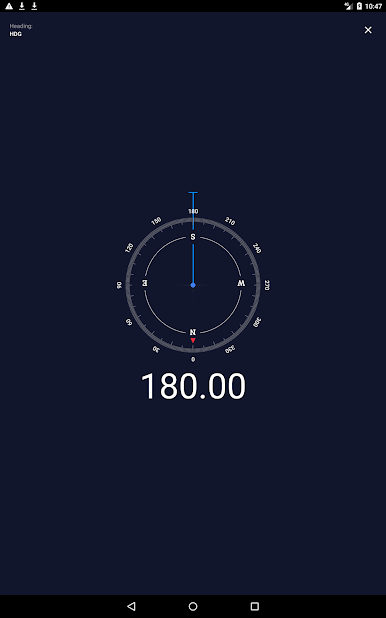
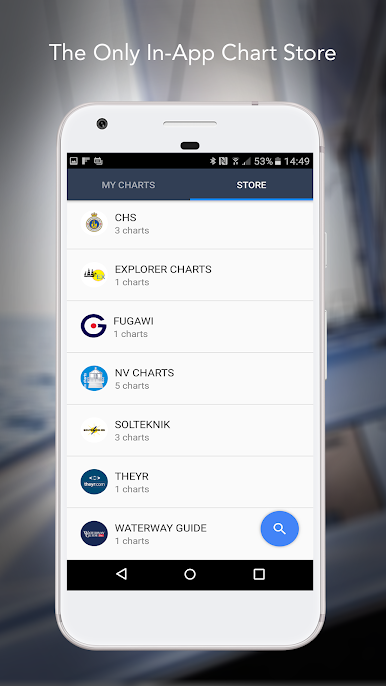
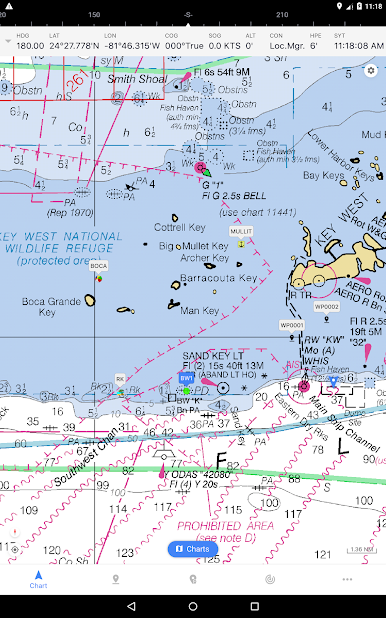
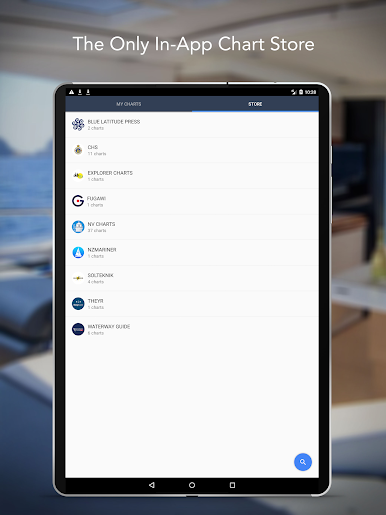
在電腦上遊玩iNavX: Marine Navigation . 輕易上手.
-
在您的電腦上下載並安裝BlueStacks
-
完成Google登入後即可訪問Play商店,或等你需要訪問Play商店十再登入
-
在右上角的搜索欄中尋找 iNavX: Marine Navigation
-
點擊以從搜索結果中安裝 iNavX: Marine Navigation
-
完成Google登入(如果您跳過了步驟2),以安裝 iNavX: Marine Navigation
-
在首頁畫面中點擊 iNavX: Marine Navigation 圖標來啟動遊戲

