


All-In-One Unit Converter
500M + oyuncunun güvendiği Android Oyun Platformu, BlueStacks ile PC'de oynayın.

Sayfa Değiştirilme tarihi: Oct 24, 2025
Play All-In-One Unit Converter on PC
Perfect for students, engineers, professionals, and home users, this multi-purpose converter simplifies every calculation with instant results and a built-in calculator for complex expressions.
🔹 Key Features
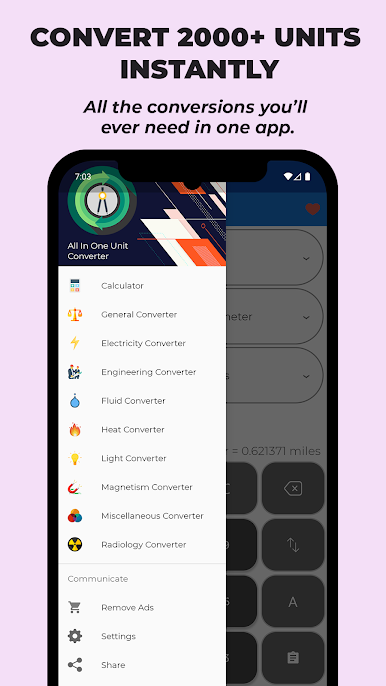
✅ 2000+ Units & 75+ Categories – From basic to advanced engineering conversions.
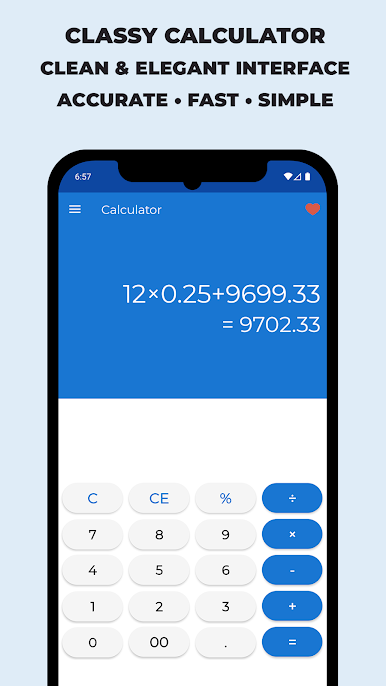
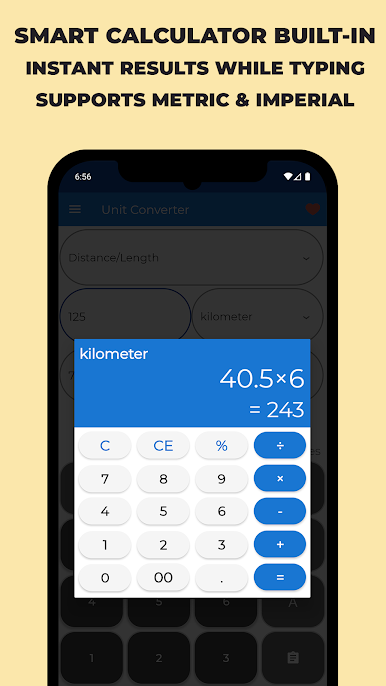
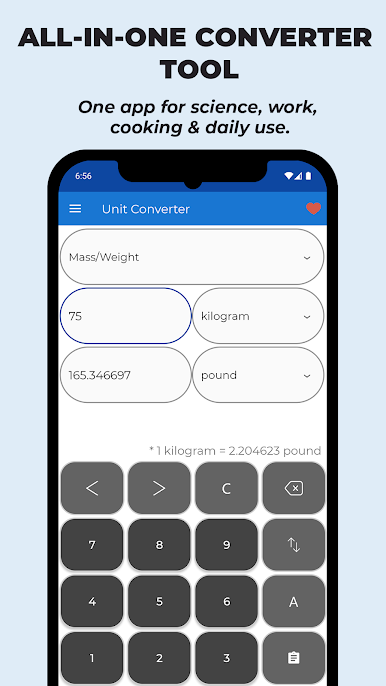
✅ Built-in Smart Calculator – Handle complex equations like (6+7)*40/3 easily.
✅ Real-Time Results – Get instant conversions while typing.
✅ Metric & Imperial Support – Seamless switching between global units.
✅ Customizable Precision – Control decimal places and format results your way.
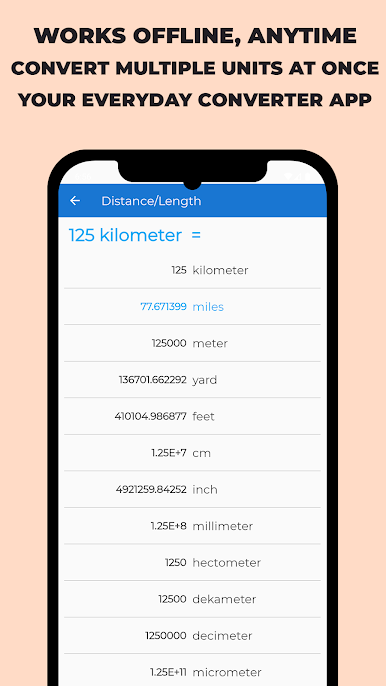
✅ Multi-Conversion Mode – Convert multiple units at the same time.
✅ Offline Access – Works anytime, anywhere, even without internet.
✅ Lightweight & Fast – Optimized for speed and performance.
🔸 Comprehensive Unit Categories
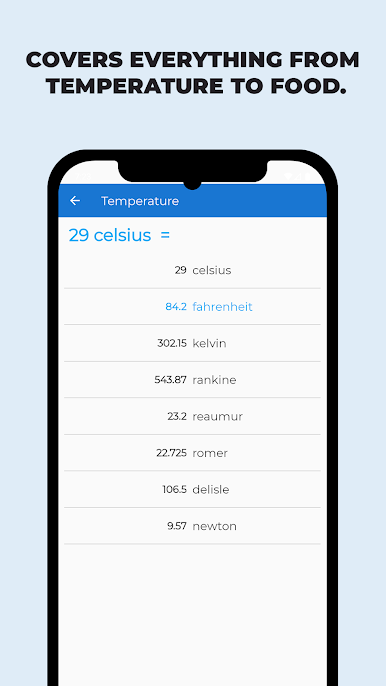
- General Units: Length, Area, Volume, Temperature, Speed, Time, Angle
- Science & Engineering: Force, Power, Energy, Pressure, Density, Torque, Magnetism
- Digital & Data: Bits, Bytes, KB, MB, GB, Frequency
- Everyday Use: Cooking, Fuel, Sound, Light, Heat
- Professional Tools: Radiology, Fluids, Electricity, Mechanics
🌟 Why Users Love It
✔ Intuitive and elegant design
✔ Precise results you can trust
✔ Quick search to find any unit instantly
✔ Supports both Metric (SI) and Imperial (US/UK) systems
✔ Regular updates with new conversions added by user request
All-In-One Unit Converter makes every calculation effortless — whether it’s converting miles to kilometers, watts to horsepower, or cups to milliliters.
Use it for work, school, science labs, cooking, travel, or everyday problem solving — it’s your go-to universal converter app.
💬 Have a unit to suggest? Contact us anytime — we’re always improving!
📲 Download now and simplify your world with the smartest All-In-One Converter!
All-In-One Unit Converter oyununu PC'de oyna. Başlamak çok kolay.
-
BlueStacks'i PC'nize İndirin ve Yükleyin
-
Play Store'a erişmek için Google girişi yapın ya da daha sonraya bırakın.
-
Sağ üst köşeye All-In-One Unit Converter yazarak arayın.
-
All-In-One Unit Converter uygulamasını arama sonuçlarından indirmek için tıklayın.
-
(iEğer Adım 2'yi atladıysanız) All-In-One Unit Converter uygulamasını yüklemek için Google'a giriş yapın.
-
Oynatmaya başlatmak için ekrandaki All-In-One Unit Converter ikonuna tıklayın.

