


LightChat -Voice Chat & Meet
BlueStacksを使ってPCでプレイ - 5憶以上のユーザーが愛用している高機能Androidゲーミングプラットフォーム

Run LightChat -Voice Chat & Meet on PC or Mac
Why limit yourself to your small screen on the phone? Run LightChat -Voice Chat & Meet, an app by Guangzhou Time Online Network Technology Limited, best experienced on your PC or Mac with BlueStacks, the world’s #1 Android emulator.
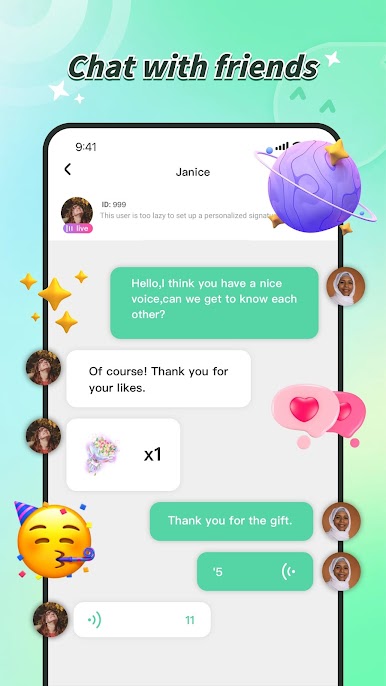
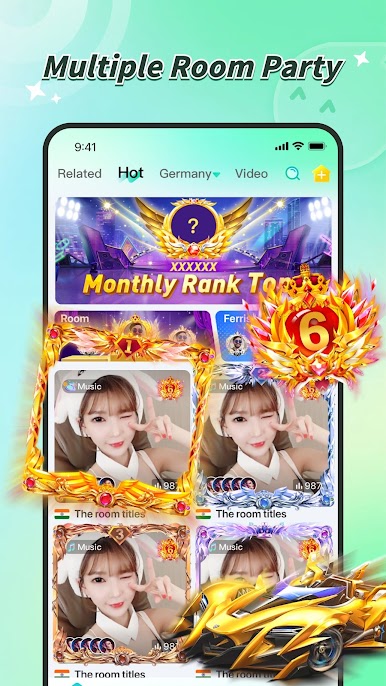
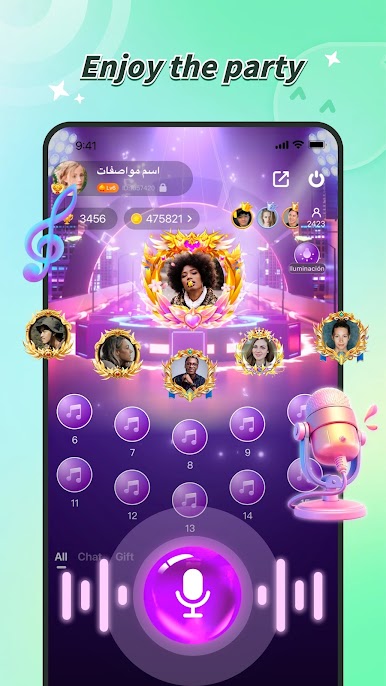
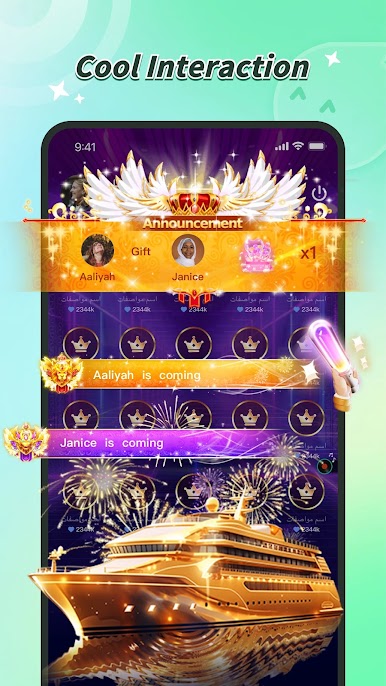
LightChat is one of those apps where it feels more like hanging out than actually using social media. It’s mostly voice chat rooms, so no need to worry about turning on the camera or getting ready just to talk to people. Users can join all sorts of group chats—some are just casual, some are about games, some for music, and there’s always something going on no matter the time. Playing it on PC with BlueStacks feels way more relaxed since you can just leave it open in the background while doing something else, and typing messages (if you want to) is way easier that way.
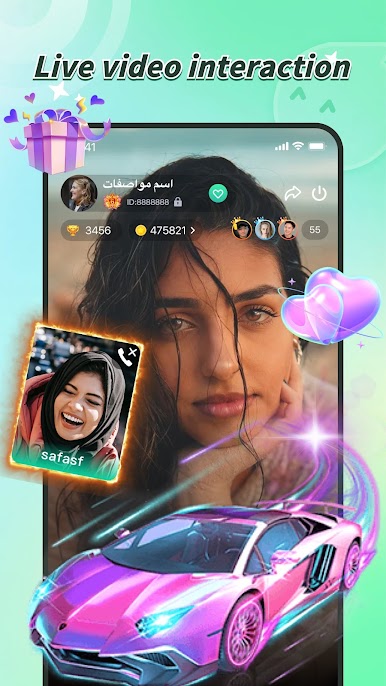
One thing that stands out is how quickly you can find people to talk to, even from all sorts of different places. It’s pretty welcoming, even if someone’s new or just browsing. There are little extras, too, like sending digital gifts or changing up profile looks with different frames and decorations, which adds to the fun but isn’t necessary if someone’s not into it. The games and singing parts keep things from getting boring, and the app doesn’t care if someone doesn’t want to use video—voice is enough. If anyone’s looking for a place to chat, play games, or just listen in, this one’s simple to pick up and isn’t stressful at all.
BlueStacks brings your apps to life on a bigger screen—seamless and straightforward.
LightChat -Voice Chat & MeetをPCでプレイ
-
BlueStacksをダウンロードしてPCにインストールします。
-
GoogleにサインインしてGoogle Play ストアにアクセスします。(こちらの操作は後で行っても問題ありません)
-
右上の検索バーにLightChat -Voice Chat & Meetを入力して検索します。
-
クリックして検索結果からLightChat -Voice Chat & Meetをインストールします。
-
Googleサインインを完了してLightChat -Voice Chat & Meetをインストールします。※手順2を飛ばしていた場合
-
ホーム画面にてLightChat -Voice Chat & Meetのアイコンをクリックしてアプリを起動します。

