


Arrow Crossword
5억명 이상의 게이머가 신뢰하는 안드로이드 게임 플랫폼 BlueStacks으로 PC에서 플레이하세요.

Play Arrow Crossword on PC or Mac
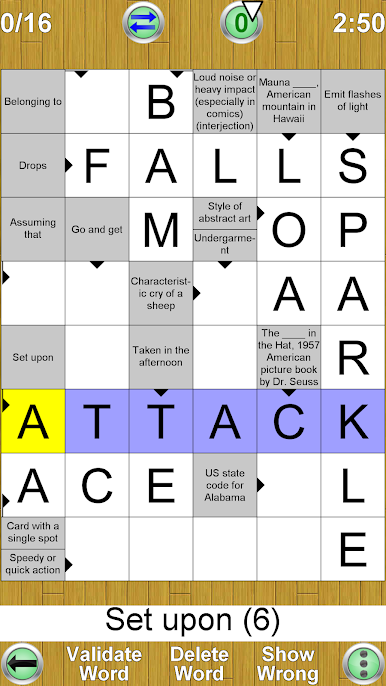
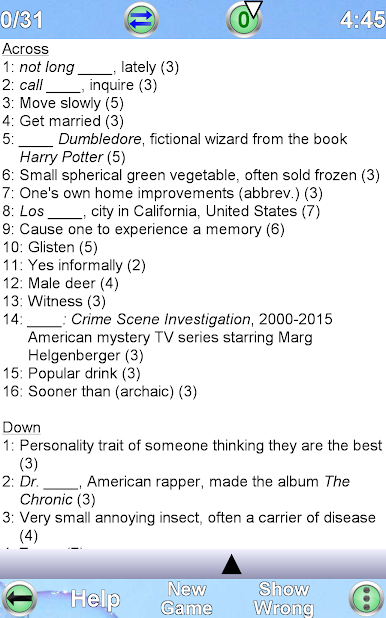
Join millions to experience Arrow Crossword, an exciting Word game from Havos Word Games. With BlueStacks App Player, you are always a step ahead of your opponent, ready to outplay them with faster gameplay and better control with the mouse and keyboard on your PC or Mac.
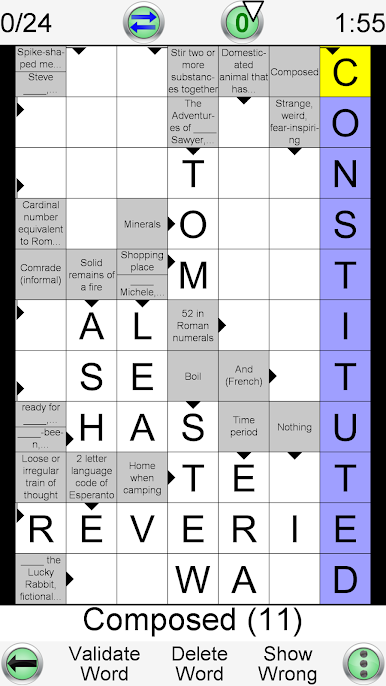
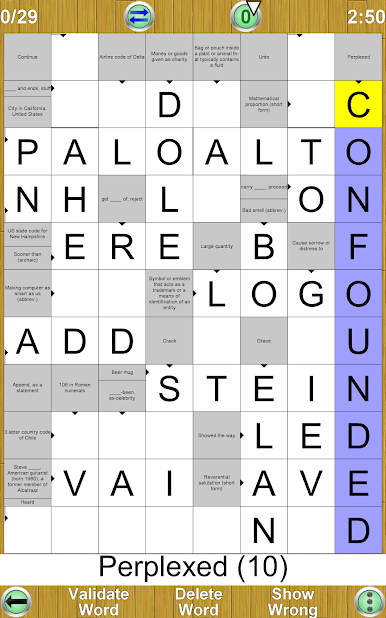
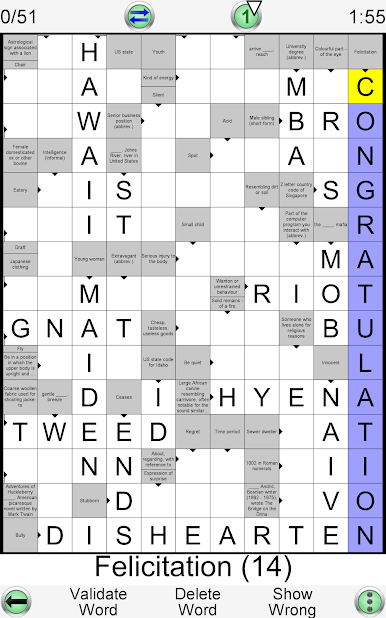
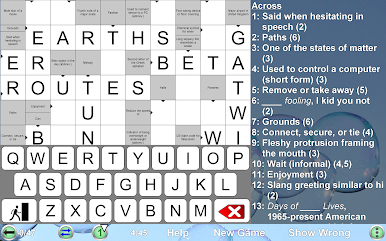
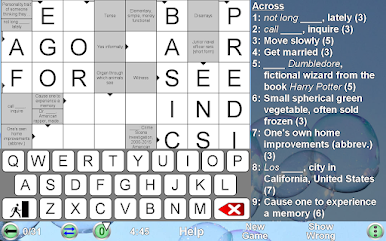
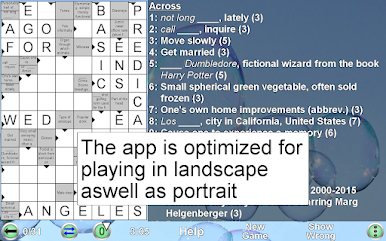
So, Arrow Crossword takes the usual crossword idea and flips it a bit—here, instead of hunting down clues in a big list, the hints are built right into the puzzle grid. Each clue sort of points straight to where the answer should go, which keeps you from bouncing all over the place. It actually makes everything move smoother and feels less cluttered, especially when you’re tackling those big grids. And since the app just keeps making new puzzles automatically, there’s no running out—there’s always another one ready to go.
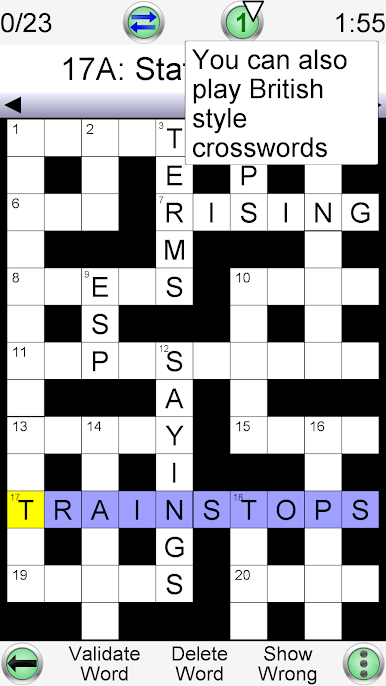
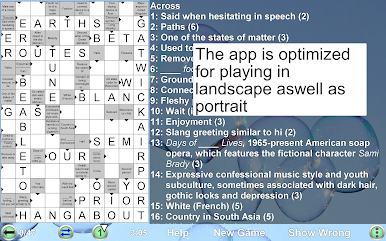
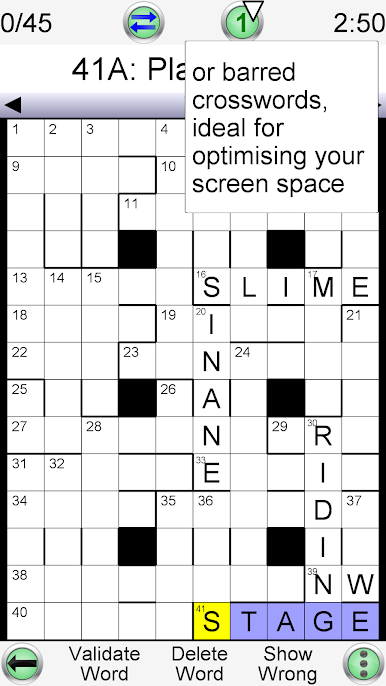
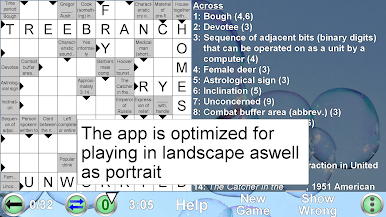
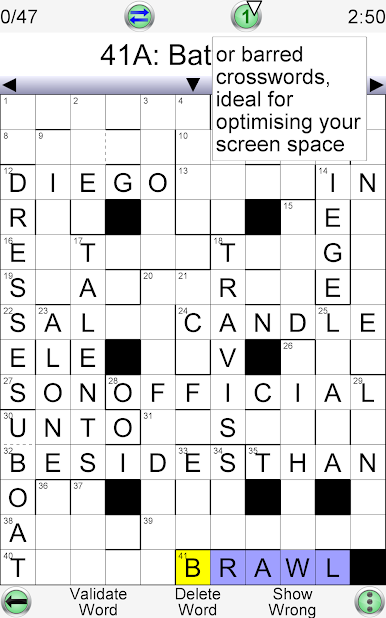
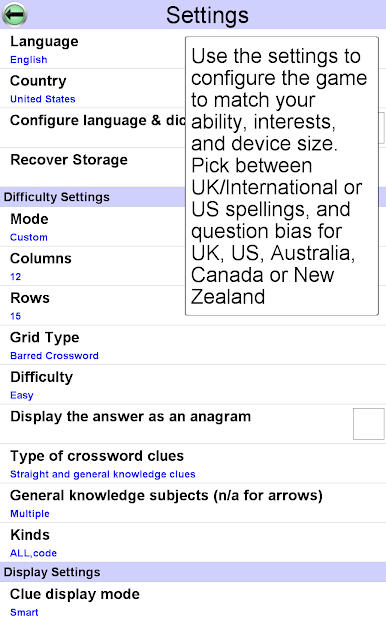
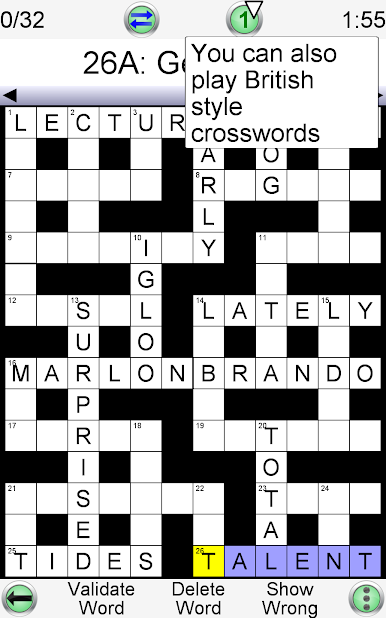
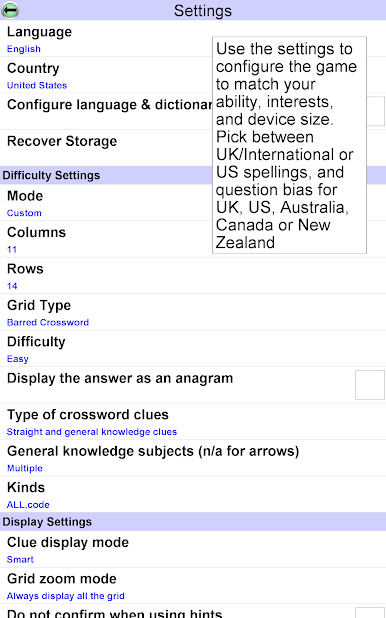
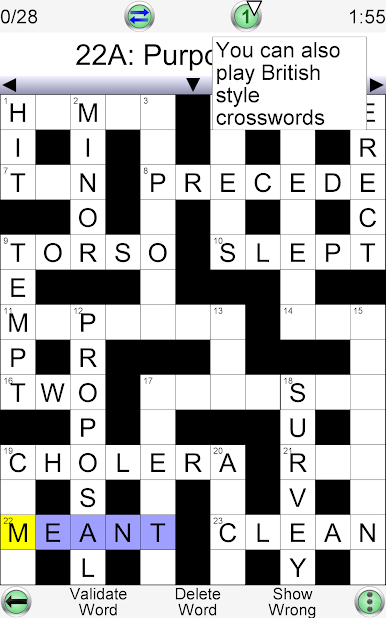
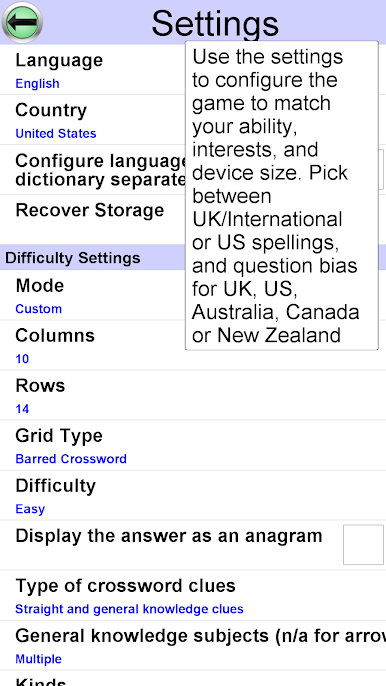
There’s a bunch you can tweak too, like changing the size of the puzzle, how tough it is, and even the style of crossword grid. It’s not just the usual British or American-style; there’s also this Arrow or Scandinavian style that’s a bit different but adds some variety. Tons of clues, and the game’s set up so you can pick stuff that matches your skill level or even your favorite topics. It keeps your spot if you want to jump around between puzzles or save a tough one for later. Those zoom and navigation tools actually help when playing on smaller screens, but if you’re using BlueStacks on PC, you can really stretch out and see everything at once. Plus, it’s set up for loads of different languages—handy if you like a challenge or are brushing up on something new. There are also little tools to nudge you along if you’re stuck, which makes it way less frustrating than some crossword apps. Overall, it’s pretty flexible, and the focus on clues being right next to the answers just makes everything click together a bit faster.
Slay your opponents with your epic moves. Play it your way on BlueStacks and dominate the battlefield.

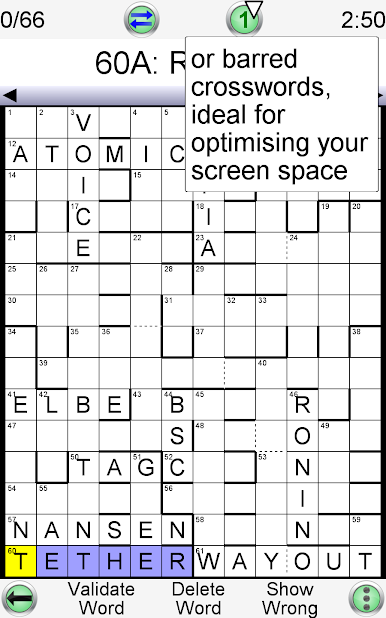

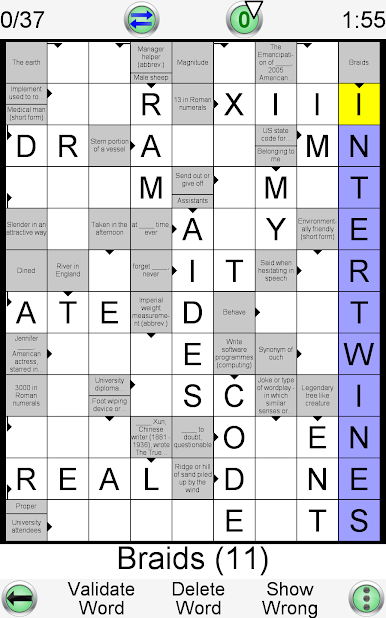
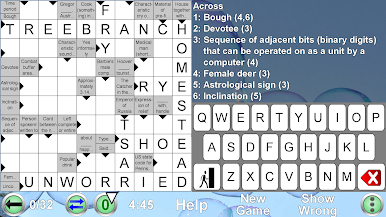
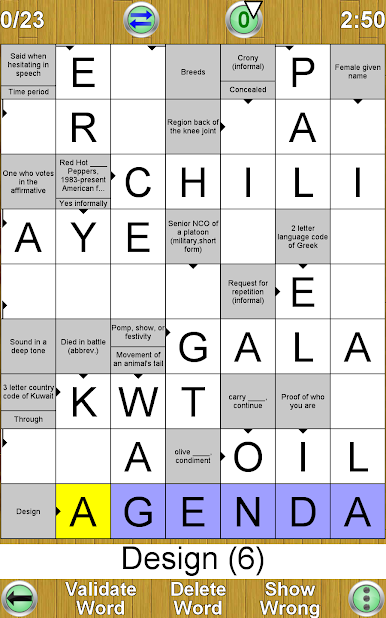
PC에서 Arrow Crossword 플레이해보세요.
-
BlueStacks 다운로드하고 설치
-
Google Play 스토어에 로그인 하기(나중에 진행가능)
-
오른쪽 상단 코너에 Arrow Crossword 검색
-
검색 결과 중 Arrow Crossword 선택하여 설치
-
구글 로그인 진행(만약 2단계를 지나갔을 경우) 후 Arrow Crossword 설치
-
메인 홈화면에서 Arrow Crossword 선택하여 실행

