ลำดับขีดอักขระภาษาจีน | เขียนอ

ลำดับขีดอักขระภาษาจีน | เขียนอ

การศึกษา | hhll tools

เล่นบน PC ผ่าน BlueStacks - Android Gaming Platform ที่ได้รับความไว้วางใจจากเกมเมอร์ 500 ล้านคนทั่วโลก

Page Modified on: Aug 30, 2025

Run Chinese Character Stroke Order | Write Chinese on PC or Mac

Get freedom from your phone’s obvious limitations. Use Chinese Character Stroke Order | Write Chinese, made by hhll tools, a Education app on your PC or Mac with BlueStacks, and level up your experience.

About the App

Chinese Character Stroke Order | Write Chinese makes learning to write Chinese characters feel clear and doable, even if you’re just starting out. Watch smooth, step-by-step animations that show exactly how each stroke should flow, then practice at your own pace. It’s an Education app from hhll tools designed for learners who want accuracy without the clutter. Prefer a bigger screen? Many people open it with BlueStacks for extra room to trace and review.

App Features

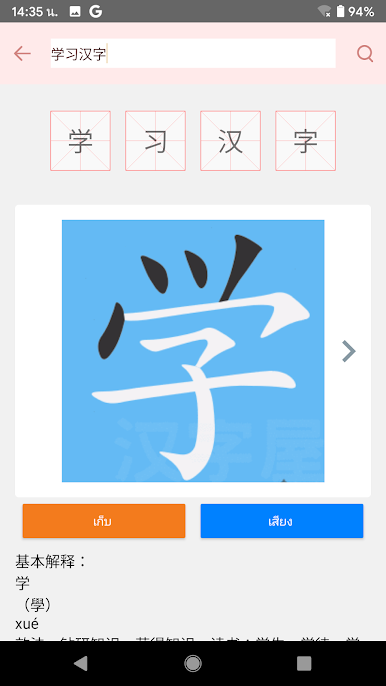
  • Animated stroke order – See each character built stroke by stroke, so you know where to start, where to turn, and when to lift your pen.
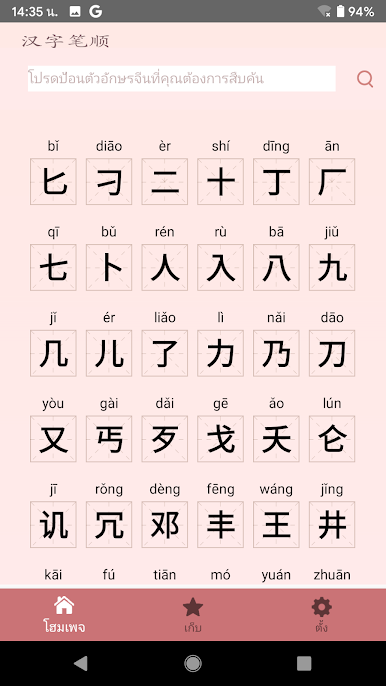
  • 4,000 common characters – Browse a large, practical library that covers everyday words you’ll actually encounter in class, travel, or reading.
  • Multi-character search – Paste or type several characters at once to quickly pull up stroke order for all of them—super handy for homework or notes.
  • Pronunciation audio – Tap to hear standard pronunciation, helping you connect the written form with how it sounds.
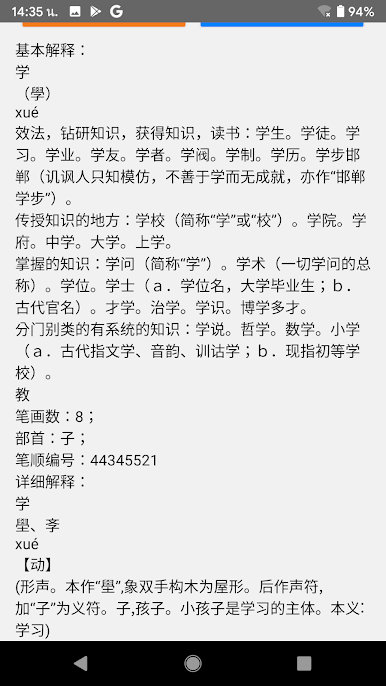
  • Meanings and usage – Get concise definitions and usage info to understand what you’re writing, not just how to write it.
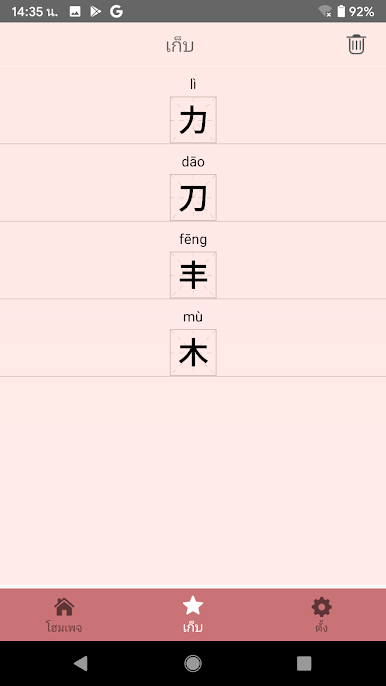
  • Favorites and review – Save characters to your personal collection for quick access and focused practice anytime.

Eager to take your app experience to the next level? Start right away by downloading BlueStacks on your PC or Mac.

เล่น ลำดับขีดอักขระภาษาจีน | เขียนอ บน PC ได้ง่ายกว่า

  • ดาวน์โหลดและติดตั้ง BlueStacks บน PC ของคุณ

  • ลงชื่อเข้าใช้แอคเคาท์ Google เพื่อเข้าสู่ Play Store หรือทำในภายหลัง

  • ค้นหา ลำดับขีดอักขระภาษาจีน | เขียนอ ในช่องค้นหาด้านขวาบนของโปรแกรม

  • คลิกเพื่อติดตั้ง ลำดับขีดอักขระภาษาจีน | เขียนอ จากผลการค้นหา

  • ลงชื่อเข้าใช้บัญชี Google Account (หากยังไม่ได้ทำในขั้นที่ 2) เพื่อติดตั้ง ลำดับขีดอักขระภาษาจีน | เขียนอ

  • คลิกที่ไอคอน ลำดับขีดอักขระภาษาจีน | เขียนอ ในหน้าจอเพื่อเริ่มเล่น

ดูวิดีโอ