

سباق سيارات الأطفال
العب على الكمبيوتر الشخصي مع BlueStacks - نظام أندرويد للألعاب ، موثوق به من قبل أكثر من 500 مليون لاعب.

Play Professions for kids: Driver 3D on PC or Mac
Step into the World of Professions for kids: Driver 3D, a thrilling Racing game from the house of Hippo Kids Games. Play this Android game on BlueStacks App Player and experience immersive gaming on PC or Mac.
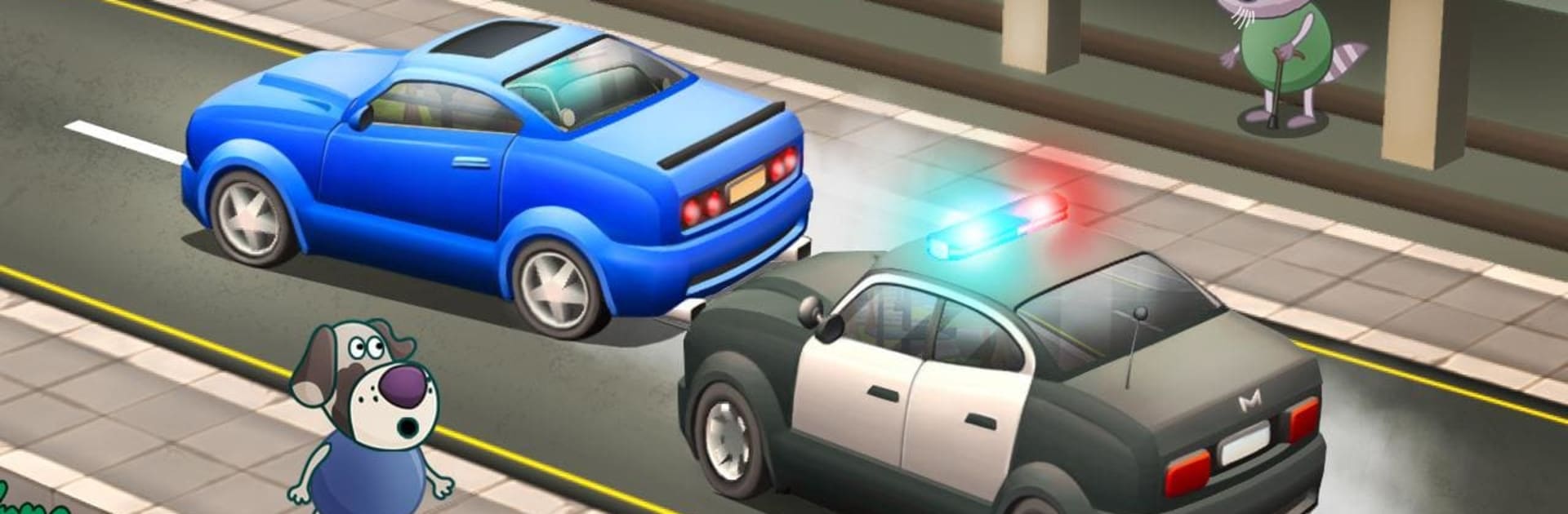
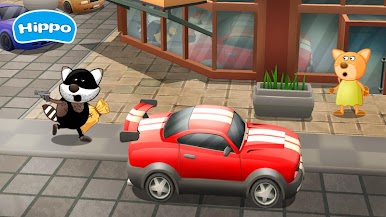
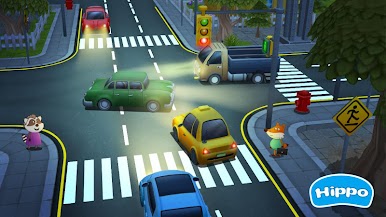
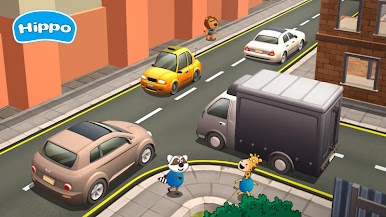
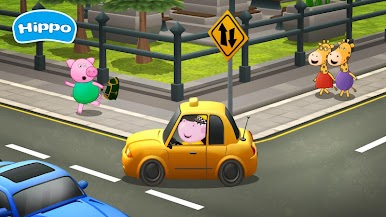
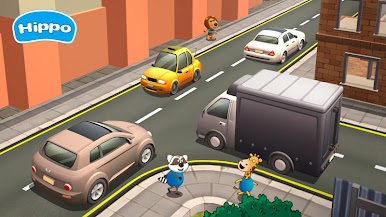
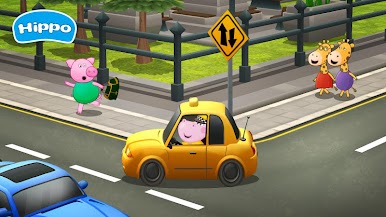
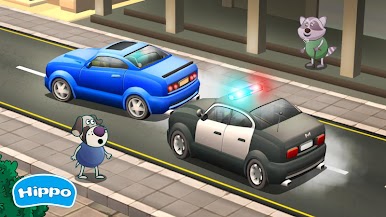
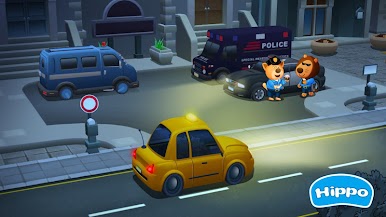
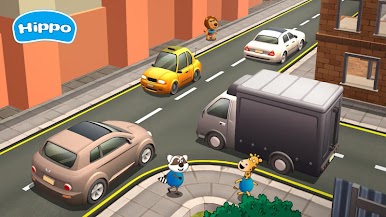
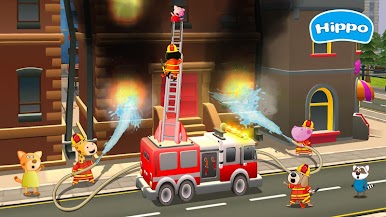
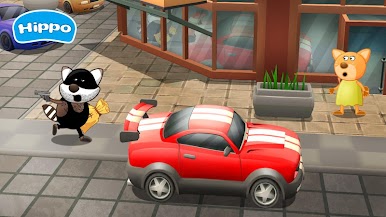
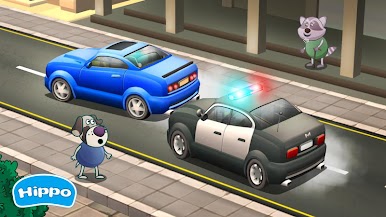
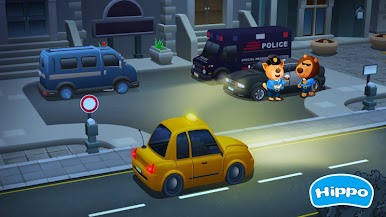
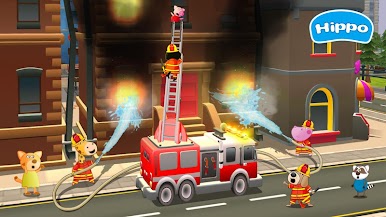
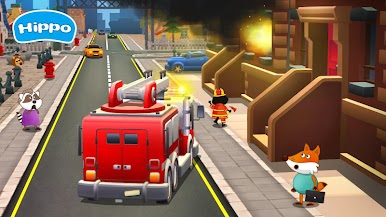
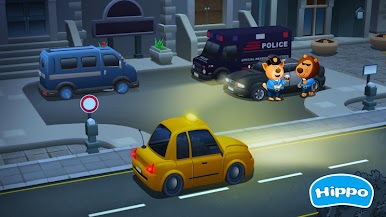
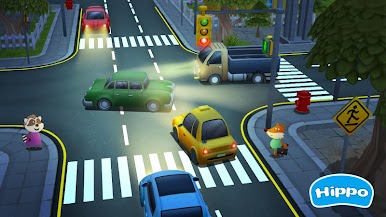
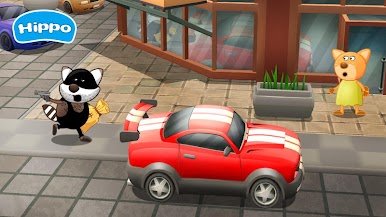
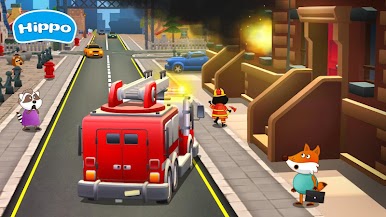
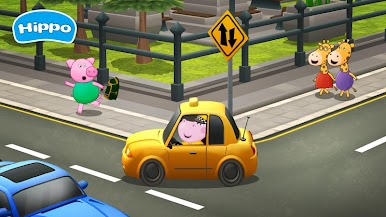
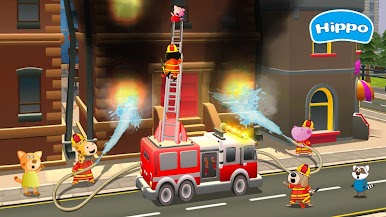
Professions for Kids: Driver 3D is one of those games where you get to jump behind the wheel and try out a bunch of different driving jobs, not just basic racing or taxi stuff. It’s very much a kids’ game, with lots of colorful characters and easy controls, but there’s actually a good mix of things to do. One time, it throws you into a big city letting you race through traffic like a taxi driver, and next thing you know, you’re a fireman, weaving around cars to put out fires before it’s too late. There are police chases where you have to catch thieves, and the game doesn’t really slow down, always keeping you on your toes with something new—sometimes even a UFO pops up, just to keep you guessing.
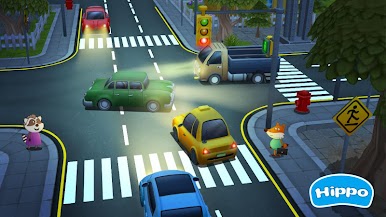
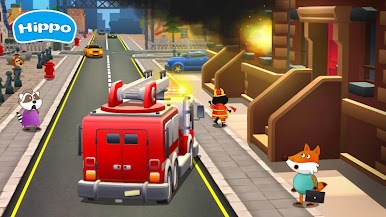
People playing on PC with BlueStacks will notice that everything runs pretty smooth and the visuals are bright and cheerful—the whole game has this playful vibe. The city feels busy, with lots of things moving around but never enough to make it overwhelming, which is nice for younger players. There’s a bunch of little surprises and mini-adventures, like suddenly needing to rescue someone or beating the clock for a client. The controls are simple, so there’s not a lot of frustration, but there’s still enough challenge dodging traffic and making tight turns. It definitely feels designed for fun over realism, so anyone looking for something light, especially if they like trying out different roles behind the wheel, probably won’t get bored with this.
Slay your opponents with your epic moves. Play it your way on BlueStacks and dominate the battlefield.

العب سباق سيارات الأطفال على جهاز الكمبيوتر. من السهل البدء.
-
قم بتنزيل BlueStacks وتثبيته على جهاز الكمبيوتر الخاص بك
-
أكمل تسجيل الدخول إلى Google للوصول إلى متجر Play ، أو قم بذلك لاحقًا
-
ابحث عن سباق سيارات الأطفال في شريط البحث أعلى الزاوية اليمنى
-
انقر لتثبيت سباق سيارات الأطفال من نتائج البحث
-
أكمل تسجيل الدخول إلى Google (إذا تخطيت الخطوة 2) لتثبيت سباق سيارات الأطفال
-
انقر على أيقونة سباق سيارات الأطفال على الشاشة الرئيسية لبدء اللعب

