


Vita: diario personale, nota
Gioca su PC con BlueStacks: la piattaforma di gioco Android, considerata affidabile da oltre 500 milioni di giocatori.

Pagina modificata il: May 15, 2025
Play Life : Personal Diary, Journal on PC
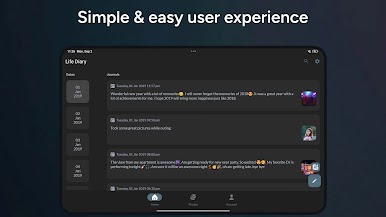
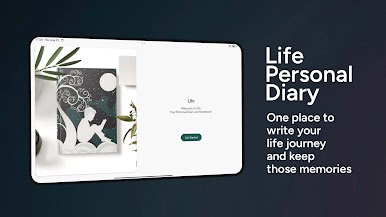
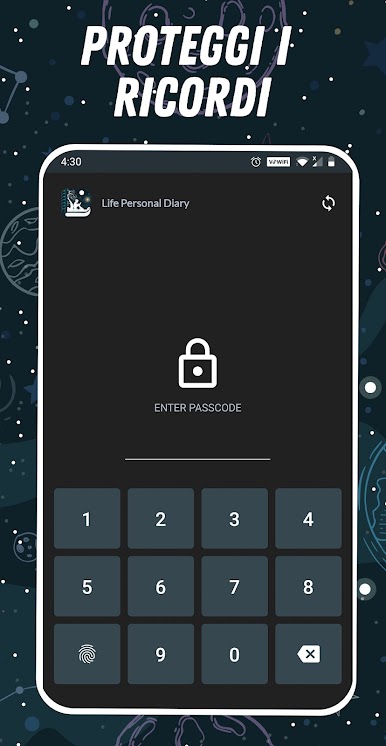
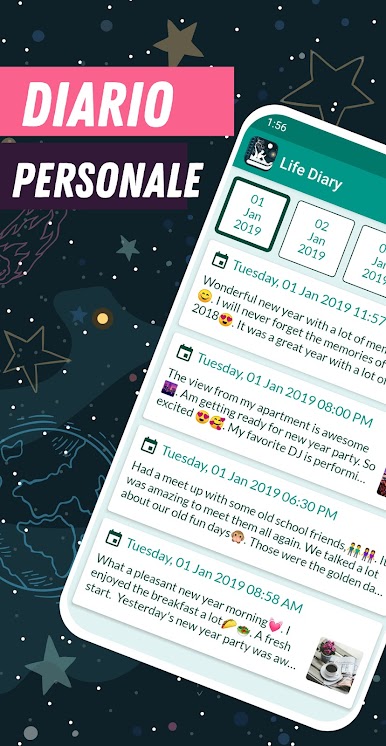
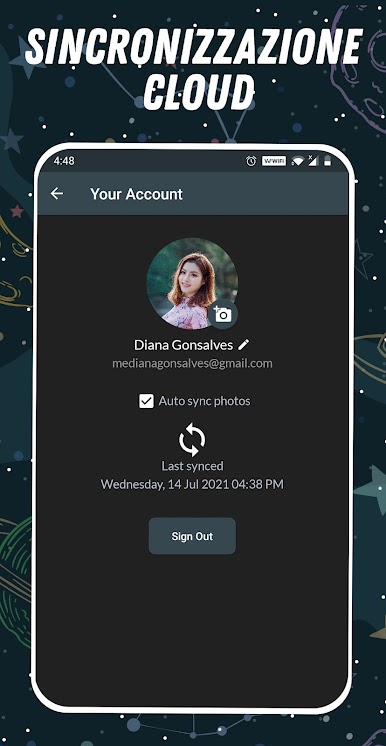
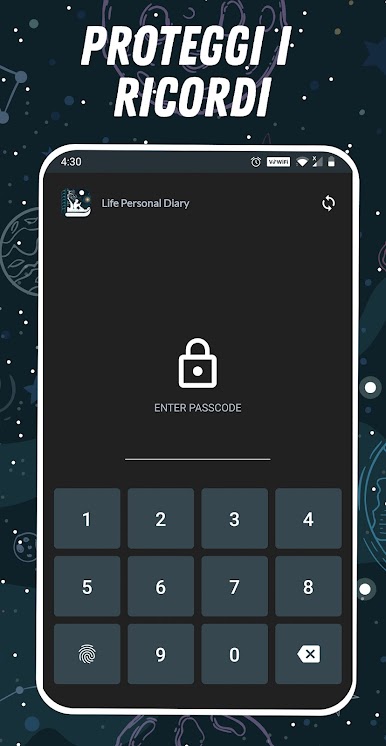
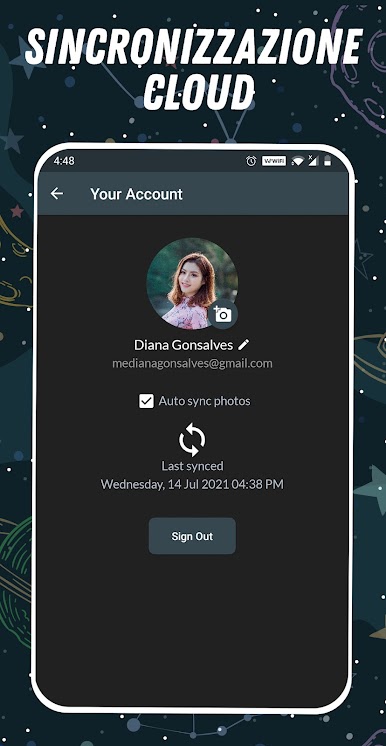
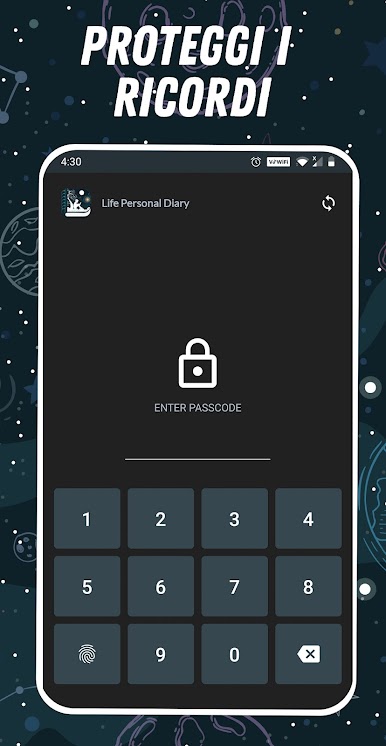
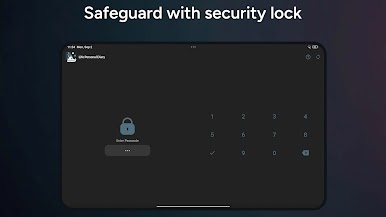
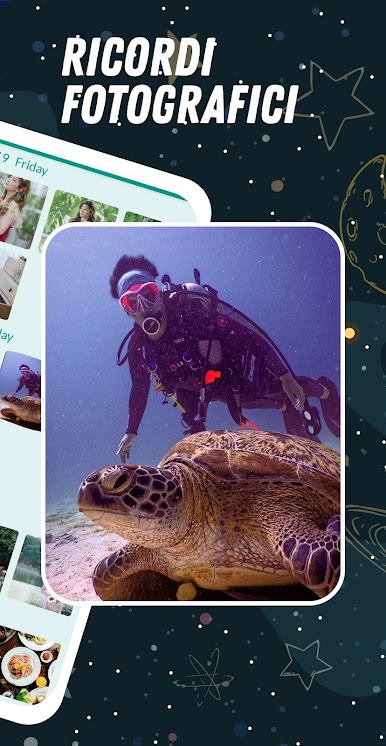
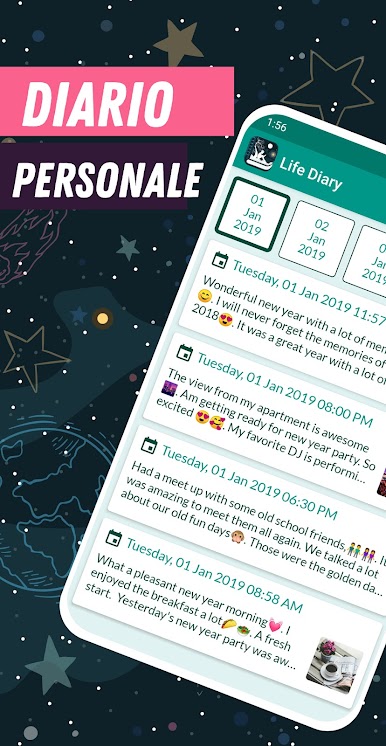
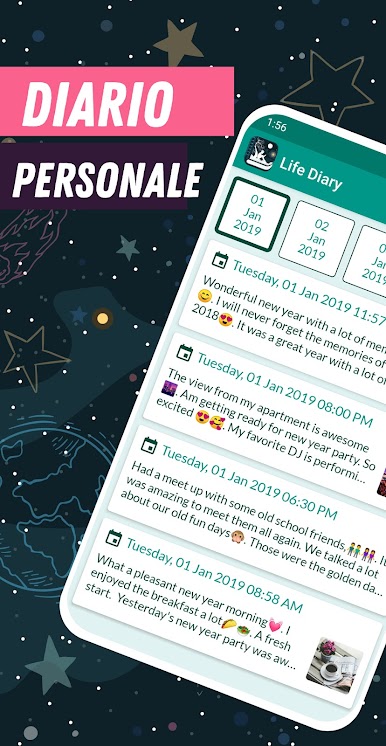
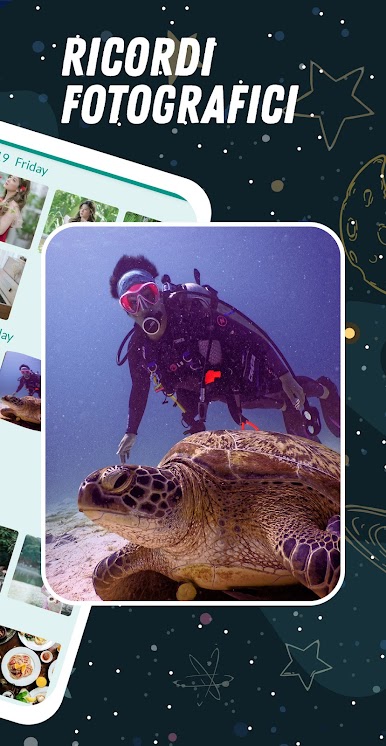
This personal diary comes with password lock and it is also a diary with fingerprint lock. You can add your photo memories to the photo collection in this personal diary with lock. The pass code will protect your journal and notes forever. Life diary app will be your perfect companion to express yourself. This journal app work perfectly in offline, it is a offline diary.
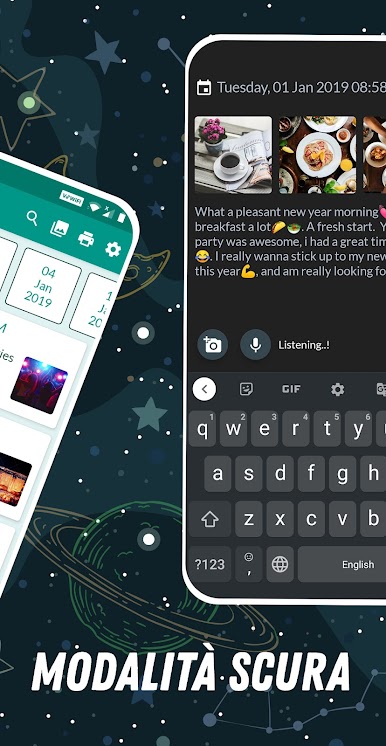
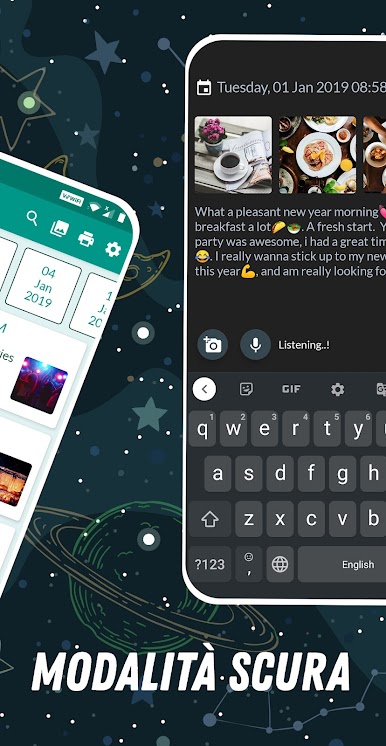
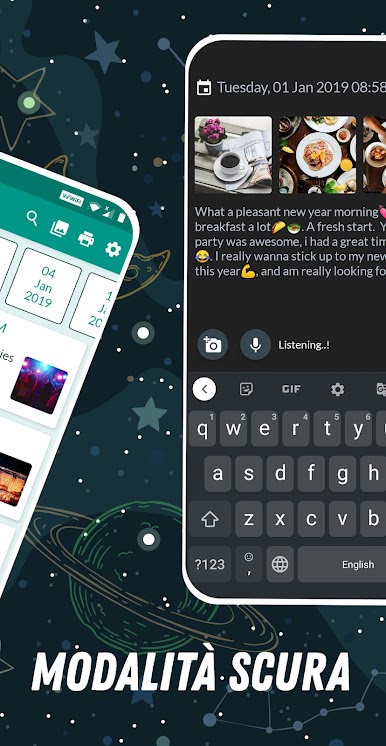
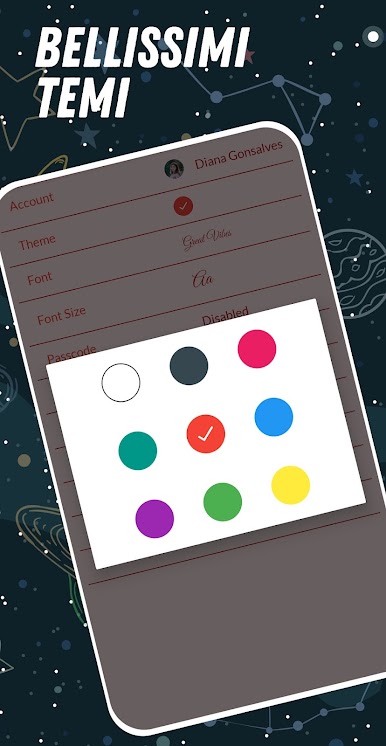
We often write diaries in night time, that is why we provide free night theme in this diary app. By this you can completely relax and write your diary at night time.
Features
* Free Night Theme
* Password protection
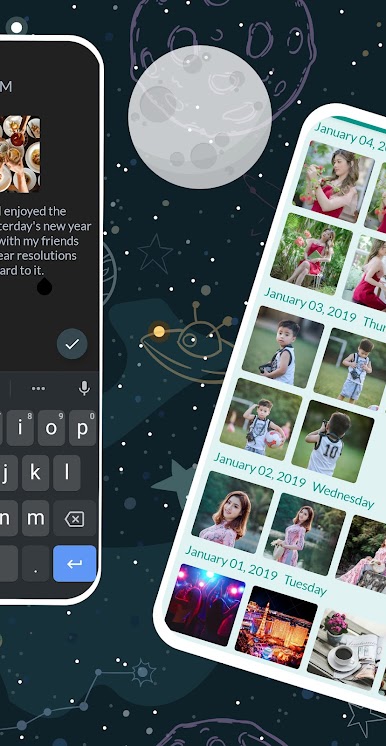
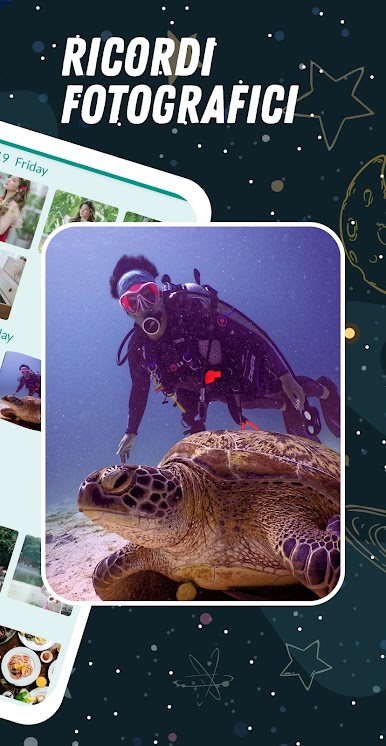
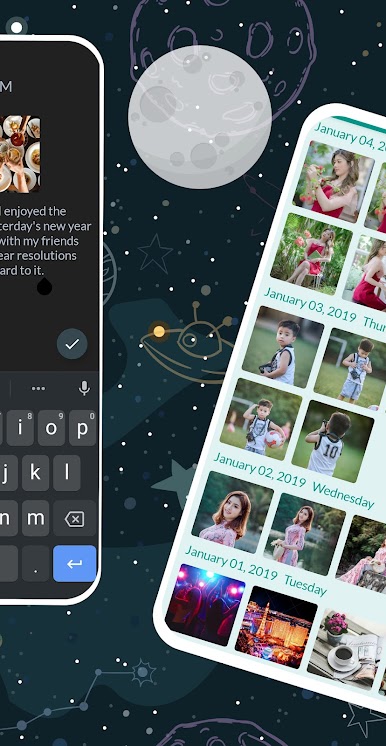
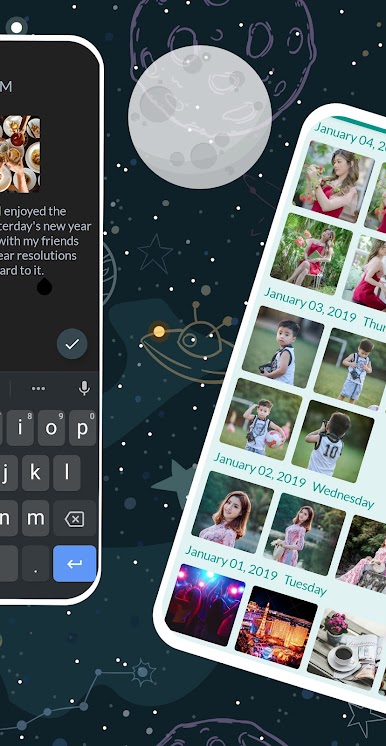
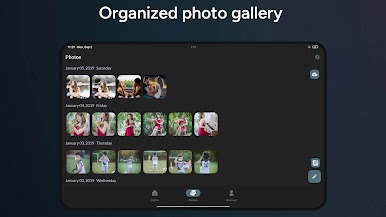
* Photo Memories
* Voice to Text Input
* Diary Reminder
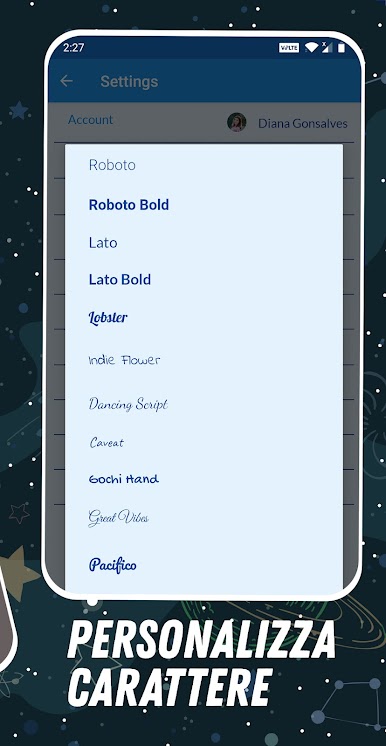
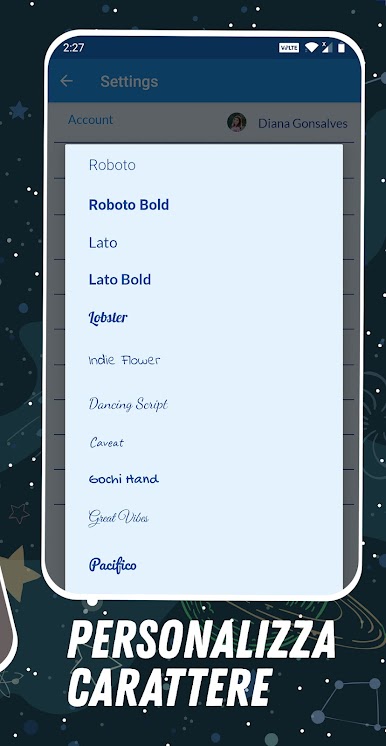
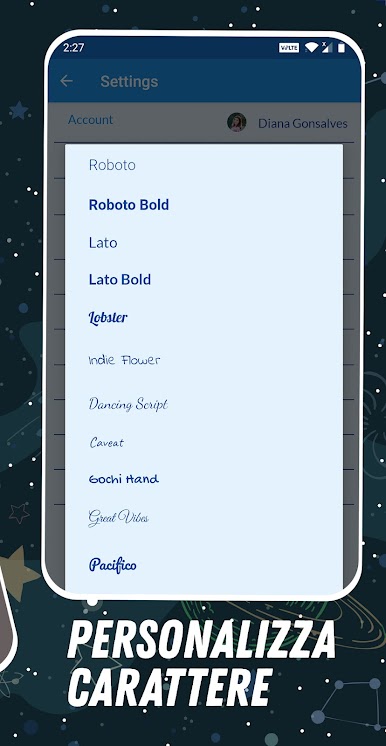
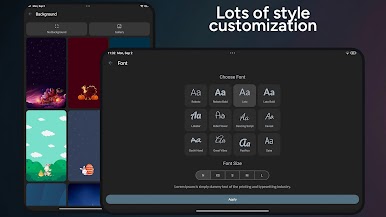
* Font Customization
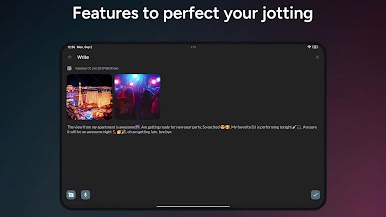
* Landscape Support
* Secure and Safe
* Easy to Use
We know font customization are very important for a better experience that is why we providing complete set of font customization options like font size, font type etc with free night mode.
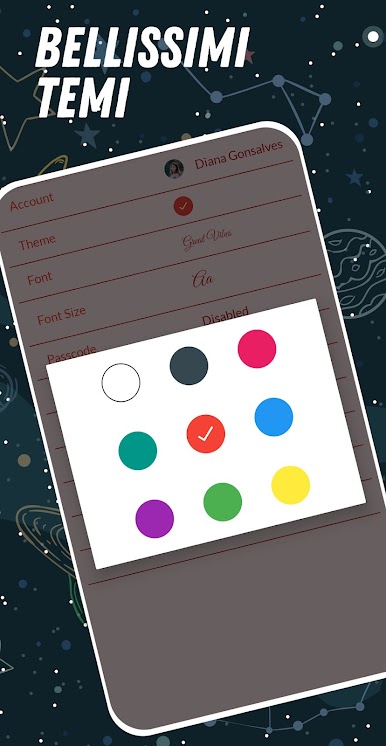
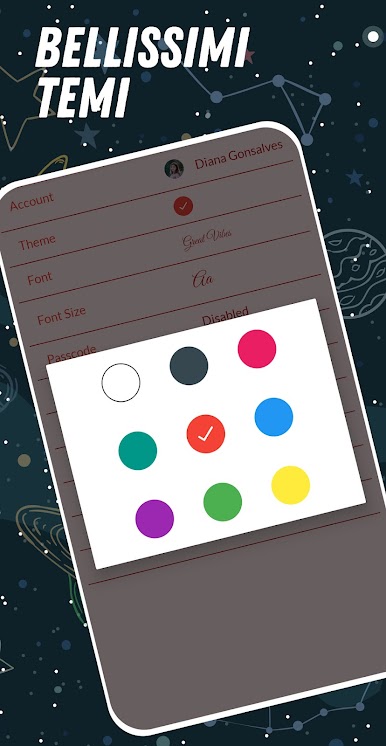
The app also support voice input, you can just use your voice to write articles. Because not all people like to use keyboards but you can use your sweet voice to create a diary note. Speech to text option makes it very easy to use. You can also customize diary with the collection of themes available including the special dark mode.
Landscape support is also available for the convenience. It is simple and easy to use.
So why are you waiting, download and start writing your good memories in diary.
Gioca Vita: diario personale, nota su PC. È facile iniziare.
-
Scarica e installa BlueStacks sul tuo PC
-
Completa l'accesso a Google per accedere al Play Store o eseguilo in un secondo momento
-
Cerca Vita: diario personale, nota nella barra di ricerca nell'angolo in alto a destra
-
Fai clic per installare Vita: diario personale, nota dai risultati della ricerca
-
Completa l'accesso a Google (se hai saltato il passaggio 2) per installare Vita: diario personale, nota
-
Fai clic sull'icona Vita: diario personale, nota nella schermata principale per iniziare a giocare

