


ScannerHD:camscanner, scan pro
Mainkan di PC dengan BlueStacks – platform Game-Game Android, dipercaya oleh lebih dari 500 juta gamer.

Run ScannerHD:PDF Scan&cam scanner on PC or Mac
Multitask effortlessly on your PC or Mac as you try out ScannerHD:PDF Scan&cam scanner, a Productivity app by AI Art Magic Avatar Studio on BlueStacks.
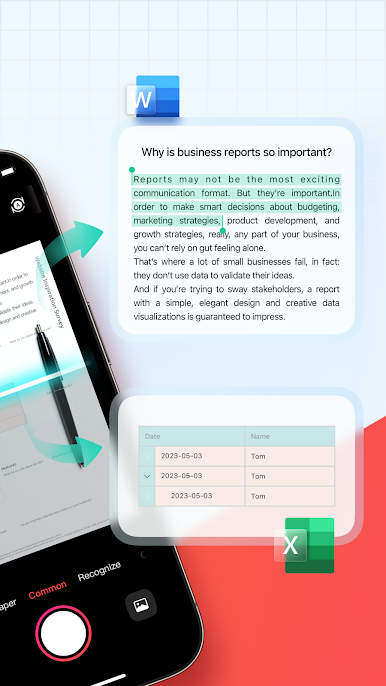
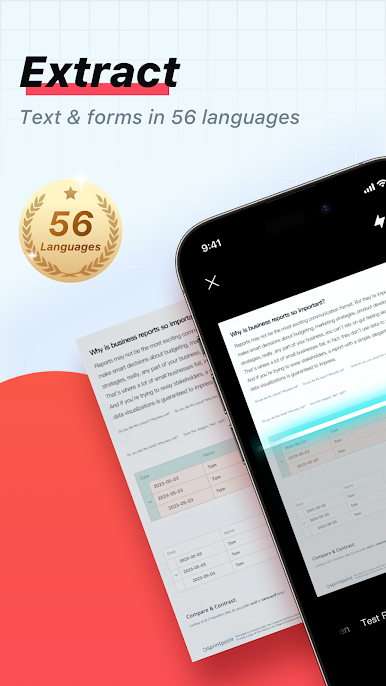
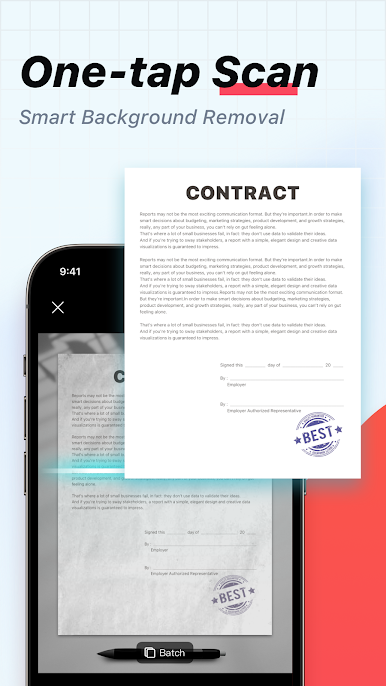
ScannerHD feels like turning a phone camera into a solid little office toolkit, and on a PC with BlueStacks it is even easier to manage because the bigger screen makes cropping and arranging pages less fussy. It opens fast, does not throw ads in the way, and does not ask for a sign in. The core is simple: point at receipts, contracts, notes, books, anything paper, and it cleans the edges, fixes lighting, and saves as a tidy PDF or JPG. There is OCR, so text can be pulled out into a TXT or even a Word file when needed. Multi page scans stitch together in one document without hassle. There are quick modes for ID cards and passports, a screen capture mode that reduces those weird screen patterns, and a built in QR reader for menus and Wi Fi codes.
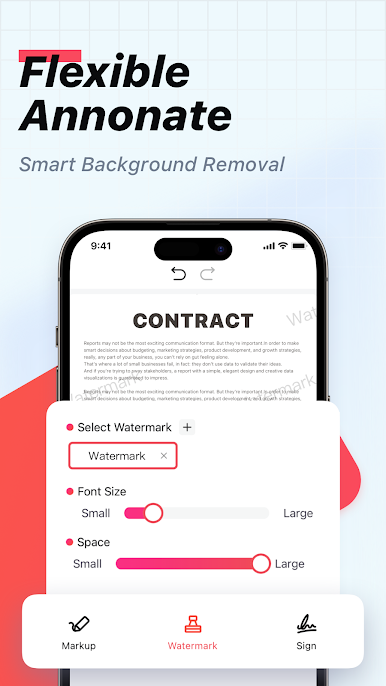
Once a scan is done, there is a light editor for color correction and noise reduction, plus rearranging pages, renaming, and a file manager that uses folders and drag and drop. Sensitive stuff can sit behind a PIN. It handles signatures, imports existing PDFs for tweaking, and shares easily to chat apps or email. Teams can comment on shared files and get notifications, which keeps feedback in one place. Printing straight from the app works, and uploads to Google Drive or Dropbox are quick. There is a translator that works from a photo, and a handwriting cleanup tool that makes messy notes more readable. It is useful without feeling heavy, and running it on BlueStacks makes moving scans to desktop folders feel natural.
BlueStacks brings your apps to life on a bigger screen—seamless and straightforward.
Mainkan ScannerHD:camscanner, scan pro di PC Mudah saja memulainya.
-
Unduh dan pasang BlueStacks di PC kamu
-
Selesaikan proses masuk Google untuk mengakses Playstore atau lakukan nanti
-
Cari ScannerHD:camscanner, scan pro di bilah pencarian di pojok kanan atas
-
Klik untuk menginstal ScannerHD:camscanner, scan pro dari hasil pencarian
-
Selesaikan proses masuk Google (jika kamu melewati langkah 2) untuk menginstal ScannerHD:camscanner, scan pro
-
Klik ikon ScannerHD:camscanner, scan pro di layar home untuk membuka gamenya

