

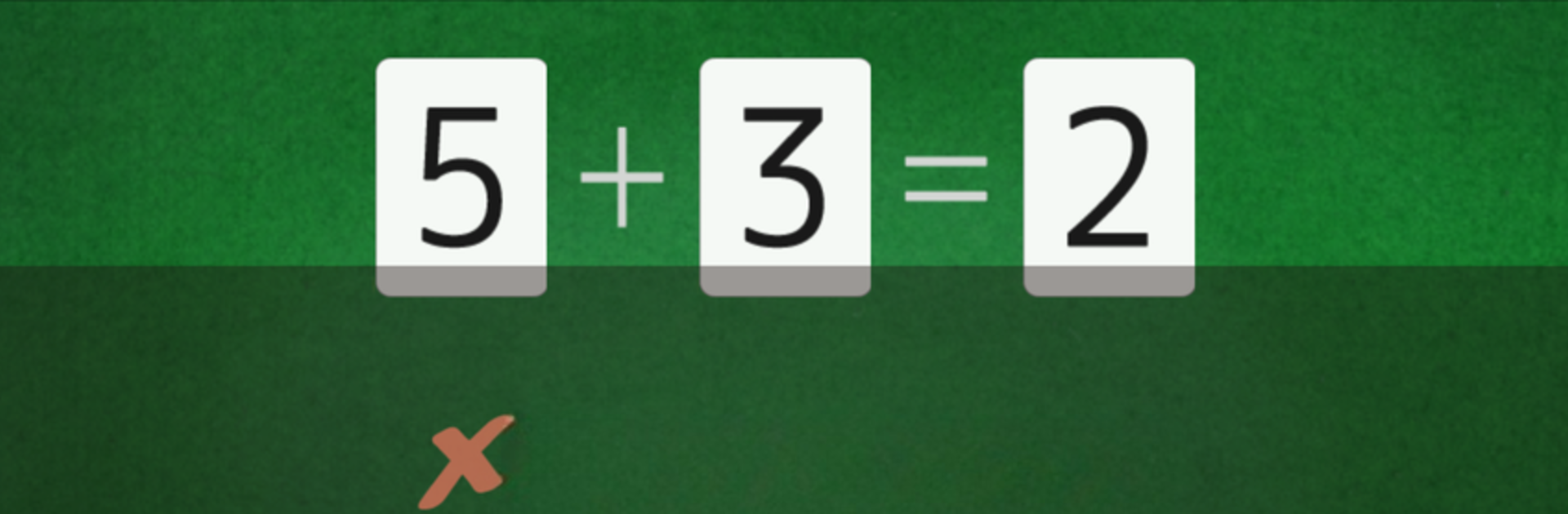
Quebra-cabeça de Matemática
Jogue no PC com BlueStacks - A Plataforma de Jogos Android, confiada por mais de 500 milhões de jogadores.

Página modificada em: Sep 26, 2025
Play Math Puzzle (Calculation, Brain Training Apps) on PC or Mac
From the innovators and creators at Hiza Games, Math Puzzle (Calculation, Brain Training Apps) is another fun addition to the World of Educational games. Go beyond your mobile screen and play it bigger and better on your PC or Mac. An immersive experience awaits you.
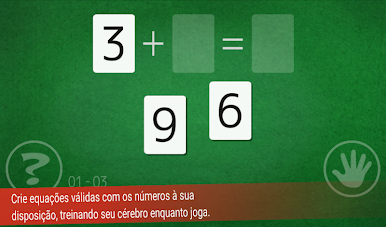
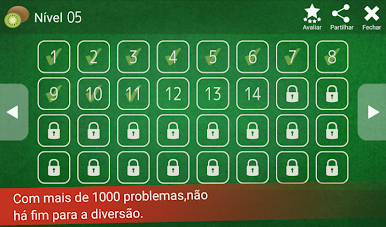
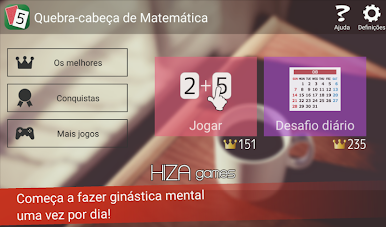
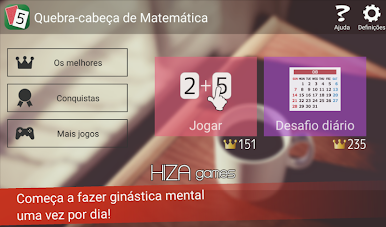
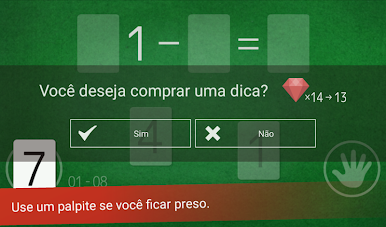
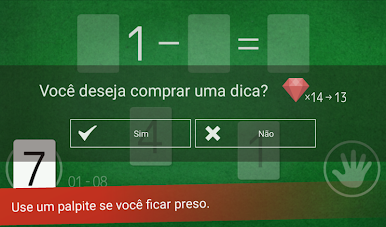
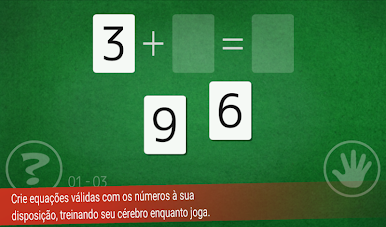
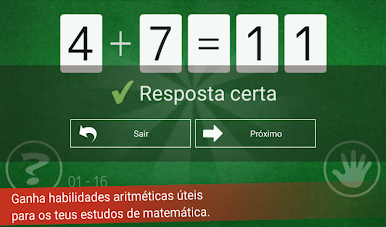
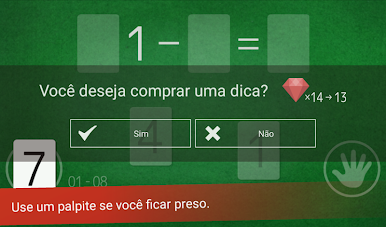
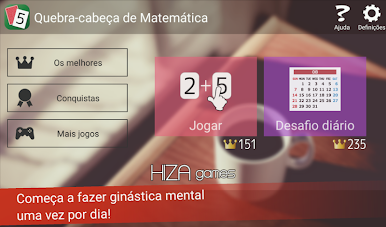
Math Puzzle is one of those games that makes math problems feel a lot less like homework and more like a little challenge to work through while relaxing or taking a break. It throws out these quick equations and gives players a set of numbers, then asks them to piece together correct math expressions. The puzzles start out easy but do ramp up, and it really does get that part of the brain going without adding any pressure. There’s a hint option for those times when a problem just won’t click, which saves a lot of frustration. There are tons of levels—way more than most puzzle apps bother with—so it never runs out of things to do.
It doesn’t matter if someone is just looking to brush up on math basics or simply wants something to keep the mind active for a few minutes here and there. It works offline, which is convenient, and the global ranking thing adds a little edge for anyone that likes a bit of competition. Playing it on PC using BlueStacks makes the puzzles easier to see and tap through, so it feels a lot more comfortable for longer sessions. The overall vibe is friendly and low-key, letting anyone play at their own speed without being timed or pushed. It’s the kind of app that quietly fits into a routine, with enough challenge to feel satisfying but never enough to make it stressful.
Slay your opponents with your epic moves. Play it your way on BlueStacks and dominate the battlefield.
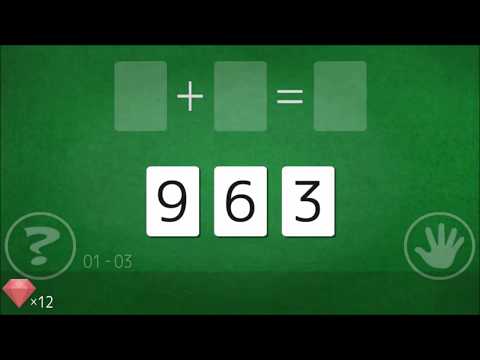
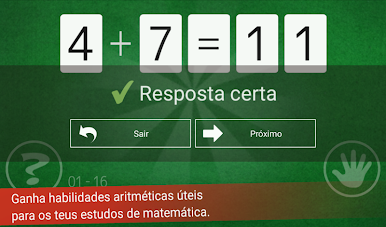
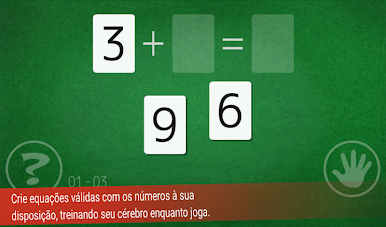
Jogue Quebra-cabeça de Matemática no PC. É fácil começar.
-
Baixe e instale o BlueStacks no seu PC
-
Conclua o login do Google para acessar a Play Store ou faça isso mais tarde
-
Procure por Quebra-cabeça de Matemática na barra de pesquisa no canto superior direito
-
Clique para instalar Quebra-cabeça de Matemática a partir dos resultados da pesquisa
-
Conclua o login do Google (caso você pulou a etapa 2) para instalar o Quebra-cabeça de Matemática
-
Clique no ícone do Quebra-cabeça de Matemática na tela inicial para começar a jogar

