

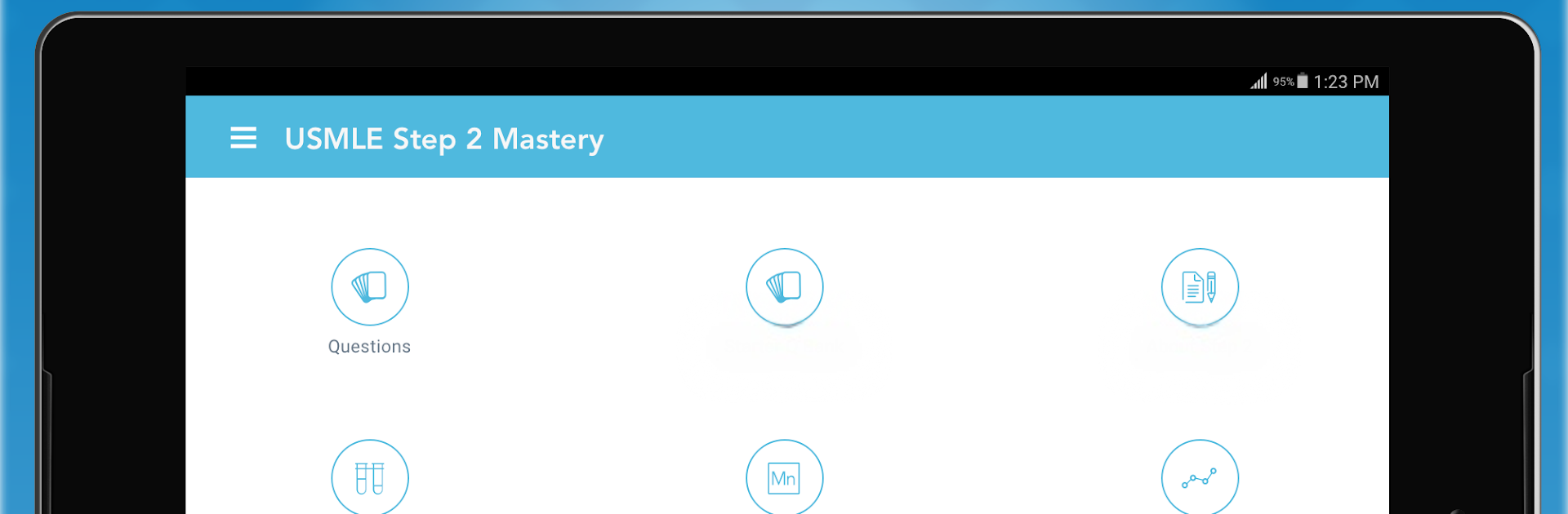
USMLE Step 2 Mastery
Spiele auf dem PC mit BlueStacks - der Android-Gaming-Plattform, der über 500 Millionen Spieler vertrauen.

Seite geändert am: Oct 29, 2025
Run USMLE Step 2 Mastery on PC or Mac
Let BlueStacks turn your PC, Mac, or laptop into the perfect home for USMLE Step 2 Mastery, a fun Education app from Higher Learning Technologies Inc.
About the App
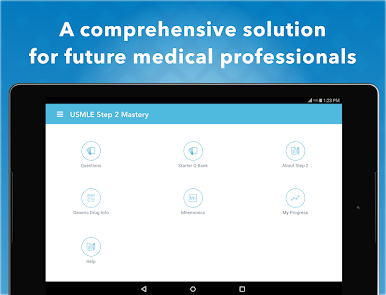
Prepping for your USMLE Step 2? USMLE Step 2 Mastery is here to make the whole study grind a little less overwhelming. This Education app by Higher Learning Technologies Inc is packed with real board-style questions and handy strategies to keep you on track. Whether you’re squeezing in a quick review between rounds or taking a deeper dive from your laptop on BlueStacks, you’ll always have something useful to work on.
App Features
-
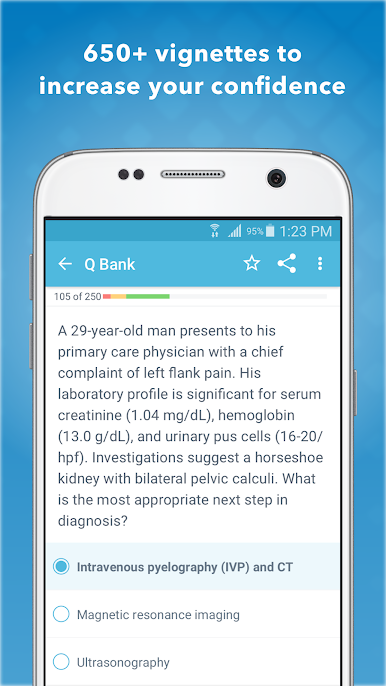
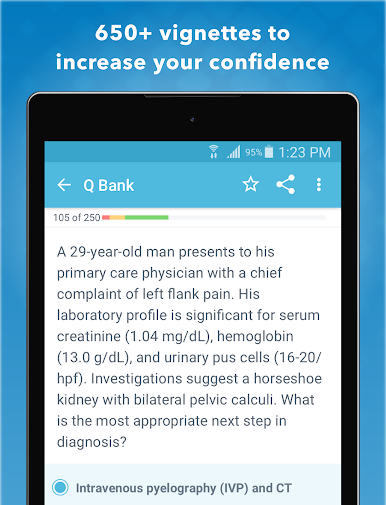
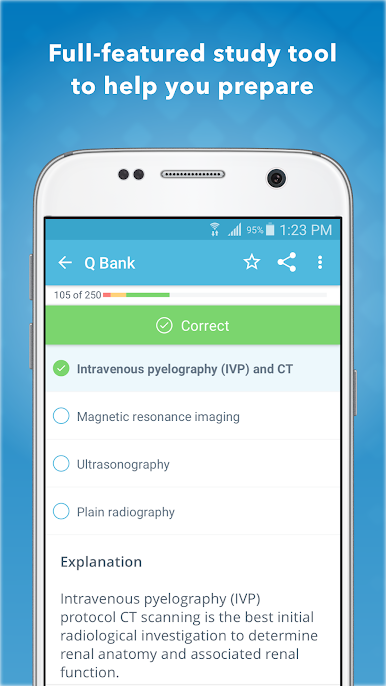
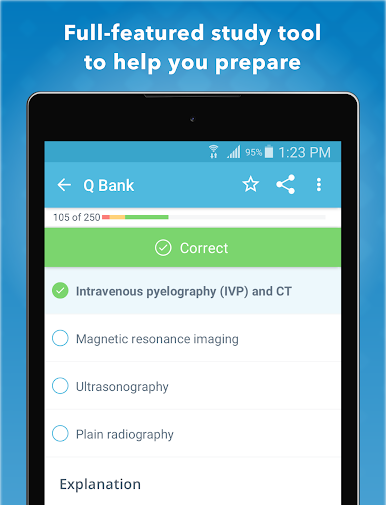
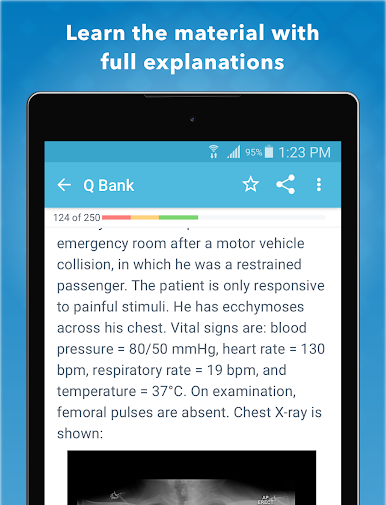
Challenging Practice Questions: Test out your knowledge with over 650 detailed, board-style vignettes. Each question gives you realistic scenarios you’ll actually see on the exam.
-
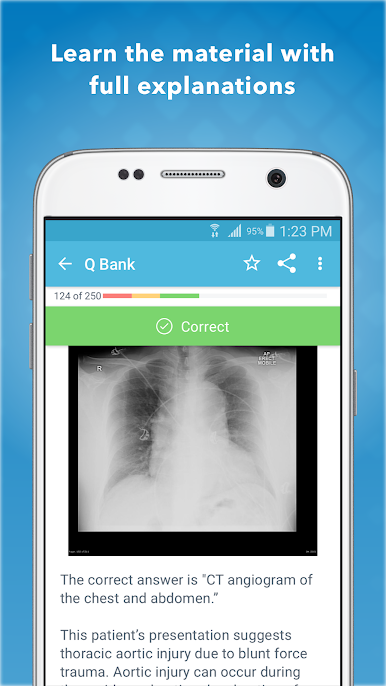
Clear Explanations: No more guessing why an answer is right (or wrong). Every question comes with straightforward, high-yield explanations to help things stick.
-
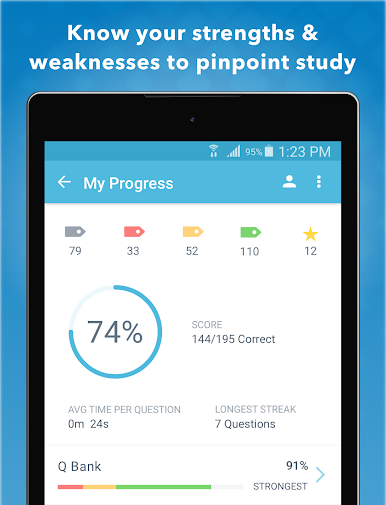
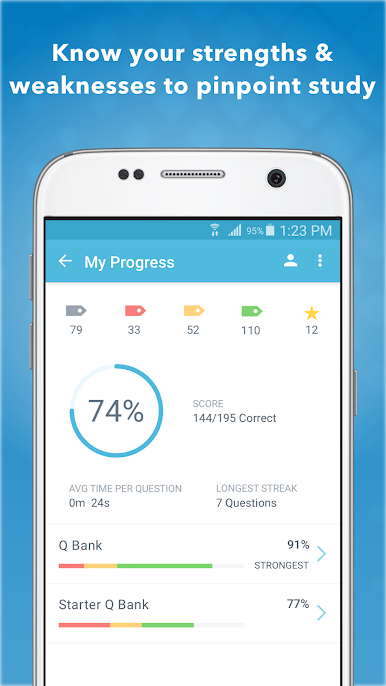
Smart Progress Tracking: Curious about where you stand? The app lets you see your strengths and weaknesses with easy-to-read stats, so you know exactly what to focus on next.
-
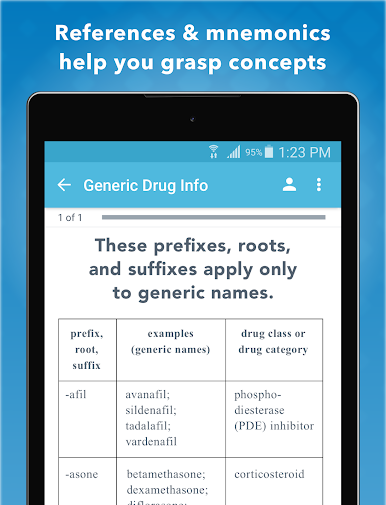
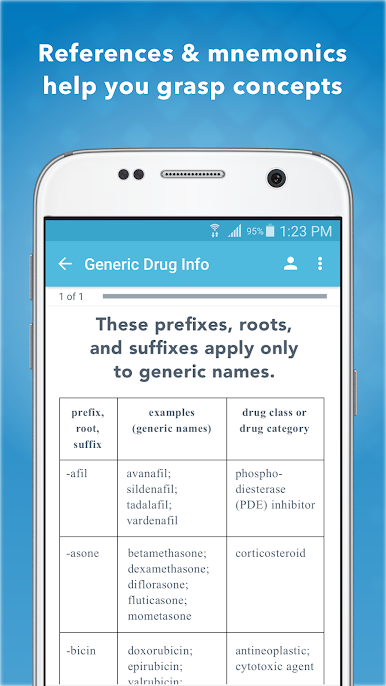
Memory Boost with Mnemonics: Forget cramming endless details—dive into a whole section of USMLE mnemonics to make those tricky facts way easier to remember.
-
Study and Test-Taking Tips: Pick up practical strategies designed from real-life experience to help tackle tough questions and make your study sessions actually count.
-
Flexible Access: There’s a free version with a limited set of questions and progress tracking, so you can get a feel for things. If you’re ready for the full set, subscription options are available for a month or a year.
-
Seamless on Multiple Devices: Whether you’re on your phone at the hospital or opening the app on BlueStacks back home, your study routine won’t skip a beat.
BlueStacks brings your apps to life on a bigger screen—seamless and straightforward.
Spiele USMLE Step 2 Mastery auf dem PC. Der Einstieg ist einfach.
-
Lade BlueStacks herunter und installiere es auf deinem PC
-
Schließe die Google-Anmeldung ab, um auf den Play Store zuzugreifen, oder mache es später
-
Suche in der Suchleiste oben rechts nach USMLE Step 2 Mastery
-
Klicke hier, um USMLE Step 2 Mastery aus den Suchergebnissen zu installieren
-
Schließe die Google-Anmeldung ab (wenn du Schritt 2 übersprungen hast), um USMLE Step 2 Mastery zu installieren.
-
Klicke auf dem Startbildschirm auf das USMLE Step 2 Mastery Symbol, um mit dem Spielen zu beginnen

