


Spelling and Grammar
Играйте на ПК с BlueStacks – игровой платформе для приложений на Android. Нас выбирают более 500 млн. игроков.

Страница изменена: Aug 28, 2025
Run Spelling and Grammar on PC or Mac
What’s better than using Spelling and Grammar by Eductify? Well, try it on a big screen, on your PC or Mac, with BlueStacks to see the difference.
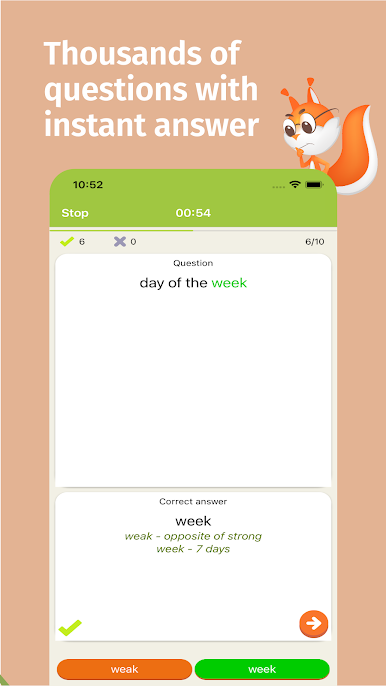
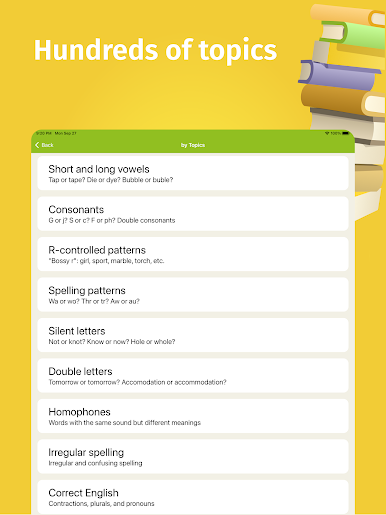
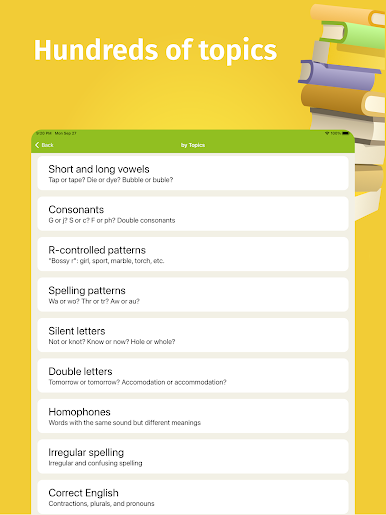
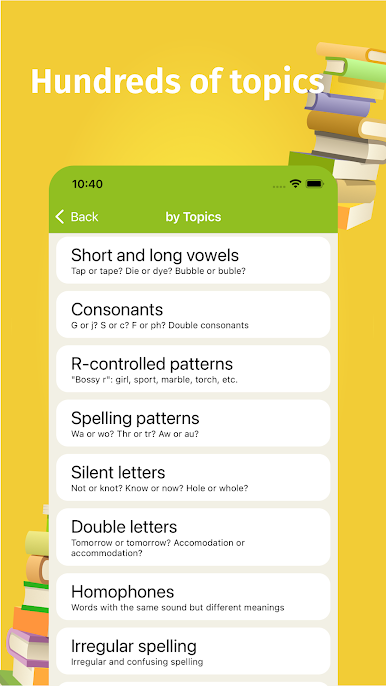
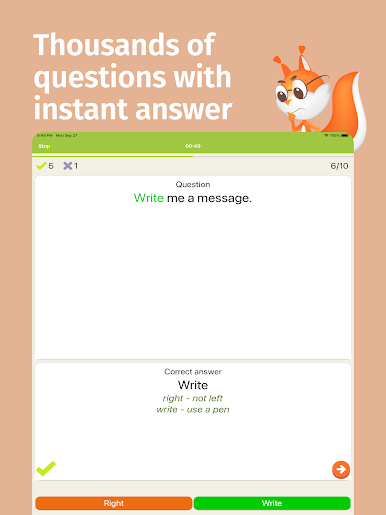
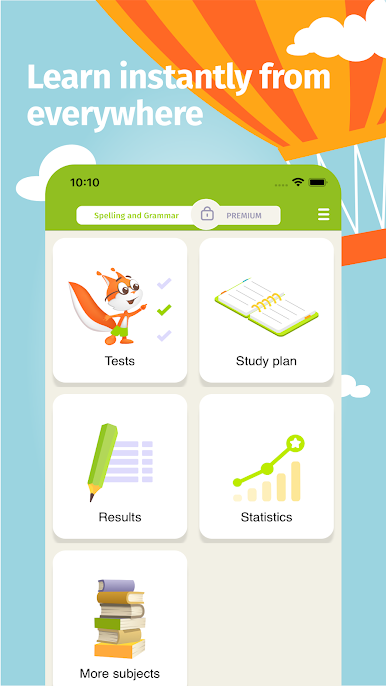
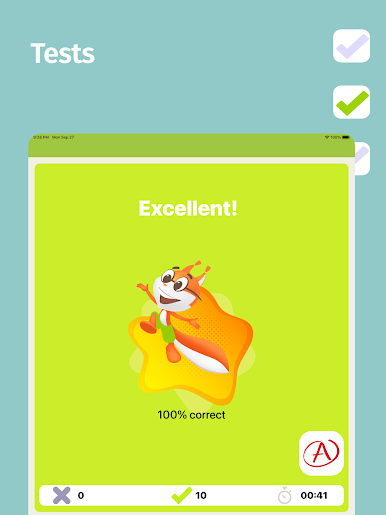
Spelling and Grammar is one of those apps that makes practicing English kind of fun, even for adults. It tosses a bunch of multiple-choice quizzes at you, covering all sorts of topics—tricky spelling, grammar stuff, things like when to use “ible” or “able,” and even all those confusing double consonants and silent letters. There are categories for everything, from vowel sounds to the difference between “who” and “whom,” so it has enough variety to keep things interesting. Sometimes it gets into some pretty detailed grammar, like parts of speech or figuring out the right type of pronoun, so it’s not just basic stuff for kids. There’s a whole section on sentence structure too—complete sentences, fragments, those classic run-on problems.
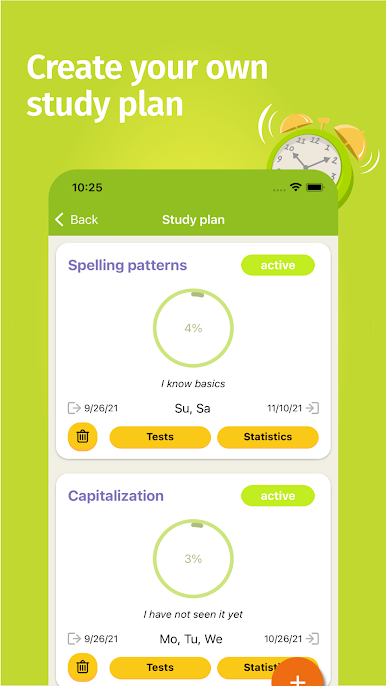
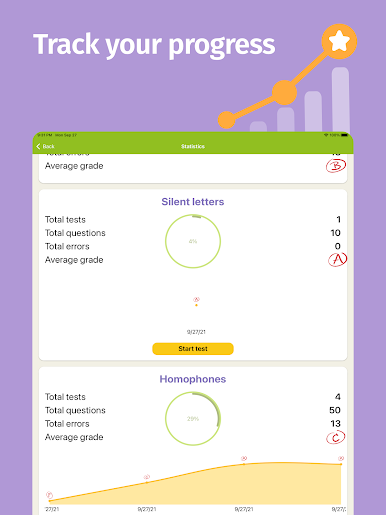
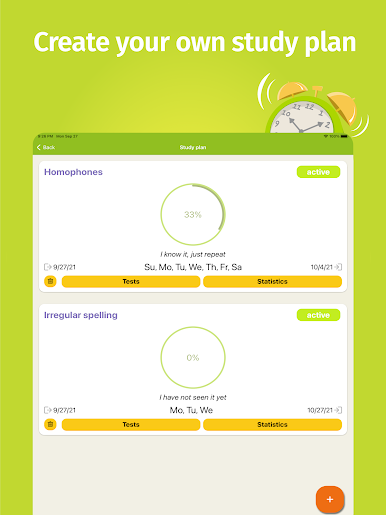
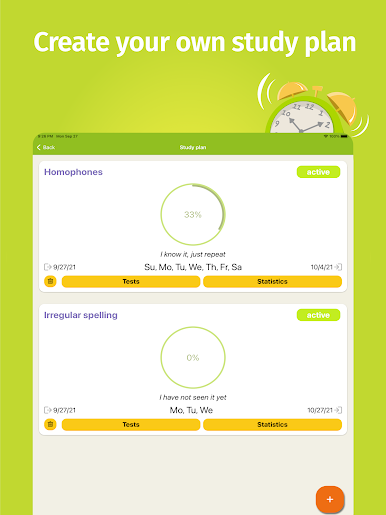
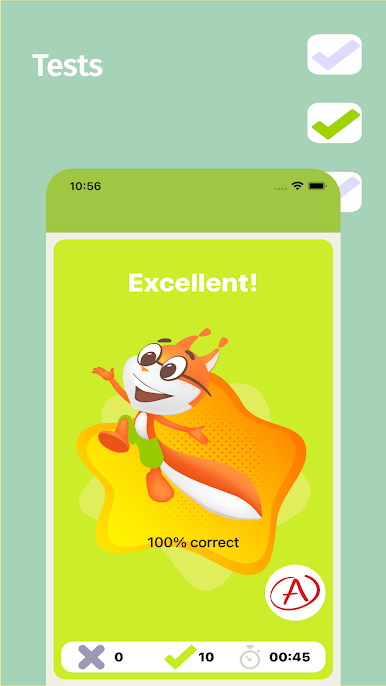
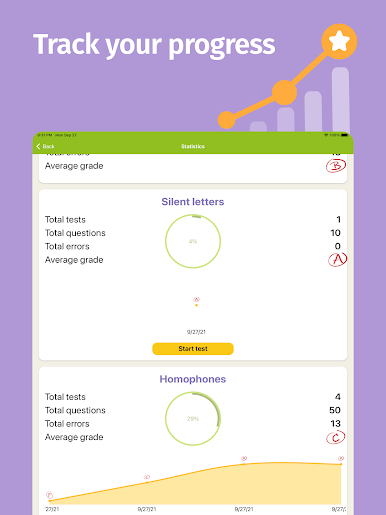
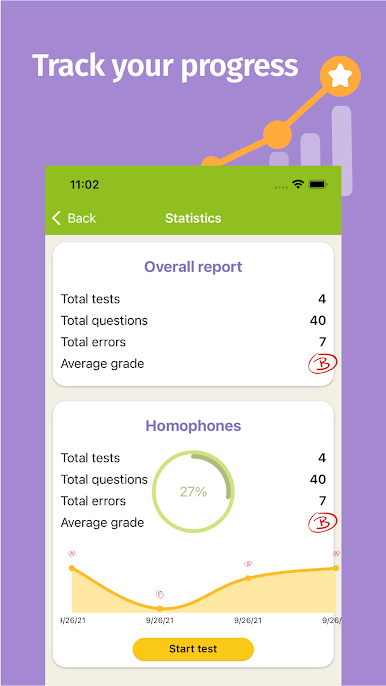
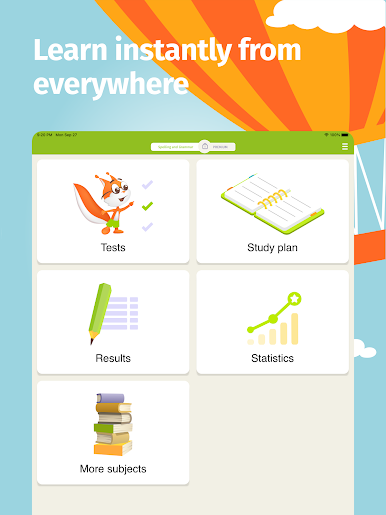
What’s nice is you can track your progress and even connect it so parents can keep an eye on how someone’s doing, which is helpful for younger players. If anyone’s prepping for standardized tests—like SAT or TOEFL—it’s got sections that line up with what usually comes up, so it works as a solid review. On PC, especially through BlueStacks, everything feels a bit bigger and easier to look at, but the actual quizzes translate perfectly well. All the explanations are pretty clear, so it doesn’t feel confusing or overwhelming, just straightforward practice. There’s even an option to make a study plan for people who want to get methodical about it, which makes getting into a routine easy. It works for all ages, really—whether someone’s just learning, refreshing, or wanting to beat their personal best, the app keeps it light but still challenging enough.
BlueStacks gives you the much-needed freedom to experience your favorite apps on a bigger screen. Get it now.
Играйте в игру Spelling and Grammar на ПК. Это легко и просто.
-
Скачайте и установите BlueStacks на ПК.
-
Войдите в аккаунт Google, чтобы получить доступ к Google Play, или сделайте это позже.
-
В поле поиска, которое находится в правой части экрана, введите название игры – Spelling and Grammar.
-
Среди результатов поиска найдите игру Spelling and Grammar и нажмите на кнопку "Установить".
-
Завершите авторизацию в Google (если вы пропустили этот шаг в начале) и установите игру Spelling and Grammar.
-
Нажмите на ярлык игры Spelling and Grammar на главном экране, чтобы начать играть.

