


Leitor de Código de Barras/QR
Jogue no PC com BlueStacks - A Plataforma de Jogos Android, confiada por mais de 500 milhões de jogadores.

Página modificada em: Sep 1, 2025
Run QR CODE READER - FREE on PC or Mac
Upgrade your experience. Try QR Code & Barcode Scanner, the fantastic Tools app from hopesj0314, from the comfort of your laptop, PC, or Mac, only on BlueStacks.
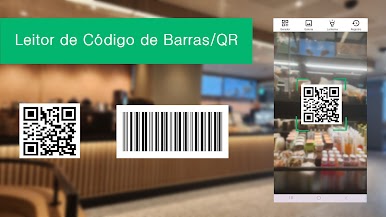
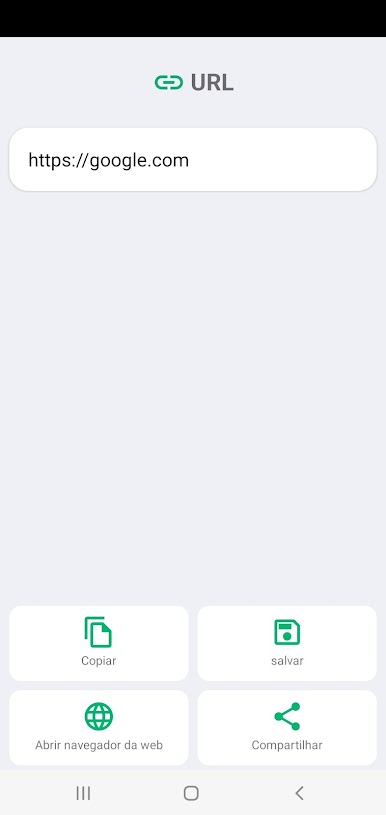
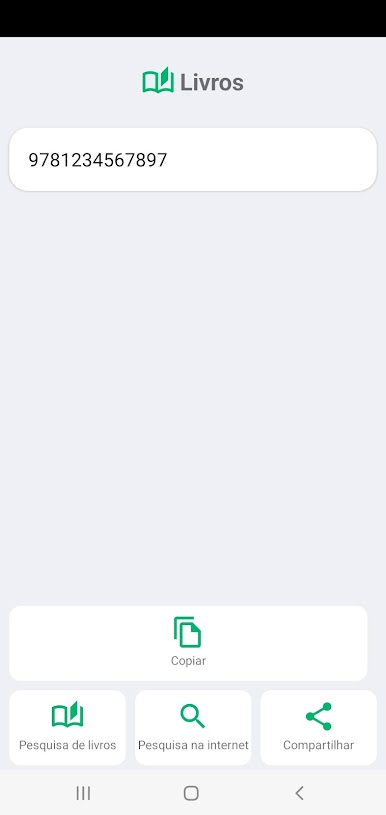
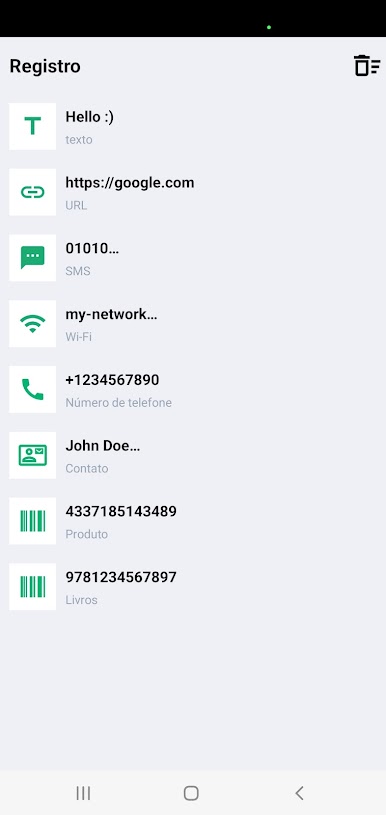
QR Code & Barcode Scanner is one of those apps that just does exactly what you expect, no fuss. It recognizes pretty much every barcode or QR code out there, from the basic codes you see on products at the store to the fancier ones like Data Matrix or PDF_417. What’s nice is how simple everything feels — just scan something (even from a photo if it’s saved on the computer) and then get a bunch of options right away. Like, if it’s a WiFi code, you can connect to that network instantly. If it’s a contact, just save it. No jumping through menus or anything.
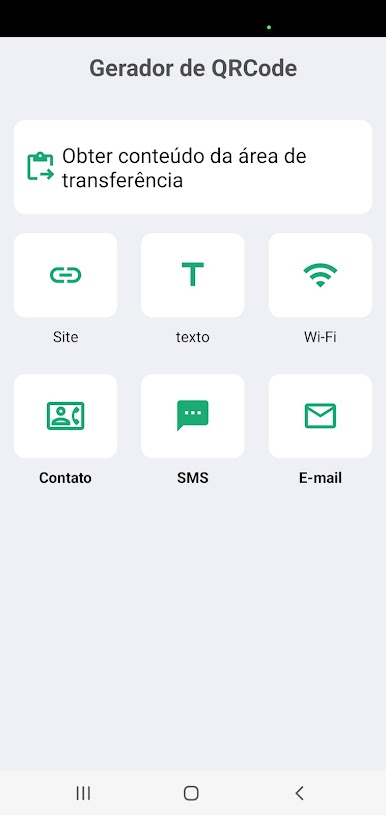
Another handy part is it can actually generate QR codes — so if someone needs to share a WiFi password or some info, just punch it in and the app makes the code right there. It’s the little things that make it feel smooth, like tossing on the flashlight from your PC webcam if the room isn’t bright enough for scanning. Using it on BlueStacks makes it even smoother — bigger screen, easy camera access, all that. There aren’t any weird tricks or confusing steps, and all the formats covered mean there’s rarely a “scan failed” problem. It just works, pretty much every time, which is honestly all most people need.
Eager to take your app experience to the next level? Start right away by downloading BlueStacks on your PC or Mac.
Jogue Leitor de Código de Barras/QR no PC. É fácil começar.
-
Baixe e instale o BlueStacks no seu PC
-
Conclua o login do Google para acessar a Play Store ou faça isso mais tarde
-
Procure por Leitor de Código de Barras/QR na barra de pesquisa no canto superior direito
-
Clique para instalar Leitor de Código de Barras/QR a partir dos resultados da pesquisa
-
Conclua o login do Google (caso você pulou a etapa 2) para instalar o Leitor de Código de Barras/QR
-
Clique no ícone do Leitor de Código de Barras/QR na tela inicial para começar a jogar

