

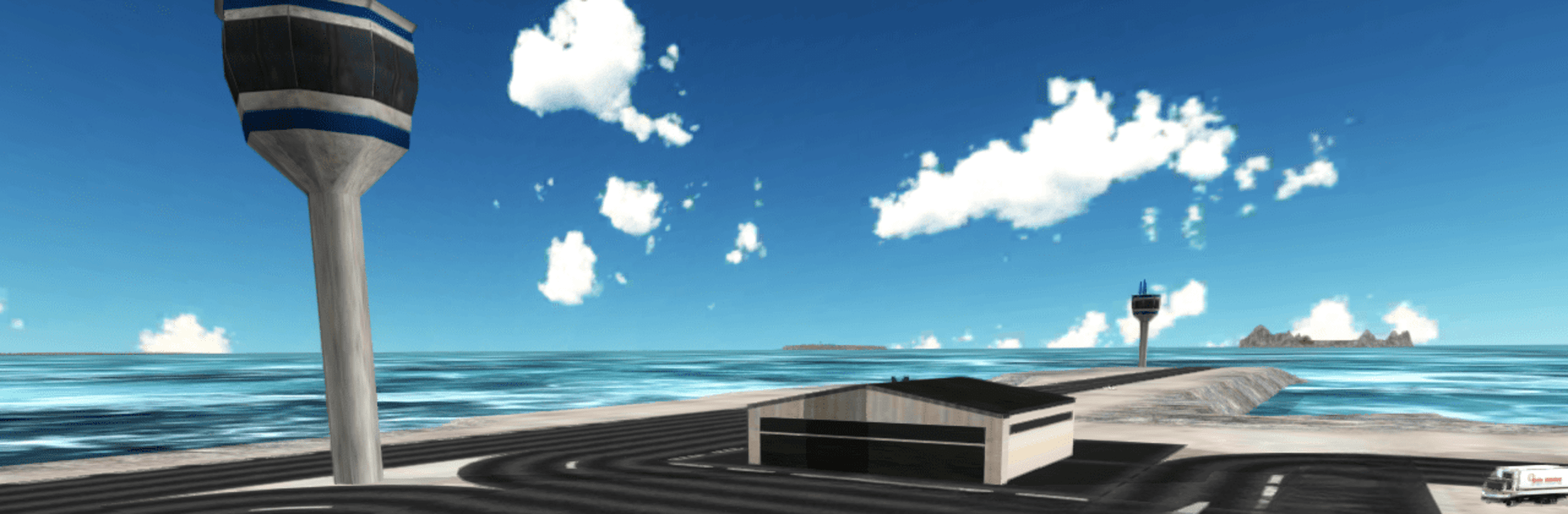
飛行機の3Dフライトシュミレータ
BlueStacksを使ってPCでプレイ - 5憶以上のユーザーが愛用している高機能Androidゲーミングプラットフォーム

Play Flight Simulator: Fly Plane 3D on PC or Mac
Step into the World of Flight Simulator: Fly Plane 3D, a thrilling Simulation game from the house of i6 Games. Play this Android game on BlueStacks App Player and experience immersive gaming on PC or Mac.
About the Game
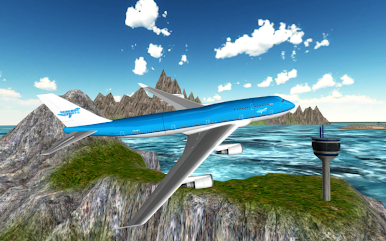
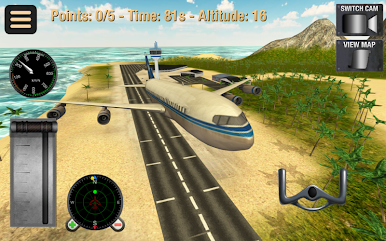
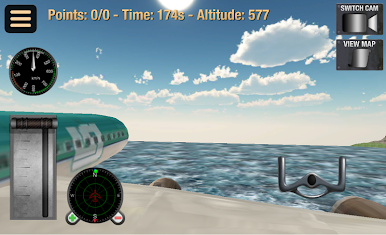
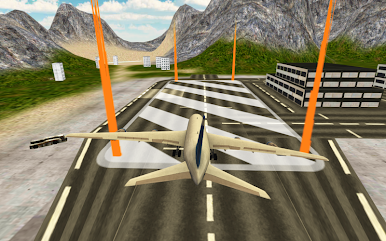
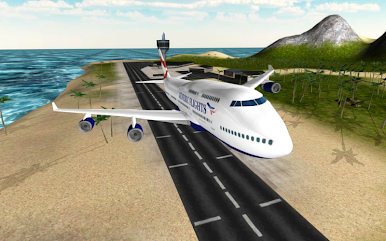
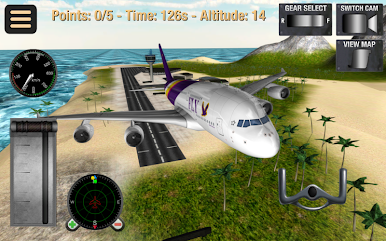
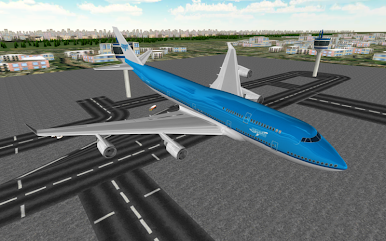
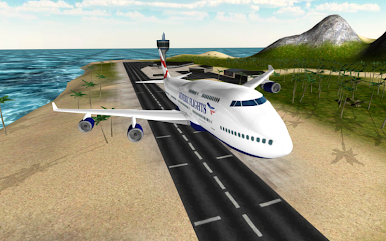
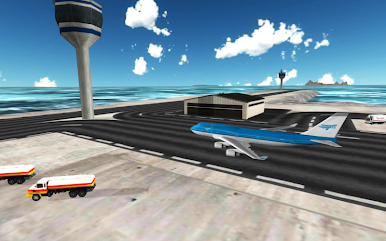
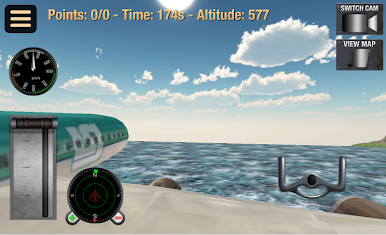
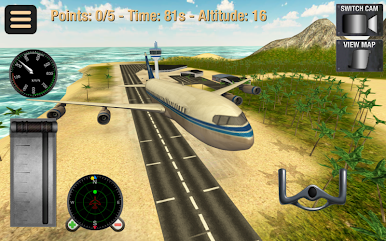
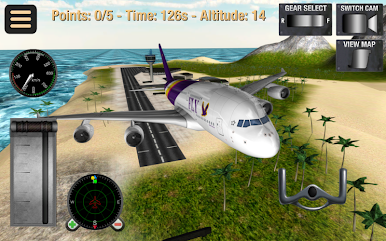
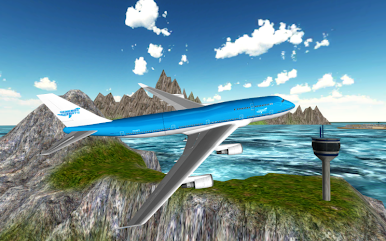
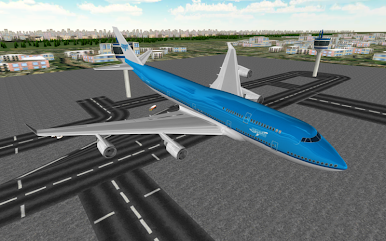
Flight Simulator: Fly Plane 3D lets you step into the shoes of a pilot, guiding a commercial jet to various destinations. Your mission? Navigate through waypoints, land smoothly, and park your plane, all while avoiding obstacles. Be ready for a mix of excitement and challenge as you aim to earn more pilot stripes.
Game Features
-
Realistic Navigation: Seamlessly guide your plane through designated waypoints to reach the right location, testing your skills in maintaining course.
-
Landing Challenges: Slow down your aircraft as you approach the destination. Ensure a smooth landing by carefully aligning with the runway, staying alert to avoid crashes.
-
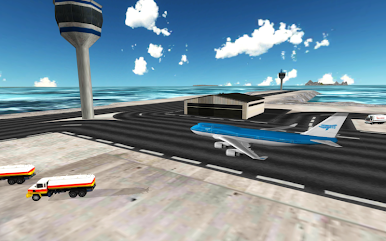
Dynamic Environments: Maneuver past buses and helicopters parked along the runway as you park your jet precisely within the marked zone to successfully finish levels.
-
Timing is Everything: Complete missions within time constraints to advance your pilot career and unlock new levels.
-
Enhanced Experience with BlueStacks: Enjoy a rich and immersive simulation experience on your PC.
Get ready for a buttery smooth, high-performance gaming action only on BlueStacks.
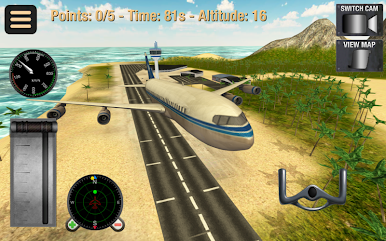
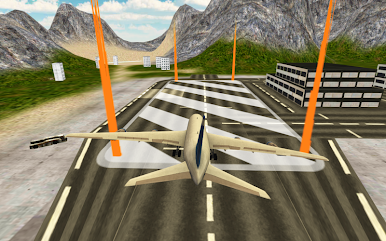
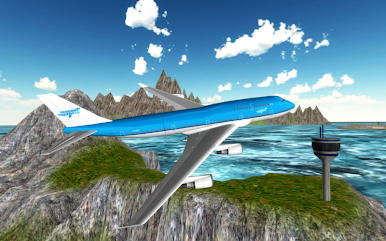
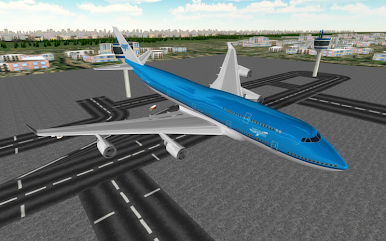
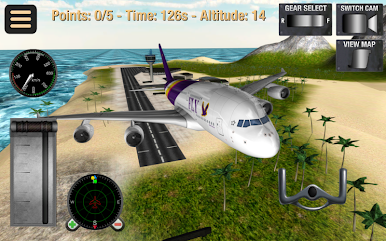
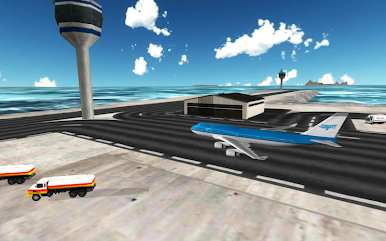
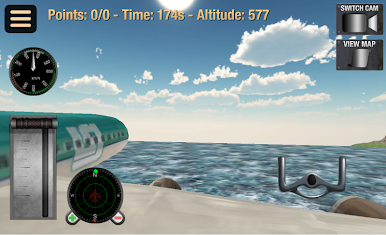
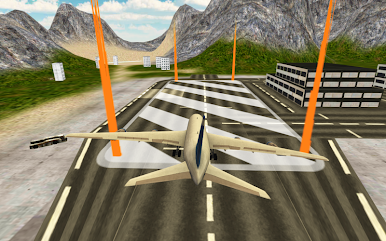
飛行機の3DフライトシュミレータをPCでプレイ
-
BlueStacksをダウンロードしてPCにインストールします。
-
GoogleにサインインしてGoogle Play ストアにアクセスします。(こちらの操作は後で行っても問題ありません)
-
右上の検索バーに飛行機の3Dフライトシュミレータを入力して検索します。
-
クリックして検索結果から飛行機の3Dフライトシュミレータをインストールします。
-
Googleサインインを完了して飛行機の3Dフライトシュミレータをインストールします。※手順2を飛ばしていた場合
-
ホーム画面にて飛行機の3Dフライトシュミレータのアイコンをクリックしてアプリを起動します。

