


Looppad - crea musica e beat
Gioca su PC con BlueStacks: la piattaforma di gioco Android, considerata affidabile da oltre 500 milioni di giocatori.

Pagina modificata il: Nov 14, 2025
Run Looppad - Groove & Beat Maker & Drum Pad & DJ on PC or Mac
Upgrade your experience. Try Looppad – Groove & Beat Maker & Drum Pad & DJ, the fantastic Music & Audio app from iGroove – Free Music Apps, from the comfort of your laptop, PC, or Mac, only on BlueStacks.
About the App
Want to sketch beats, jam out live, or throw together quick mix ideas? Looppad – Groove & Beat Maker & Drum Pad & DJ is a playful, hands-on toolkit that makes building grooves and textures fast and fun. It’s by iGroove – Free Music Apps and sits in the Genre: Music & Audio — expect pads, loops, one-shots, and effects that you can tweak on the fly.
App Features
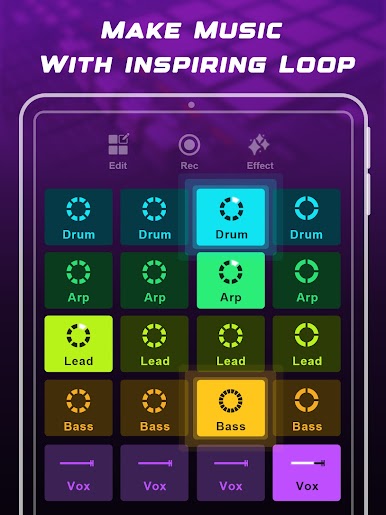
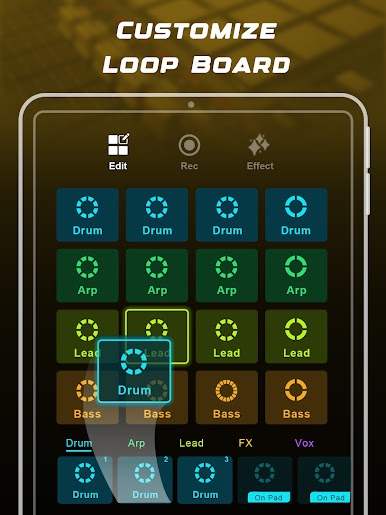
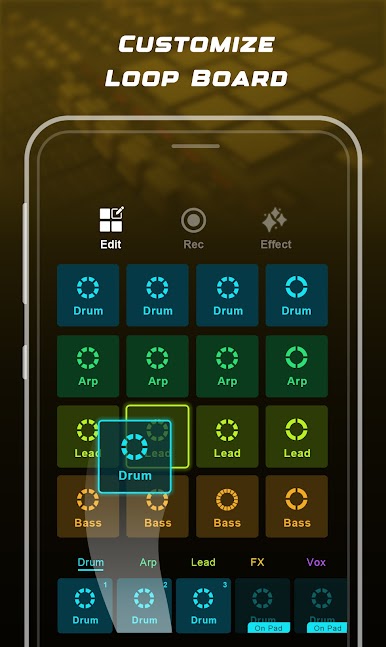
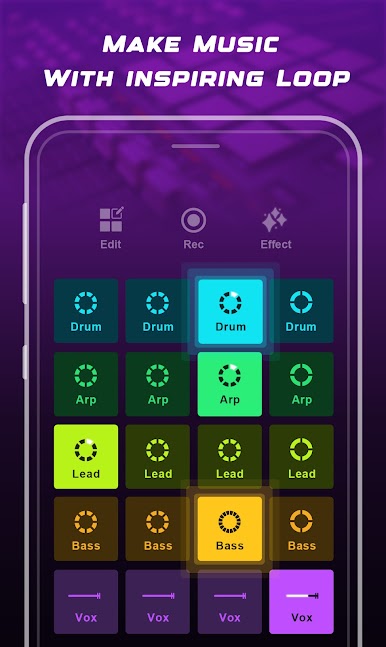
- Loop-based workflow: Quickly layer rhythmic and melodic loops to build tracks without getting bogged down in menus. It’s easy to experiment and find something that sticks.
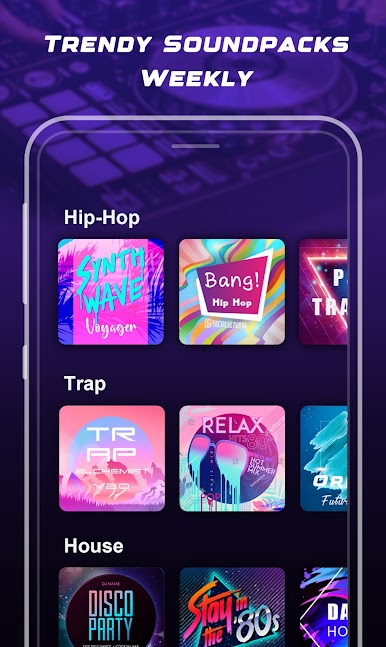
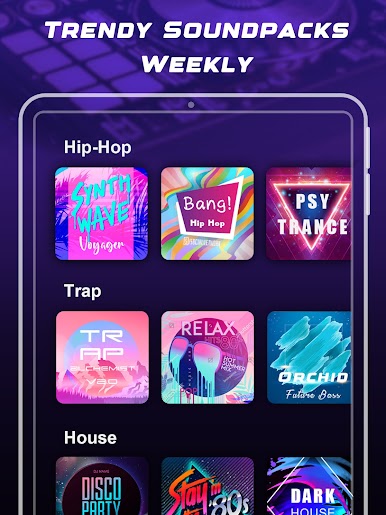
- Wide genre palette: From EDM and Trap to House, SynthWave, Trance, Future Bass, and Dubstep — the app ships with styles and sounds that match many modern electronic flavors.
- Live drum pads: Play along in real time using responsive pads that let you add beats and fills whenever inspiration hits.
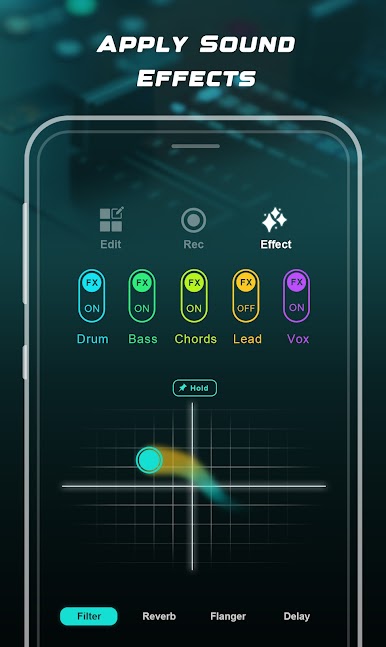
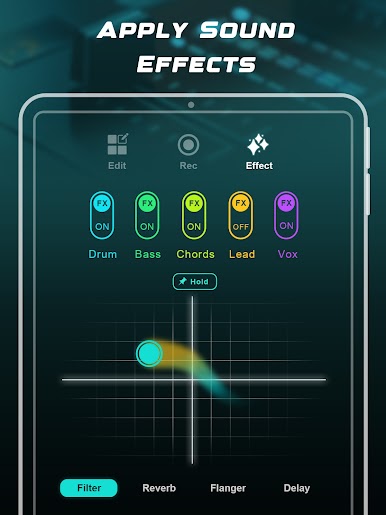
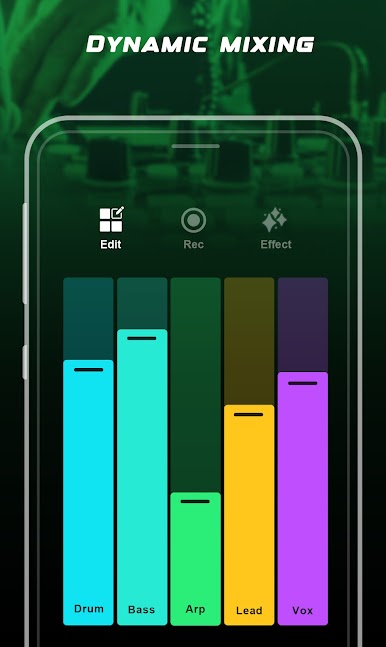
- Performance FX: Use filters, flanger, reverb, and delay to add motion and space to your loops — tweak them live to change the vibe instantly.
- One-shot samples & FX: Trigger stabs, hits, and special sound effects to punctuate your mixes and keep things interesting.
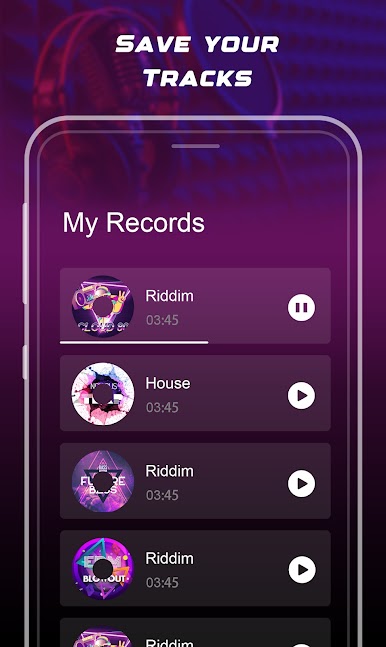
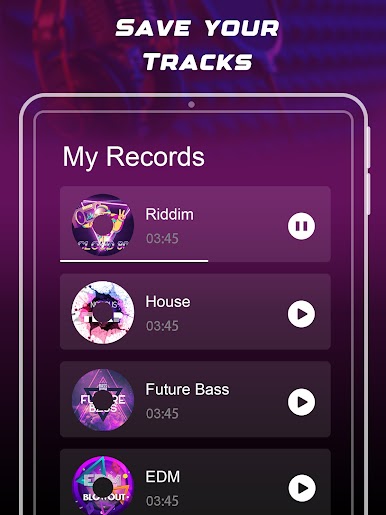
- Record & share: Capture your sessions and export them so you can post, send, or continue polishing on another device.
- Friendly interface: The layout keeps controls reachable and straightforward, so you can focus on creativity instead of learning a complex workflow.
- Play on a bigger screen: If you want to use a keyboard or a larger display, you can run the app on BlueStacks for a more comfortable jam setup.
Switch to BlueStacks and make the most of your apps on your PC or Mac.

Gioca Looppad - crea musica e beat su PC. È facile iniziare.
-
Scarica e installa BlueStacks sul tuo PC
-
Completa l'accesso a Google per accedere al Play Store o eseguilo in un secondo momento
-
Cerca Looppad - crea musica e beat nella barra di ricerca nell'angolo in alto a destra
-
Fai clic per installare Looppad - crea musica e beat dai risultati della ricerca
-
Completa l'accesso a Google (se hai saltato il passaggio 2) per installare Looppad - crea musica e beat
-
Fai clic sull'icona Looppad - crea musica e beat nella schermata principale per iniziare a giocare

